A quotation is a priced offer from your firm for a piece of work. To go ahead, you review it, type your name, and sign. The moment you accept, an invoice is created for you automatically.
Open the quotation
- Log in to your portal.
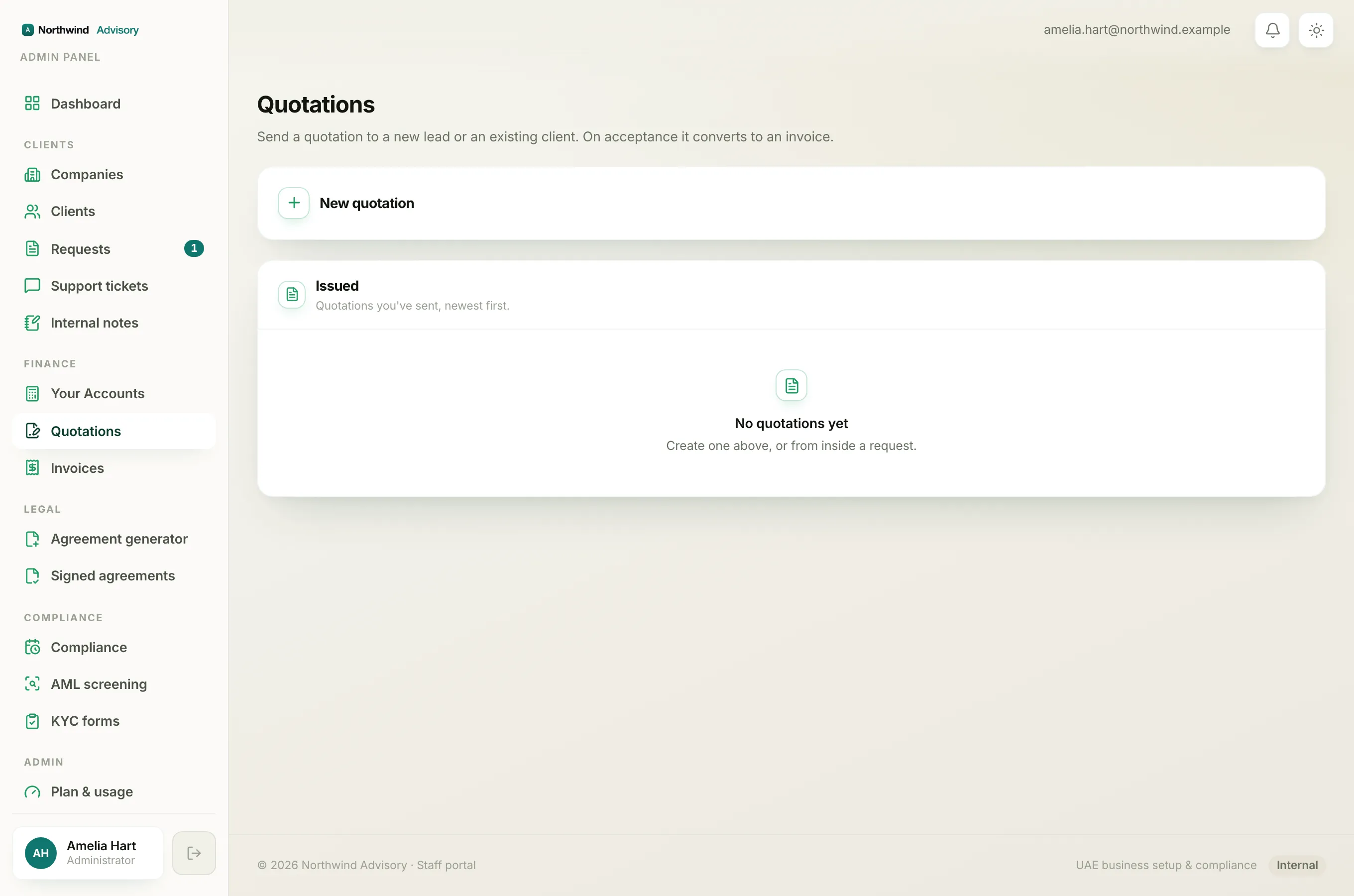
- In the left menu, under your firm's workspace, click Received quotes.
- Find the quote you want and click Review & accept.
Each quote in the list shows its number, a status chip, the service, and the total. You can also click Download to save the full quotation as a PDF.
Note
If the quote is attached to an existing request, you can also reach it from that request's conversation. Look for the blue Quotation card in the thread and click Review & accept.
Read it carefully
At the top of the quotation page you will see the quote number, the service, the total amount, and a Valid until date. Below that is a preview of the full quotation exactly as it was issued, including the pricing and the terms and conditions. To open it full size or save a copy, click Open / download the full quotation.
Important
Read the whole quotation, including the terms and conditions, before you sign. By signing you accept the scope, pricing, terms, and conditions shown. A quotation is only valid until its Valid until date. After that date it can no longer be accepted and your firm would need to send a fresh one.
Accept and sign
- Scroll to the Accept & sign section.
- In Your full name, type your name in full.
- In the Signature box, draw your signature with your finger on a phone or tablet, or with your mouse on a computer.
- Click Accept & sign quotation.
Both your name and a signature are required. If either is missing, a short message tells you what to add before the button will work.
What happens the moment you accept
As soon as you sign, your firm receives an invoice for the agreed amount and a copy is created for you. You are taken to your Invoices so you can view and pay it. On the quotation page, the offer now shows as Accepted with a note that your invoice has been issued.
To pay, see Pay an invoice online. For more on how an accepted quote becomes an invoice, see How an accepted quotation becomes an invoice.
Changed your mind?
If this is not the right offer, you can decline the quotation instead of signing.