What reverse charge and imports are
Most of your VAT is straightforward: you charge 5% on your fees, and you reclaim 5% on what you buy locally. Two special situations work differently.
Reverse charge applies when you buy certain services or goods from a supplier outside the UAE. Instead of the overseas supplier charging you VAT, you account for the VAT yourself. You report the VAT as if you had charged it (output) and, where you are entitled, reclaim the same amount (input). In most cases the two cancel out.
Imports are goods brought into the UAE. The VAT on imported goods is usually captured by the FTA from your customs records and pre-filled on the portal, not from your own bookkeeping.
Why IzzyTap reports them as zero
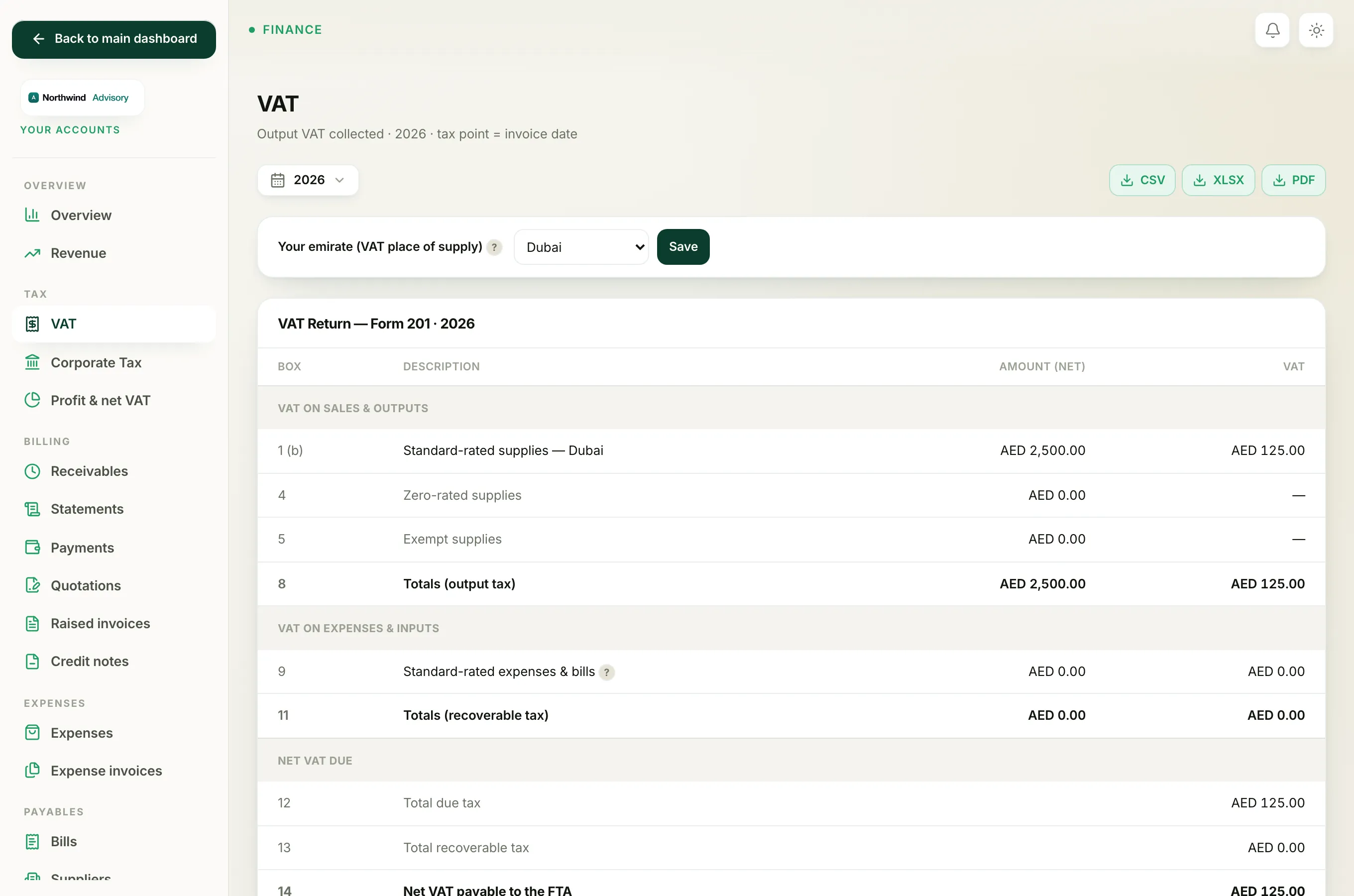
On the VAT page, the Form 201 boxes for reverse charge and imports are boxes 6, 7 and 10 (and box 3 for reverse-charge sales you make). IzzyTap tracks your standard-rated sales and your reclaimable standard-rated purchases. It does not track reverse-charge or import transactions, so it reports these boxes as zero and labels them so you can complete them yourself if they apply.
The note under the return says it plainly:
Boxes 2, 3, 6, 7 and 10 (tourist refunds, reverse charge, imports) are completed on the FTA e-Services portal, where the return is filed.
See Which VAT boxes you finish on the FTA portal for the full list.
How to spot a reverse-charge purchase
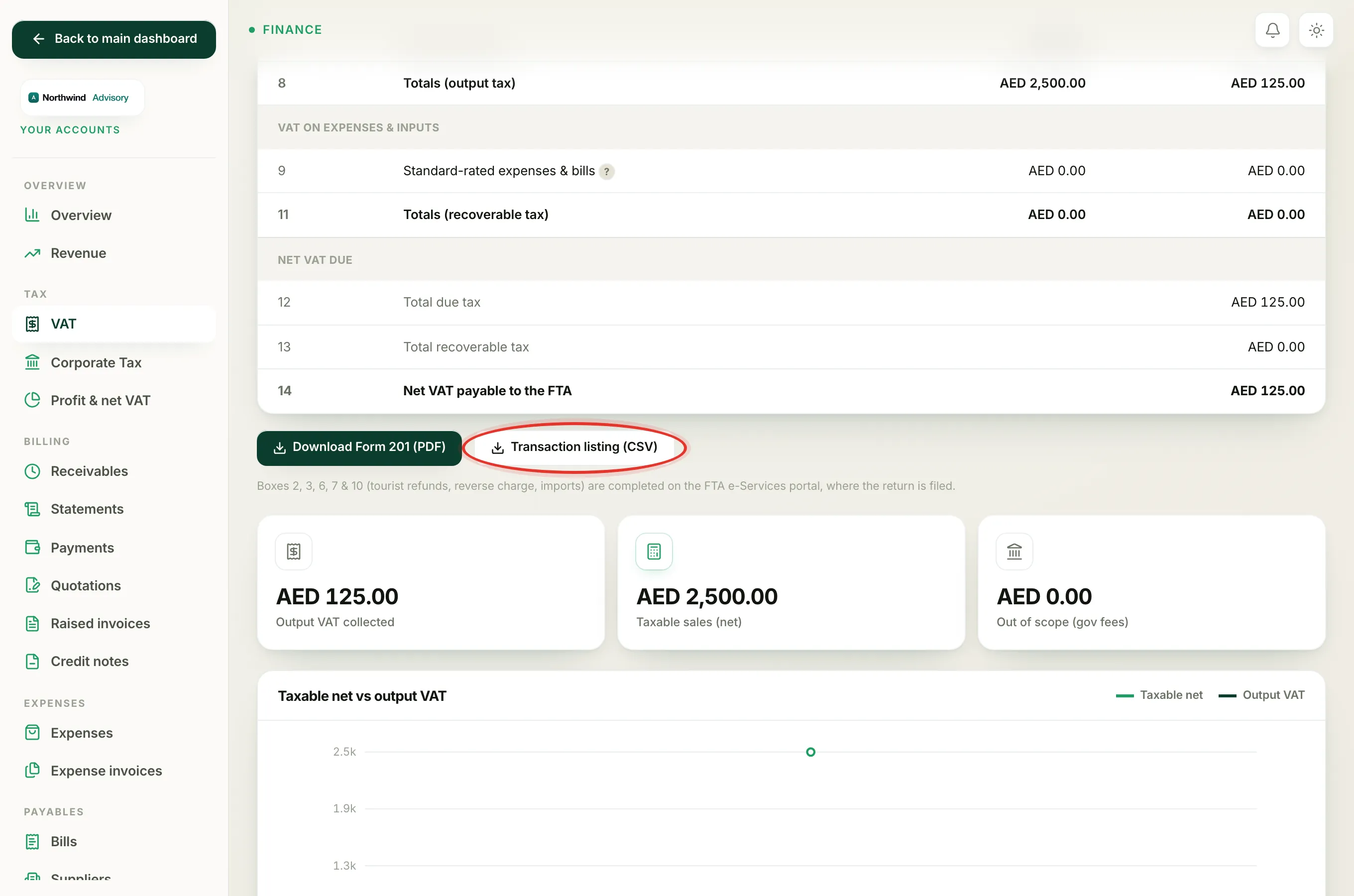
When you record a supplier bill or an expense, its VAT treatment decides how it is tagged. On the Transaction listing (CSV) you download from the VAT page, each purchase carries a tax code:
- SR standard-rated (the normal case, VAT reclaimed on the return)
- ZR zero-rated
- EX exempt
- RC reverse charge
- OS out of scope (for example government fees you pass through)
A purchase tagged RC is a reverse-charge purchase. Its input VAT belongs in box 10 on the portal, so IzzyTap does not fold it into your box 9 reclaim. See The VAT tax codes on your transaction listing and Record a supplier bill.
Where to enter them when you file
IzzyTap prepares the return, but reverse charge and imports are entered on the FTA e-Services (EmaraTax) portal:
- On the FTA portal, box 6 is usually pre-filled from your customs import records. Check it and adjust in box 7 if needed.
- Enter your reverse-charge input in box 10, and any reverse-charge sales in box 3.
Important
For a typical UAE services firm with no imports and no overseas purchases, these boxes are zero and there is nothing to do. If your firm does buy services from abroad or import goods, handle boxes 3, 6, 7 and 10 on the FTA portal, and check with your tax agent if you are unsure.