What an invoice number looks like
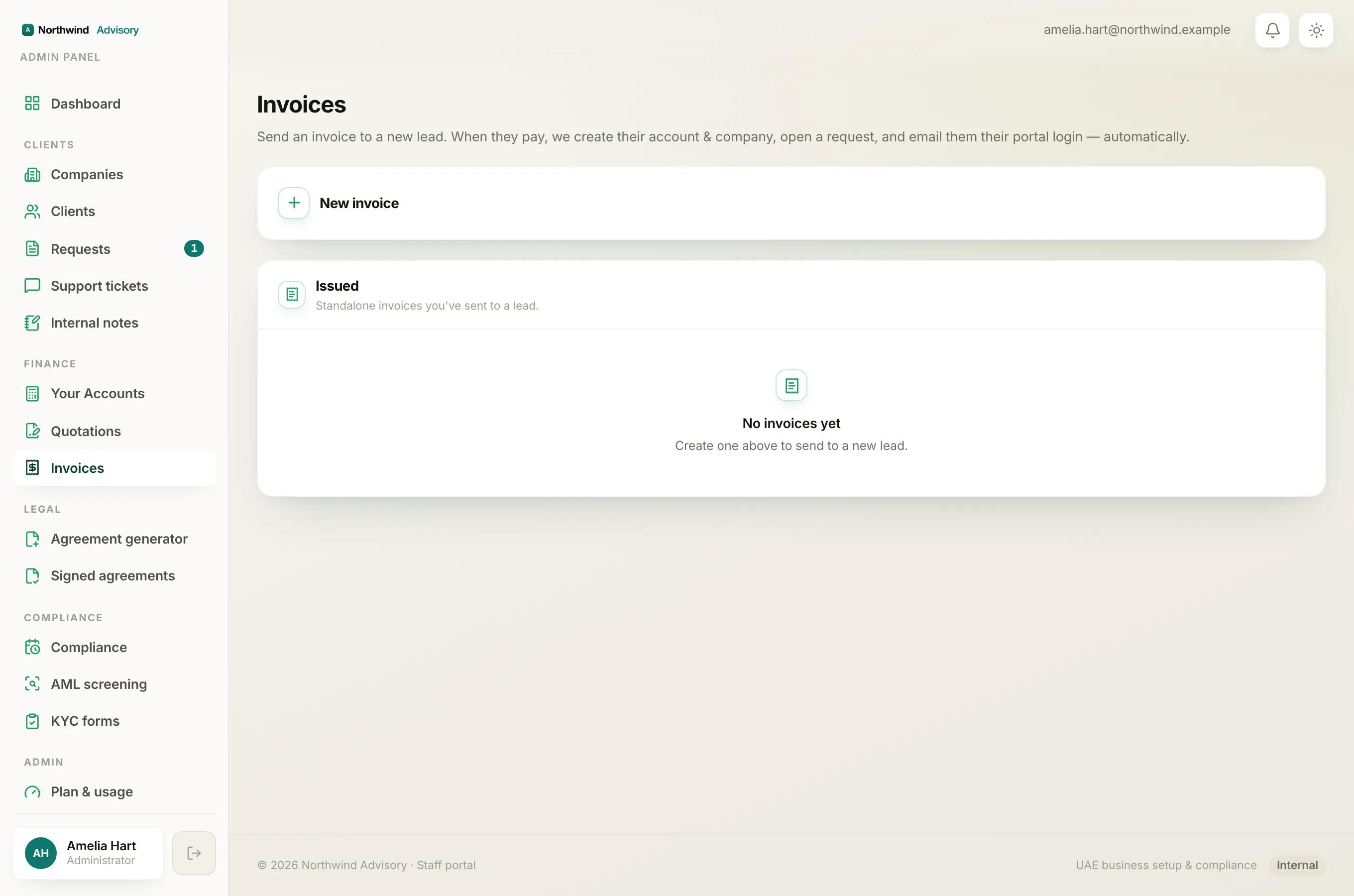
Every invoice you raise is given a number automatically. Out of the box the numbers look like INV-000001, INV-000002, INV-000003, and so on. You never type the number yourself. IzzyTap picks the next one the moment the invoice is created.
A number has two parts: a prefix and a six-digit running number. The prefix defaults to INV-, and the six digits count upwards. The zeros in front just keep every number the same length so they line up neatly in lists.
You can change the prefix
The INV- prefix is only the default. You can set your own in your workspace settings.
- Log in to your workspace.
- In the left menu, open Settings.
- Find the Document numbering section.
- In the Invoice prefix box, type the prefix you want. The Next line right below shows you a live example of the next number, so you can see exactly how it will read.
- Save your settings.
Only new invoices use a changed prefix. The running number carries on from where it was, so changing the prefix never resets the count or clashes with invoices you already raised. You can use letters, numbers, dashes and slashes in the prefix.
The numbers go in order, with no gaps
There is one running sequence for your whole firm. Each new invoice takes the next number after the highest one you have used so far. So if your last invoice was INV-000042, the next one will be INV-000043.
Because the numbers are handed out in order and never reused, you will not see gaps in the sequence. This matters for your records and for tax: a clean, gap-free run of invoice numbers is what an auditor expects to see.
Note
One sequence covers everything. An invoice you raise from the Invoices page for a brand-new lead, and an invoice you raise inside a client's request, both draw from the same running series. They do not have separate numbering.
Why a cancelled invoice keeps its number
When you cancel an invoice, it does not disappear and its number is not freed up for the next invoice. The invoice stays in your records with a Cancelled status, and it keeps the number it was given.
This is on purpose. If a cancelled number were removed, there would be a gap in the sequence, and a missing number looks like a hidden or deleted invoice. Keeping the cancelled invoice in place, with its original number, leaves a clean trail that shows exactly what happened. See What each invoice status means for how a cancelled invoice behaves, and Cancel an invoice for when to use it.
Quotations are numbered separately
Quotations have their own series that works the same way. Its prefix defaults to QUO- instead of INV, for example QUO-000001, and you can change it in the same Document numbering section in Settings, in the Quotation prefix box. Quotation numbers and invoice numbers are counted separately, so raising a quotation never affects your invoice numbering, and the other way round.
Where you see the number
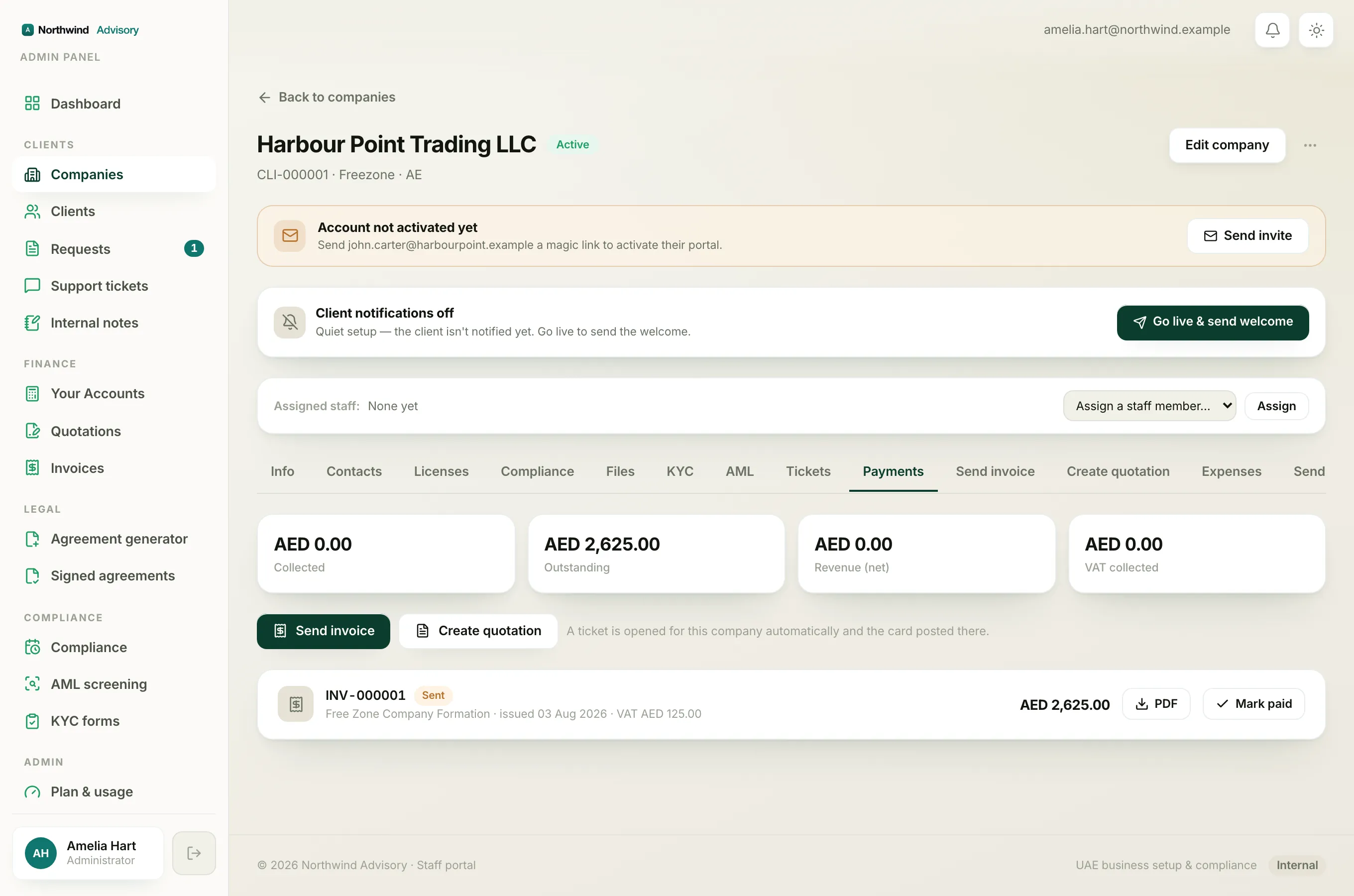
The invoice number shows on the invoice list, on the PDF the client receives, and on a company's Payments tab. It is the reference you and your client use to talk about a specific invoice, so it is worth quoting it whenever you follow up on a payment.