Start here
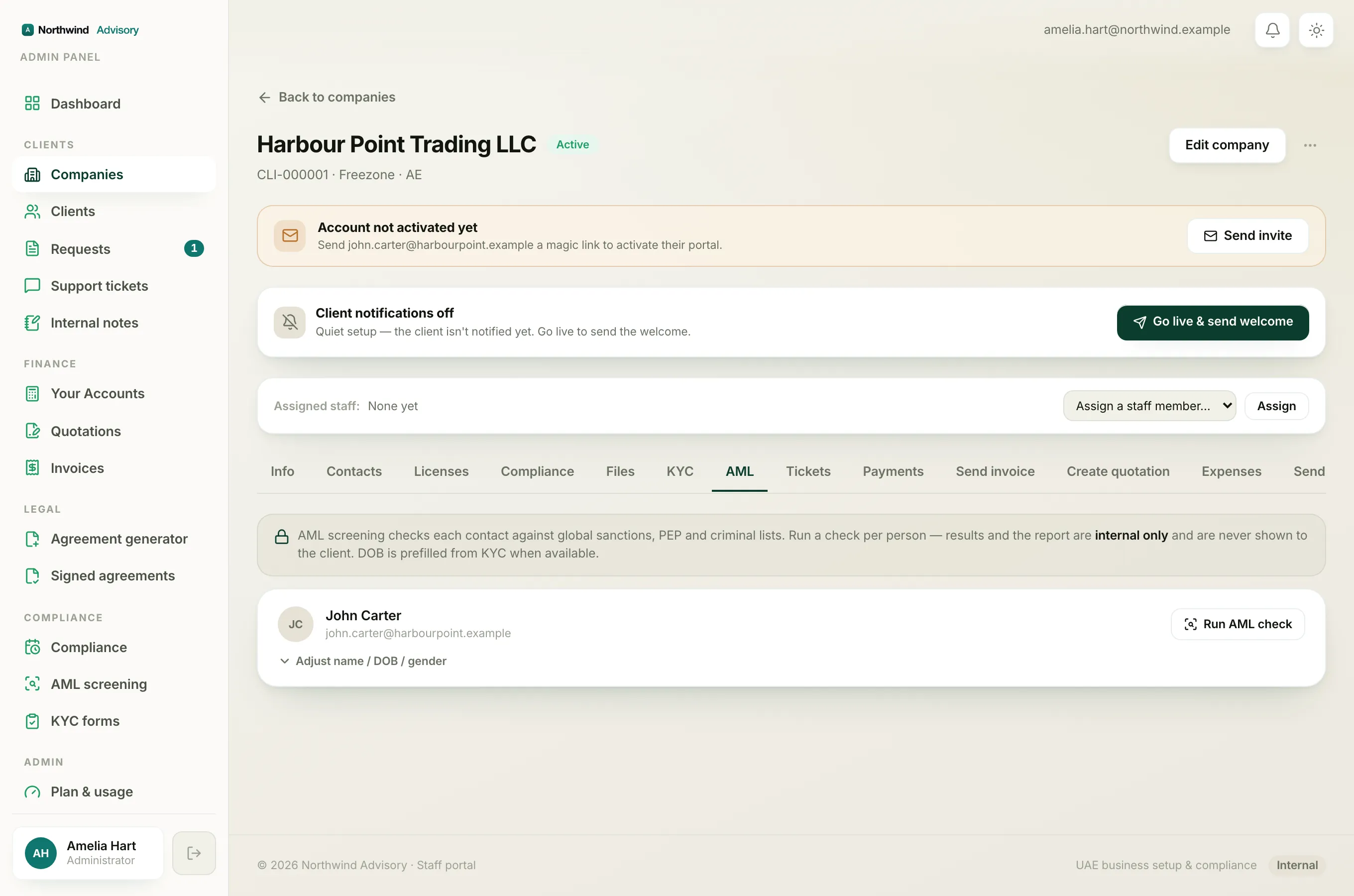
When a screening does not run, IzzyTap shows a short red message right where you clicked. The wording tells you the cause. Below are the ones you may see and what to do about each.
"AML screening isn't configured yet, add your Dilisense API key to enable it"
AML checks are powered by a screening provider, and your workspace needs an API key on file to reach it. Until that key is added, no check can run. This is a one-time setup, not something you can fix from the screening screen. Ask your administrator to add the screening provider key, or contact IzzyTap support to have it enabled. Once it is in place, run the check again.
"Just screened, wait a moment before running it again"
There is a short cooldown, about half a minute, after each check on the same contact. It stops accidental double clicks and protects the screening service. Wait a few seconds, then click Re-check again. This is normal and does not mean anything is wrong. See Re-screen a contact.
"Could not reach the screening service"
The provider could not be contacted, usually a brief network or service problem on their side. Nothing was saved, so simply try again in a moment. If it keeps failing over several minutes, the provider may be having an outage, wait a while and try later, or contact support. You may also see a version of this that mentions the service "returned" a number, which means the same thing: the provider refused the request. Retry, and raise it with support if it persists.
"A name is required to run the screening"
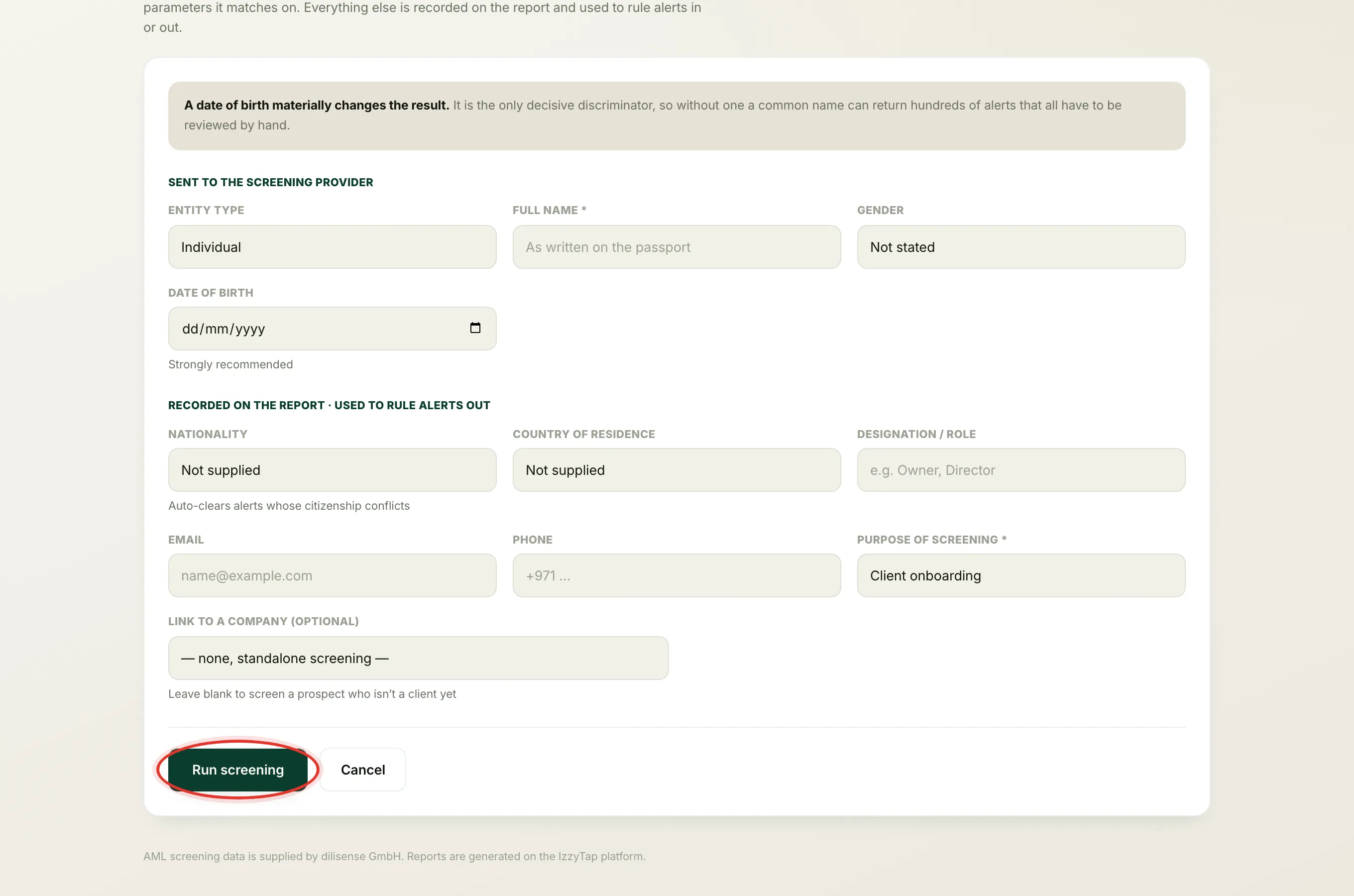
A check needs at least a full name. If you cleared the name in the Adjust name / DOB / gender box, or the contact has no name on file, type the full name as written on the passport and run again.
Tip
Always add a date of birth if you have one. It is the single most decisive detail. Without it a common name can return hundreds of alerts that all have to be reviewed by hand.
"That contact isn't part of this company"
You tried to screen a contact that is no longer an active contact of this company, for example one that was removed or moved. Refresh the company page, check the contact is still listed on it, and run the check from there.
The buttons are missing entirely
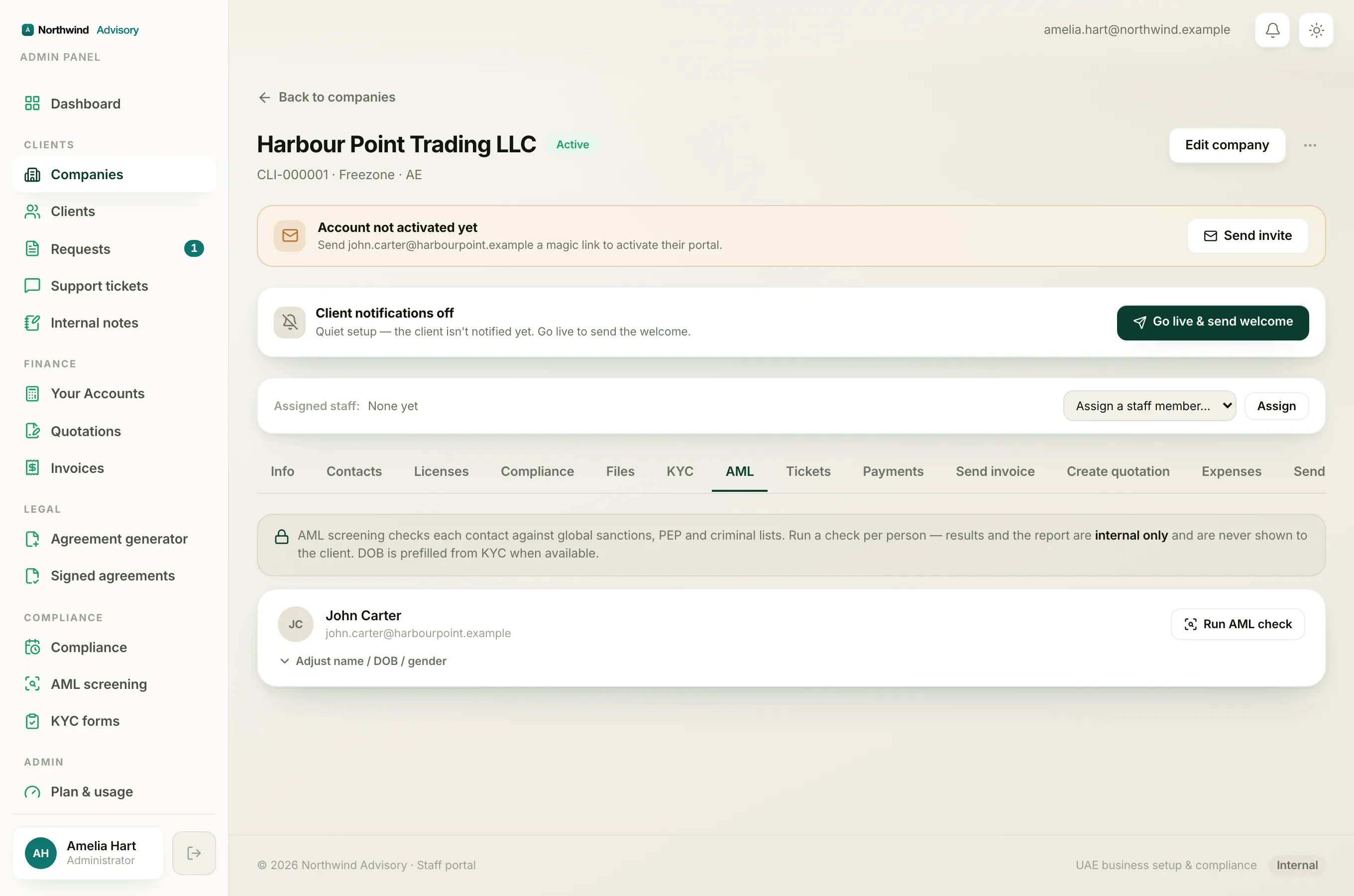
If you do not see Run AML check, Re-check or New screening at all, this is not an error, your role may not include running AML. See Why you can't run, refer or open a screening.