A bill is money your firm owes a supplier. Every bill you record carries a status, shown as a small coloured pill next to it. The status tells you at a glance what still needs doing. This page explains each one.
Where to find your bills
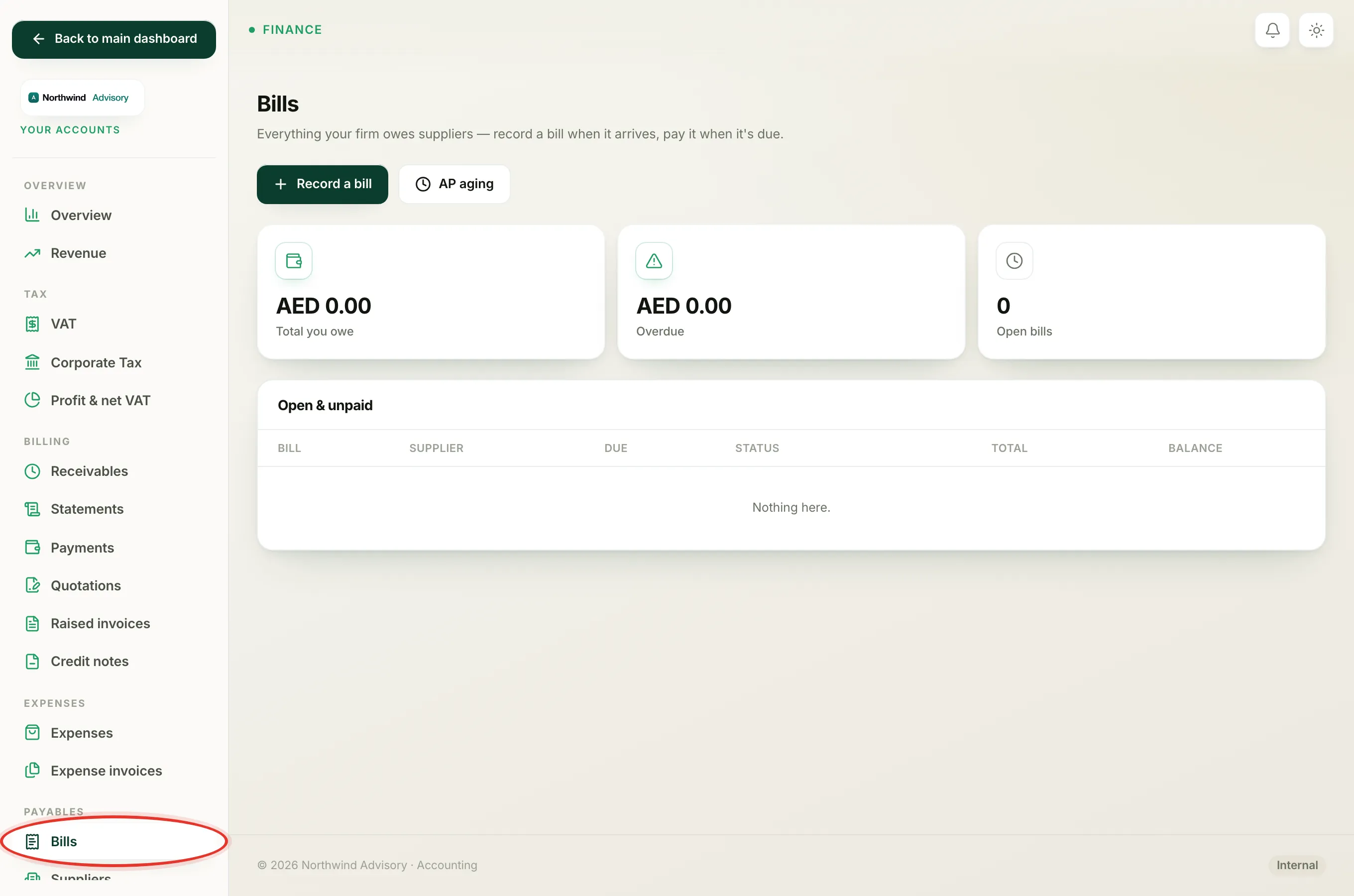
- Log in to your workspace.
- In the left menu, under Finance, click Your Accounts.
- In the Accounts menu on the left, under Payables, click Bills.
The Bills page groups your bills into three lists: Open & unpaid, Paid and Cancelled. The status pill on each row is the quickest way to read where a bill stands.
The five statuses
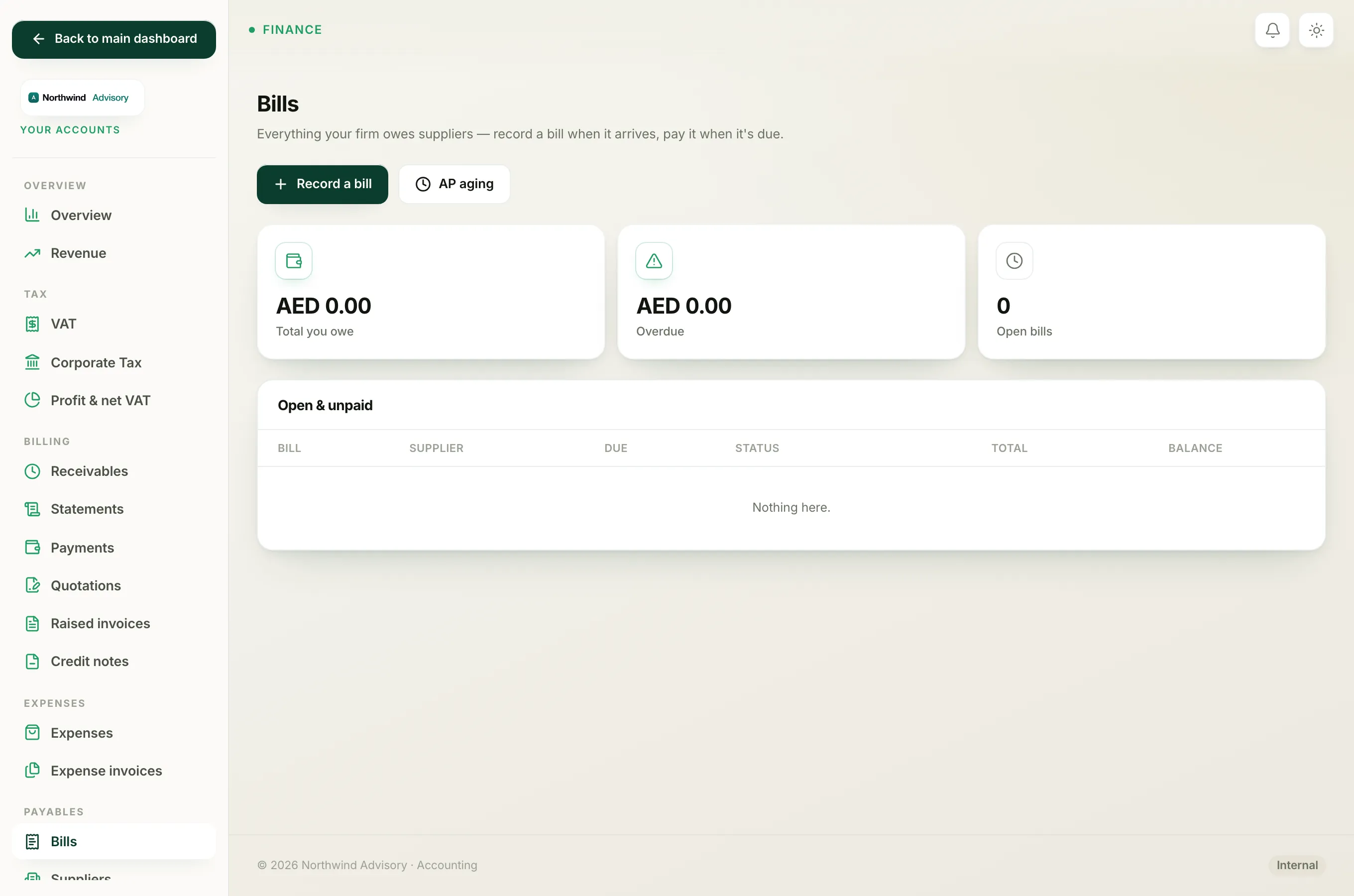
Open A fresh bill you have recorded but not paid yet, and it is not past its due date. This is where a bill starts. It sits in the Open & unpaid list and counts towards the Total you owe figure at the top of the page.
Part-paid You have paid some of the bill but not all of it. The bill stays in the Open & unpaid list with the remaining balance still owed. See Record a part-payment on a bill.
Overdue The bill is still open (or part-paid) and its due date has passed. Overdue is not a separate state you set. It is worked out from the due date, so an open or part-paid bill turns overdue on its own the day after it falls due. The pill turns red so you can spot it fast. It also feeds the Overdue total at the top of the page. See Why a bill shows as overdue.
Paid The full amount has been recorded as paid. The bill moves out of Open & unpaid and into the Paid list, and it no longer counts towards what you owe.
Cancelled The bill was entered by mistake and reversed out of your books. It moves to the Cancelled list and keeps its number for your records. A bill can only be cancelled before any payment is recorded against it. See Cancel a bill and Why you can't cancel a bill.
Note
Overdue takes priority over the plain Open and Part-paid labels. If a bill is past due, you will see the red Overdue pill even when part of it is already paid, so the most urgent bills always stand out.
How a bill moves between statuses
- A new bill starts as Open.
- Record part of the payment and it becomes Part-paid.
- Record the rest (or pay it in full in one go) and it becomes Paid.
- If the due date passes before it is settled, an Open or Part-paid bill reads as Overdue until you pay it.
- Cancel an unpaid bill and it becomes Cancelled.
To settle an open bill, open it and record a payment. See Pay a bill.