Every expense you record is filed under a Category. The category does not change the money, but it does decide how the cost is grouped in your reports, so a little consistency here pays off.
Where you pick a category
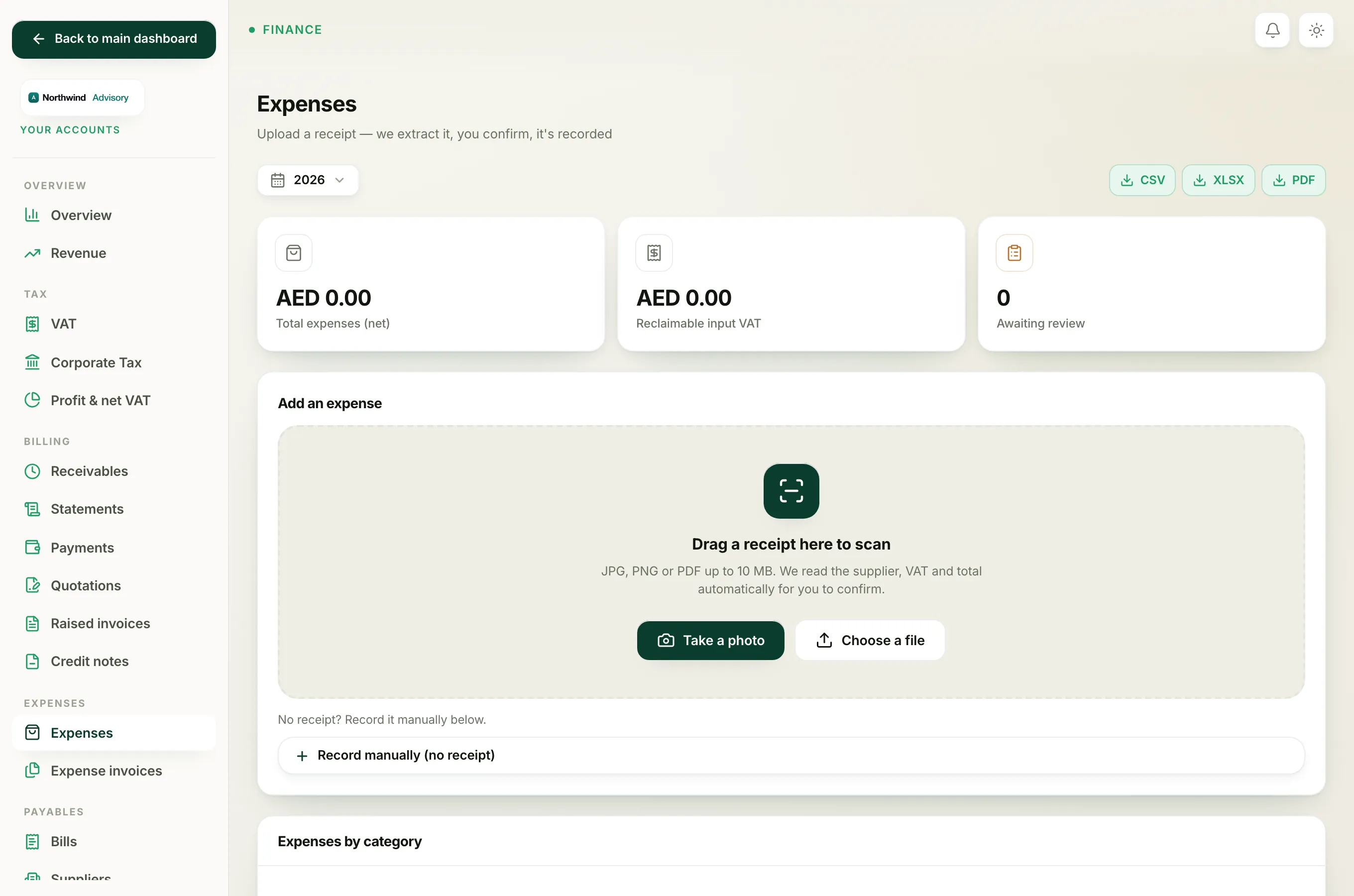
The Category dropdown appears whenever you record or edit an expense:
- Log in to your workspace.
- In the left menu, under Finance, click Your Accounts.
- In the accounting menu, under Expenses, click Expenses.
- Record a cost with the manual form, or open one from Needs review or the Recorded list, and use the Category dropdown.
If a scanned receipt cannot be placed, IzzyTap files it under Other until you change it.
The eleven categories
- Rent for office and premises rent.
- Salaries & staff for wages, gratuity and other staff costs.
- Software/subscriptions for tools you pay for monthly or yearly, such as accounting software or a mailbox.
- Professional fees for lawyers, auditors, consultants and other outside professionals you engage.
- Travel & transport for flights, taxis, fuel and other travel.
- Marketing for advertising, promotion and related spend.
- Utilities for electricity, water, internet and phone.
- Government/authority fees for licence fees, visa fees and other charges paid to a government body. These are usually pass-through costs with no reclaimable VAT.
- Bank charges for bank fees and card charges.
- Equipment for laptops, furniture and other kit you buy.
- Other for anything that does not fit the list above.
How the category shapes your reports
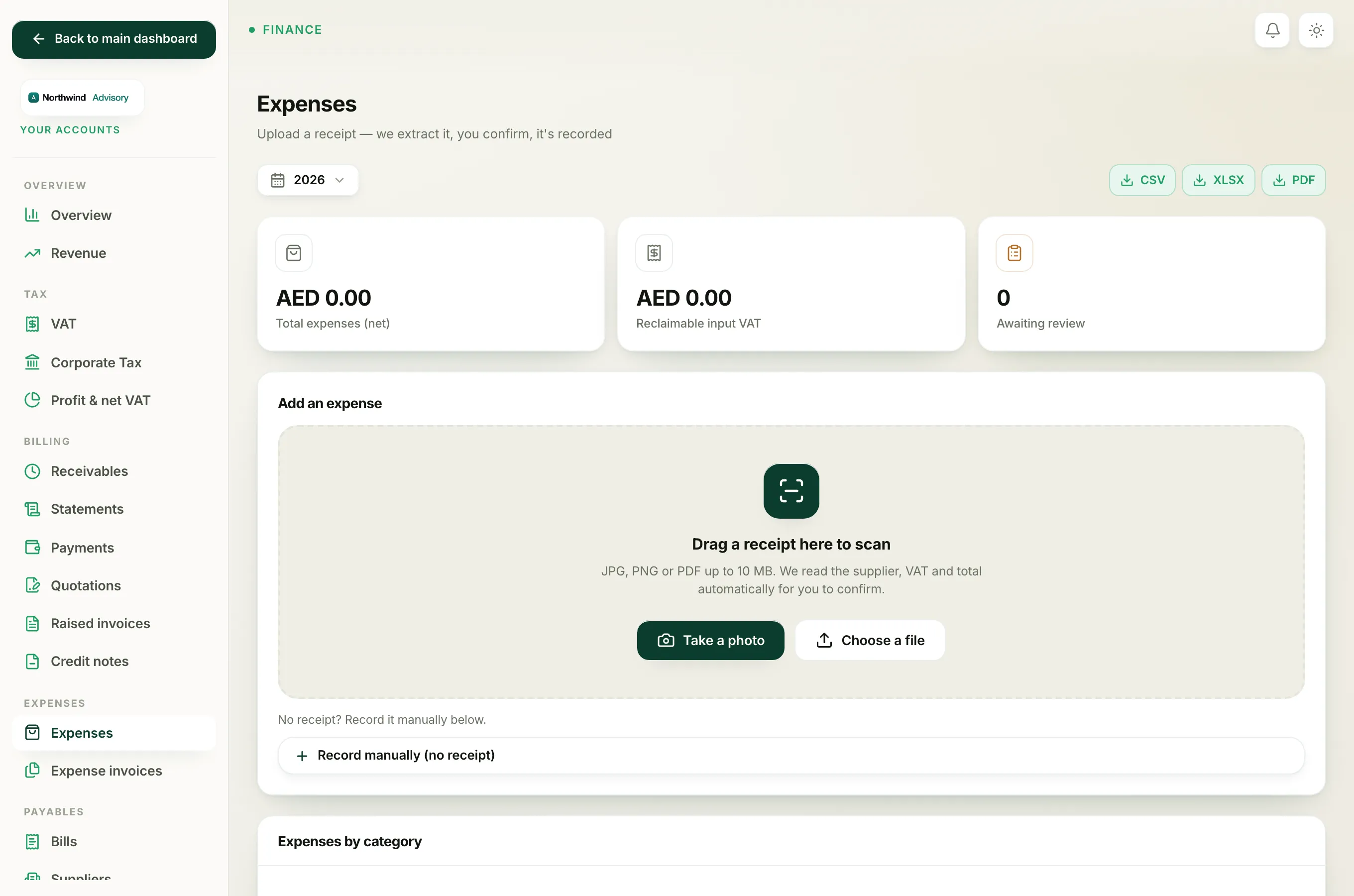
On the Expenses page, the Expenses by category panel adds up your net spend under each category and lists them largest first. That is the quickest way to see where your money is going.
The same grouping feeds your wider accounting reports, including your profit view. Filing costs under sensible, consistent categories means those reports tell the truth about your business. See Read the profit & net VAT report to see the categories at work.
Tip
Do not agonise over the choice. Pick the closest fit, and keep the same cost under the same category each time. Consistency month to month is what makes the Expenses by category breakdown useful.
Note
The category is separate from the Client field. The category says what kind of cost it is; the client says which company it was for. You can set both on the same expense.
If a cost has no receipt, you still choose a category the same way when you add it by hand. See Record an expense manually.