A refund is for when a client has already paid and you need to give the money back. Because a paid invoice cannot be cancelled or credited, a refund is the only correct way to reverse it. This article explains how refunds work in IzzyTap and where they show up in your accounts.
Why a paid invoice is locked
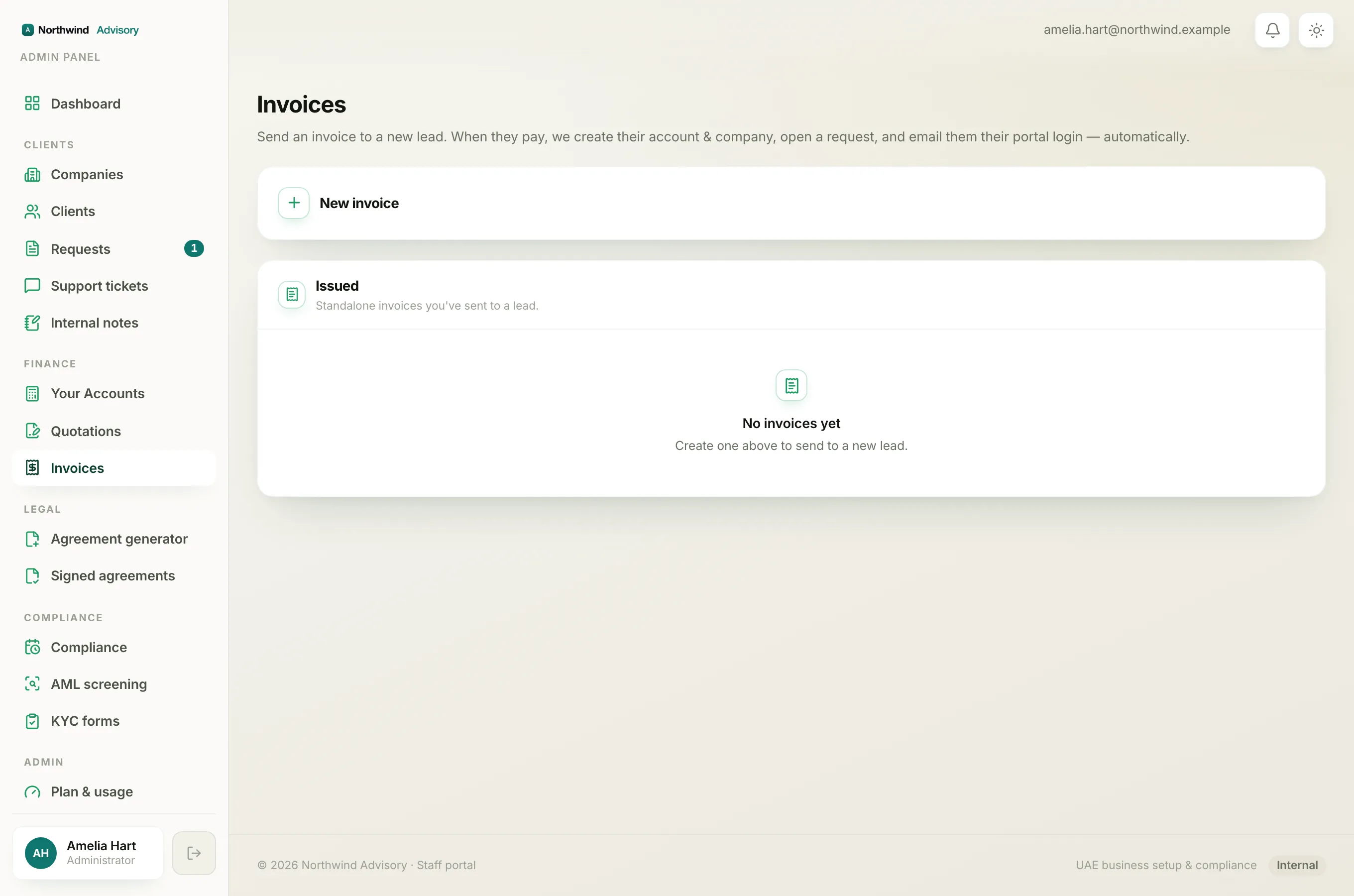
The moment any payment is recorded against an invoice, IzzyTap locks it. You cannot cancel it (see Why you can't cancel a paid or part-paid invoice) and it will not appear in the credit-note list (see Why an invoice is missing from the credit-note list).
This is on purpose. The client has paid and holds a receipt, so the money is real. It cannot simply be wiped from your books. It has to be given back, which is a refund.
A refund is a real movement of money
A cancel or a credit note is a bookkeeping change. A refund is different: it is actual cash going back to the client. IzzyTap does not move money for you, so the refund itself happens through your own bank, card terminal, or cash, exactly the way you took the payment in the first place. Send the money back to the client and keep your bank confirmation with your records.
Reversing the recorded payment in your books
Undoing a recorded payment inside IzzyTap is not something you can do yourself yet. Recording a payment is treated as final so that your cash figures stay trustworthy. If you have refunded a client and need the recorded payment reversed in your accounts, contact IzzyTap support or your workspace administrator to have it handled correctly.
Important
Do the real money-back through your bank first, and keep the proof. The change in IzzyTap only records what already happened; it never moves the money on its own.
Where refunds show in your accounts
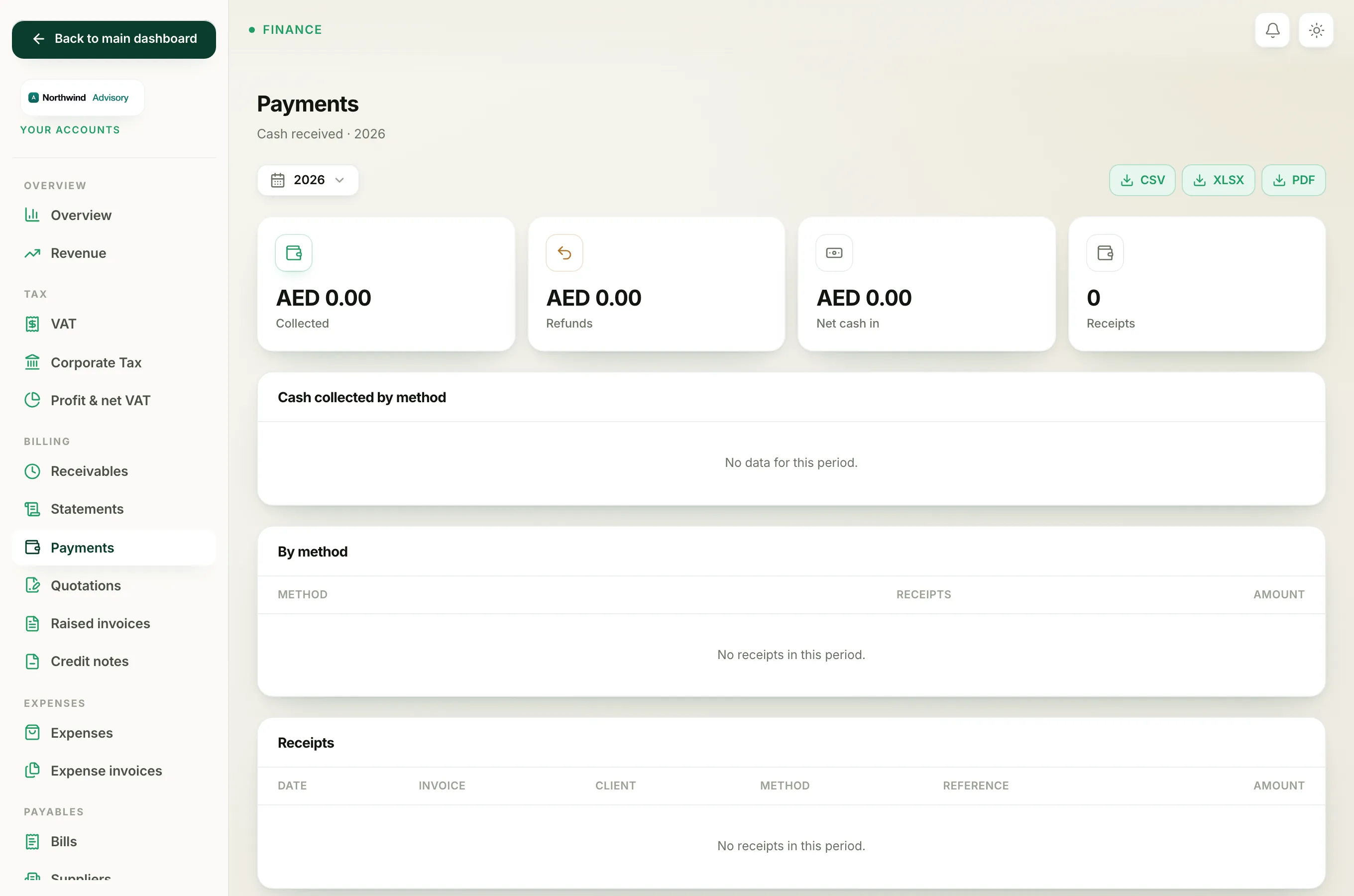
Once a payment has been reversed as a refund, it appears on your Payments report:
- Log in to your workspace.
- In the left menu, under Finance, click Your Accounts.
- In the Accounts menu, under Billing, click Payments.
At the top you will see:
- Collected, the total money that came in.
- Refunds, the total you have given back.
- Net cash in, which is Collected minus Refunds, so it is the real cash you kept.
A refund does not delete the original receipt from your history. It is shown separately, so you always have the full record of both the payment and the money returned.
See See the cash you've collected in Payments for the rest of that screen.