What a disposition is
When you run an AML screening, IzzyTap checks the name against global sanctions, PEP and criminal databases. Almost any name returns some alerts. A disposition is your decision on a single alert: is this really your client, or is it a different person who happens to share the name? You record one disposition per alert, and each one asks for a short written reason. That reason is printed on the screening report, so your file shows exactly why every alert was closed.
Where you record a disposition
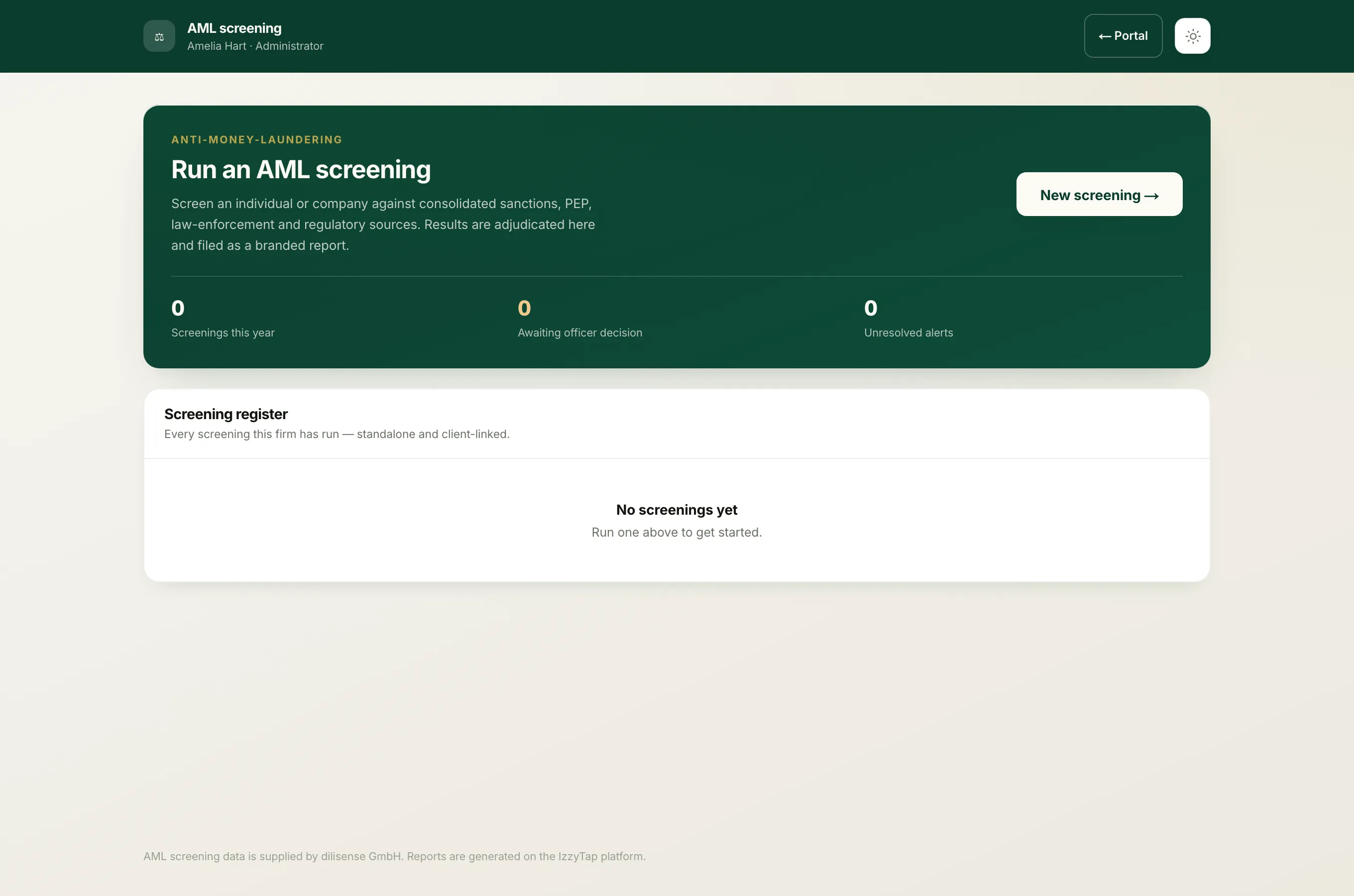
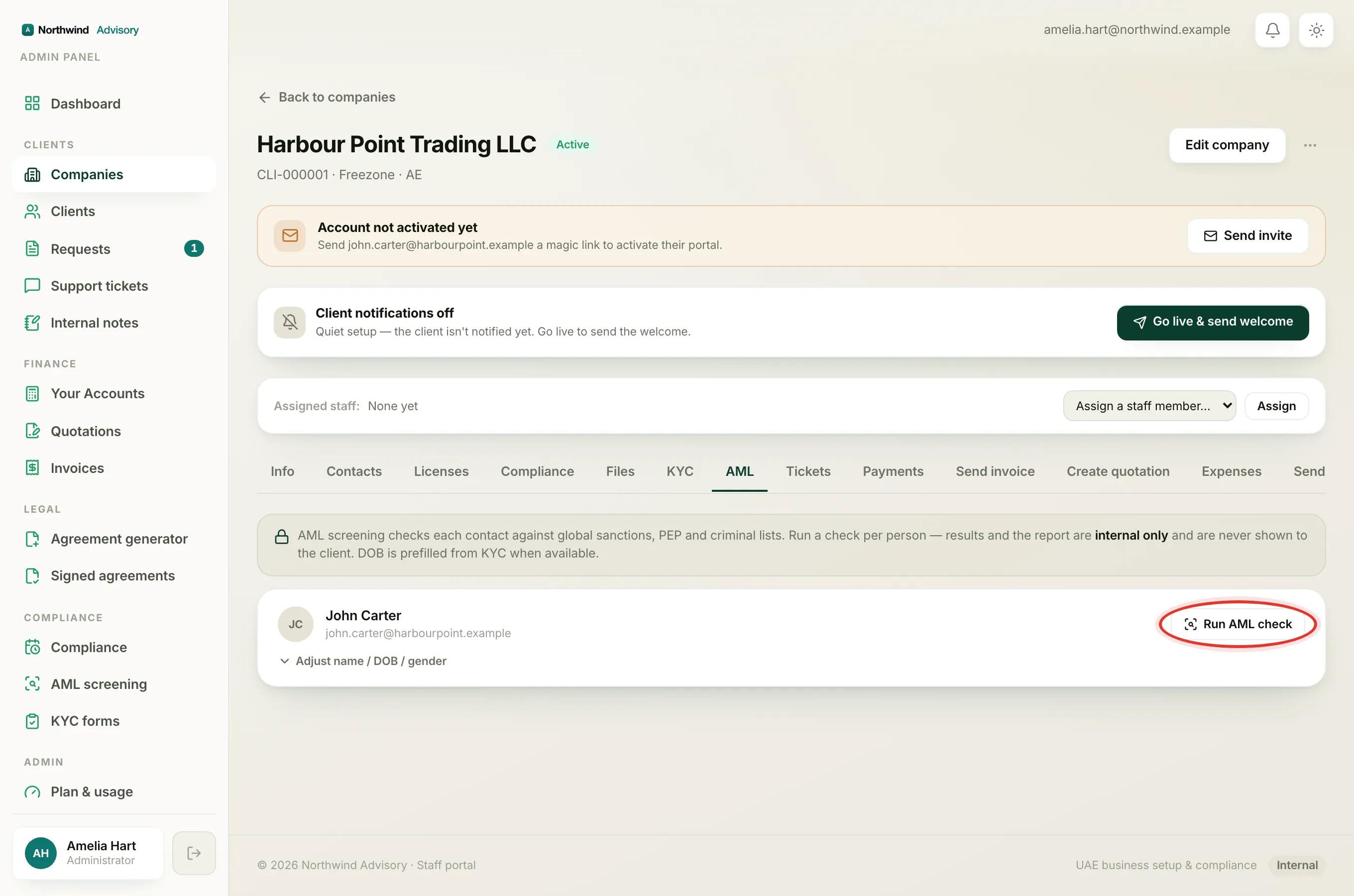
- Log in to your workspace.
- In the left menu, under Compliance, click AML screening.
- Open the screening you want by clicking the person's name. You can also reach it from the AML tab on the company page.
- Each alert is shown as a card. On a card that still needs a decision, click Record a disposition. If a decision is already there, the button reads Change disposition.
- Choose one of the five buttons, type your reason in the Reasoning box, then click Save disposition.
Note
The Reasoning box is required. You cannot save a disposition without it, because that text is what goes on the report as your justification.
The five dispositions
The buttons appear in order from most serious to least serious.
Confirmed match
You have checked and this alert really is your client. It is a genuine hit on a sanctions, PEP or criminal record. This is the most serious outcome and the alert stays open on the file until you and your compliance officer decide what to do about it. Use this only when you are sure of the identity.
Probable match
The name and the date of birth both line up with your client, so it is very likely the same person, but you have not yet confirmed it with documents. Treat it as a live concern that needs documentary confirmation before you onboard or continue. The alert stays open.
Unresolved
The name matches, but the record carries nothing else to tell the two people apart, no date of birth and often no nationality. You can neither confirm it is your client nor rule it out on the data alone. This is the honest middle answer. The alert stays open until you can get more information, for example a passport copy, and then change the disposition.
Probable false positive
There is some evidence this is a different person, but it is not decisive. A common example is a nationality on the record that does not include your client's, which is suggestive but not proof, because nationality lists are often incomplete. Choosing this closes the alert. It is also the label the system gives automatically to a sanctions record whose date of birth conflicts, because a sanctions alert is never fully cleared by the computer.
False positive
This is clearly a different person. The strongest example is a date of birth that plainly conflicts with your client's, for example a record showing someone born decades apart. Choosing this closes the alert.
Which ones close the alert
Two of the five, Probable false positive and False positive, count as cleared and close the alert. The other three, Confirmed match, Probable match and Unresolved, keep the alert open and in your working list, because each of them still needs a human to act. The Alerts adjudicated counter at the top of the screening shows how many alerts you have given any decision.
Reasons that are already filled in
Many alerts arrive with a disposition already chosen and an Auto tag. IzzyTap fills these in when a clear fact, usually a conflicting date of birth, settles the alert on its own. You can still open one and click Change disposition if you disagree. See Why some alerts clear on their own.
Tip
Write the reason as if a regulator will read it, because they might. "Date of birth differs by 27 years, a different person" is far more useful on the file than "not him".
If the disposition buttons are greyed out and you cannot change anything, the screening is locked for you. See Why a screening is locked. To read the finished report, see Read the AML report.