When you record a payment on a bill, IzzyTap needs to know where the money came from so your books stay accurate. Depending on how many bank accounts you have set up, you will either see an account picker or a petty cash tick-box. This page explains both.
Where the choice appears
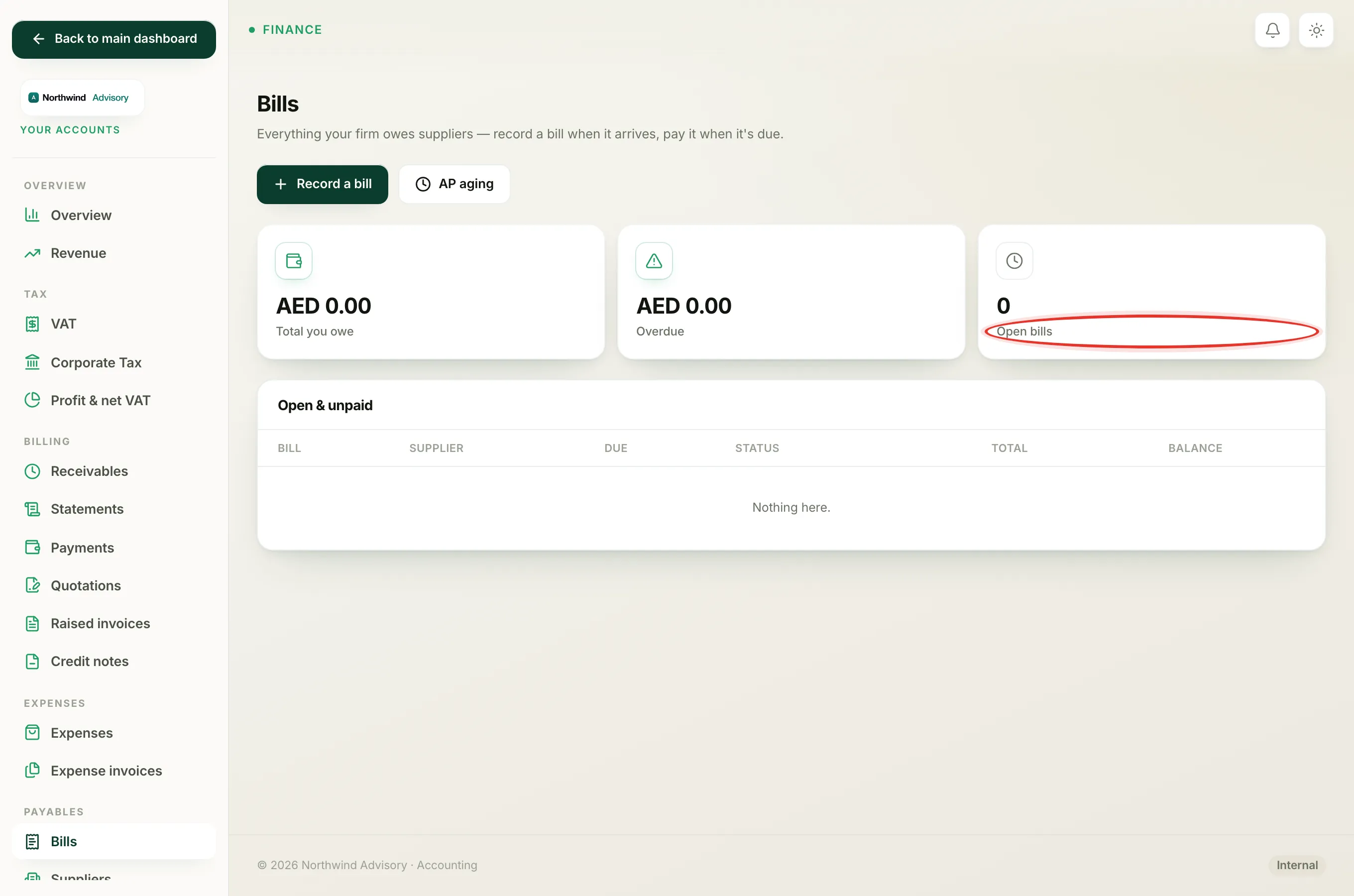
- Log in to your workspace.
- In the left menu, under Finance, click Your Accounts.
- In the Accounts menu on the left, under Payables, click Bills.
- Open the bill you want to pay.
- In the Pay this bill box, fill in the amount, date, method and reference as usual.
At the bottom of that box you will see one of two controls, depending on your setup.
If you have two or more bank accounts: the Paid from picker
When your firm has more than one bank account on file, a Paid from dropdown appears. Use it to say which account the money actually left:
- Open the Paid from dropdown.
- Leave it on Primary bank account to use your main account, or pick another account from the list.
- Click Record payment.
The payment is then booked against the account you chose, so that account's balance and its bank reconciliation match reality. See Reconcile your bank.
If you have one bank account: the petty cash tick-box
If your firm has fewer than two bank accounts, you will not see the dropdown. Instead there is a Paid from petty cash tick-box:
- Leave it unticked and the payment is treated as coming from your bank.
- Tick it if the money actually came out of petty cash, such as a small cash payment. It is then booked against petty cash rather than the bank.
In the Payments table on the bill, a petty cash payment is marked with a petty cash note so you can tell it apart later.
Note
The Method dropdown (Bank transfer, Cash / other, Card / online) and the Paid from choice are two different things. Method describes how the payment was made. Paid from records which of your own accounts the money left. Set both so your records are clear.
Want the account picker to appear?
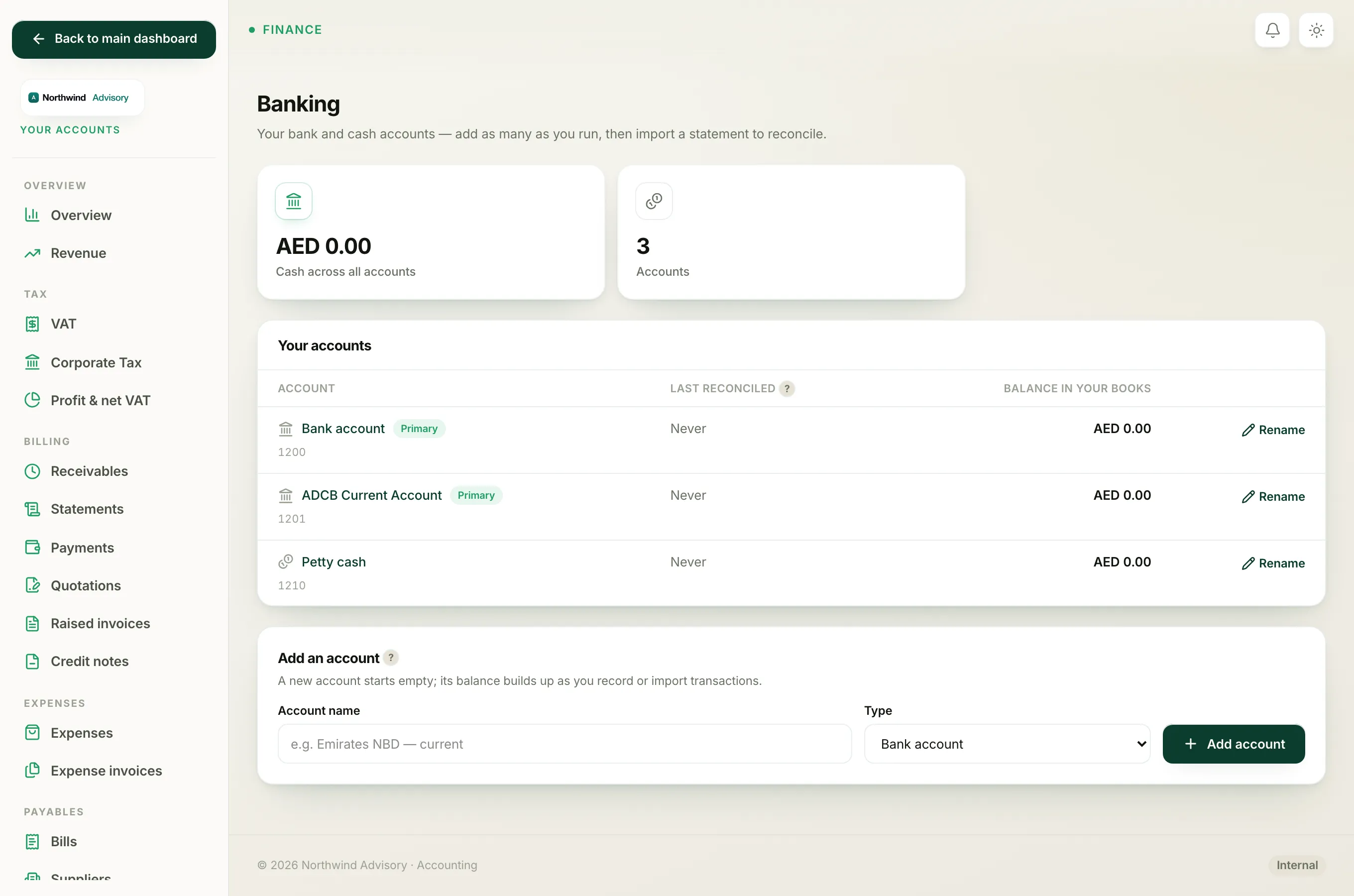
If you only ever see the petty cash tick-box but want to choose between accounts, add another bank account first. Once you have two or more, the Paid from dropdown shows up automatically. See Add a bank account.
For the full walkthrough of paying a bill, see Pay a bill.