Why a separate officer role exists
Good AML practice keeps two jobs apart: the person who runs a screening and the person who signs it off. An auditor wants to see that they were not always the same person.
IzzyTap has a role built for exactly this: the AML compliance officer. It is designed for a part-time or outsourced MLRO. The account can review and approve screenings your team refers to it, and nothing else. It cannot open your companies, invoices, revenue, requests or any other part of the workspace. That containment is enforced on our servers, not just hidden from the menu.
Add the officer
- Log in to your workspace.
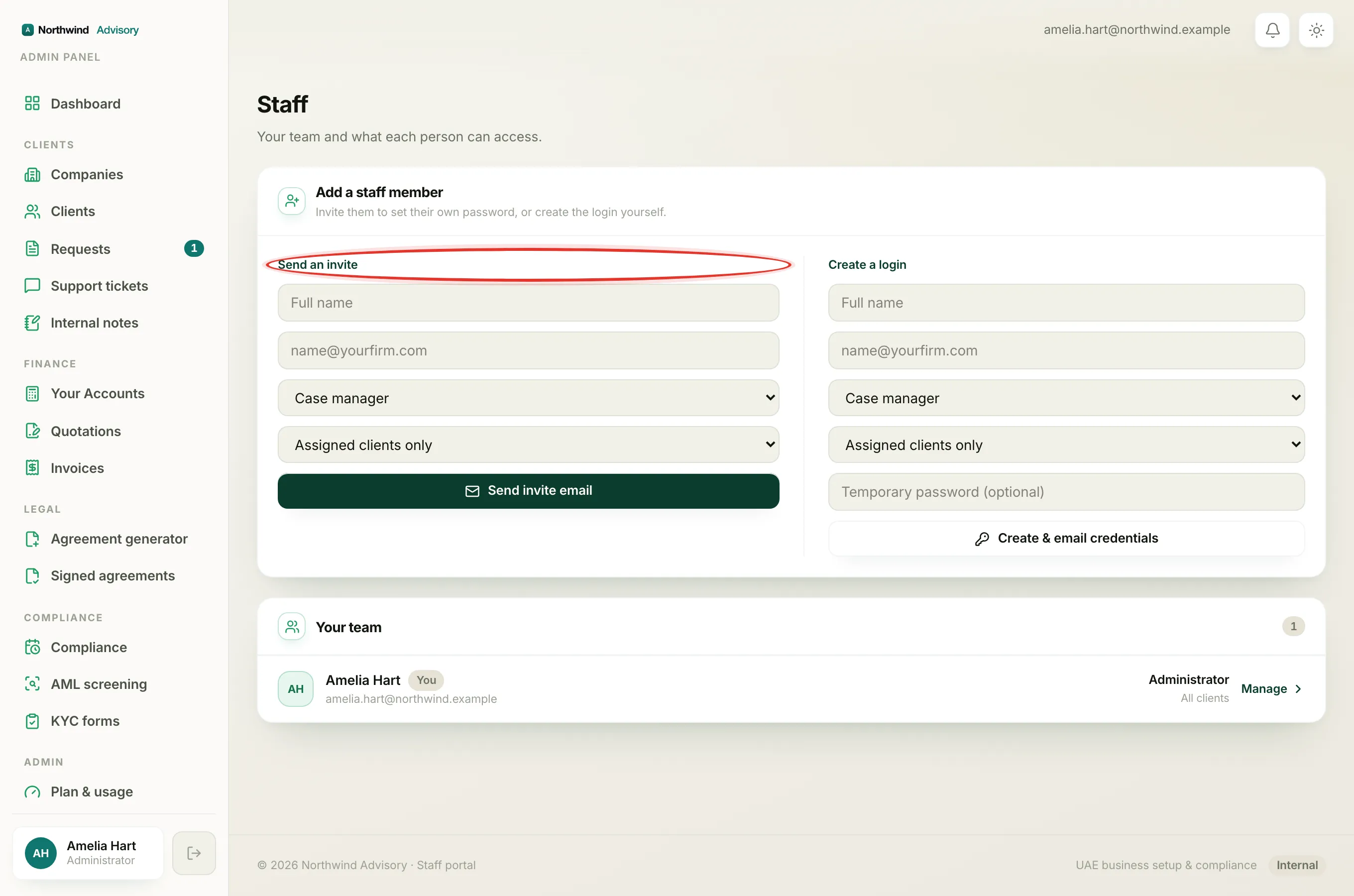
- In the left menu, under Admin, click Staff.
- In the Add a staff member panel, pick one of the two ways to add them:
- Send an invite emails them a link to set their own password.
- Create a login lets you set a temporary password that they change on first sign-in.
- Type their Full name and email.
- In the Role dropdown, choose AML compliance officer.
- Leave the scope dropdown as it is. Scope decides which clients a person sees, and this role sees no clients at all, so the setting has no effect here.
- Click Send invite email (or Create & email credentials).
Important
An administrator is the only person who can add staff. If you do not see the Add a staff member panel on the Staff page, you are not signed in as an administrator.
What the officer sees when they log in
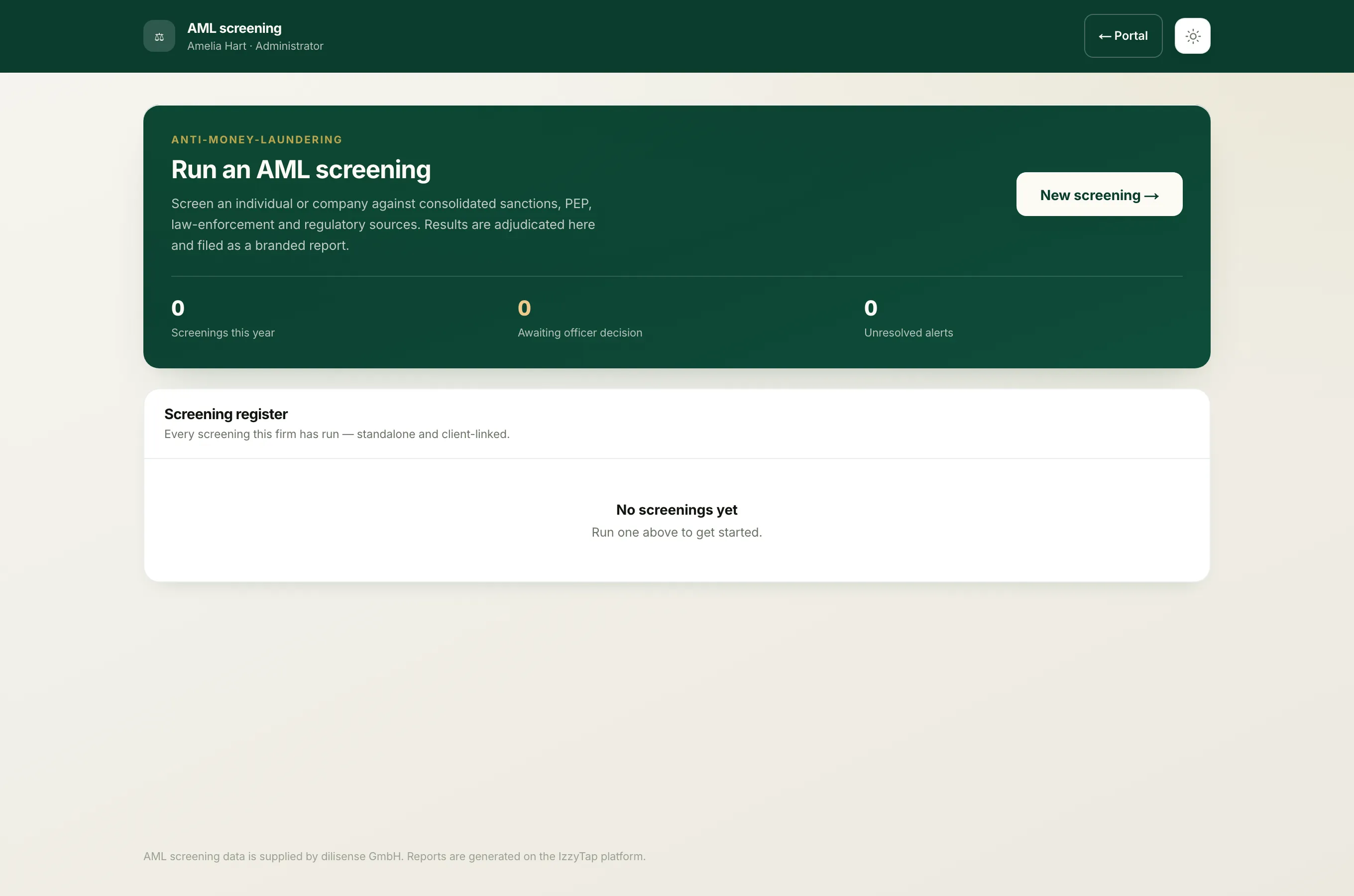
The officer lands straight in the AML review workspace and stays there. The header reads AML review with a note that says This account has access to AML cases only. There is no link back to the main portal, because there is nowhere else they are allowed to go.
Inside that workspace they can:
- Open screenings that your team has referred for approval.
- Record a decision of Approve or Decline, with a written reason. The reason is required on both outcomes and is printed on the report, so the file always shows why a case was signed off.
The teammate who referred the case is notified automatically once the officer decides, so they know they can carry on onboarding or step away from the client.
How this fits with your own team
Your case managers and other full staff run the screenings and refer the ones that need a second signature. The officer approves them. Running a screening and signing it off are two different permissions on purpose, which is what gives you the clean split an audit looks for.
Note
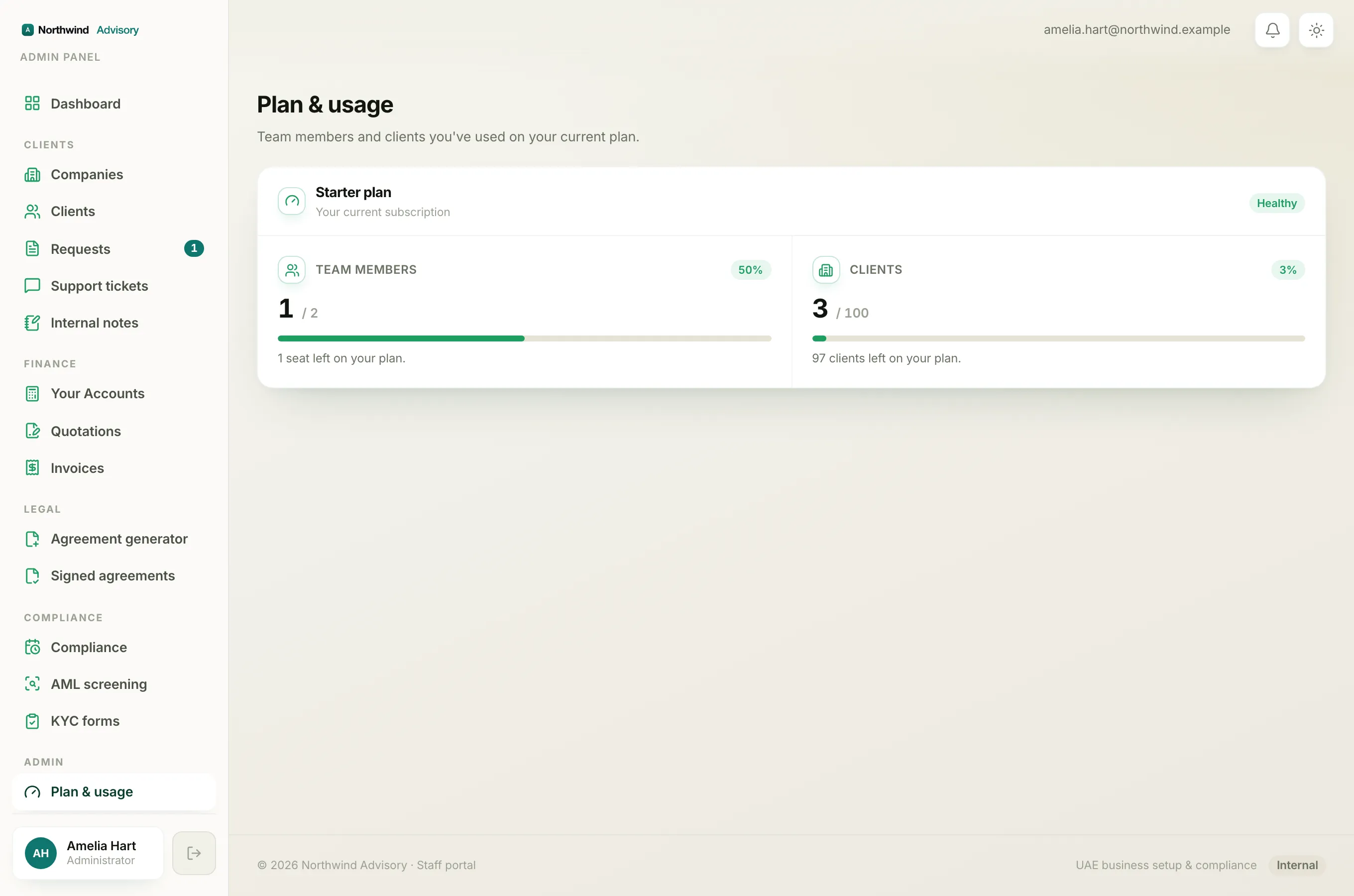
An AML officer takes up a team-member seat on your plan, the same as any other staff member. If you are near your seat limit, check Read your Plan and usage screen first.
To learn the screening and approval flow itself, see Run an AML screening and Read the AML report.