Over time an account name may change, or you may stop using an account and want it out of the way. You can rename any account, and hide the ones you no longer use, all from the Banking screen.
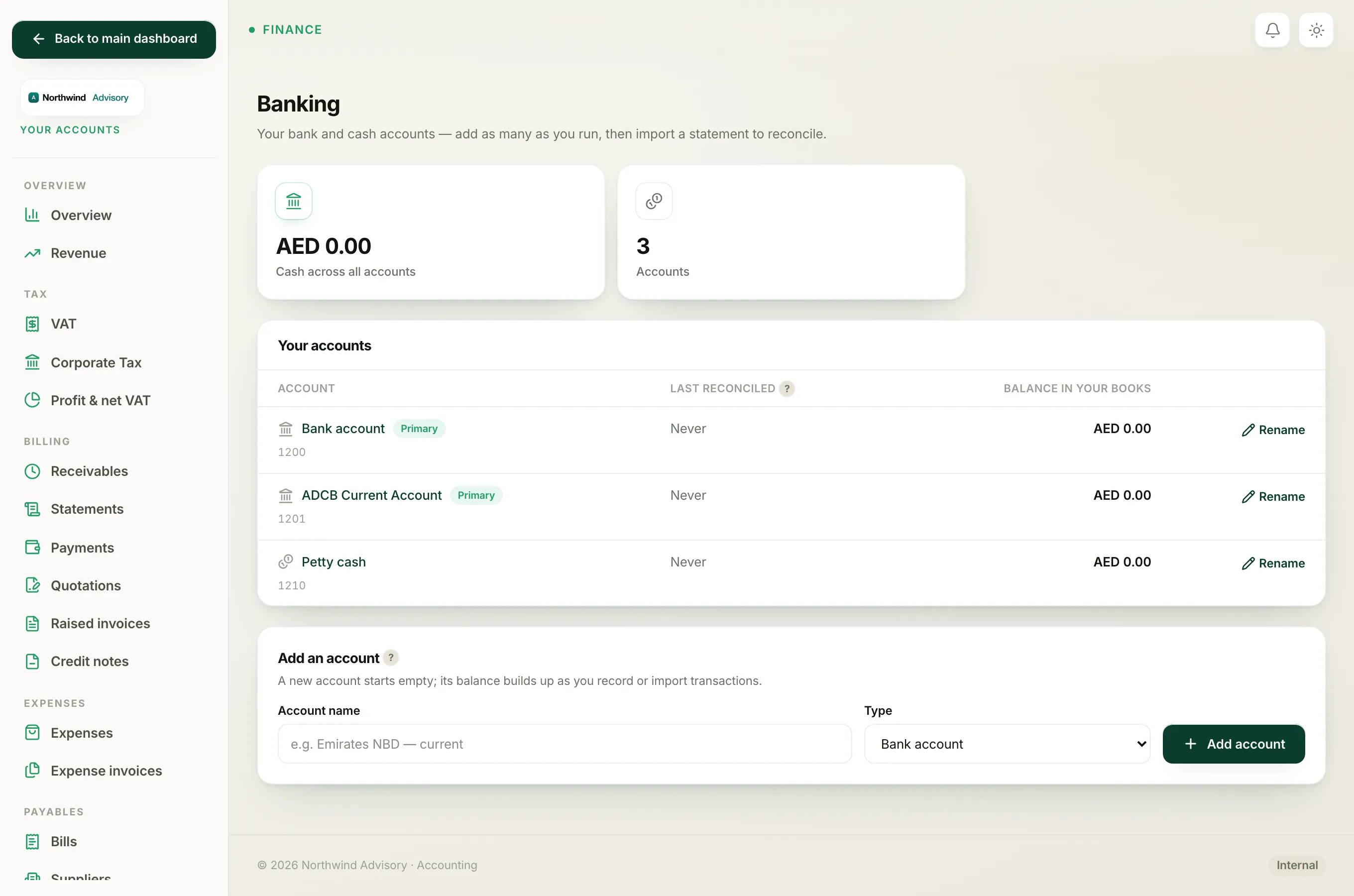
Open the Banking screen
- Log in to your workspace.
- In the left menu, under Finance, click Your Accounts.
- In the accounts sidebar, under Banking, click Bank accounts.
The Your accounts panel lists every account. Each row has a Rename control on the right.
Rename an account
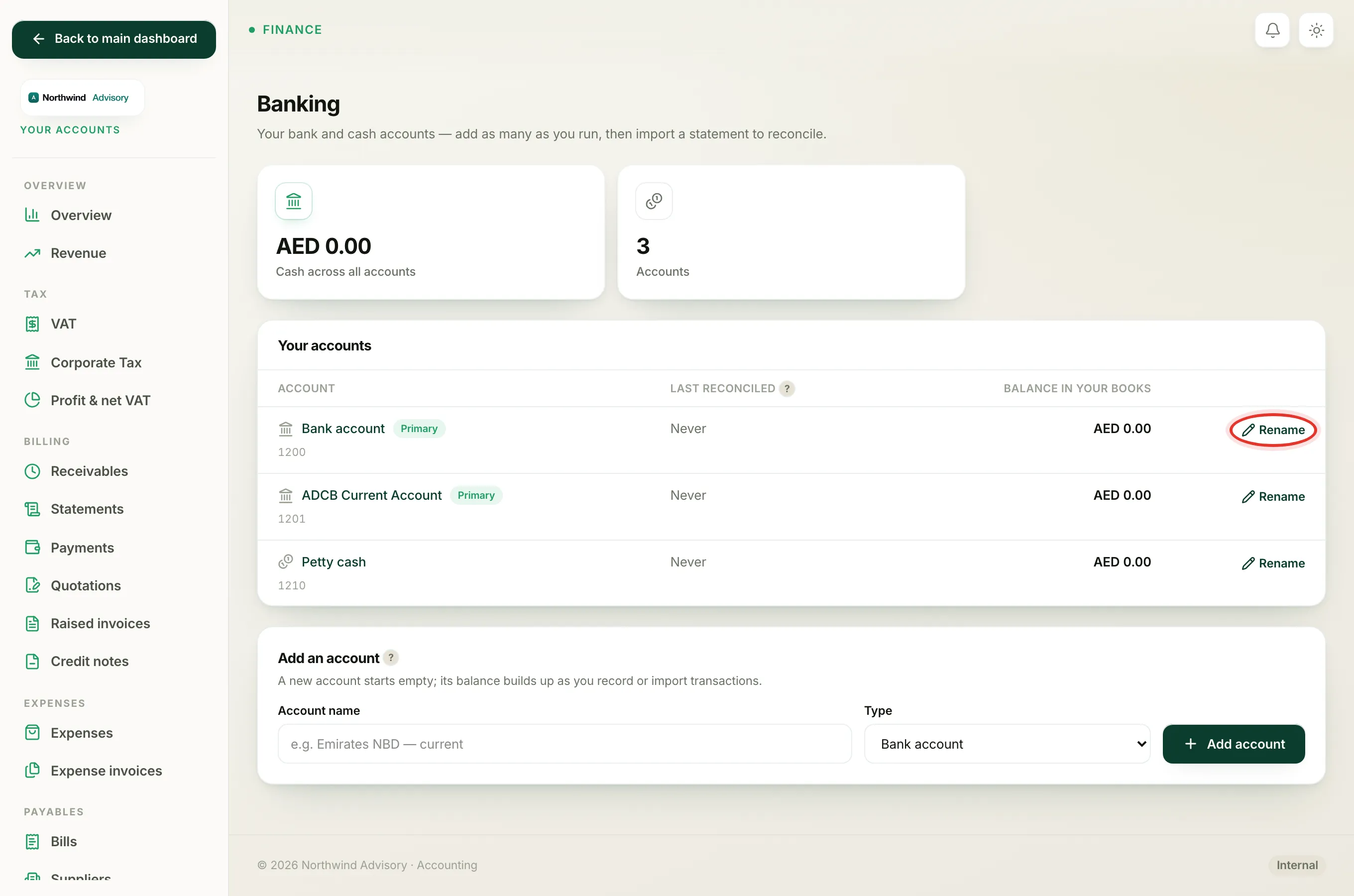
- Find the account in the list.
- On the right of its row, click Rename.
- A small box opens showing the current name. Type the new name over it.
- Click Save.
The new name shows straight away, everywhere the account is used, including the account pickers when you record a payment. Renaming does not change any past transactions or balances. It is only the label.
Hide an account you no longer use
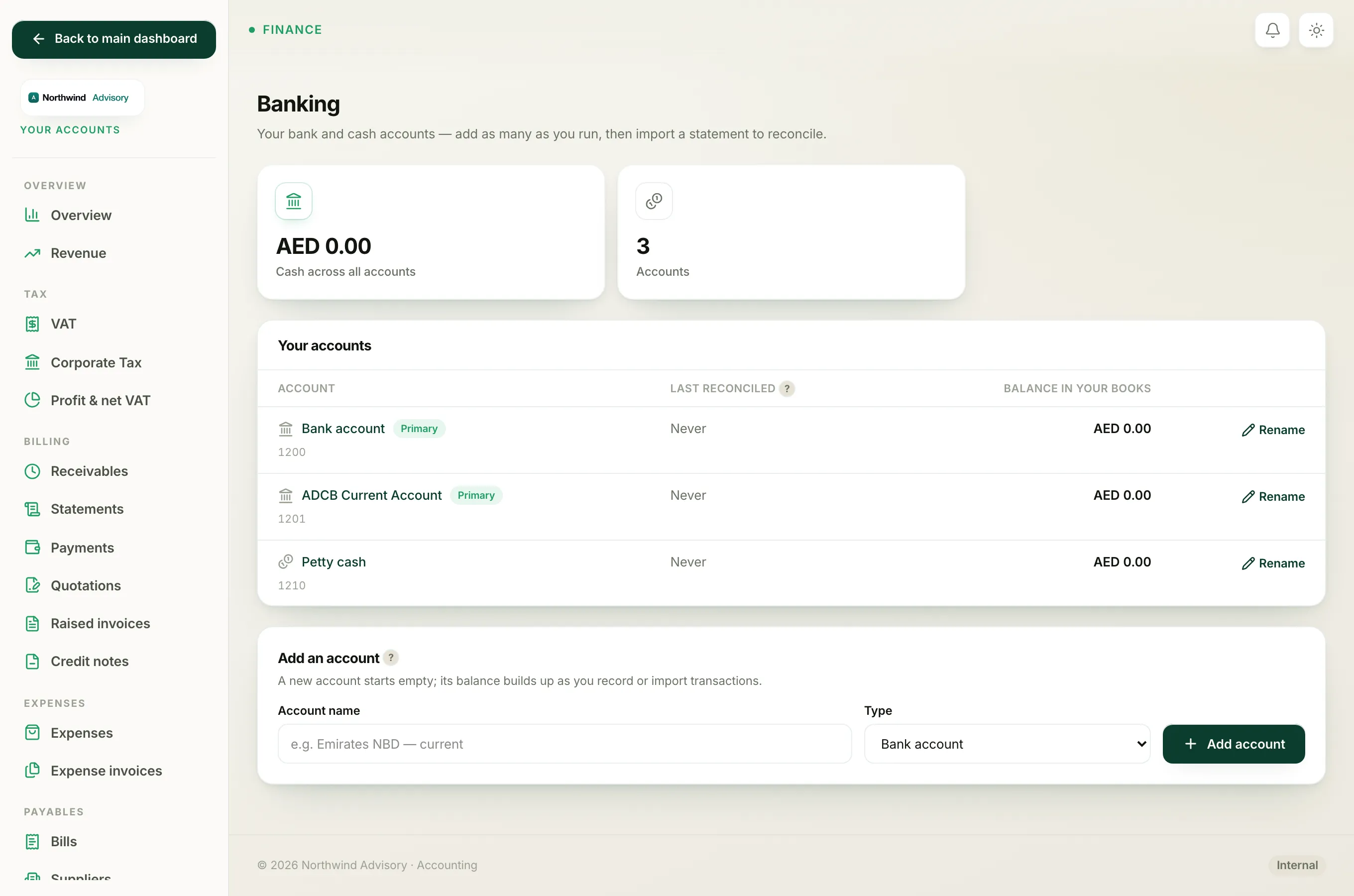
If you have closed an account or stopped using it, you can hide it so it no longer clutters your list or the pickers. You do not delete it, because its past transactions and balance stay part of your books.
- Click Rename on the account's row.
- Untick the Active box.
- Click Save.
A hidden account shows a grey Hidden chip in the list and drops out of the account pickers on your payment and expense forms. Its history and balance are kept. To bring it back, click Rename again, tick Active, and Save.
Note
Hiding an account does not move its money anywhere. The balance simply stops being offered as a choice. Only hide an account you have finished using.
Why the Primary and petty cash accounts have no Active tick
When you open Rename on your Primary account or the built-in petty cash account, you will see the name box but no Active tick. These two accounts are part of the way your books work. The Primary account is where a payment goes when no account is chosen, so it must always stay available. For that reason you can rename them but you cannot hide them.
Every other bank or cash account you have added yourself can be both renamed and hidden.