If a quotation is not right for you, you do not have to accept it. You can decline it in one click. Declining simply tells your firm you are not going ahead with this offer.
How to decline
- Log in to your portal.
- In the left menu, under your firm's workspace, click Received quotes.
- Find the quote and click Review & accept to open it.
- Scroll to the Accept & sign section.
- Below the accept button, click the small Decline this quotation link.
That is all. You do not have to sign anything to decline.
What happens after you decline
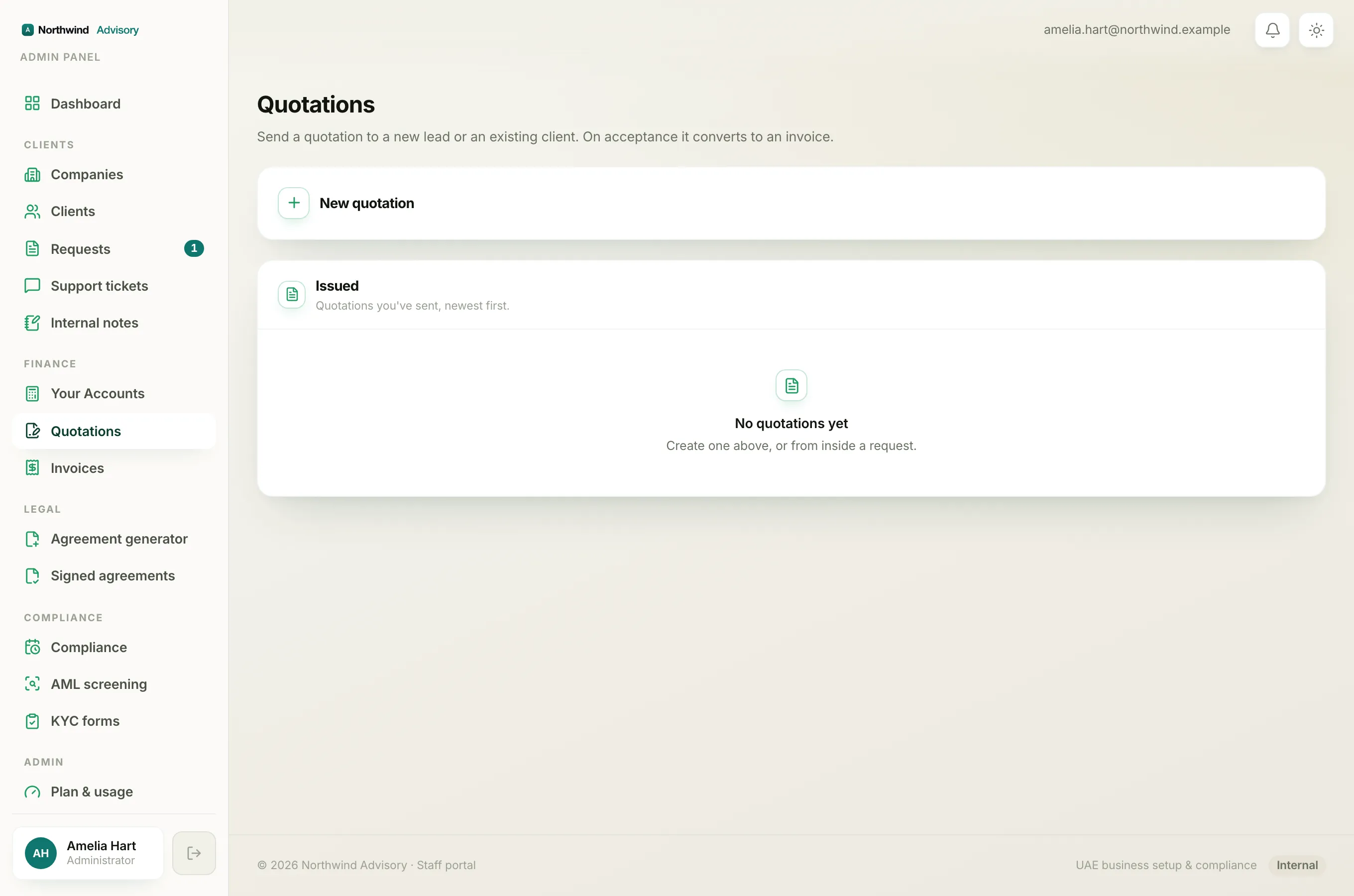
You see a Quotation declined confirmation page. Your firm is told that you declined, so they know not to expect you to sign. No invoice is created and you owe nothing.
Note
Declining only affects this one offer. It does not close your account or change anything else in your portal.
If you declined by mistake
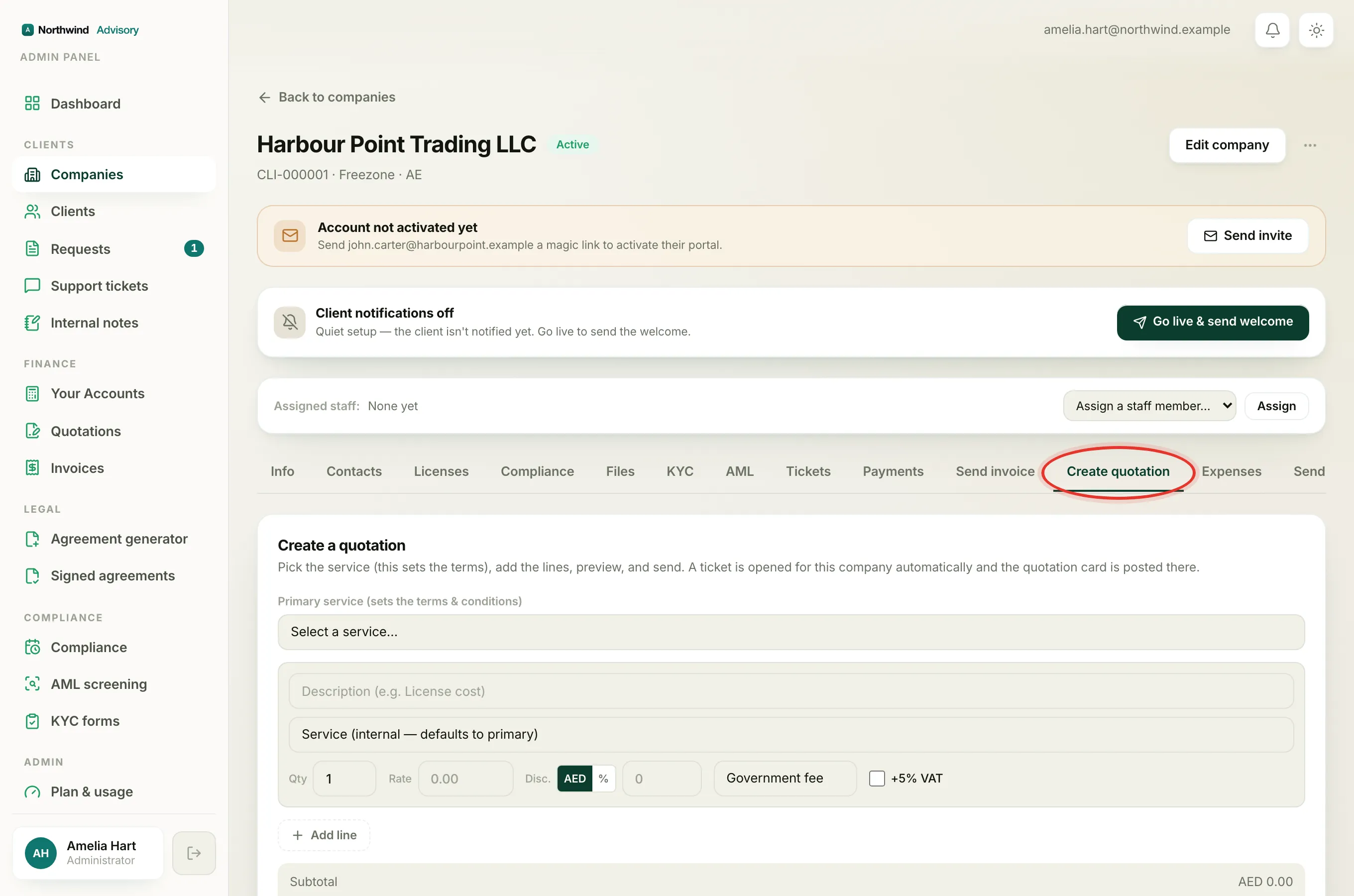
A declined quotation cannot be un-declined by you. If you clicked decline in error, or you have changed your mind and would like to go ahead after all, just contact your firm and ask them to send it again. They can raise a fresh quotation for you to review and sign.
The quickest way to reach them is to open a support ticket and explain what happened.
Related
To understand the labels a quotation can carry, see Quotation statuses explained. If you meant to go ahead, see Review, accept, and sign a quotation.