You paid, but the invoice still says due
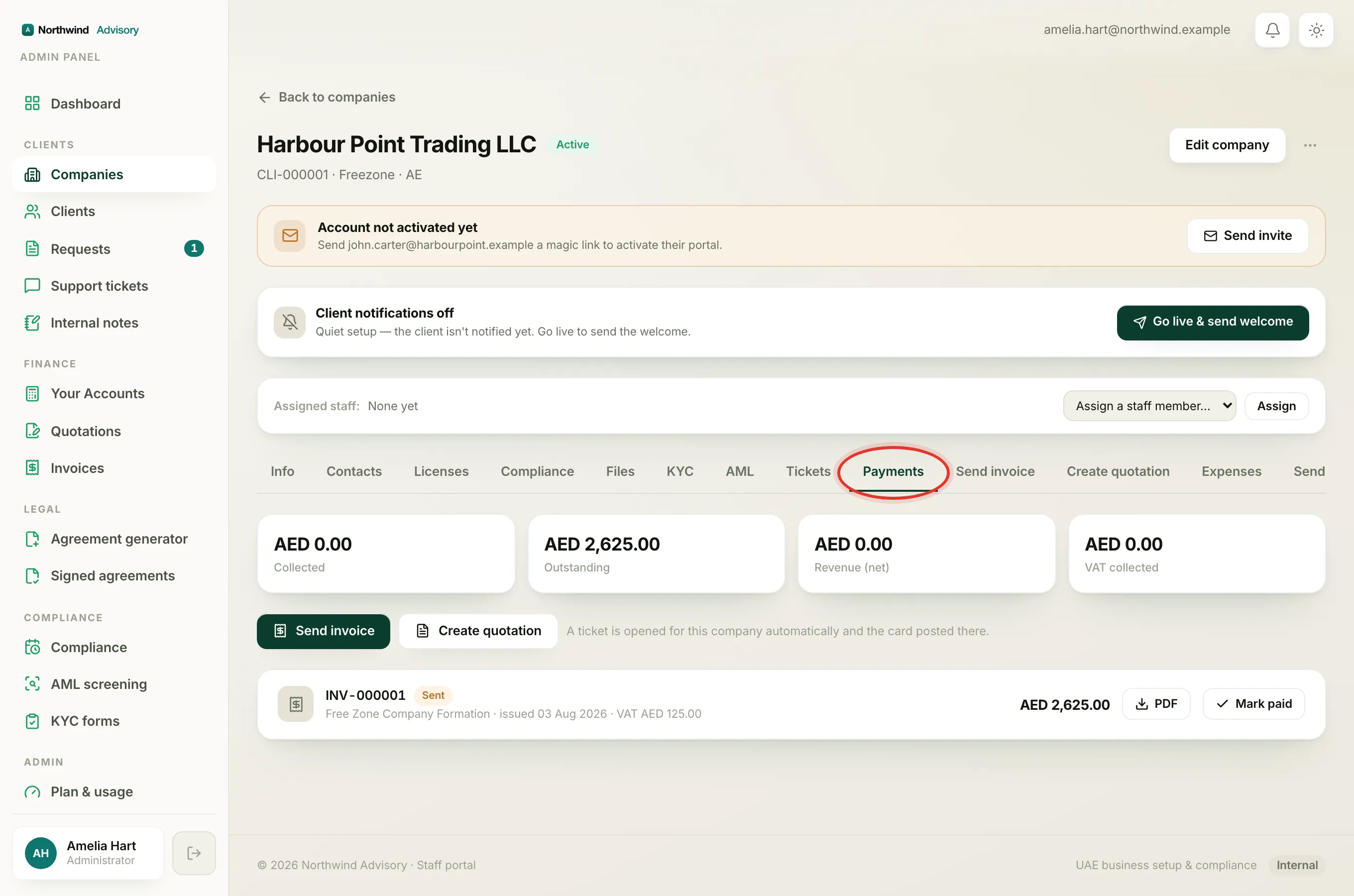
When you pay an invoice online by card, your payment is confirmed by the card processor and then recorded against the invoice in the background. This happens a moment after you are sent back to the portal, not the instant you return. So for a short time the invoice can still show its old status while the payment is being written in.
This is normal. Nothing has gone wrong, and you have not been charged twice.
The banner you see after paying
- Log in to your portal.
- As soon as your card payment goes through, you are returned to the Invoices page.
- A green banner appears at the top: Payment received, we're recording it now. Your paid invoice will appear here in a moment.
That banner is your confirmation that the payment succeeded. The invoice itself may still show an amber or red chip for a few seconds while it settles.
Tip
Wait a few seconds, then refresh the Invoices page. The chip should turn green and read paid, with a paid date next to it.
If you cancelled the card payment
If you closed or backed out of the card checkout, you are returned with a different, grey banner: Payment cancelled, nothing was charged. Your invoice stays due, and you can pay it again any time from the list.
If you paid by bank transfer instead
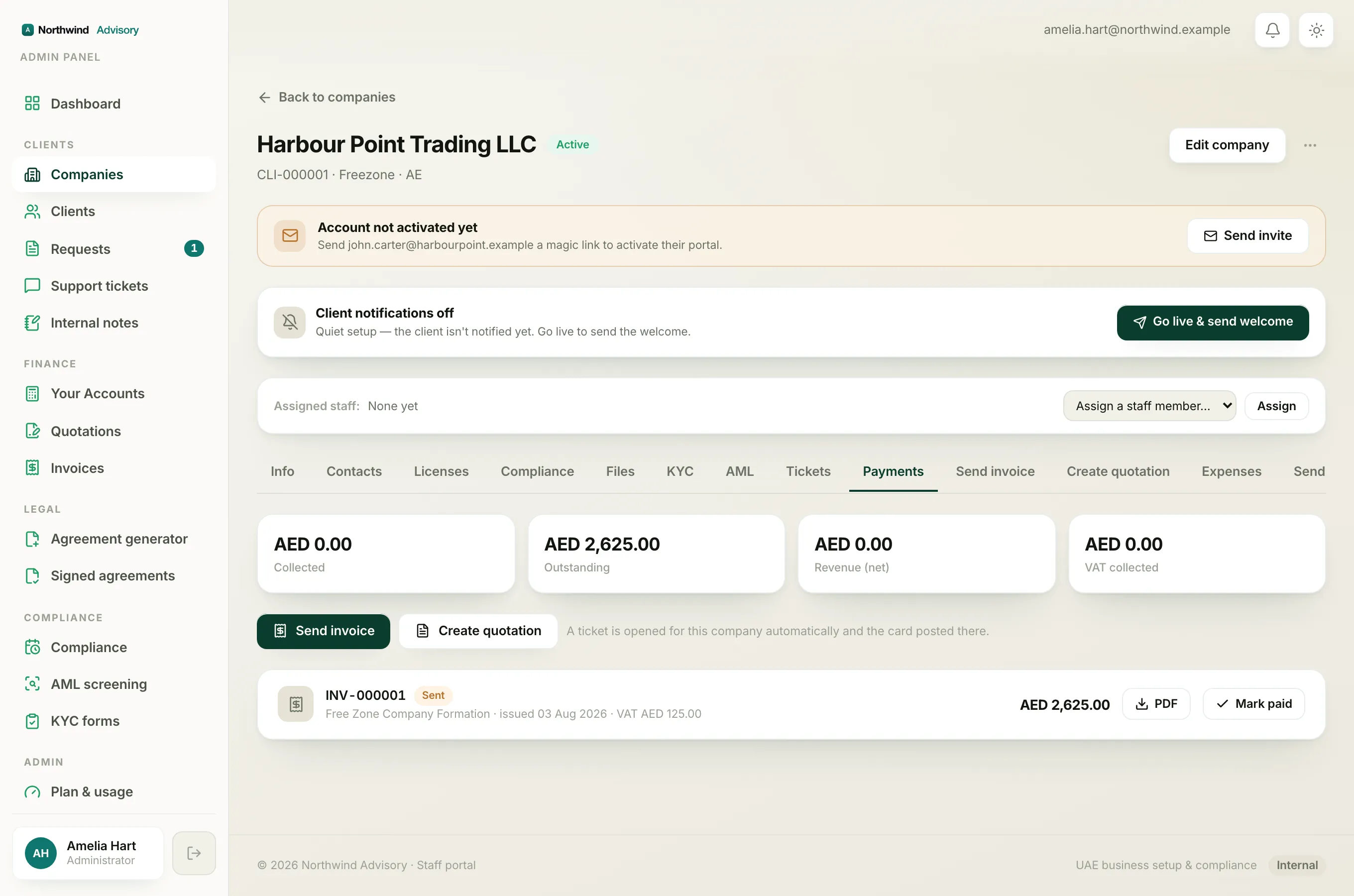
A bank transfer is not recorded automatically. Your firm has to receive the money in their account and mark the invoice paid by hand. Until they do that, the invoice will keep showing as due, and this can take longer than a card payment, especially over a weekend or a holiday. Once your firm records it, the chip turns green.
When to contact your firm
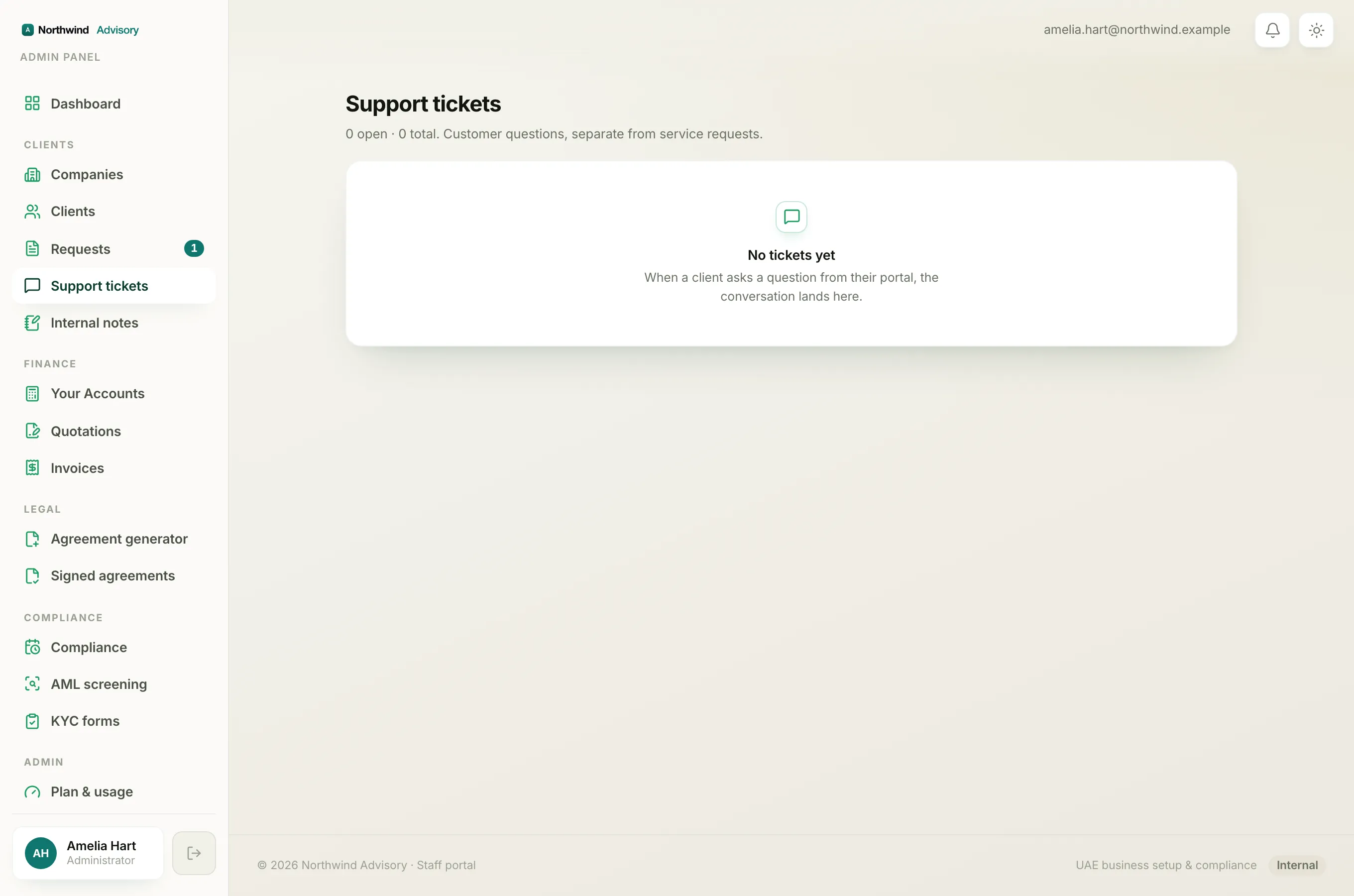
If a card payment still shows as due after you have refreshed the page and given it a little time, for example it is still due the next day, get in touch. Open a support ticket with the invoice number so your firm can check it for you.
Note
Card payments include a small transaction fee, shown to you at checkout, before you confirm. To pay with no fee, use the bank transfer details printed on your invoice PDF.
See also: Pay an invoice online and what each invoice status means in the portal.