The short answer
Every invoice is due 30 days after its issue date. Once that due date has passed and the invoice still has not been paid in full, IzzyTap treats it as overdue and its chip turns red. Nothing has gone wrong, it is simply telling you the payment window has closed and it is time to chase.
Where you see it
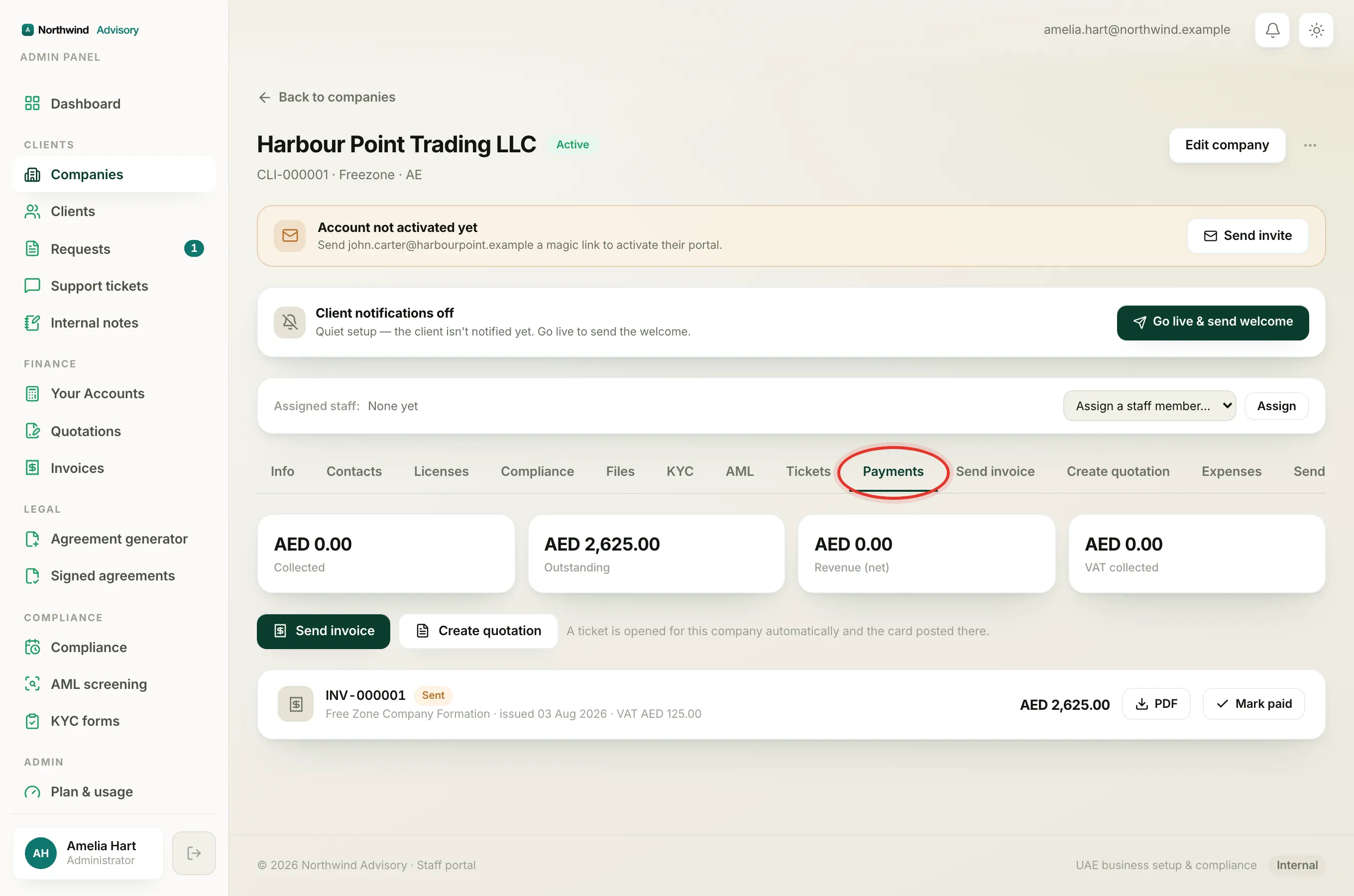
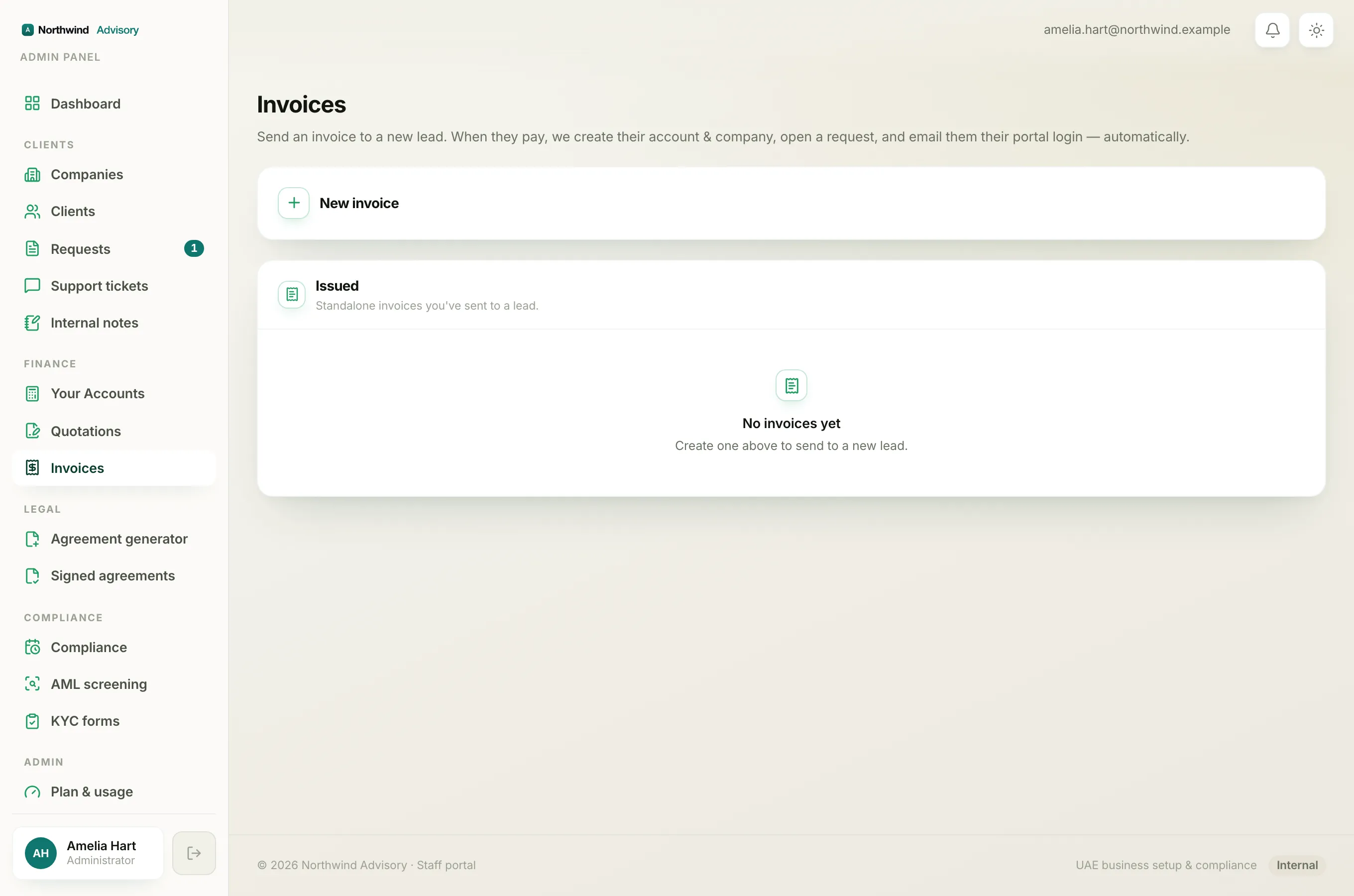
Invoice status chips appear on a company's Payments tab and on the main Invoices page.
- Log in to your workspace.
- In the left menu, under Clients, click Companies, then open the company and click the Payments tab. (Or, under Finance, click Invoices to see them across all clients.)
See Read a company's Payments tab for the rest of that screen.
What each status means
- Draft (grey): started but not sent. The client cannot see it yet and it is not counted as money owed.
- Sent (amber): issued to the client and waiting to be paid, still within its 30-day window.
- Overdue (red): sent, still unpaid, and its due date has passed. This is the one to chase.
- Partially paid (amber): some money has come in but not the full amount. The row shows the remaining balance. The invoice stays open until it is settled in full.
- Paid (green): paid in full. Nothing more to collect.
- Cancelled (grey): voided. It no longer counts towards what the client owes, and it is left out of your Collected and Outstanding totals.
How the due date is worked out
The due date is always the issue date plus 30 days, what accountants call net-30. This has one important side effect: if you back-date an invoice, its due date moves back with it. Back-date an invoice by more than 30 days and it will already be past due, so it shows as overdue straight away.
Tip
If an invoice looks overdue the moment you raise it, check its issue date. A back-dated issue date is almost always the reason.
What to do about an overdue invoice
- The client is going to pay: leave it. When the money arrives, click Mark paid on its row and record the payment. See How to record a payment.
- It was raised in error and never paid: void it. See Cancel an invoice. Only an unpaid invoice can be cancelled, once any money has been received against it, you would use a credit note or a refund instead.