Your Balance Sheet is a snapshot of your firm's position on one date. It shows three things: everything the business owns, everything it owes, and the owner's remaining stake. The two sides always match, which is where the report gets its name.
Open your Balance Sheet
- Log in to your workspace.
- In the left menu, under Finance, click Your Accounts.
- In the accounting menu, under Bookkeeping, click Balance sheet.
Note
If you see a message that your books are not set up yet, turn on your books first by clicking Set up your books.
How to read it
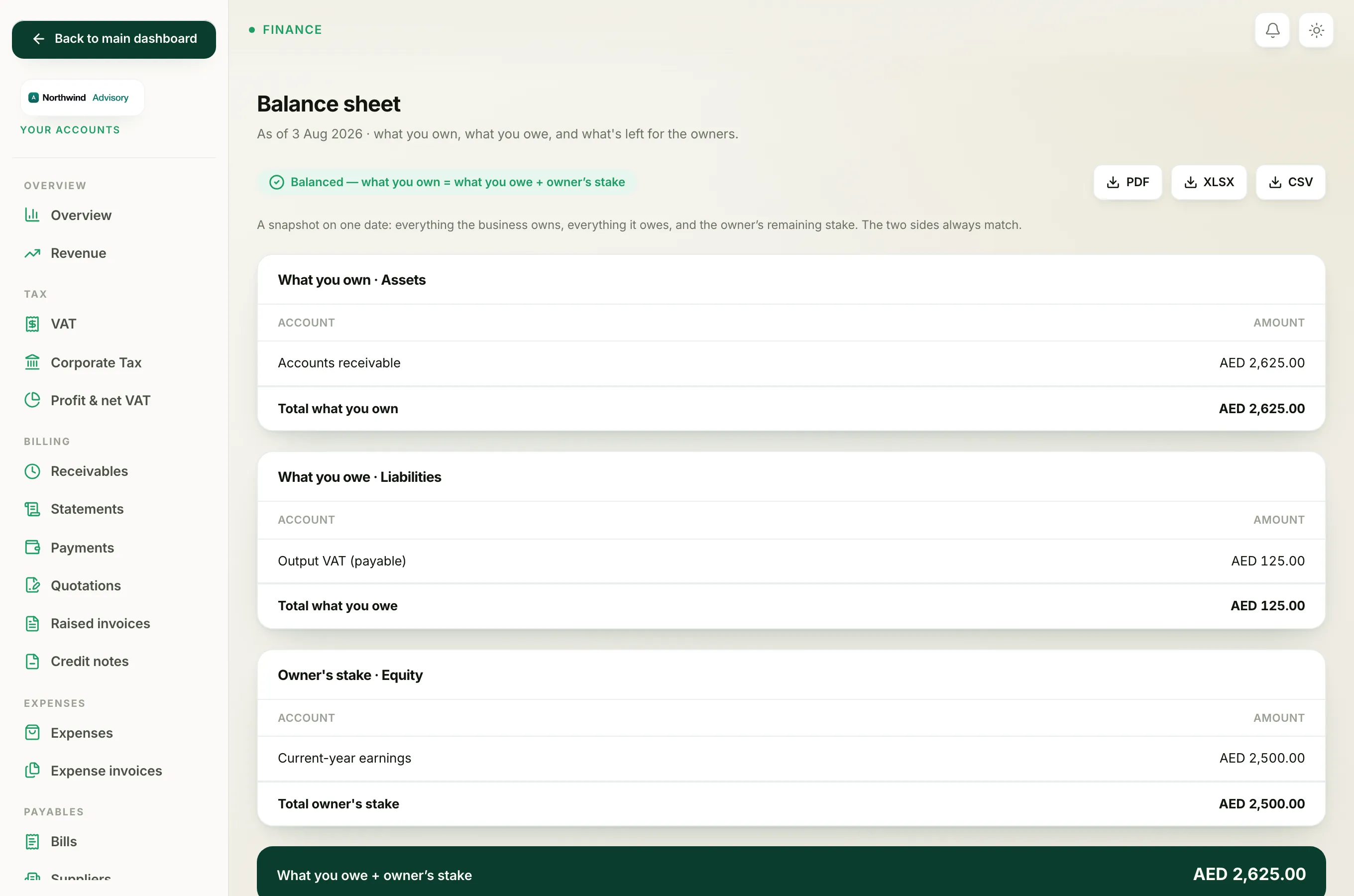
The heading shows the date the snapshot is taken, for example "As of 3 Aug 2026". The report has three sections, each with a total:
- What you own (Assets). Your bank balances, petty cash, and money clients still owe you.
- What you owe (Liabilities). Money you owe suppliers, and VAT you owe the FTA.
- Owner's stake (Equity). What is left for the owners once you take what you owe away from what you own.
At the bottom is a green bar labelled What you owe + owner's stake. This figure always equals your total assets. That is the rule every balance sheet follows.
The one thing to check
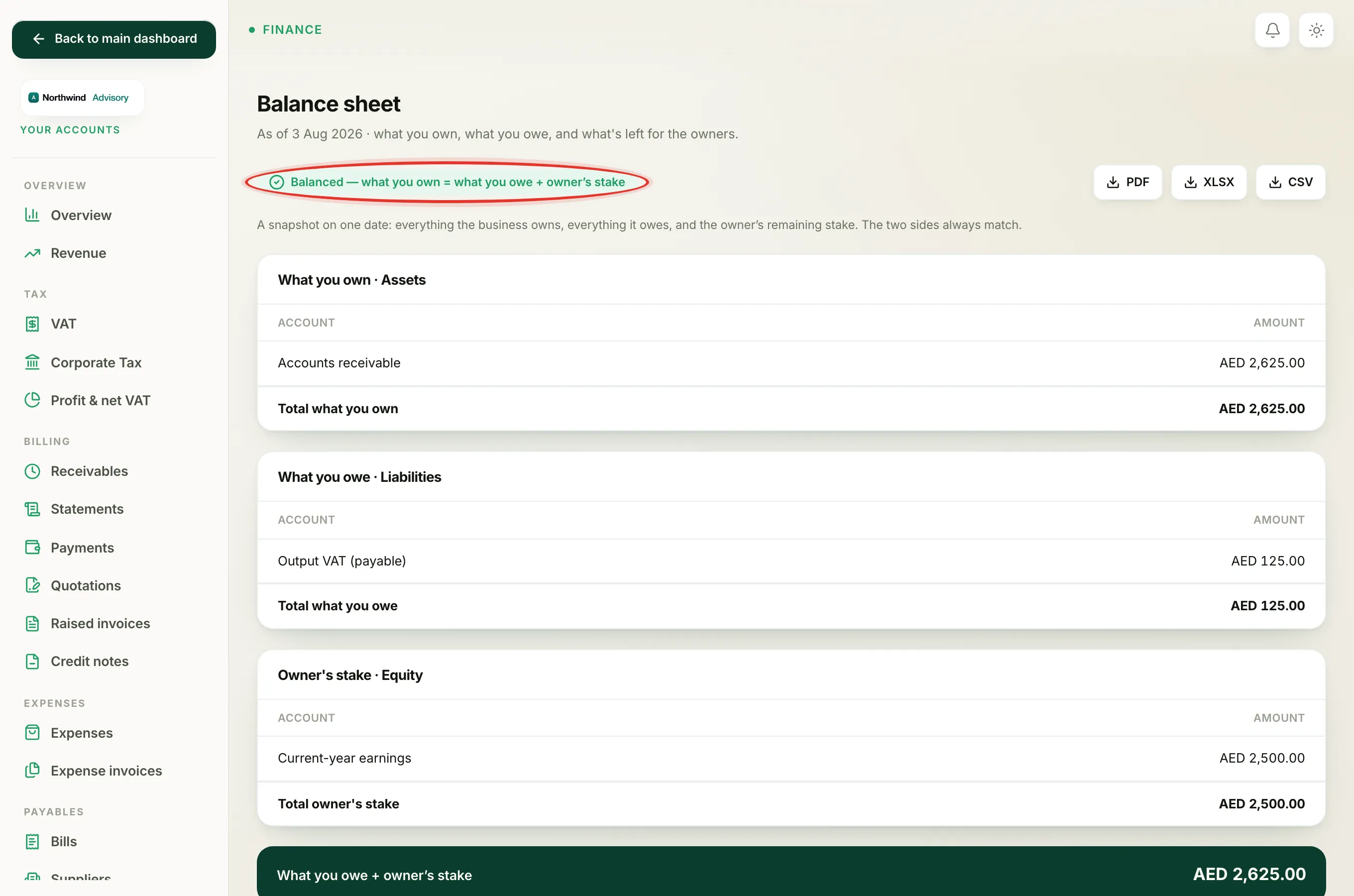
At the top of the page you will see one of two badges:
- A green Balanced, what you own = what you owe + owner's stake badge. This is what you want.
- A red Out of balance badge. This should not happen in normal use. If you ever see it, contact support.
Tip
A balance sheet is a single moment in time. A Profit and Loss is different. It covers a stretch of time and shows how you performed. Use the two together for the full picture.
Save or share a copy
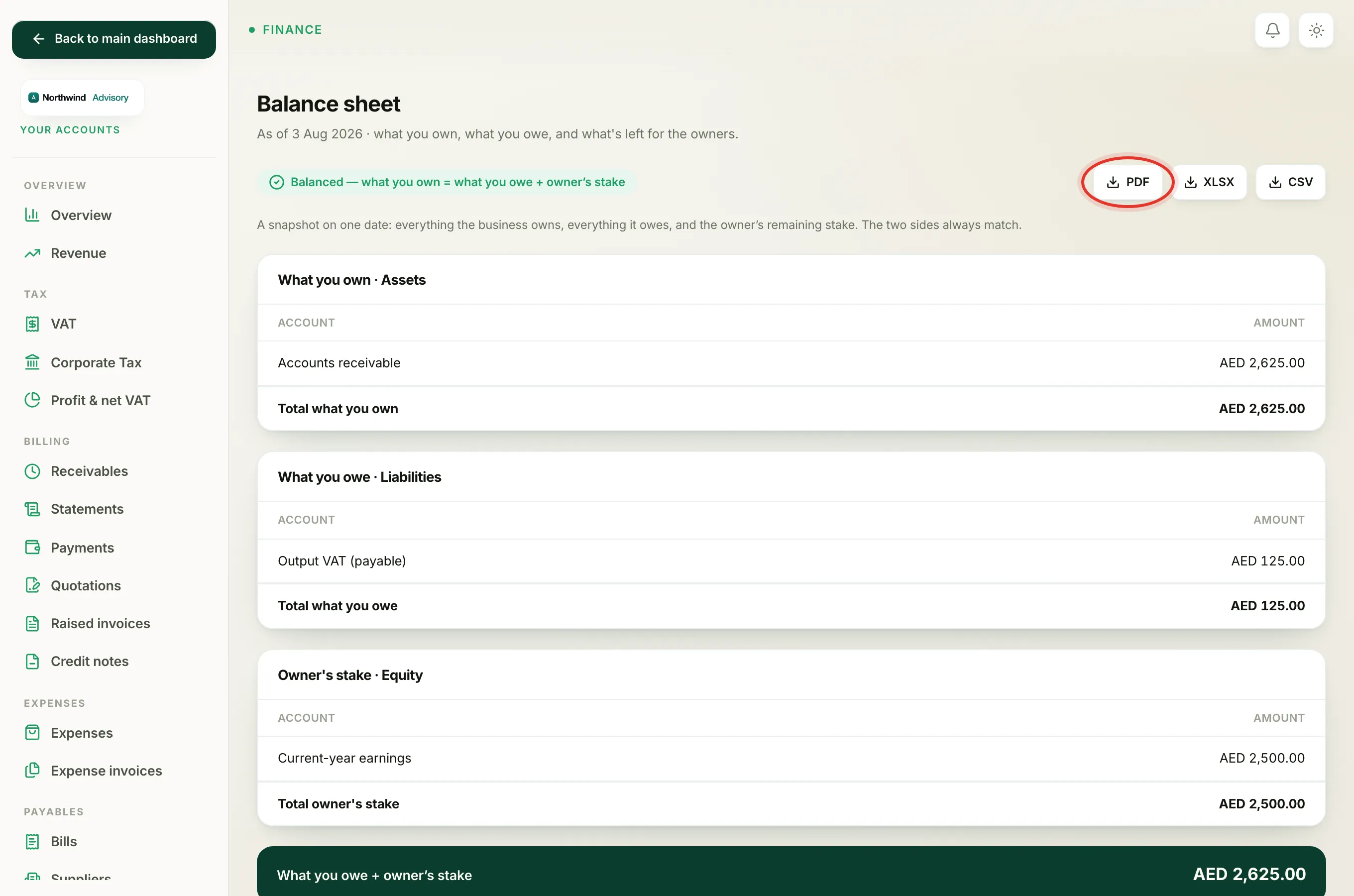
At the top right there are three download buttons: PDF, XLSX, and CSV.
- Click PDF for a copy to print or send.
- Click XLSX to open it in a spreadsheet.
- Click CSV for a plain data file to hand to your accountant.
Where the numbers come from
Every figure is built automatically from the asset, liability, and equity accounts in your Chart of accounts. Recording a payment or a supplier bill updates this report on its own.