IzzyTap works out your UAE Corporate Tax straight from your books. It takes your profit for the year, applies the 0% band on the first AED 375,000, charges 9% above that, and shows you the tax due. You can add your own tax adjustments, elect Small Business Relief if you qualify, and download the whole worksheet as a PDF.
Note
This page gives you a worksheet to work from. You still file the actual return yourself on the FTA EmaraTax portal.
Before you start: your books must be active
Corporate Tax is built from your double-entry books, so your books must be switched on first. If they are not, this page shows a Corporate Tax setup message instead of the worksheet. If you see that, follow Activate your books first, then come back.
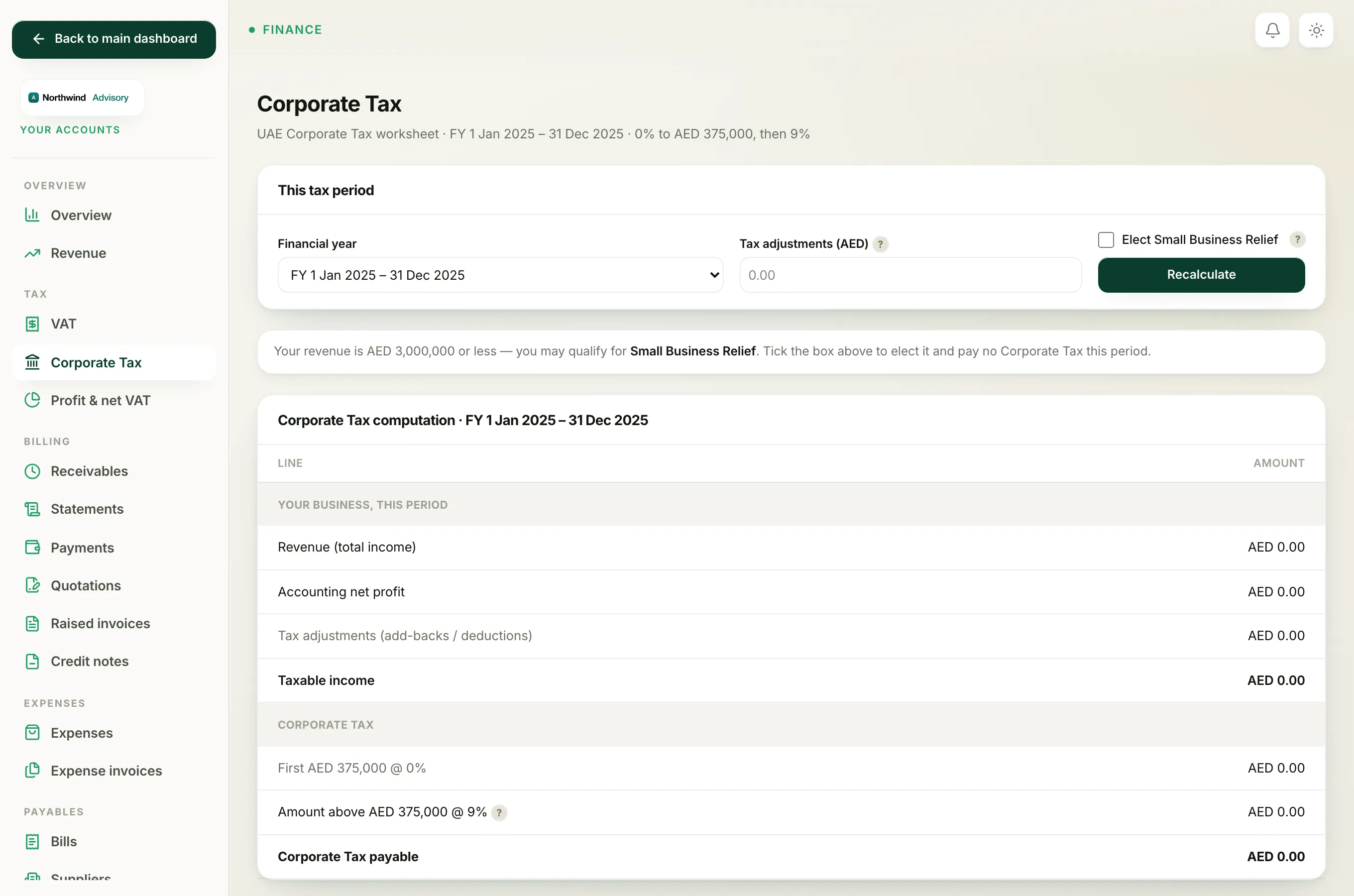
Open the Corporate Tax page
- Log in to your workspace.
- In the left menu, under Finance, click Your Accounts. This opens your accounting workspace, which has its own menu on the left.
- In that menu, under Tax, click Corporate Tax.
You now see the Corporate Tax page. The note under the heading reads UAE Corporate Tax worksheet · 0% to AED 375,000, then 9%.
Choose the tax period
Corporate Tax is worked out per financial year, and you file it after the year ends.
- Find the panel titled This tax period.
- Click the Financial year dropdown and choose the year you want.
IzzyTap defaults to your most recent completed year, since that is the one you usually file. Pick a different year here if you need to.
Add any tax adjustments
Your accounting profit is not always the same as your taxable profit. Some costs are added back, and some items are deducted. This is the Tax adjustments (AED) box.
- In the This tax period panel, click the Tax adjustments (AED) box.
- Type a positive number for add-backs, such as fines or the disallowed half of entertainment costs.
- Type a negative number for deductions.
- Leave it blank if you have none.
Important
You are responsible for the adjustments figure. IzzyTap does not guess it for you. If you are not sure what to add back or deduct, ask your tax agent before you file.
Elect Small Business Relief (if you qualify)
Small Business Relief lets a small firm be treated as having no taxable income, so no Corporate Tax is due.
- In the same panel, tick Elect Small Business Relief if it applies to you.
You qualify if your revenue is AED 3,000,000 or less and the tax period ends on or before 31 December 2026. IzzyTap checks this for you and shows a banner:
- A green banner confirms the relief was applied and no tax is due.
- An amber banner tells you the relief does not apply and why, for example if your revenue is too high or the period ends too late.
- A plain banner suggests the relief when you look eligible but have not ticked the box.
Recalculate and read the worksheet
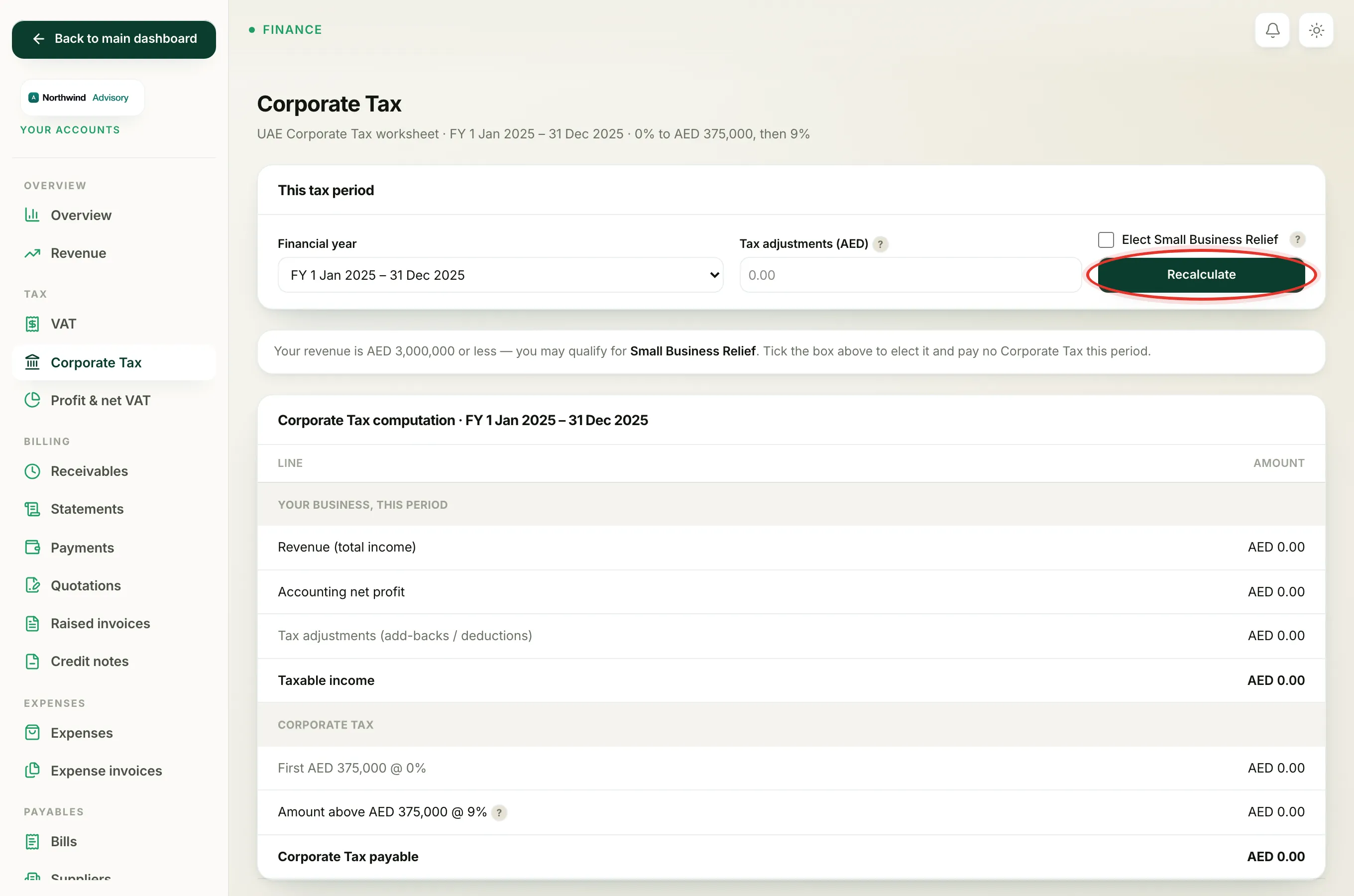
- After setting the year, adjustments, and relief, click Recalculate.
The panel titled Corporate Tax computation updates. It shows, line by line:
- Revenue (total income): your total income for the year.
- Accounting net profit (or loss), straight from your books.
- Tax adjustments (add-backs / deductions): the figure you entered.
- Taxable income: profit after adjustments.
- First AED 375,000 @ 0%: the part taxed at nothing.
- Amount above AED 375,000 @ 9%: the part that is taxed.
- Corporate Tax payable: the final tax due.
Note
The figures come from your books. If your profit looks wrong, check your Profit and loss and Balance sheet first, since Corporate Tax is built from the same numbers.
Download the worksheet
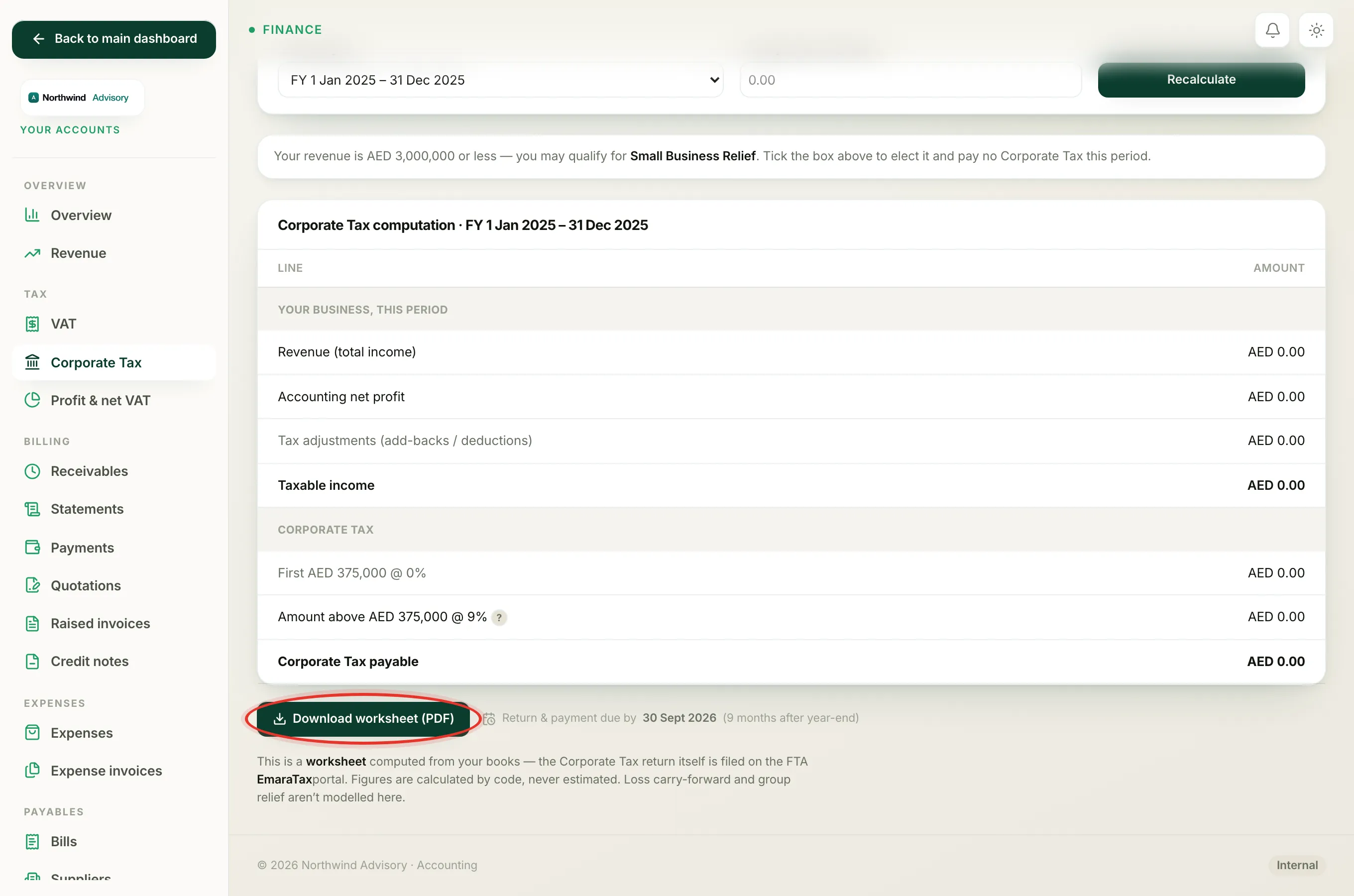
- Under the computation panel, click Download worksheet (PDF).
The PDF saves to your computer. Use it as your working paper when you file, and keep a copy with your records.
Note the filing deadline
Next to the download button, IzzyTap shows your due date with the note Return & payment due by [date] (9 months after year-end). Your return and payment are both due by that date.
Important
The Corporate Tax return itself is filed on the FTA EmaraTax portal, not inside IzzyTap. This worksheet gives you the figures to enter there. Loss carry-forward and group relief are not worked out on this page, so handle those separately if they apply to you.