If you bill for the same things over and over, you can save them once and reuse them. Each saved product or service keeps its name, description and price, and appears as a pick on every invoice and quotation. This guide walks you through it from login.
Add a product or service
- Log in to your workspace.
- In the left menu, under Finance, click Products & services.
- In Add a product or service, fill in:
- Name, for example Company formation.
- Description if you want more detail. This is optional.
- Price in your firm's currency.
- Click Add.
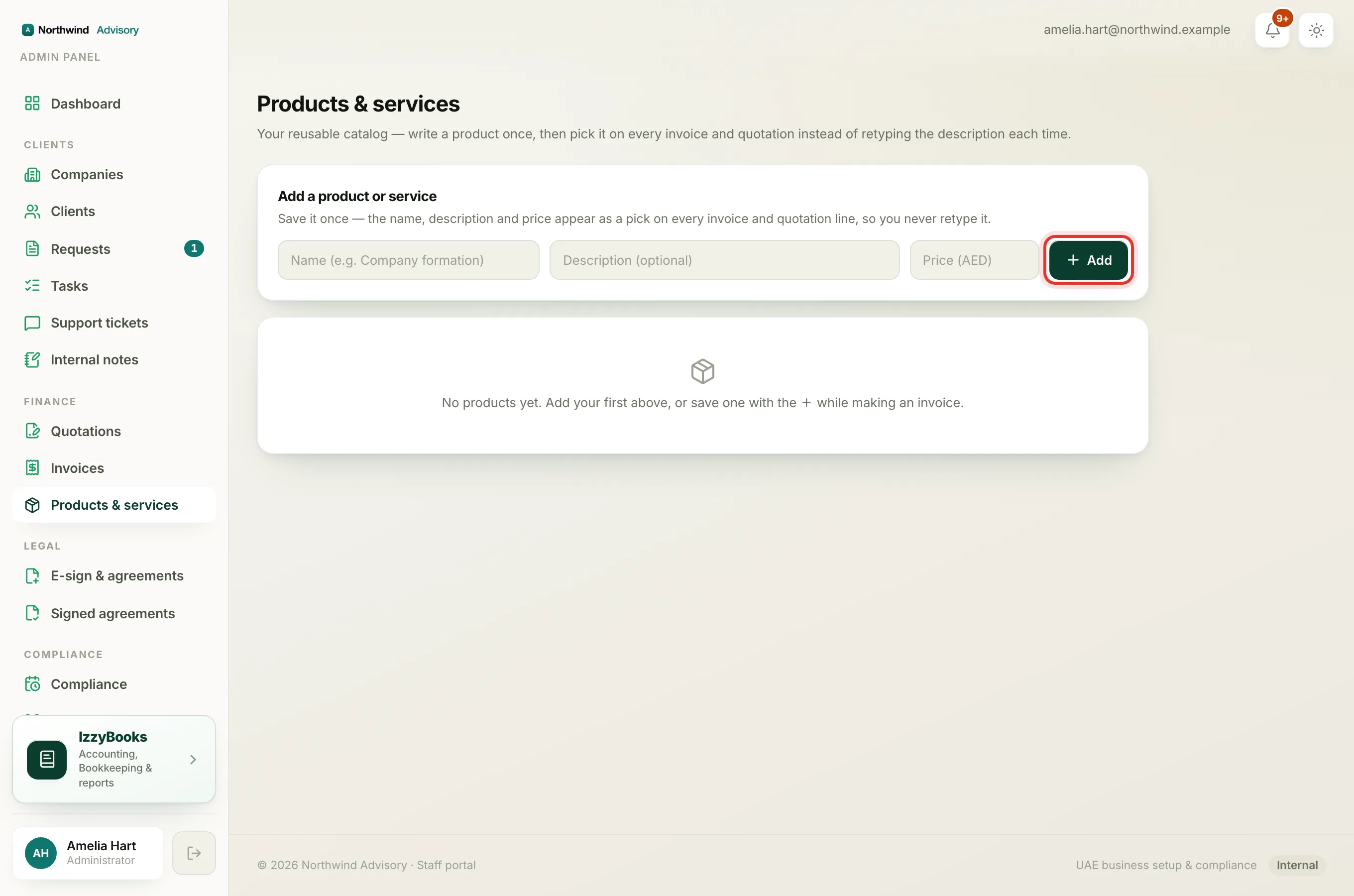
Your saved products appear in the list below, and are ready to use straight away. To remove one, use the delete button on its row.
Use a saved product on an invoice
When you build an invoice or quotation, the Product or service name field on each line is connected to your saved list.
- Start a new invoice or quotation.
- On a line, click the Product or service name field.
- Pick a saved product. Its description and price fill in for you.
- Change the quantity or price for this one bill if you need to. Your saved product stays as it was.
Save a line while you work
You do not have to visit the Products page first. While you are making an invoice, you can save a line you just typed so it is there next time.
- Type the line's name, description and price on the invoice.
- Click the small + next to the line.
- It is saved to your list and ready to reuse.
Tip
Saving your common lines makes every invoice faster and keeps your wording and prices consistent across clients.
Where your catalog appears
Your saved products are shared across your whole firm and show up everywhere you bill: a standalone invoice, a quotation, and an invoice raised inside a client's ticket. Set it up once and everyone on your team gets the same list.