Where to find your invoices
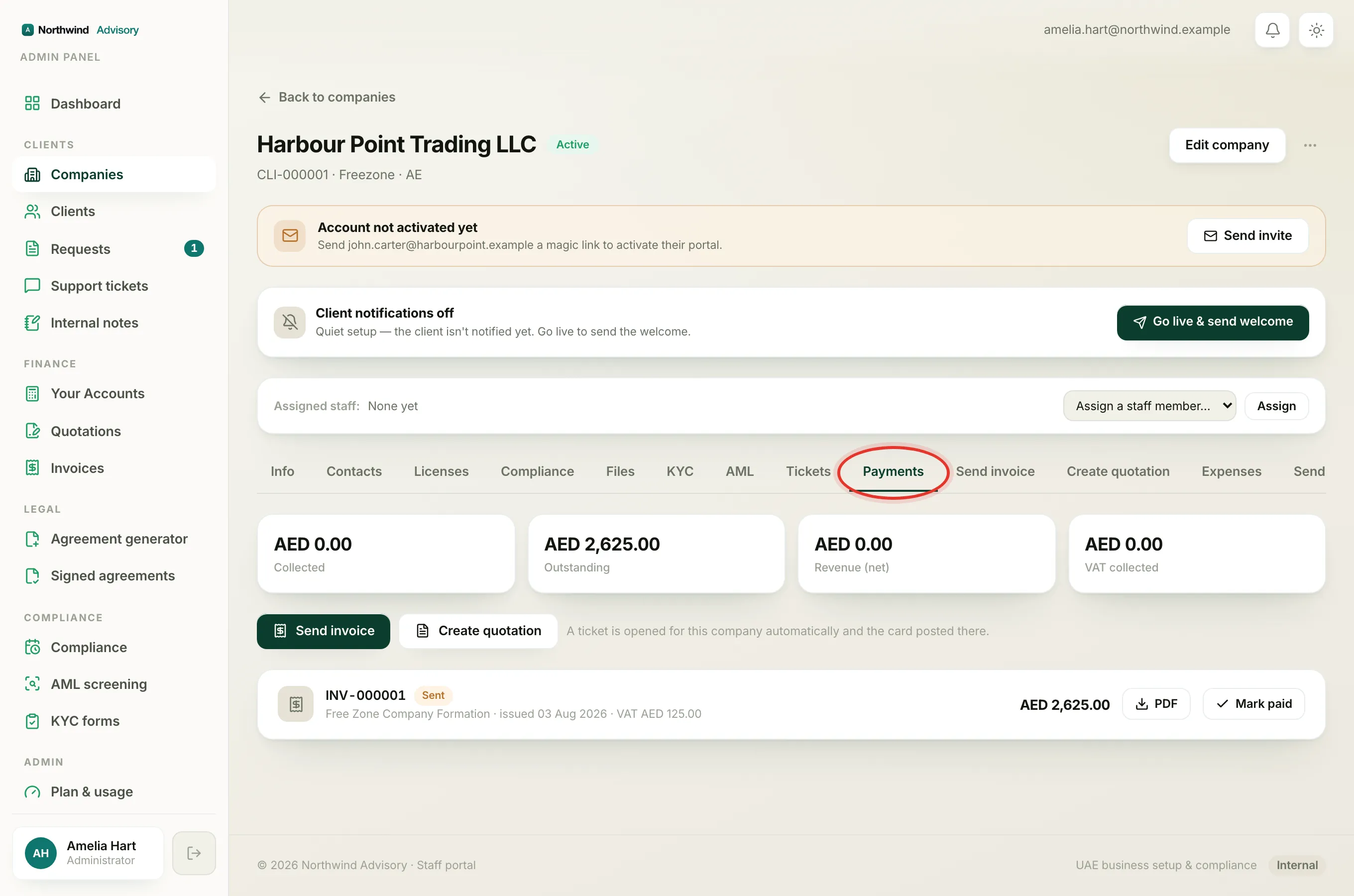
- Log in to your portal.
- In the left menu, click Invoices.
Every invoice your provider has issued to you is listed here, newest first. Each row shows the invoice number, a coloured status badge, the amount, and the dates it was issued, is due, or was paid. Click a row to open the invoice PDF.
What each badge means
The small coloured badge next to the invoice number tells you where the invoice stands.
- Sent (amber): the invoice has been issued to you and is waiting to be paid. The amount on the right is what you owe.
- Overdue (red): the due date has passed and the invoice is still unpaid. It is the same amount as when it was sent, just past its date. For how the due date works, see Why an invoice shows as overdue.
- Partially paid (amber): part of the amount has been received and some is still owed. The remaining balance shows as a smaller amber line, for example AED 500.00 due, under the total.
- Paid (green): the invoice is fully settled. The row shows the date it was paid.
Reading the amount and the balance due
The bold figure on the right of each row is the full invoice amount. When an invoice is only part paid, a smaller amber … due line appears beneath it showing exactly how much is still outstanding. A fully unpaid invoice has no separate "due" line because the whole amount is owed. A Paid invoice has no amount owing.
When the Pay button appears
A blue Pay button shows on a row only when all of these are true:
- Your provider has card payments switched on.
- The invoice is Sent or Overdue.
- No payment has been recorded against it yet.
Once any payment is in, even a part payment, the button goes and any remaining balance is settled with your provider directly. Paid invoices never show a button. To pay an outstanding invoice, see Pay an invoice online by card.
Note
An invoice your provider has cancelled does not appear in your list at all. If an invoice you expected is missing, it may have been cancelled, or a corrected one may have been issued in its place. Contact your provider if you are unsure.