Three separate jobs
AML in IzzyTap is deliberately split so the person who runs a check is not always the person who signs it off. An auditor should be able to see who did what. There are three separate permissions:
- Run a screening: start a check and adjudicate its alerts.
- Record the company decision: on a company's AML tab, mark a hit as Cleared, false positive or Escalate.
- Approve or decline (sign off): the final compliance-officer decision on a referred screening.
Because these are separate, a teammate can legitimately hold one and not the others, and the buttons they do not have simply do not appear.
Who can do what
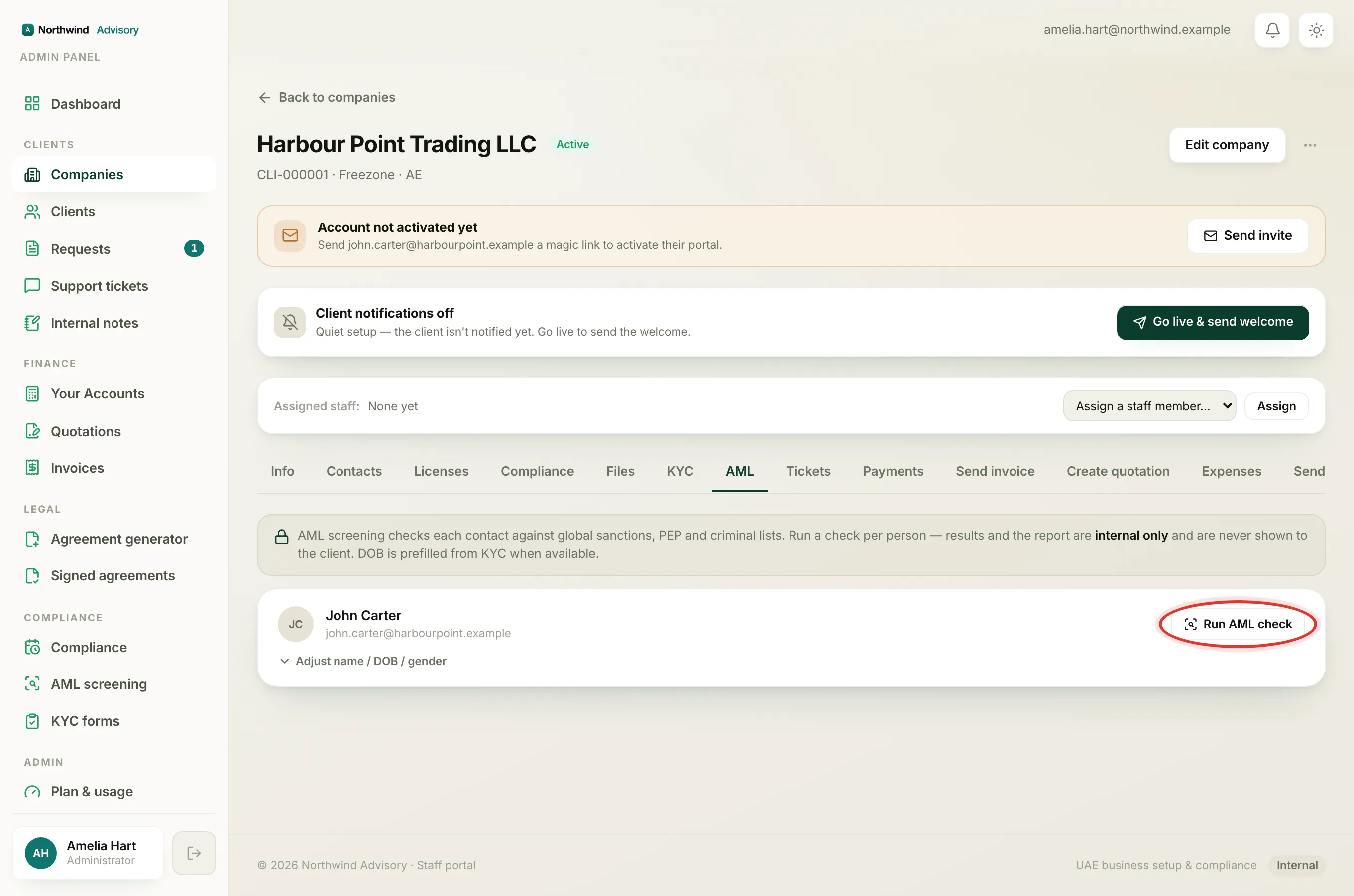
Run screenings and adjudicate alerts (the Run AML check, Re-check and New screening buttons):
- Administrator
- Operations manager
- Case manager
- Document officer
Record the Cleared or Escalate decision on a company's AML tab:
- Administrator
- Operations manager
- Case manager
Approve or decline a referred screening (sign off):
- AML compliance officer
- Administrator
A Support agent or Billing officer has none of these, so they do not see the AML area at all.
Note
The AML compliance officer role can do one thing and nothing else: approve or decline screenings referred to them. This is often an outside or part-time officer, so the role deliberately cannot see your clients, invoices or revenue.
What each person sees
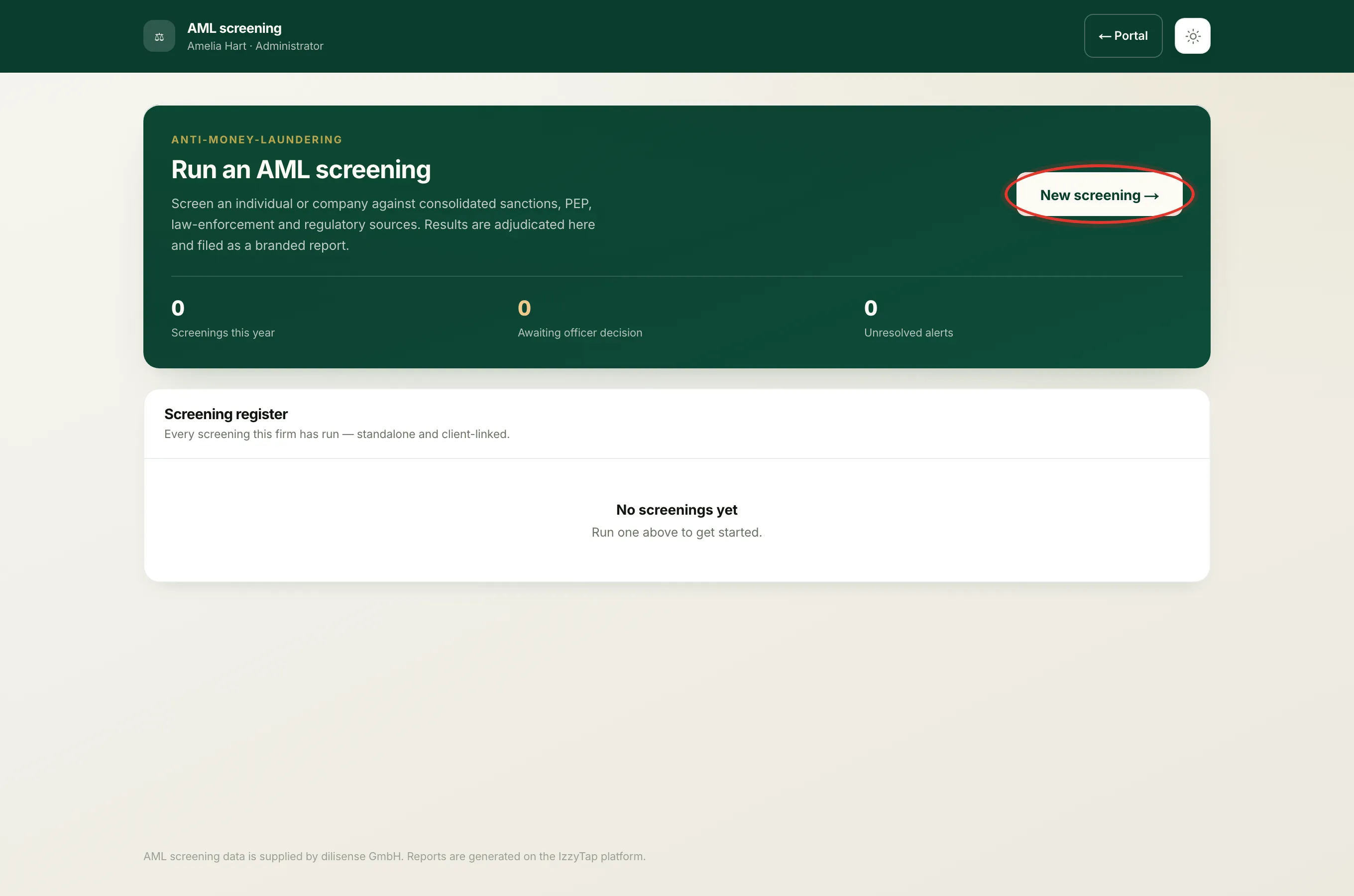
- If you can run screenings, opening AML screening shows the full Screening register and the New screening button.
- If you are a compliance officer, the same menu shows only Awaiting your decision, the list of screenings referred to you. You will not see the firm's whole screening history, and that is by design.
- If you try to open a screening you have no AML permission for, the page shows as not found rather than revealing anything.
Why a compliance officer cannot start a check
A compliance officer signs screenings off, they do not run them. So they can open and read a referred screening to see what they are approving, but every disposition and run control is locked for them. If your officer needs to start checks as well, an administrator can give them a role that includes running AML.
How to get access
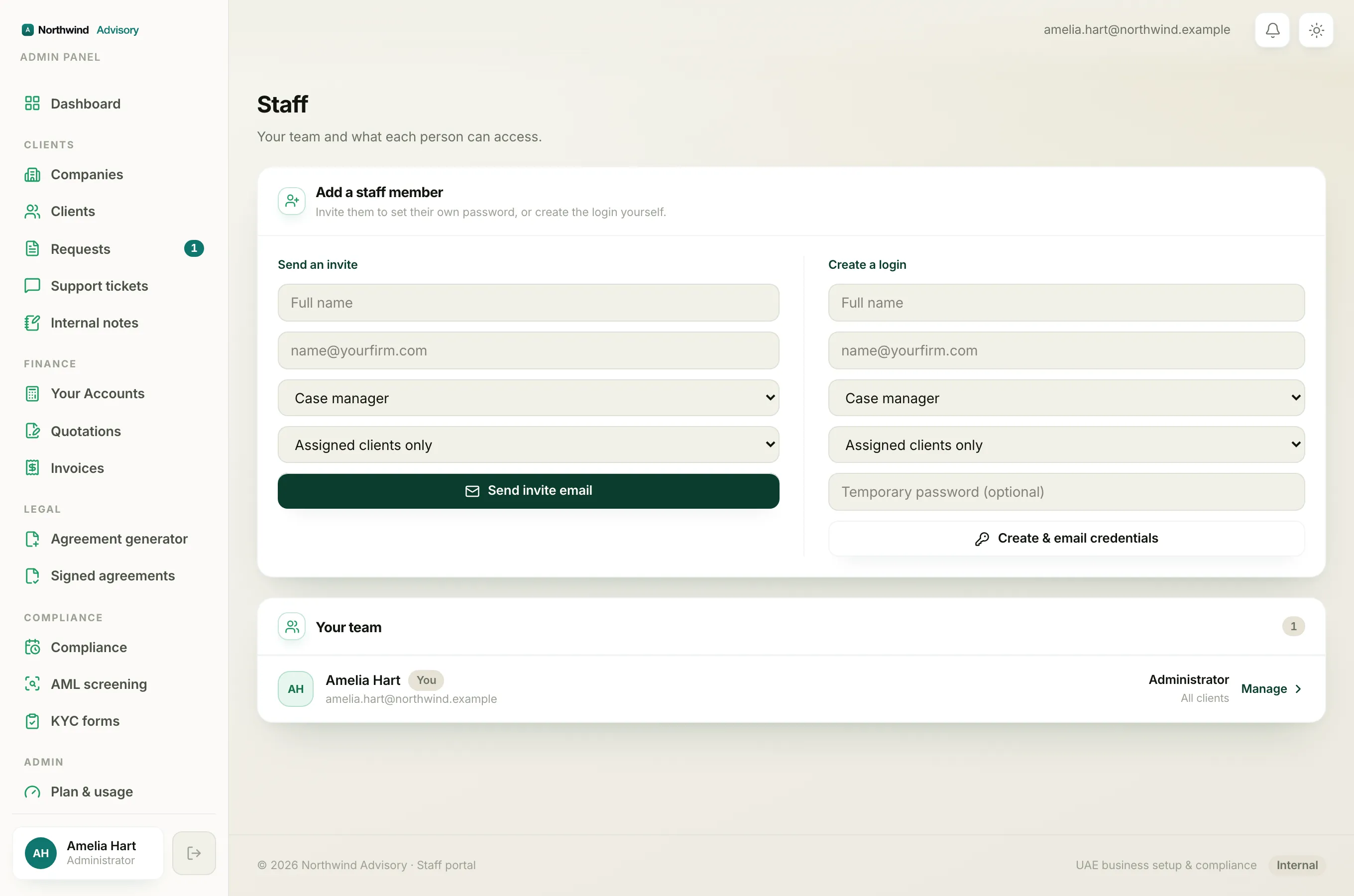
Roles are set per teammate by an administrator. If you need to run, decide or sign off and cannot, ask an administrator to review your role. See Staff roles, Add a team member and Set up a compliance officer.