Why the system clears some alerts for you
A name search on a busy database can return dozens or even hundreds of alerts, most of them different people who happen to share the name. No one should have to write a reason for every single one by hand. So IzzyTap does a careful first pass and closes only the alerts that a hard fact genuinely rules out. Everything it closes is marked with an Auto tag and records the exact fact that cleared it, so nothing is hidden and you can always check its work.
Where to see them
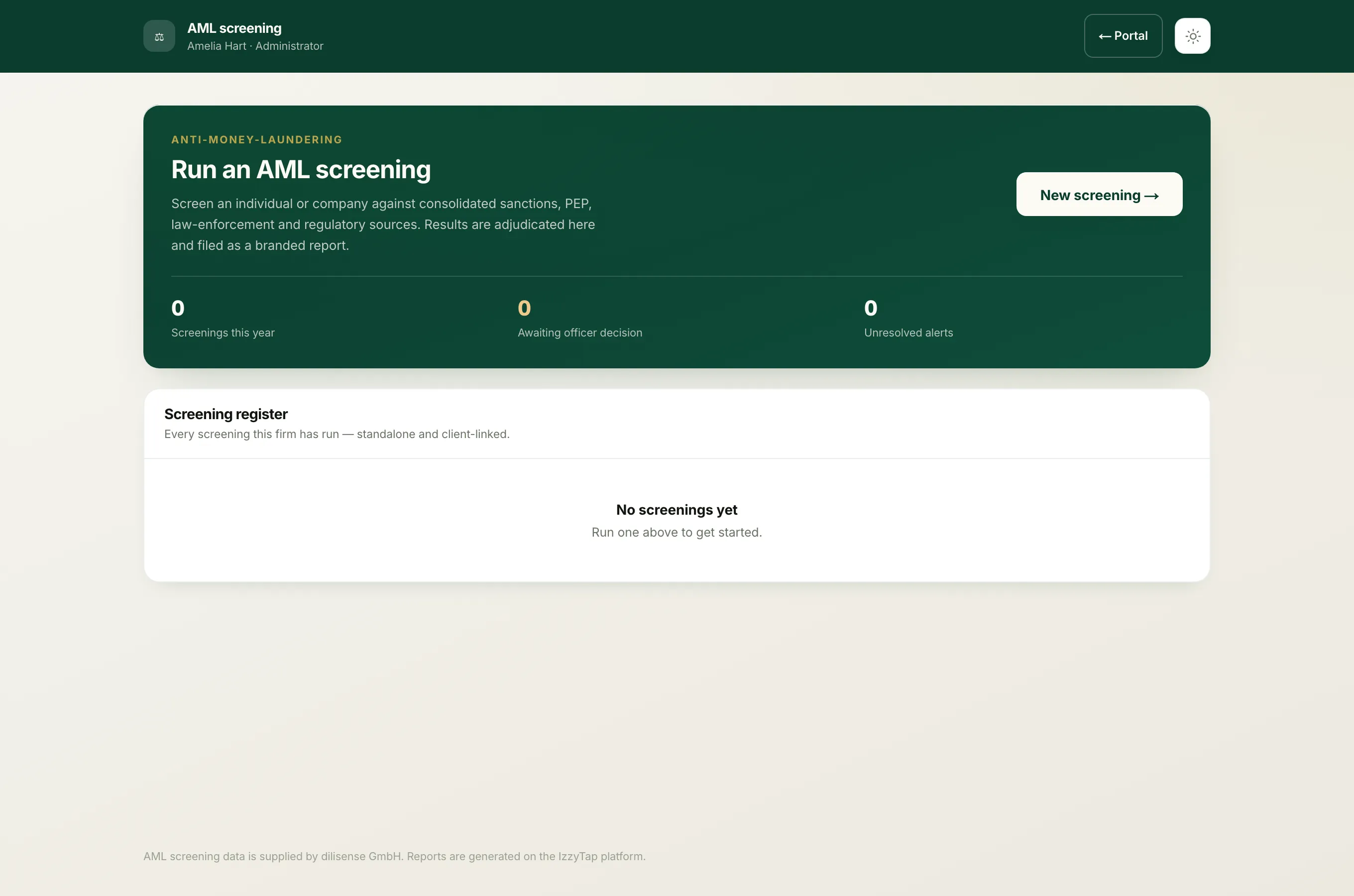
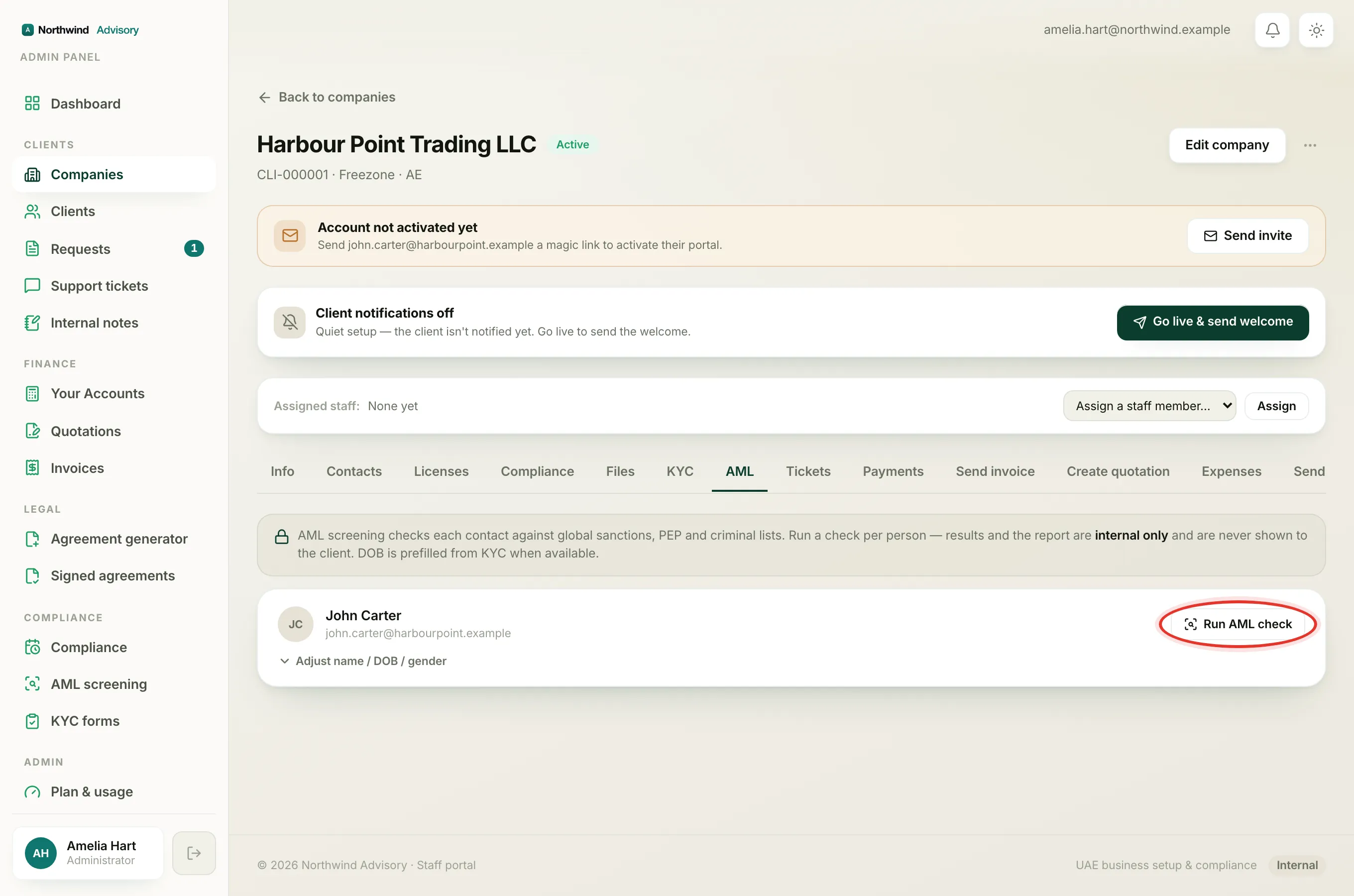
- Log in to your workspace.
- In the left menu, under Compliance, click AML screening.
- Open a screening by clicking the person's name.
The alerts that still need you are shown first, fully open. Below them is a panel that reads, for example, "12 auto-disposed. Each records the identifier that cleared it." Click Review all on that panel to expand every alert the system closed and read the reason on each one. Click Hide to collapse them again.
What it clears, and what it does not
The rules run strongest first.
- Date of birth is decisive. If the record's year of birth conflicts with your client's, it is a different person, and the alert is closed as a False positive. This is the main reason the list shrinks.
- Nationality is a hint, not proof. If the record's citizenship does not include your client's nationality, the alert is marked Probable false positive, because nationality lists are often incomplete and people hold more than one. It is closed, but on a softer basis.
- Name and date of birth both match. When the record actively agrees with your client on both, it is left open as a Probable match with an Auto tag, so you look at it and confirm it with documents.
- Nothing to tell them apart. If the name matches but the record carries no date of birth and no nationality, it is left open as Unresolved, because it can be neither confirmed nor ruled out on the data.
Important
Sanctions alerts are never fully cleared by the computer. Even when a sanctions record's date of birth conflicts, IzzyTap marks it only as a Probable false positive and still keeps it in your working list for a human to confirm. Wrongly clearing a real sanctions match is a serious breach, so the system always errs on the side of putting it in front of you.
Why the same story appears once
Watchlists and news databases often hold the same person many times over, for example the same court case reported by a dozen news outlets. IzzyTap groups records that describe one underlying person, by matching the source type, the name and the year of birth, and shows them as a single alert. That is why your count of alerts can be smaller than the raw number of records the database returned. Two genuinely different people with the same name are never merged.
Changing an auto decision
An Auto decision is only a starting point. Open the auto-disposed panel with Review all, open the alert, and click Change disposition to record your own decision and reason. See The five alert dispositions for what each choice means, and Why one name can return hundreds of alerts for how to cut the list down at the source.