Most costs are general overheads for your firm. But some are spent serving one particular client, for example a government fee or a courier for their file. When you tag a cost to that client, IzzyTap can show you the true profit you make on them.
Tag a supplier bill to a client
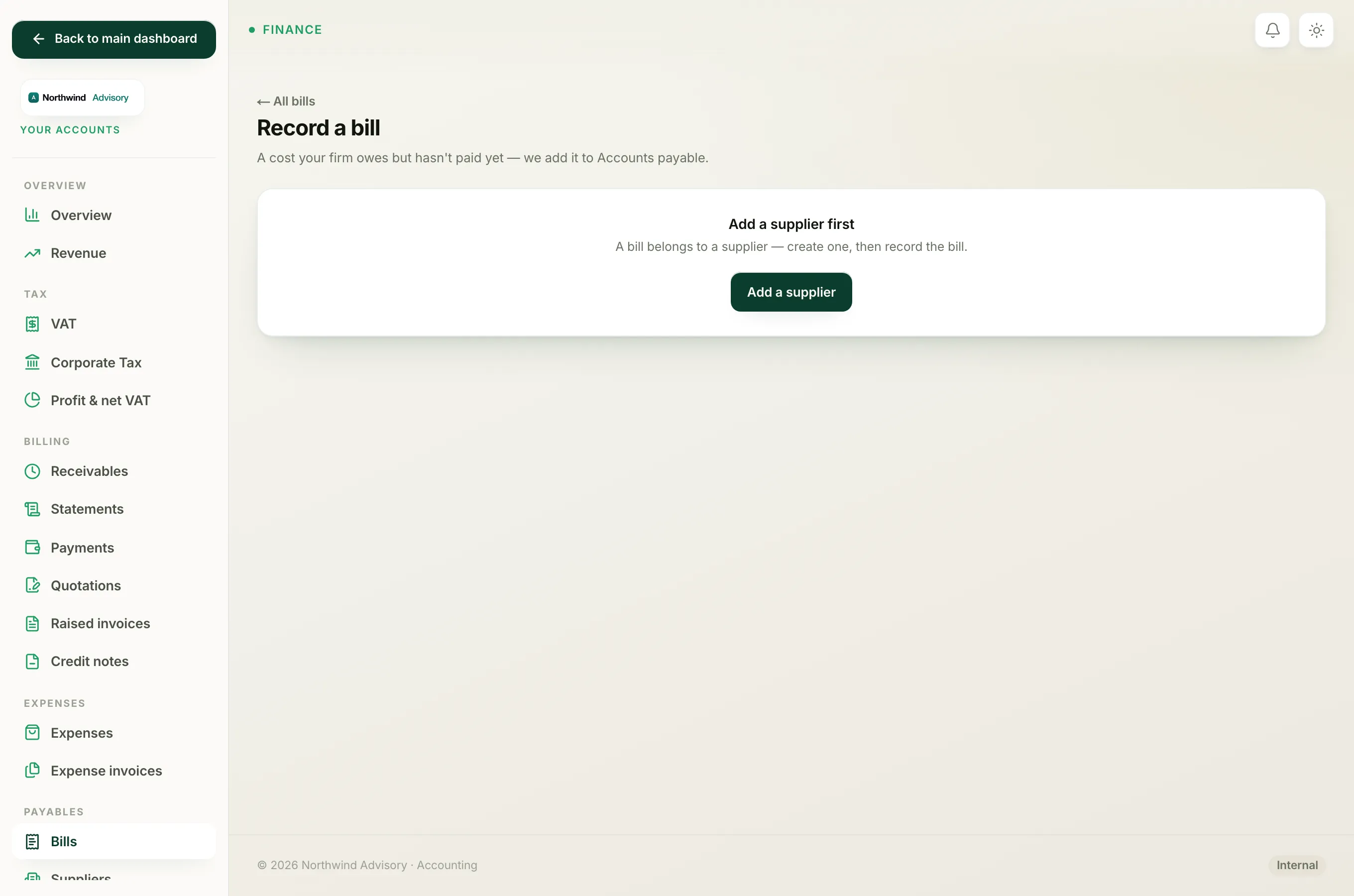
- Log in to your workspace.
- In the left menu, under Finance, click Your Accounts.
- In the Accounts sidebar, under Payables, click Bills, then click Record a bill.
- Fill in the supplier and amounts as normal.
- In the For which client? dropdown, choose the company this cost was for. Leave it on General / overhead (not client-specific) if it was not for one client.
- Click Record bill.
On the bill's page, the For client line in Bill details shows which company it is linked to, or "General / overhead" if none.
Tag an expense to a client
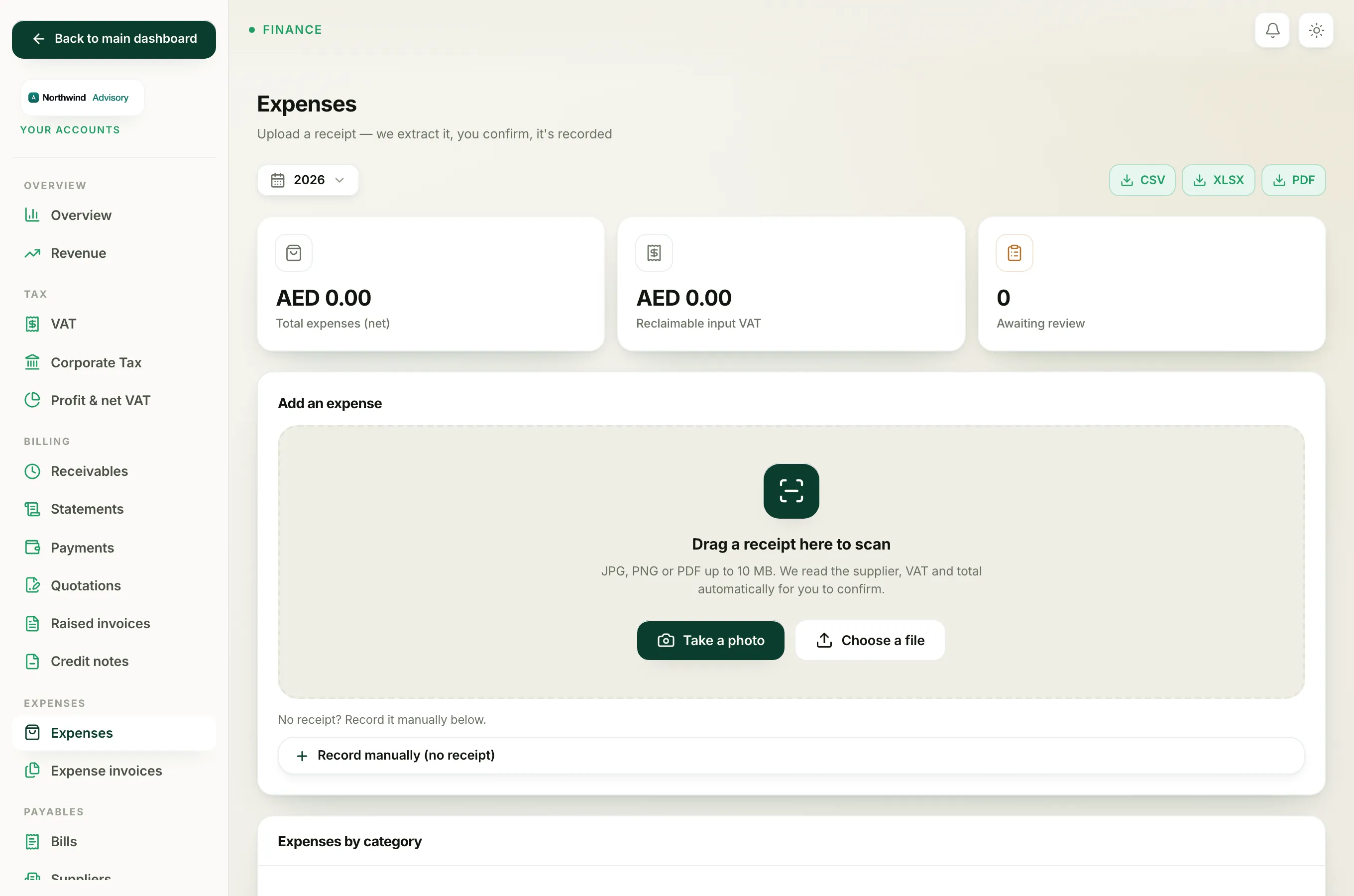
- In the Accounts sidebar, under Expenses, click Expenses.
- Under Add an expense, open Record manually (no receipt), or open a receipt you are reviewing.
- In the Client, which company is this expense for? dropdown, pick the company. Leave it on General / not client-specific (overhead) otherwise.
- Finish and click Record expense.
Why tag a cost to a client
- True per-client profit. A tagged cost is subtracted from what you have billed and collected from that client, so you can see whether the relationship actually makes money after fees paid out on their behalf.
- It stays private. A cost tagged to a client is internal to your firm only. The client never sees your bills or expenses, and never sees the profit or margin figures. It is for your eyes, not theirs.
Note
You can only tag a cost to a company that already exists in your workspace. If the client is not yet on file, add the company first, then record the bill or expense against them.
To see the effect, open the company and view its per-client profit, or look at the wider picture in the revenue report.