Why you can't resend
Once a contact fills in their KYC form, signs it, and submits, the form is finished. IzzyTap will not let you send another form over the top of a completed one. This keeps the signed record safe and stops a finished declaration being overwritten by accident.
So the rule is simple: you can send or resend to anyone whose form is Not sent or Sent, but not to anyone marked Submitted. To understand the three states, see what the KYC statuses mean.
What you see on the company KYC tab
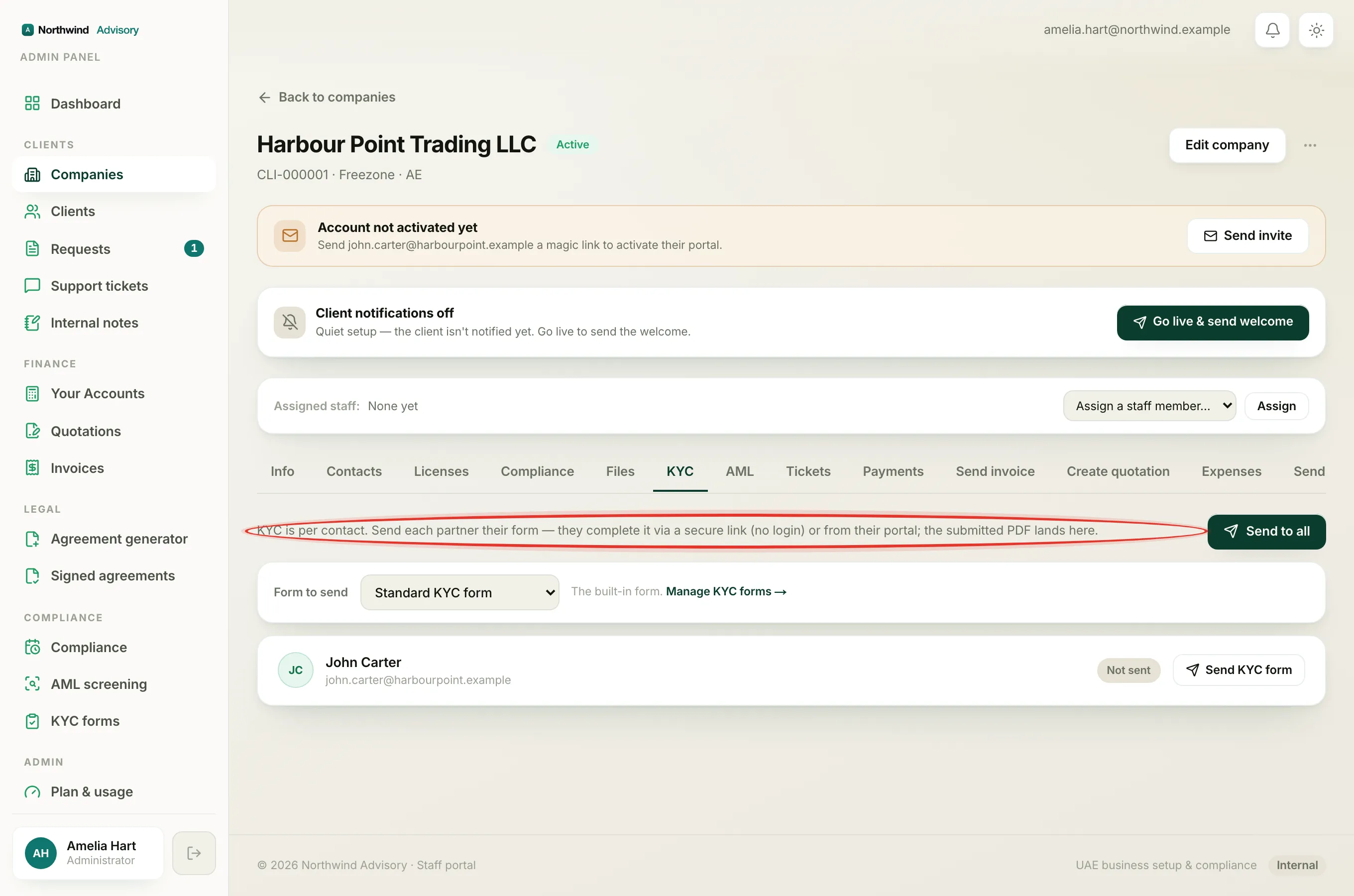
- Log in to your workspace.
- In the left menu, under Clients, click Companies.
- Click the company, then click the KYC tab.
For a contact who has finished, their row shows a green Submitted chip and the date they submitted. There is no Send or Resend button on that row. In its place is a PDF button, so the only action offered is to download their signed form.
What you see on the KYC forms send flow
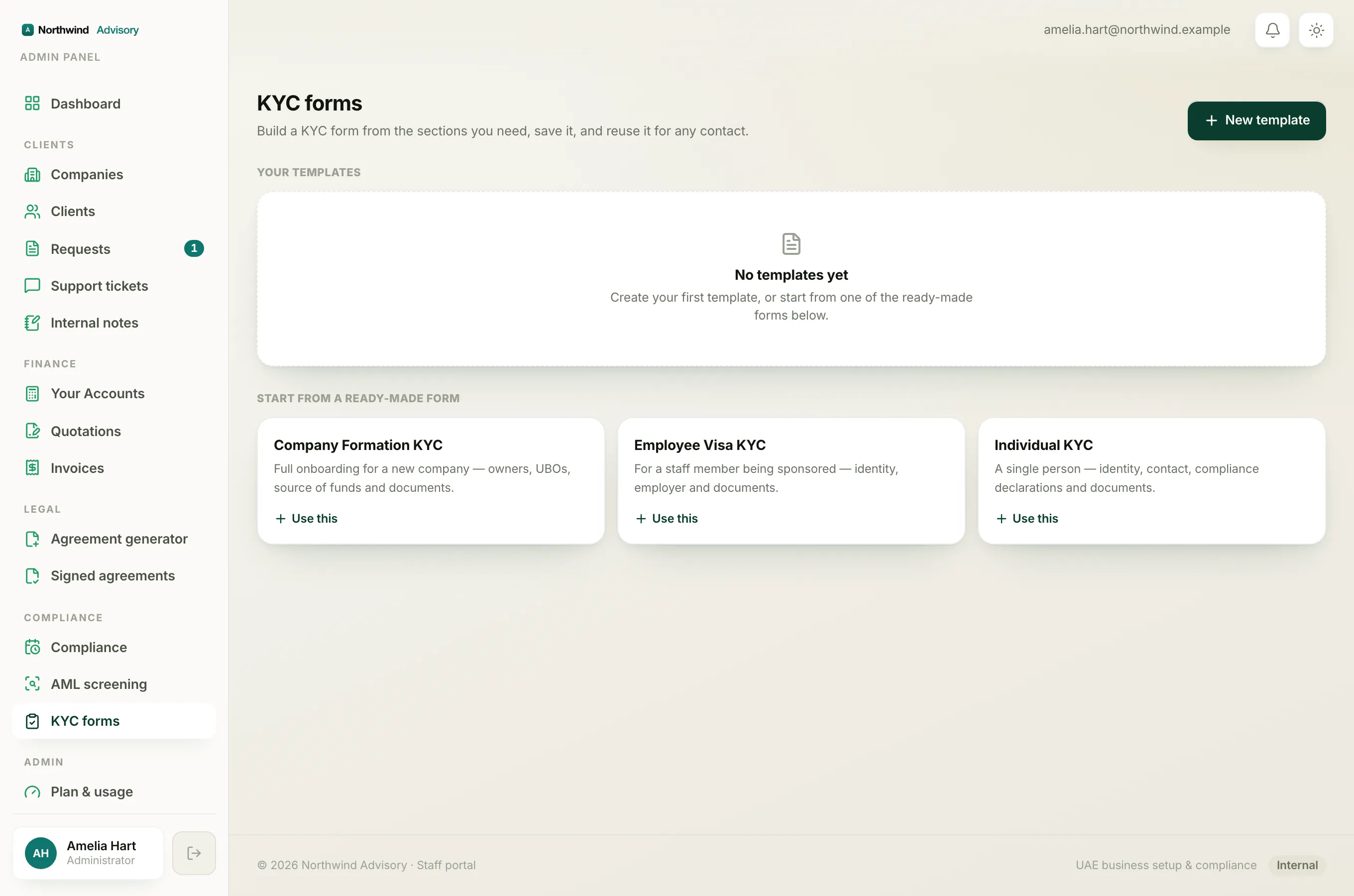
If you send a saved form from the KYC forms page and reach the Choose the contact step, a contact who has already finished shows a green KYC submitted pill. If you select them, the send button changes to read Already submitted and is greyed out, so it cannot be clicked.
What to do instead
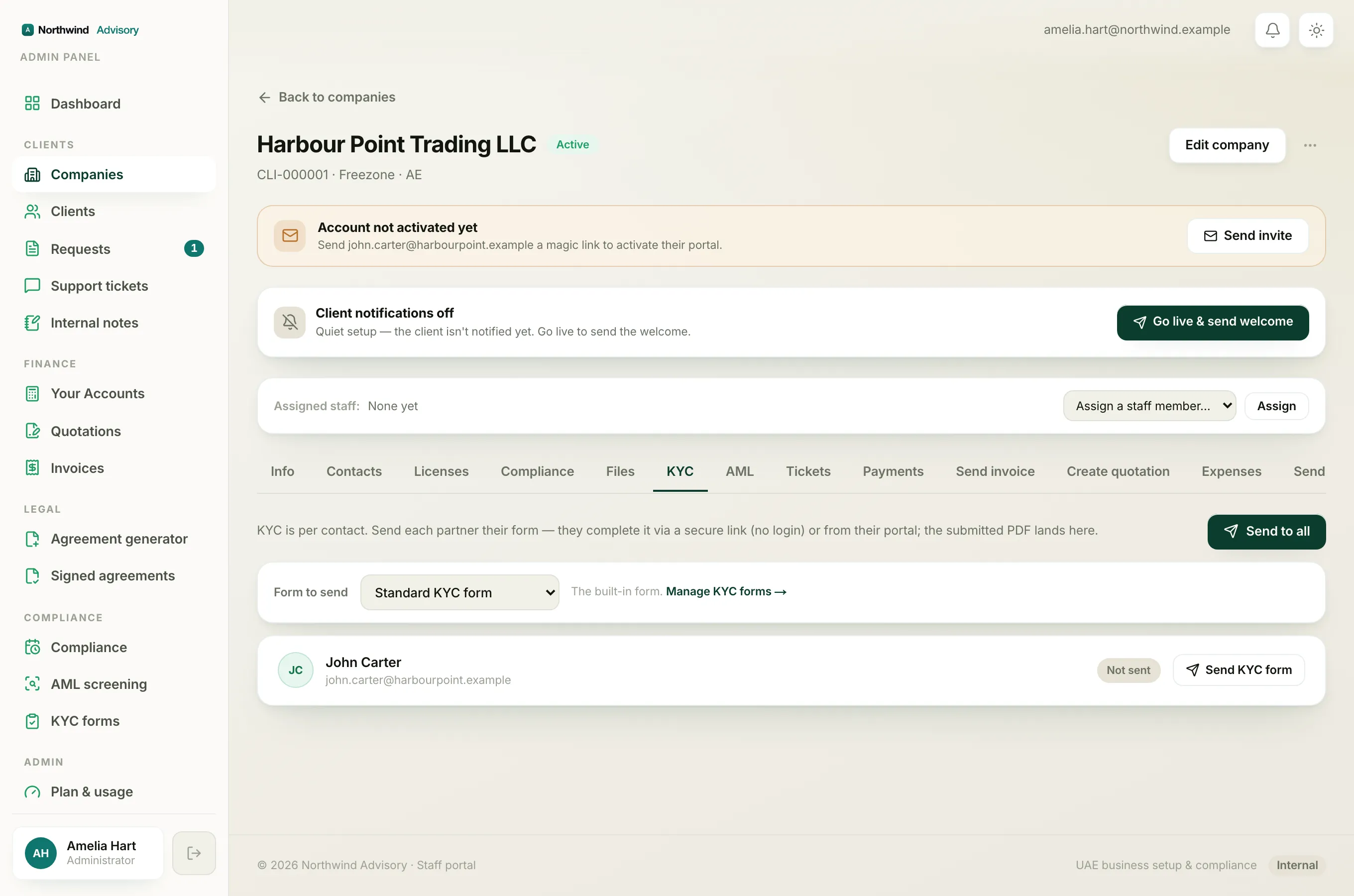
A submitted form is your record. Rather than resending, view it:
- Click View submitted data under the contact's row to read every answer they gave.
- Click the PDF button to open and save the signed form.
For the full walkthrough, see how to review a completed KYC form.
Note
If a person's details have genuinely changed and you need a new declaration, the completed form stays as the record of what they told you at the time. Collect any new information through a fresh request or document rather than overwriting the signed KYC.
Resending is for unfinished forms only
Resending is meant for contacts who were sent a form but have not finished it. Their row reads Resend, which issues a fresh link. See resend a KYC form and refresh the link.