What the emirate setting is for
Your firm has one home emirate: the emirate on your own trade licence. In UAE VAT, the sales you make from that establishment are reported under that emirate. This is called the place of supply. On your VAT return it is box 1, where standard-rated sales are broken down emirate by emirate.
Because you are a services firm, the place of supply is your own emirate, not your client's. So you set it once here, and every standard-rated sale you make is reported under it.
Set your emirate
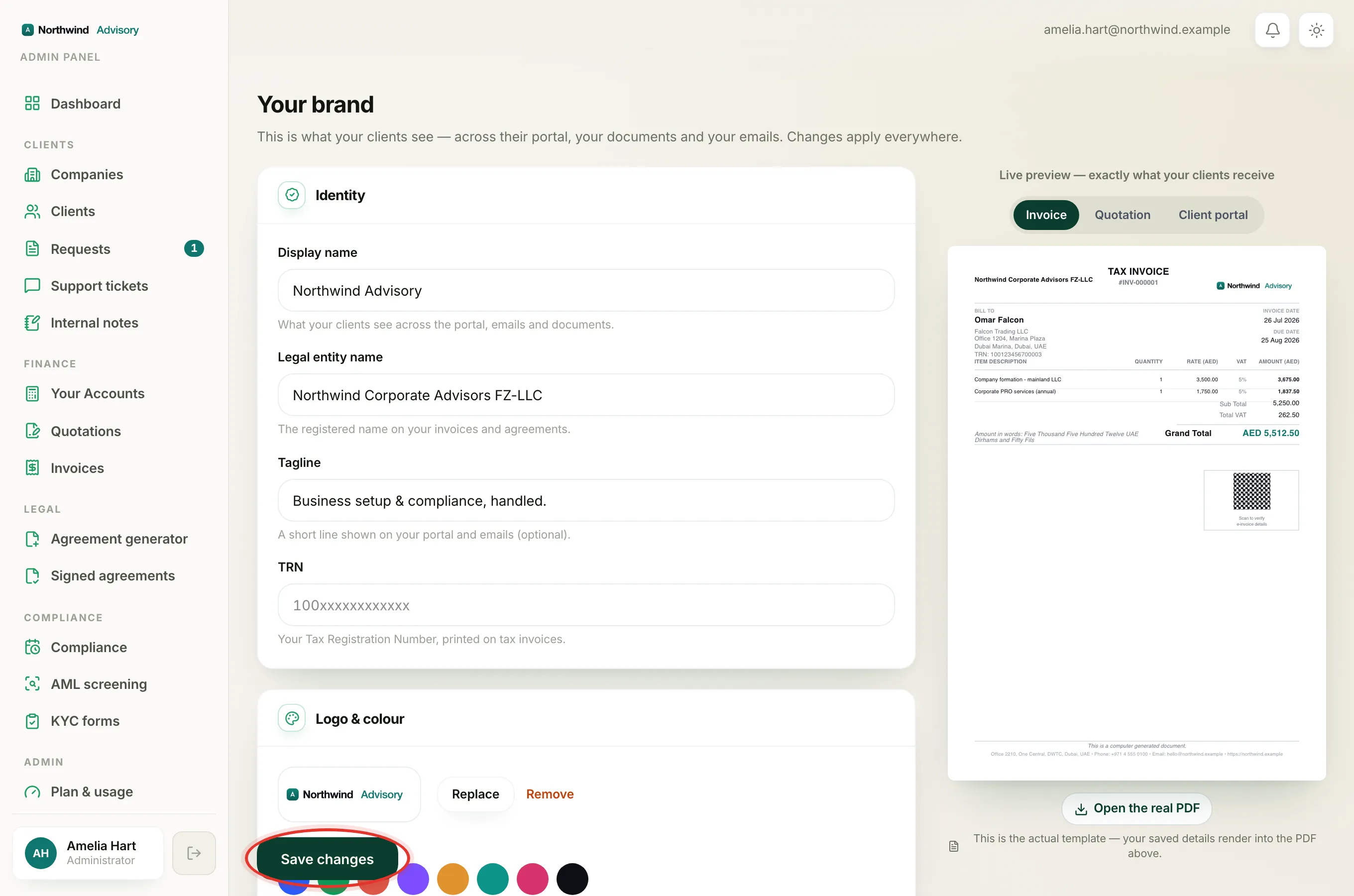
- Log in to your workspace.
- In the left menu, under Admin, click Brand.
- Scroll down to the Contact section.
- Open the Emirate dropdown and choose your trade-licence emirate. The list holds the seven emirates: Abu Dhabi, Dubai, Sharjah, Ajman, Umm Al Quwain, Ras Al Khaimah and Fujairah.
- Click Save changes at the bottom of the page. A green Saved tick confirms it.
Why it matters for your VAT return
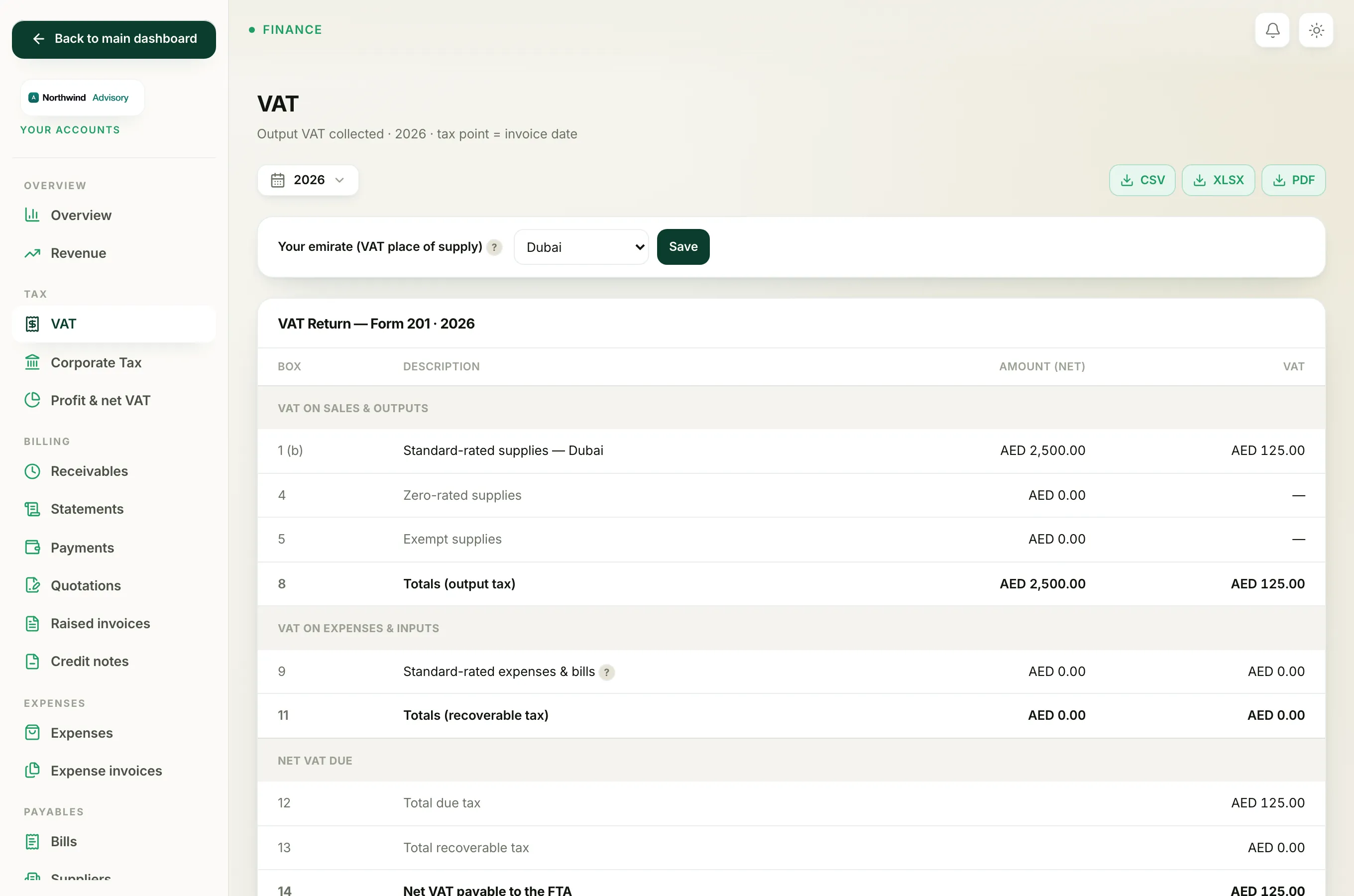
When you prepare your VAT return, the system uses this emirate to place your standard-rated sales in the right box 1 line. If you leave the emirate blank, your sales have no emirate to sit under, and that line of the return cannot be filled in correctly.
Important
Set your emirate before you prepare your first VAT return. If you move your trade licence to a different emirate, come back and change it here so future returns report under the new one.
The same Brand page is also where you complete the rest of your firm details. See Fix 'set up your letterhead before issuing a quotation' for the name and address that print on your documents.