When you pay a supplier, record the payment against the bill in IzzyTap. This moves the money out of your bank account or petty cash and reduces what you owe. You can pay a bill in full or in part.
Before you can pay a bill, it needs to exist. If you have not entered it yet, follow how to record a supplier bill first.
Open the bill
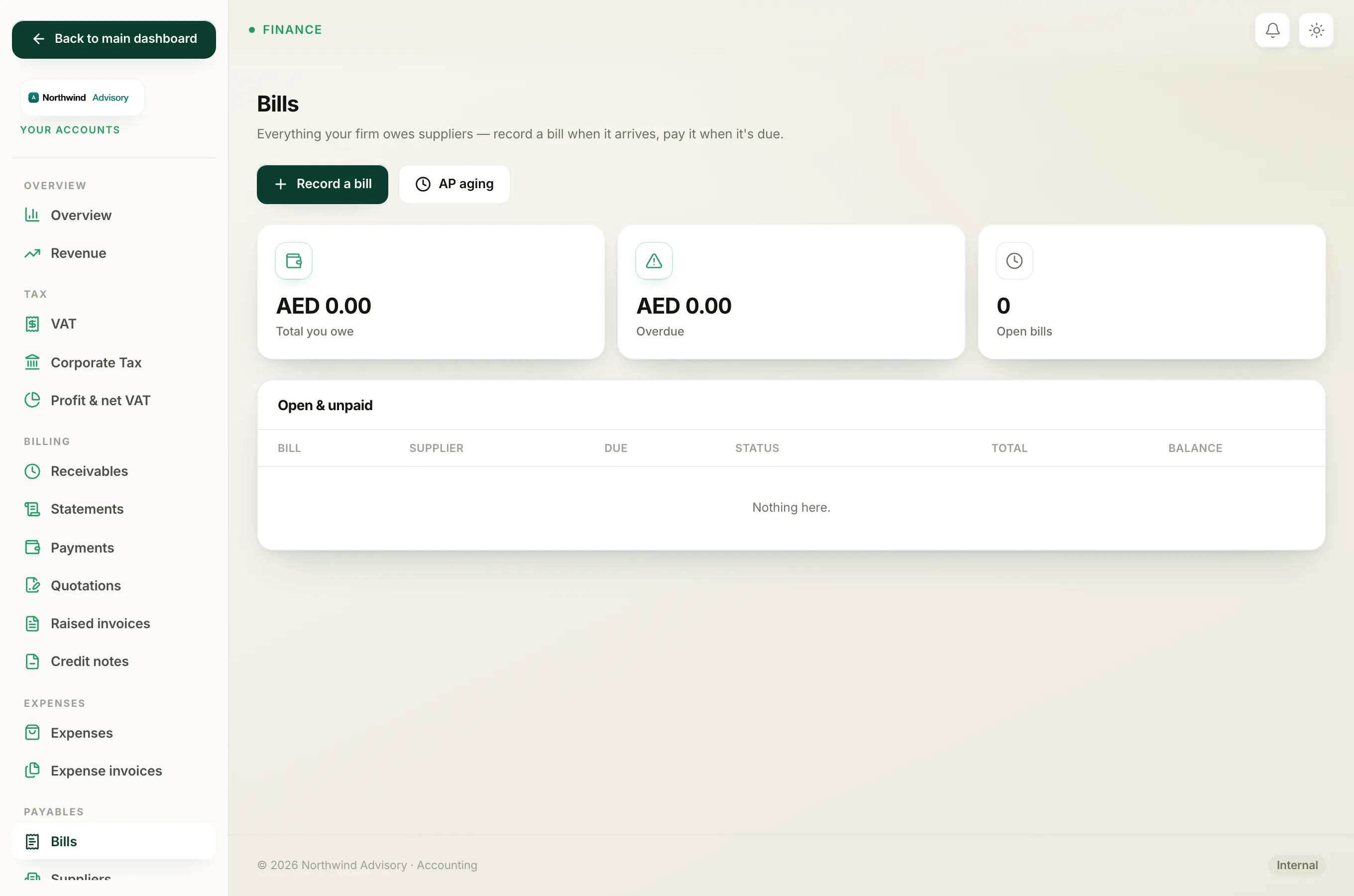
- Log in to your workspace.
- In the left menu, under Finance, click Your Accounts.
- In the accounting menu, under Payables, click Bills.
- Find the bill in the Open & unpaid list and click Open on its row.
Record the payment
On the bill page, look for the Pay this bill box on the right.
- Amount (AED). This is filled in with the full balance outstanding. Leave it as is to pay in full, or type a smaller number to make a part payment.
- Paid on. Set the date the payment was made. It defaults to today.
- Method. Choose how you paid: Bank transfer, Cash / other, or Card / online.
- Reference. Optional. Add a transaction reference or a short note so you can match it later.
- Choose where the money came from:
- If you have more than one bank account set up, a Paid from list appears. Pick the account the money left, or leave it on your primary bank account.
- If you have a single account, a Paid from petty cash tick box appears instead. Tick it only if the money came out of petty cash rather than the bank.
- Click Record payment.
Note
You cannot pay more than the balance outstanding. If you type a larger amount, IzzyTap trims it back to the balance.
What happens after
The payment is listed in the Payments table at the bottom of the bill, and the balance drops:
- Pay the full amount and the bill is marked as fully paid, showing Fully paid, nothing outstanding.
- Pay part of it and the bill stays open with the smaller balance, ready for the next payment.
The money leaving your account and the drop in what you owe both flow into your Balance Sheet automatically.
Tip
If you pay several bills to the same supplier, record each payment against its own bill. That keeps every supplier's balance accurate and your Trial Balance correct.