Every KYC form section and what it collects
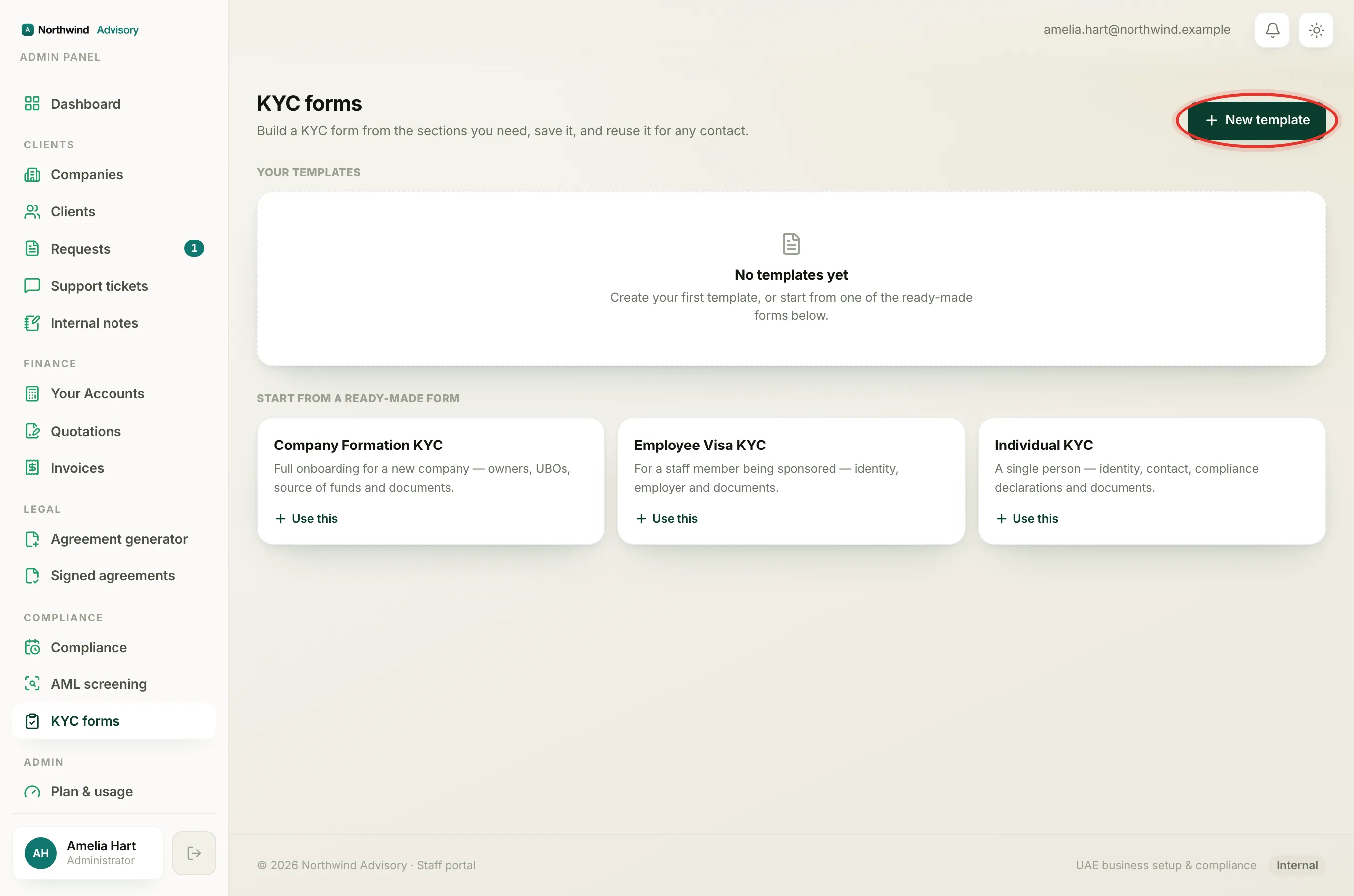
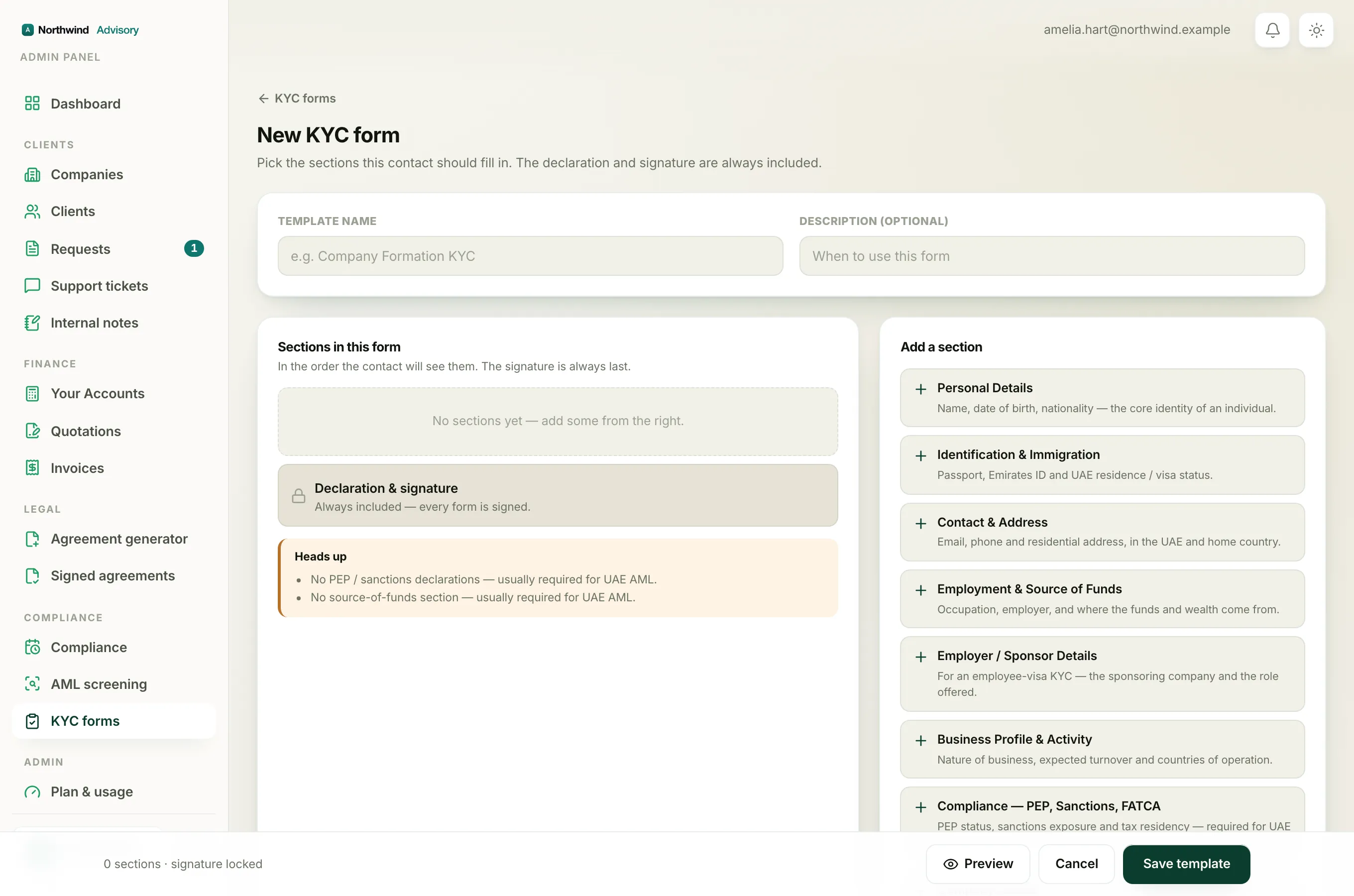
When you build a KYC form you assemble it from ready-made sections. Each section is a group of related questions. This page lists all twelve sections and the fields inside each one, so you can decide which to include.
To see them yourself: log in to your workspace, then in the left menu, under Compliance, click KYC forms, then New template. The sections appear on the right under Add a section. Click one to add it to your form.
Note
Some answers only appear when they are relevant. For example, dual nationality details only show if the contact answered Yes to having a dual or previous nationality. This keeps the form short for the contact.
Personal Details
The core identity of an individual: full name (as per passport), nationality, dual or previous nationality, date of birth, place of birth, gender, marital status, father's name, mother's name, and highest qualification.
Identification & Immigration
Passport number, passport issue and expiry dates, Emirates ID or national ID number and its expiry, UAE residence status, and visa or entry-permit details.
Contact & Address
Email, UAE contact number, home-country contact number, full UAE address, full home-country address, and whether proof of address is attached.
Employment & Source of Funds
This is a compliance section. It collects employment status, occupation, employer name and address, years of business experience, source of funds, source of wealth, and which supporting documents the contact can provide (salary certificate, payslips, bank statements, tax return, and so on).
Employer / Sponsor Details
Used on an employee-visa form. It collects the employer's legal name, trade licence number and address, the position offered, monthly salary in AED, contract type, and the expected joining date.
Business Profile & Activity
Nature of business, a business description, the purpose of the UAE company or transaction, expected annual turnover, expected countries of operation, expected payment methods, and expected main clients or suppliers.
Company Details
The entity being formed or onboarded: three proposed company names, legal form, jurisdiction (mainland, freezone, offshore), proposed business activity, share capital, registered address, and any existing trade licence number and incorporation date.
Partner / Shareholder Details
A repeatable section. The contact adds one block per shareholder, with each block collecting full name, nationality, passport or ID number, shareholding percentage, and whether that person is a UBO. See Collect multiple shareholders, directors or UBOs.
Manager / Director Details
Also repeatable. One block per manager, director or authorised signatory, collecting full name, nationality, passport or ID number, and role.
Ultimate Beneficial Owner (UBO)
A repeatable compliance section, and mandatory in the UAE. One block per UBO, collecting full name, nationality, date of birth, passport or ID number, ownership or control percentage, and the basis of control (shareholding, voting rights, management control).
Compliance, PEP, Sanctions, FATCA
A compliance section required for UAE AML. It asks whether the person is a Politically Exposed Person (PEP) or related to one, about business with sanctioned countries, restricted or dual-use products, significant cash transactions, virtual assets, tax residency and TIN, US-person status for FATCA, and agreement to comply with UN and UAE sanctions.
Document Uploads
File uploads for passport copy, visa or residence stamp, Emirates ID, proof of address, a passport-size photo, source-of-funds evidence, existing company documents, and any additional document.
The locked declaration
After your chosen sections, and after any custom fields, every form ends with the Declaration & signature section. It is always included and cannot be removed. See The locked declaration and signature on every KYC form.
Tip
If you leave out the compliance sections, the builder shows a Heads up note reminding you that PEP, source-of-funds or UBO details are usually required for UAE AML. It is only a reminder and never stops you sending the form. See Understanding the 'Heads up' compliance warnings.