What IzzyTap is
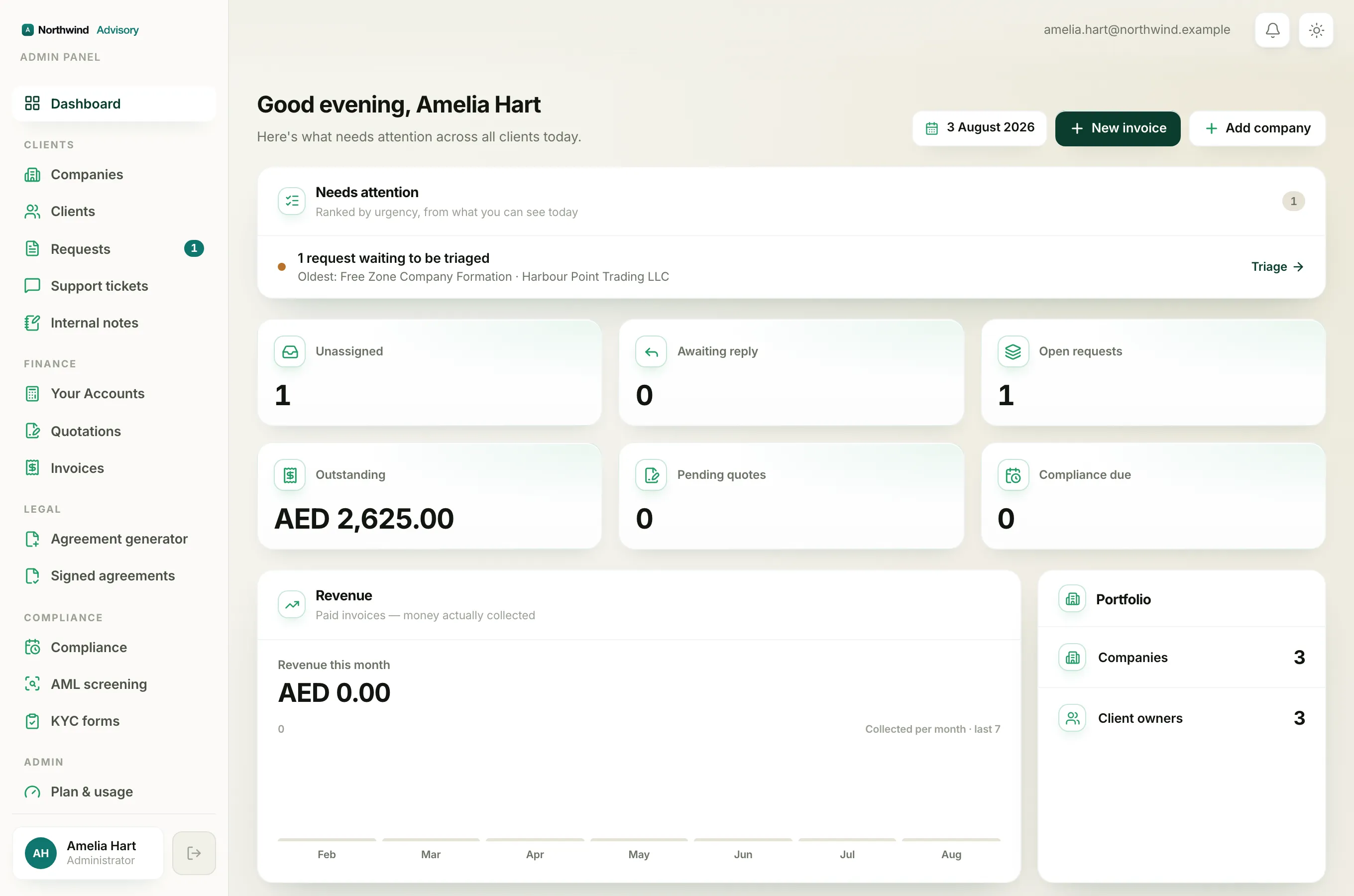
IzzyTap is the online workspace your firm uses to run its business-setup, compliance, and accounting work in one place. You do not install anything. You open it in a web browser and sign in.
Everything your firm does for its clients lives here. You keep a record of each client company, raise quotations and invoices, take payments, run AML and KYC checks, prepare agreements for e-signature, track compliance deadlines, and keep a full set of books. Your clients get their own simple portal to see what you choose to share with them.
Note
Your workspace is branded for your firm. The colours, logo, and name your clients see are your firm's, not IzzyTap's. So some labels on your screen may look a little different from the examples in these articles.
The two sides of IzzyTap
There are two parts to think about.
- Your staff workspace. This is where you and your team work. It is sometimes called the admin portal. This is the side these help articles are written for.
- The client portal. This is the simpler view your clients log in to. They only ever see their own company and what you have shared. See What clients see for the details.
How your workspace is laid out
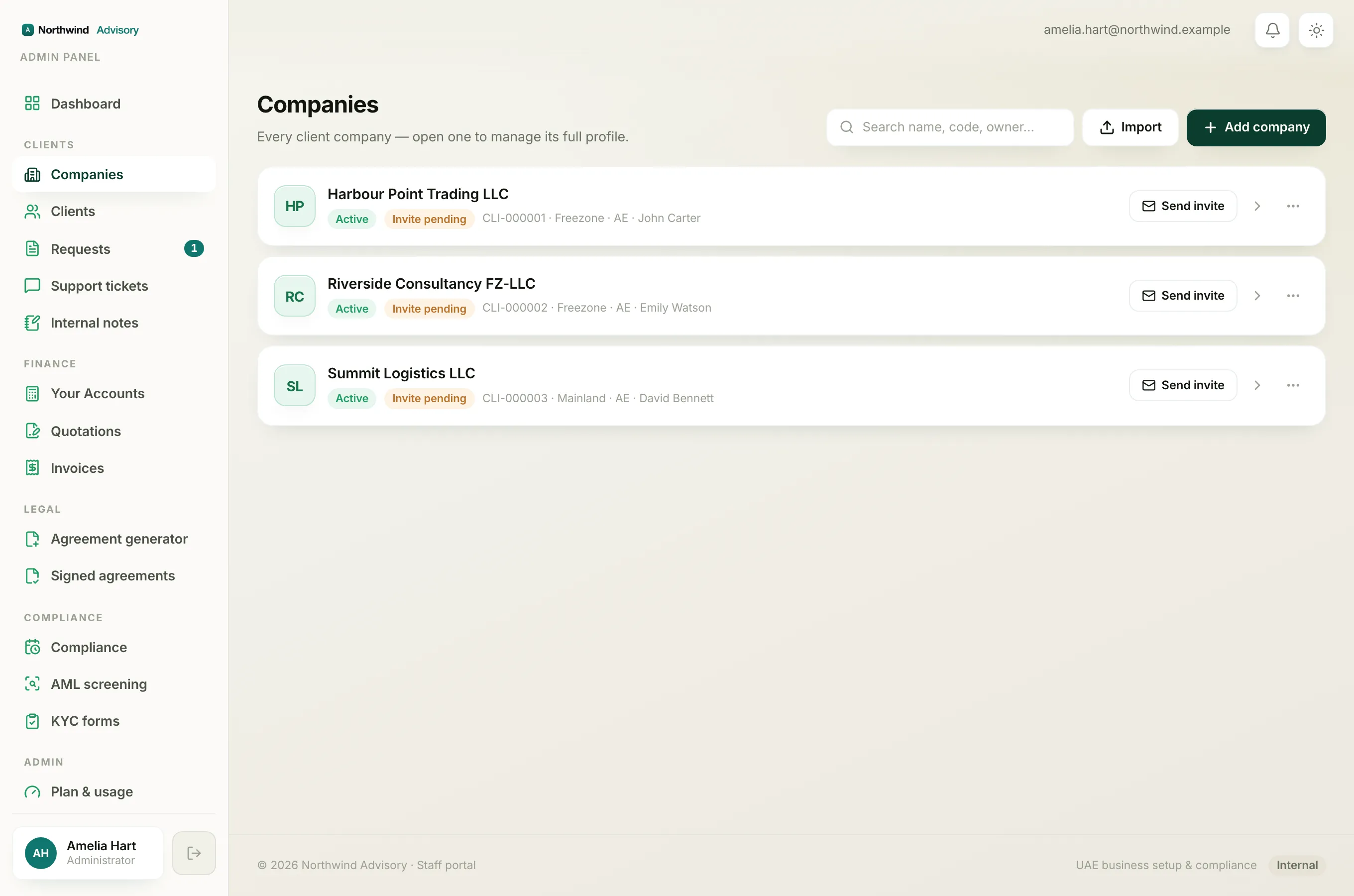
Once you sign in, you land on your Dashboard. Down the left side is the main menu. It is grouped into sections so related tools sit together:
- Clients holds Companies, Clients, Requests, Support tickets, and Internal notes. This is your record of who you work for and the work in progress.
- Finance holds Your Accounts, Quotations, and Invoices. This is where you bill clients and keep your books.
- Legal holds the Agreement generator and Signed agreements. This is where you draft and send documents for signature.
- Compliance holds Compliance, AML screening, and KYC forms. This is where you run checks and track deadlines.
- Admin holds Plan & usage, Brand, Staff, and Subscriptions. This is where you manage your own firm's settings.
- Help Centre sits on its own at the bottom.
Tip
The menu only shows the tools your role is allowed to use. If a teammate cannot see a section you can see, that is their role settings, not a fault. See Staff roles.
A good first path
If you are brand new, this is a sensible order to work through:
- Learn to sign in. See How to log in to your workspace.
- Get to know your home screen. See A quick tour of your dashboard.
- Add your first client company. See Add a company.
- Set your firm's look and details. See Set your brand.
- Raise your first bill. See How to create an invoice.
You do not need to set everything up at once. Each tool works on its own, so you can start small and add more as you go.