The trial balance is the simplest health check on your books. It lists every account that has a balance, with two money columns, and proves the two column totals match. When they match, your books are internally consistent.
You do not need to be an accountant to use it. The one thing to look for is the green Balanced badge at the top.
Open the trial balance
- Log in to your workspace.
- In the left menu, under Finance, click Your Accounts.
- In the accounting menu, under Bookkeeping, click Trial balance.
Note
If you see a message that your books are not set up yet, turn on your books first by clicking Set up your books.
What you are looking at
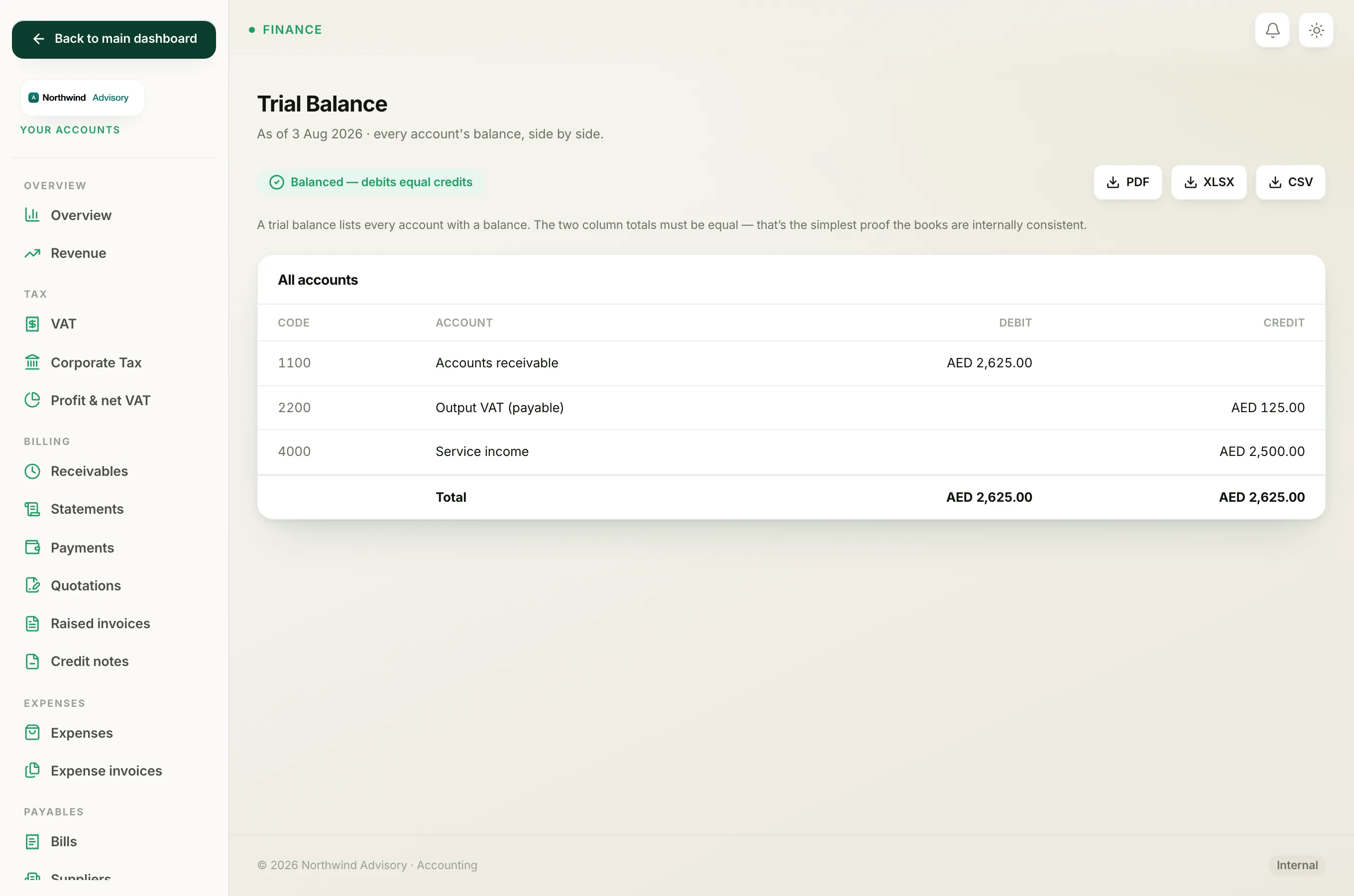
The heading shows the date the report is run to, for example "As of 3 Aug 2026". The table below has four columns:
- Code. The account's short number.
- Account. The account name.
- Debit. A balance shown on the debit side.
- Credit. A balance shown on the credit side.
The last row is the Total of each column.
The one thing to check
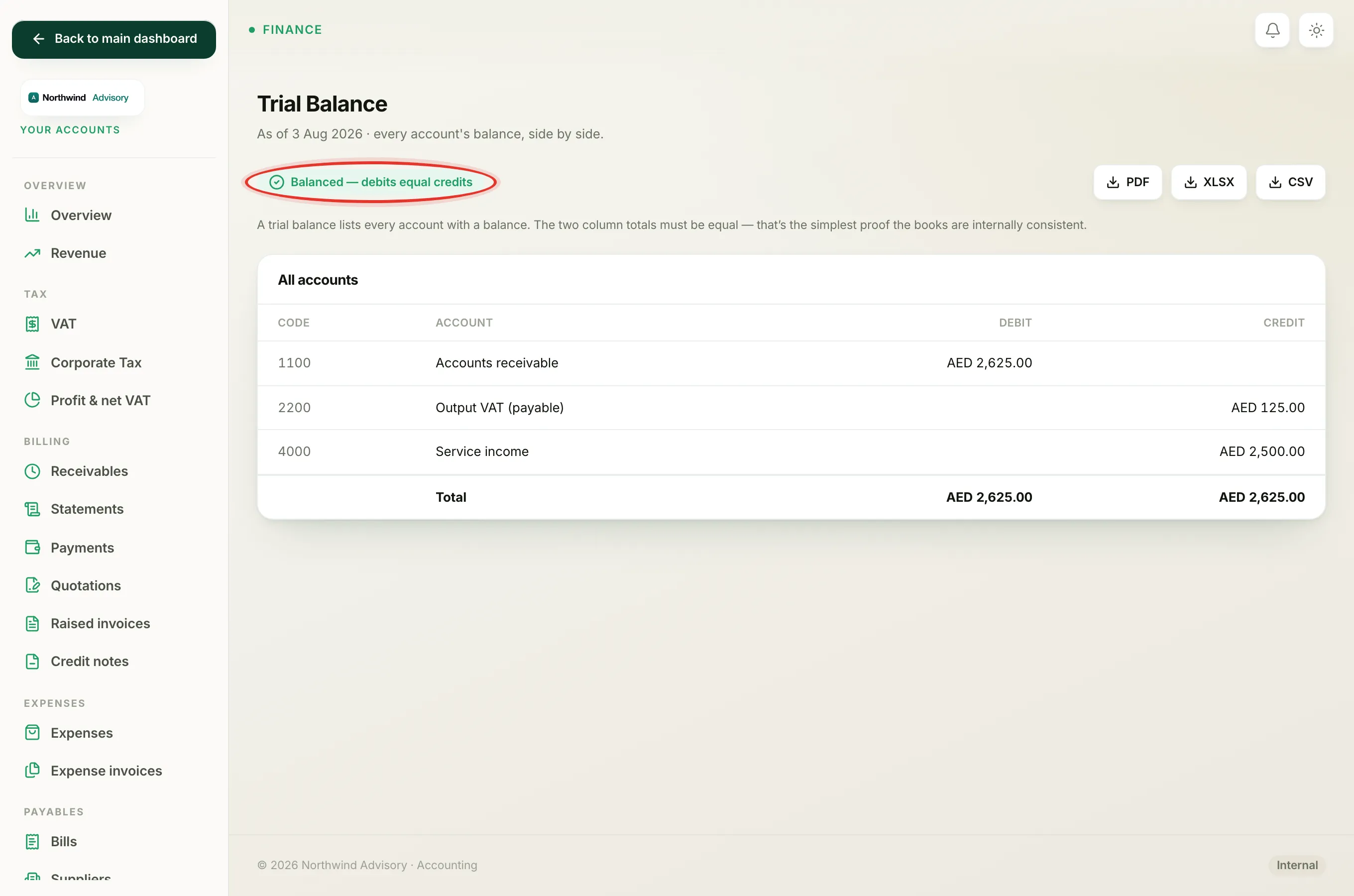
At the top of the page you will see one of two badges:
- A green Balanced, debits equal credits badge. This is what you want. It means the two column totals are equal and your books hold together.
- A red Out of balance badge. This should not happen in normal use. If you ever see it, contact support.
Tip
Debits and credits are just the two sides of every entry. You do not need to know which is which. If the totals match and the badge is green, the books are sound.
If the report is empty
If you have just turned on your books and have not raised an invoice or recorded an expense yet, the table may say there are no transactions. As soon as you create an invoice or record a supplier bill, entries appear here.
Save or share a copy
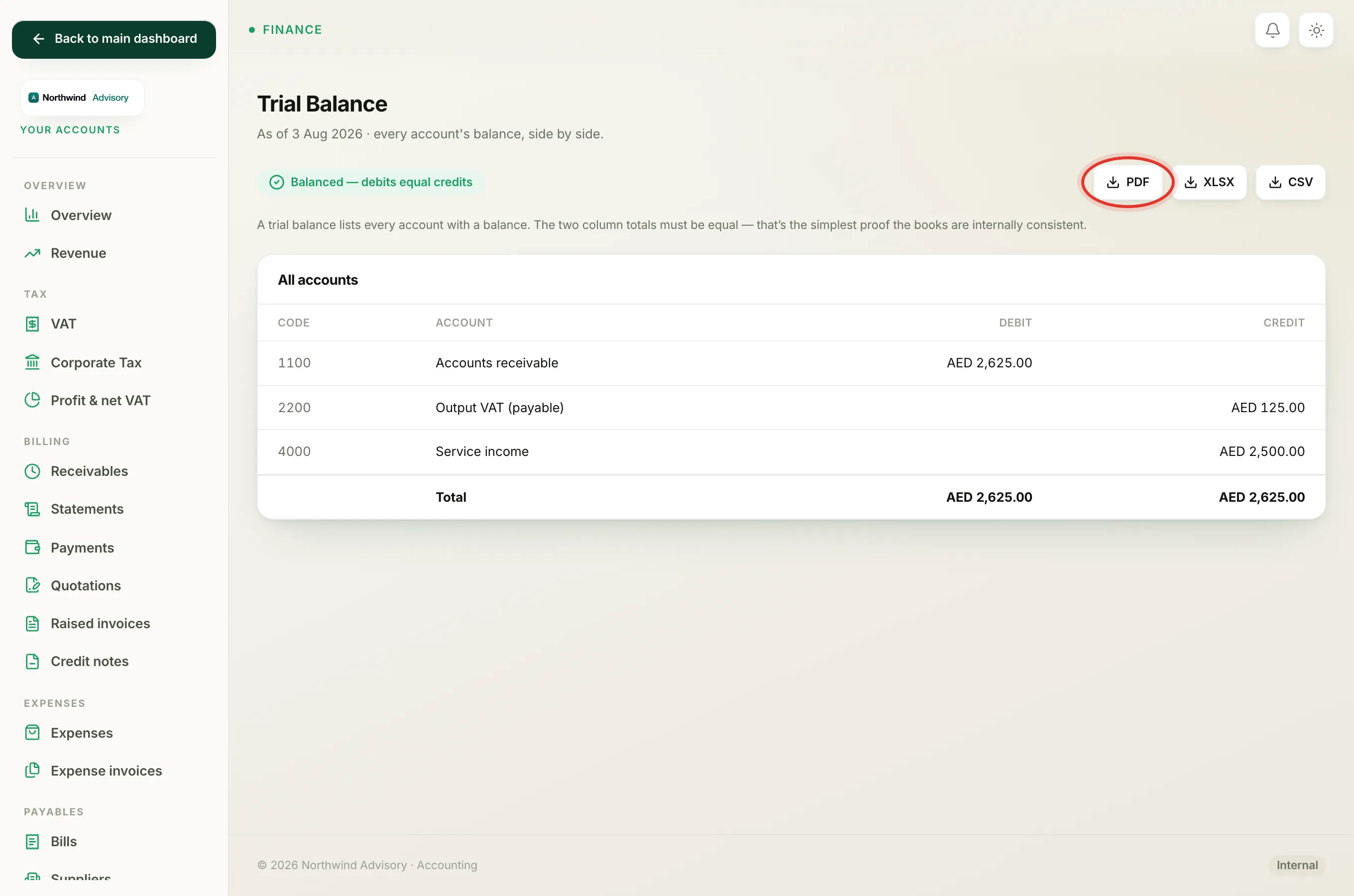
At the top right of the page there are three download buttons: PDF, XLSX, and CSV.
- Click PDF for a copy to print or send.
- Click XLSX to open it in a spreadsheet.
- Click CSV for a plain data file, for example to hand to your accountant.
Where to go next
The trial balance proves the books balance. To see performance and position, look at your Profit and Loss and your Balance Sheet.