Every agreement carries a coloured status chip on the Signed agreements list and on its own page. The colour is not decoration. It tells you whether the agreement is still yours to finish, waiting on someone else, done, or cancelled. This article explains all four.
Where you see the status
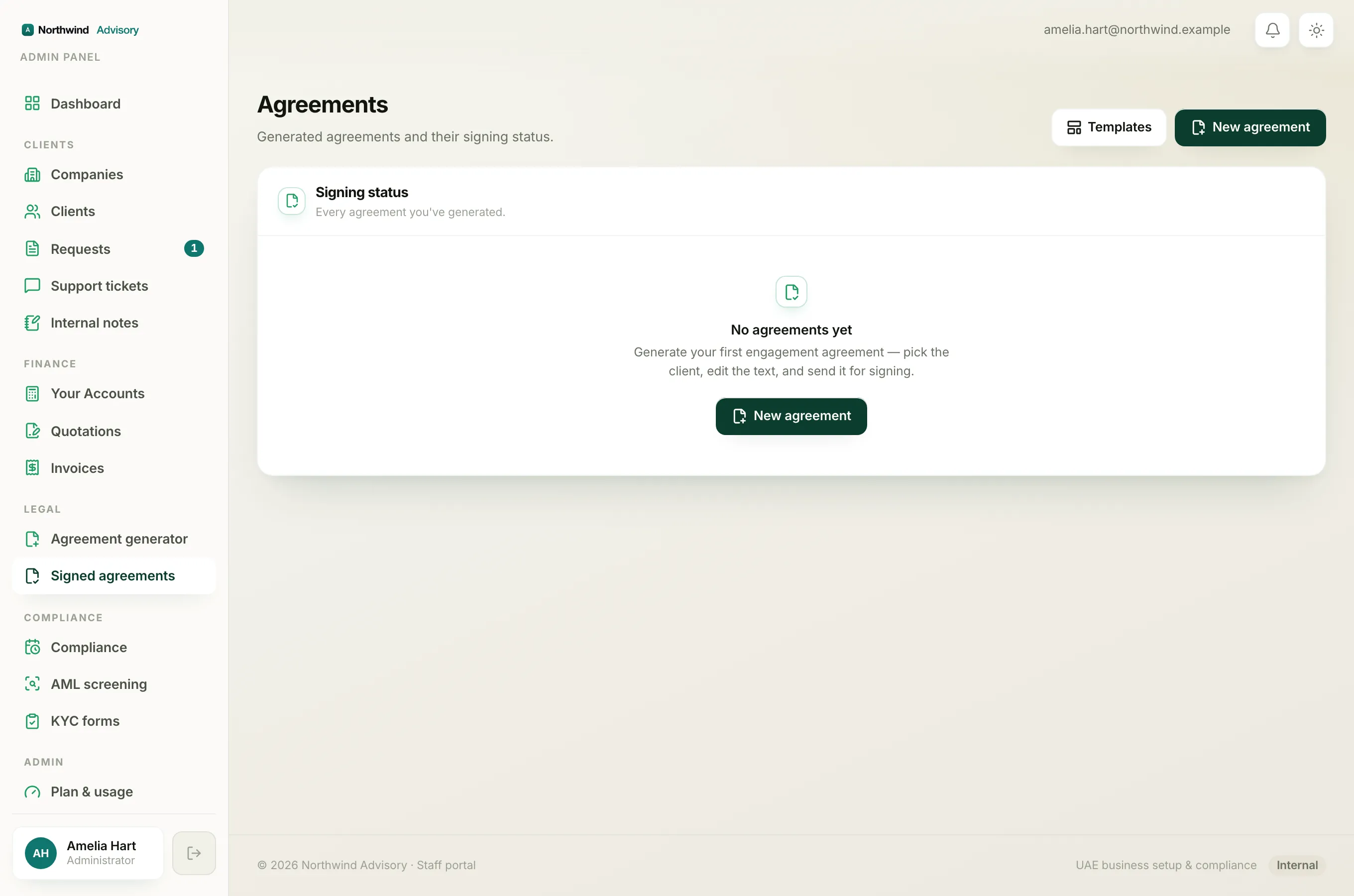
- Log in to your workspace.
- In the left menu, under Legal, click Signed agreements.
The Status column shows the chip for each agreement. You also see it on the agreement's own page when you open it.
The four statuses
Draft (grey)
The agreement has been generated and saved but not sent. Nobody can sign it yet. It is still entirely yours to edit: change the wording, fix the client details, add or remove signing parties. When you are ready, send it for signing.
What to do next: finish the text, then send it out for signing.
Out for signing (amber)
The agreement has been sent. Your firm has already pre-signed it, and each signing party has been given their own private link and an emailed code. The amber colour means you are now waiting on other people.
The Signed column shows the progress, for example 1/2 when your firm has signed but the client has not yet.
What to do next: wait for the parties to sign. If someone lost their email, open the agreement and copy their signing link to share it again.
Signed (green)
Every party has signed. The agreement is fully executed. The final signed PDF carries a signature certificate with a tamper-evident verification ID.
What to do next: download the signed PDF for your records. See Download an agreement PDF.
Voided (red)
The agreement has been cancelled and is no longer valid to sign. A voided agreement is kept for the record but is closed.
There is no self-serve button to void an agreement. If you sent one by mistake, see Can I cancel or void an agreement?.
How an agreement moves along
A new agreement starts as Draft. When you send it, it becomes Out for signing and your firm's signature is applied at that moment. As parties sign, the Signed count climbs. Once the last party signs, it flips to Signed on its own.
Note
The Signed count and the status work together. An Out for signing agreement reading 2/2 will settle to Signed as soon as the system records the final signature.