You do not always need to write an agreement from scratch. If you already have the document as a PDF, you can upload it and send it out for signature. Each party signs online and you get one certified signed copy back. This guide walks you through it from login.
Upload and send
- Log in to your workspace.
- In the left menu, under Legal, click E-sign & agreements.
- Choose the option to send a ready-made PDF.
- Click Choose a PDF to send for signature and pick your file.
- Add the signing parties, each with a name and an email. See Add signing parties.
- Choose who signs and in what order. See Choose who signs an agreement.
- Send it.
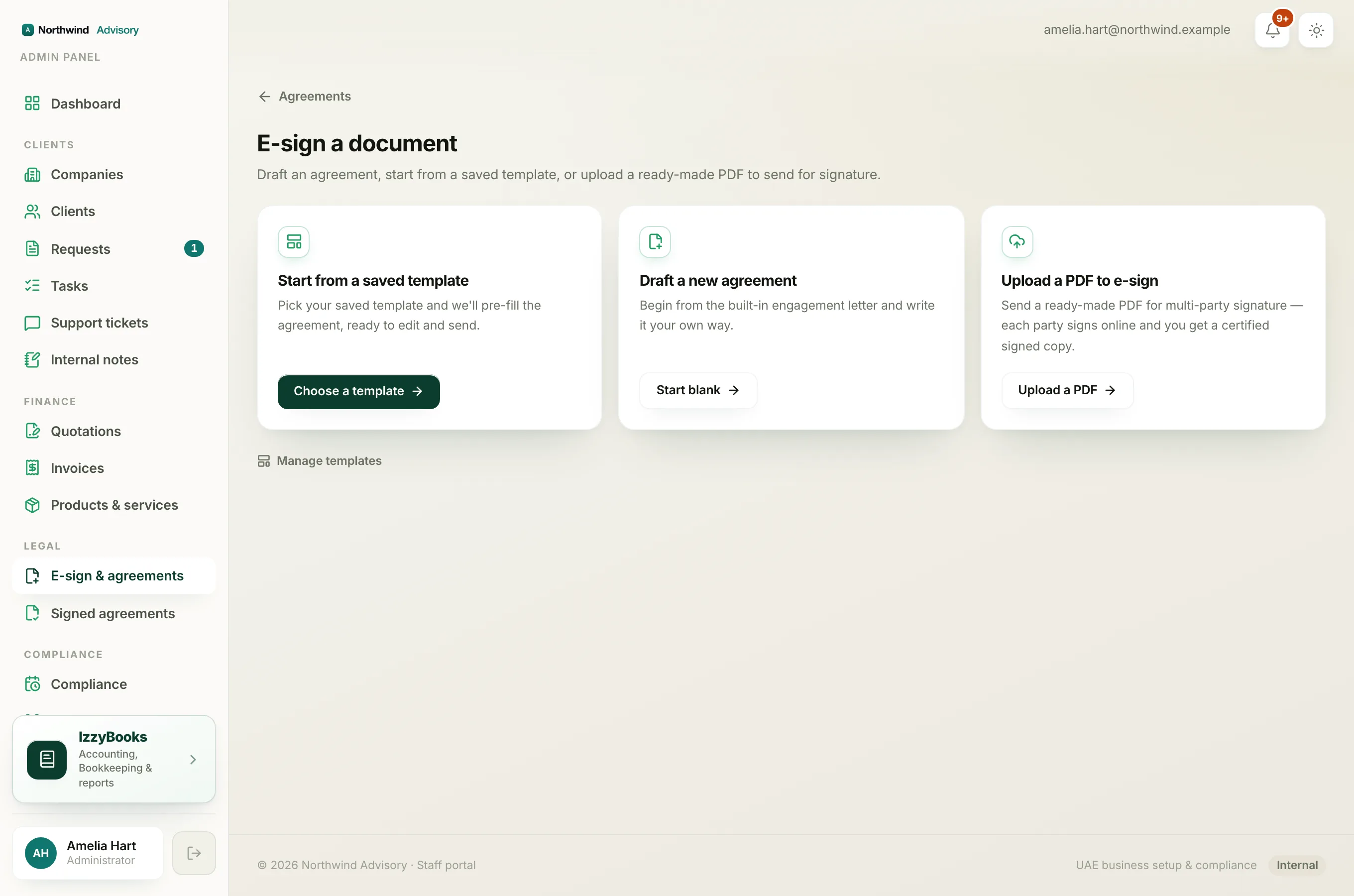
Each party gets a secure link, signs online, and the signatures are added to your document. When everyone has signed, you get the finished, certified copy.
Note
Only PDF files can be uploaded for signature. If your document is in another format, save it as a PDF first.
Tip
Use this for documents produced elsewhere, such as a lawyer's contract or a government form. To write and format the text yourself instead, see Generate an agreement.