What this does
Sometimes a contact is sent a KYC form but does not finish it. Maybe the email went to spam, or their link ran out of time. You can send them a fresh link at any time. Resending makes a new secure link, resets the 14-day clock, and emails it again.
Resend from the company page
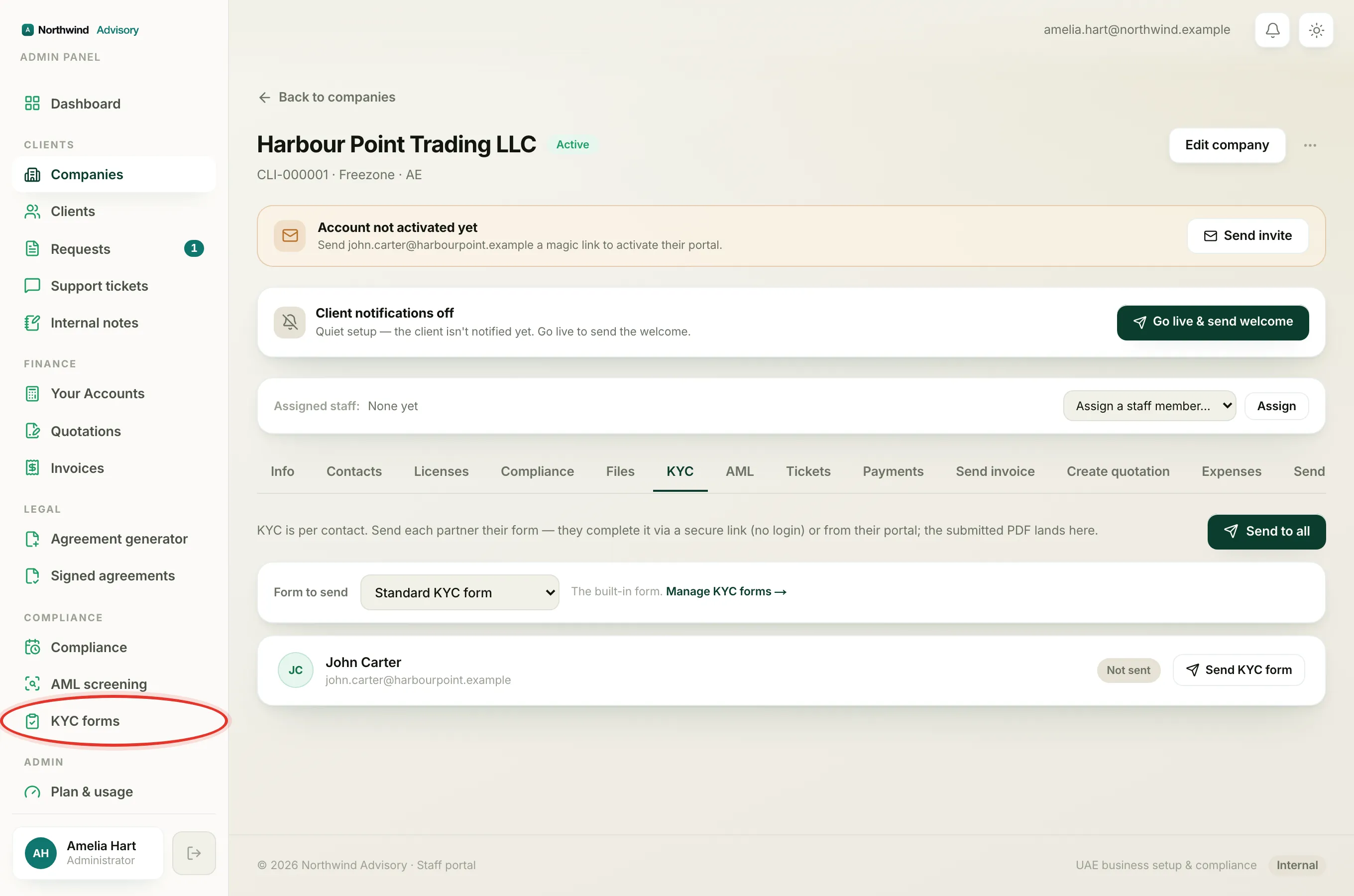
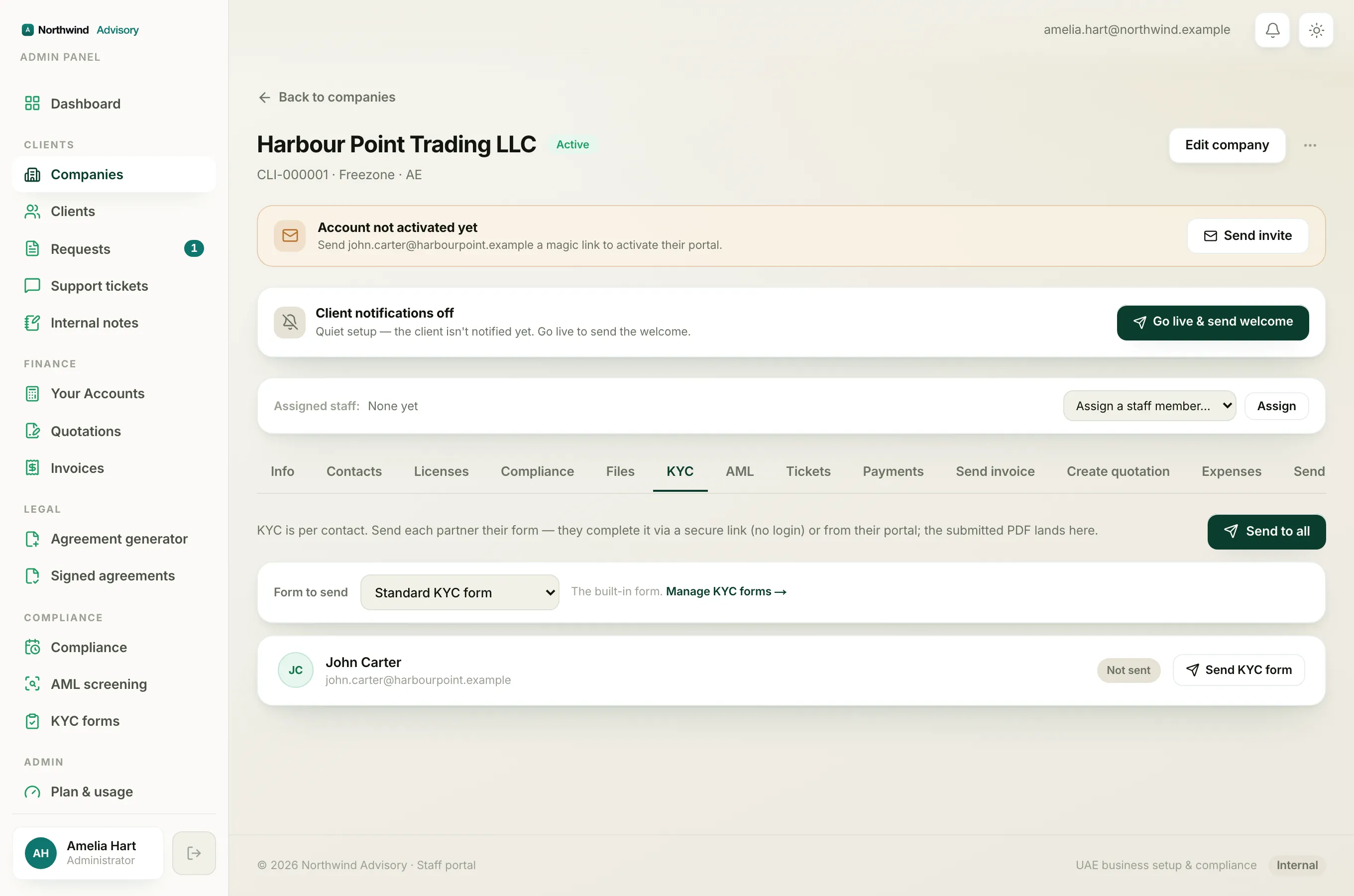
- Log in to your workspace.
- In the left menu, under Clients, click Companies.
- Click the company the contact belongs to.
- On the company page, click the KYC tab.
- Find the contact in the list. If they were already sent a form but have not finished it, their status chip reads Sent and the button next to them reads Resend.
- Click Resend.
That is it. A new secure link is made and emailed to the contact if they have an email on file. Their status stays on Sent.
Note
Before you resend, check the Form to send box at the top of the tab. The resend uses whatever form is chosen there. If you want to resend the same form, make sure the right one is picked first. See choose which KYC form to send.
What resending changes
- A brand new link is made. The old link stops working straight away, so anyone who kept the old email cannot use it any more.
- The clock resets. The new link is valid for another 14 days from the moment you resend. See how long a KYC link stays valid.
- It goes out by email to the contact, if they have an email on file.
If the contact has no email
When you resend to someone with no email, a Public link appears under their row on the tab. Copy that link and share it with them yourself, for example on WhatsApp. See share a KYC link when a contact has no email.
You cannot resend once someone has submitted
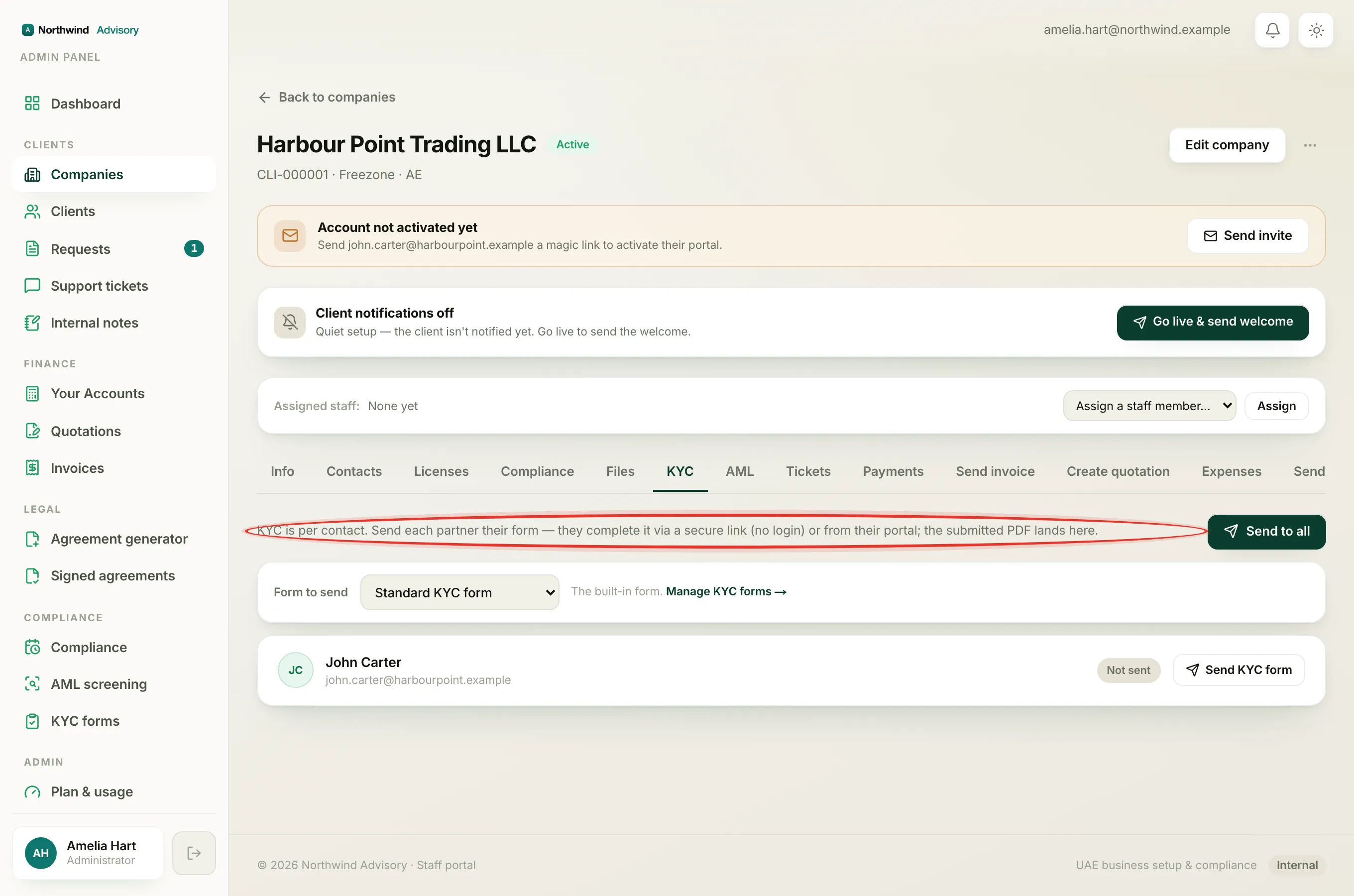
If a contact has already completed and submitted their KYC, there is nothing to resend. Their status shows Submitted and, instead of a Resend button, you see a PDF button to download what they sent. See why you can't resend KYC to someone who already submitted.