What you can change here
Every teammate has a role, which controls what they can do, and a scope, which controls which clients they can see. You can change both from the Staff list without opening a separate screen.
Change the role or scope
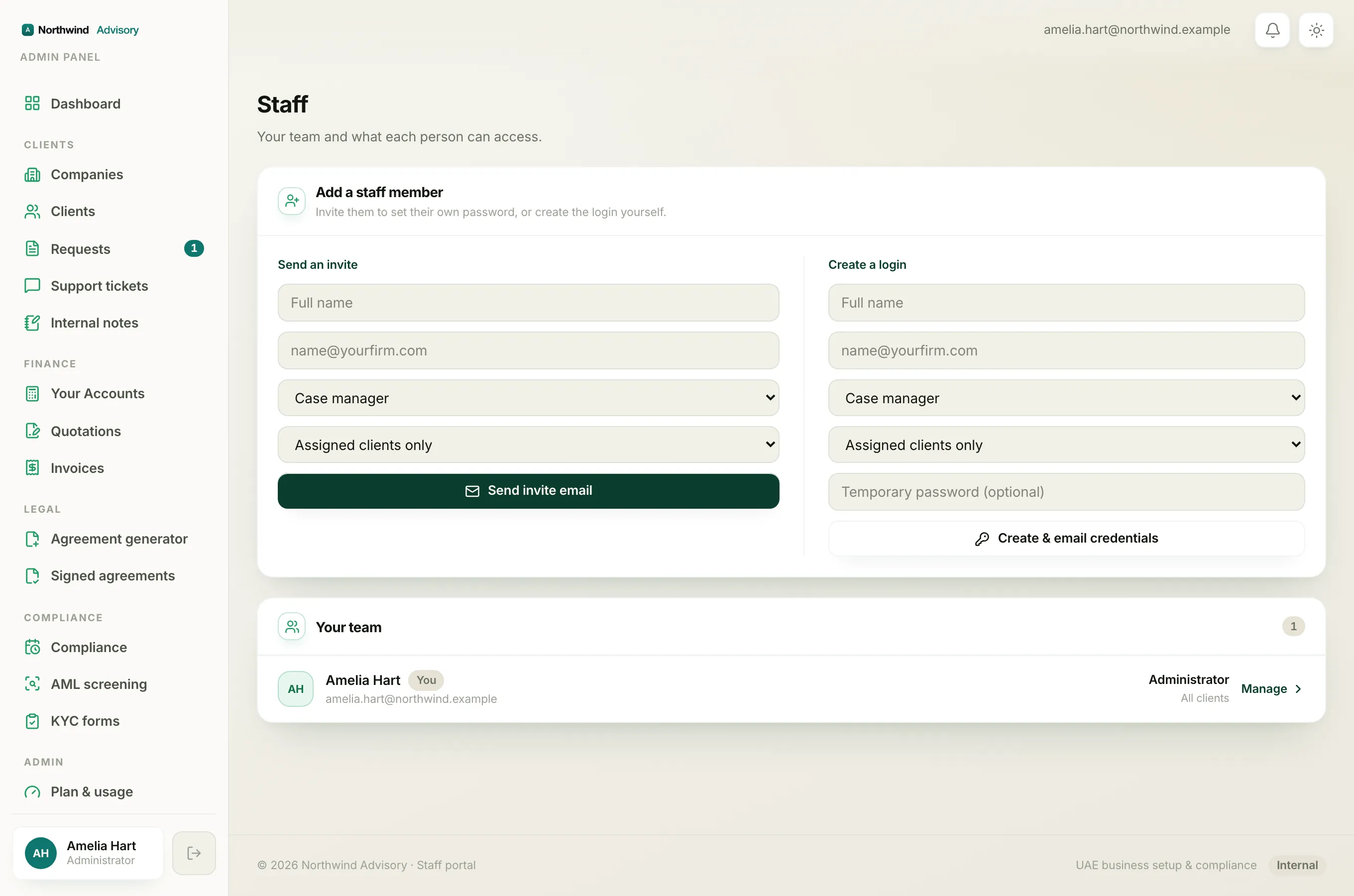
- Log in to your workspace.
- In the left menu, under Admin, click Staff.
- Find the teammate in the Your team list.
- On their row you will see two dropdowns. Use the first to pick their role and the second to pick their scope:
- Assigned, they see only the companies assigned to them.
- All clients, they see every company in your workspace.
- Click Save on that row. A green Saved appears when it is done.
The change takes effect straight away, the next time the teammate loads a page.
The roles you can pick
The role dropdown offers Operations manager, Case manager, Billing officer, Document officer, Support agent and AML compliance officer. Each one grants a different set of permissions. To see exactly what each role can do, read staff roles.
Rows you cannot edit inline
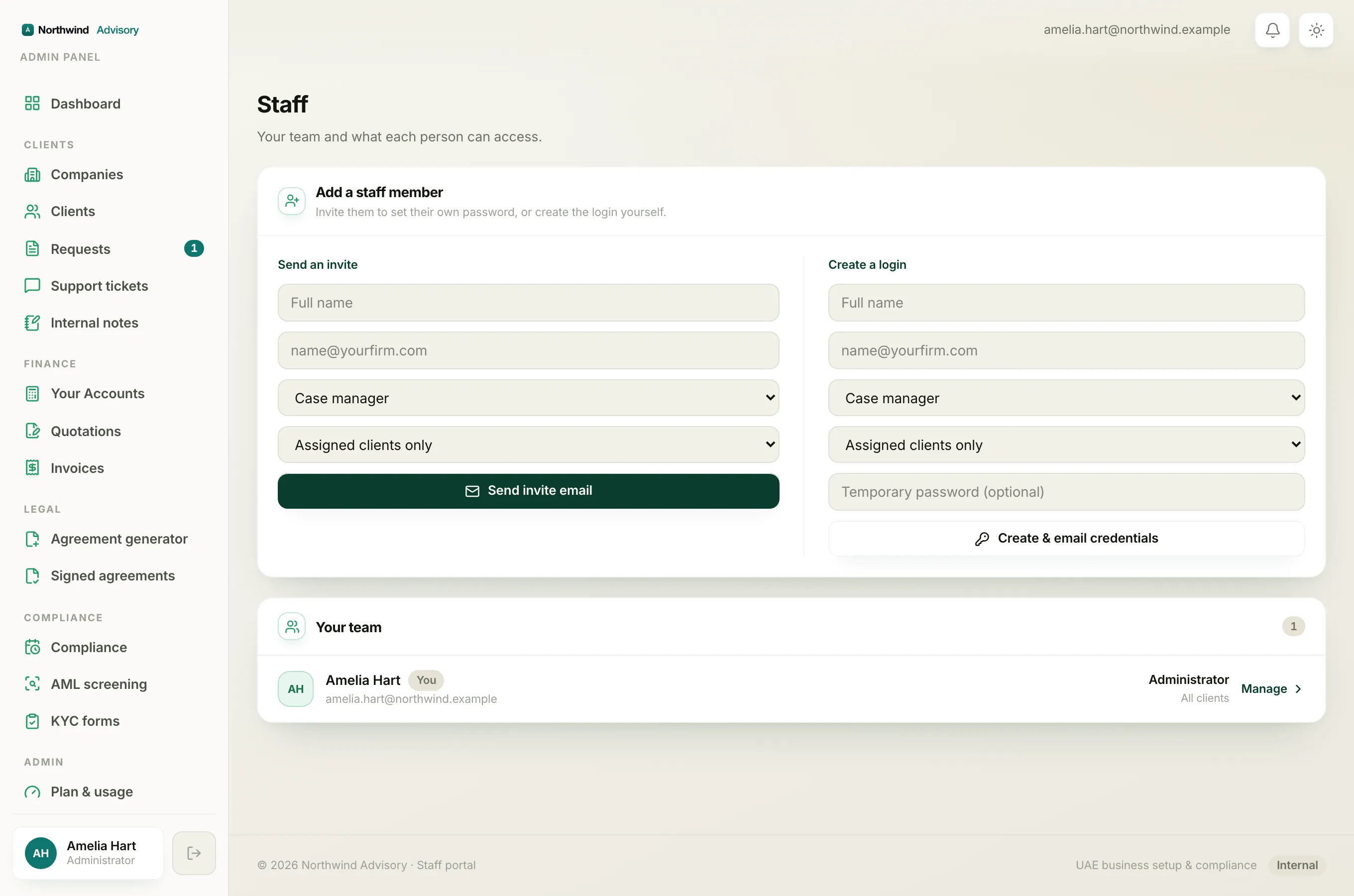
Some rows show the role and scope as plain text instead of dropdowns. That happens for:
- Your own account. You cannot change your own role or scope.
- Another administrator. Administrators are not edited from this list.
- A teammate who is not active (for example one still marked Invited).
Note
To do more than change role and scope, such as pausing or removing a teammate, click Manage on their row to open their full staff page.
To bring a brand new person onto the team, see add a team member.