The three KYC statuses
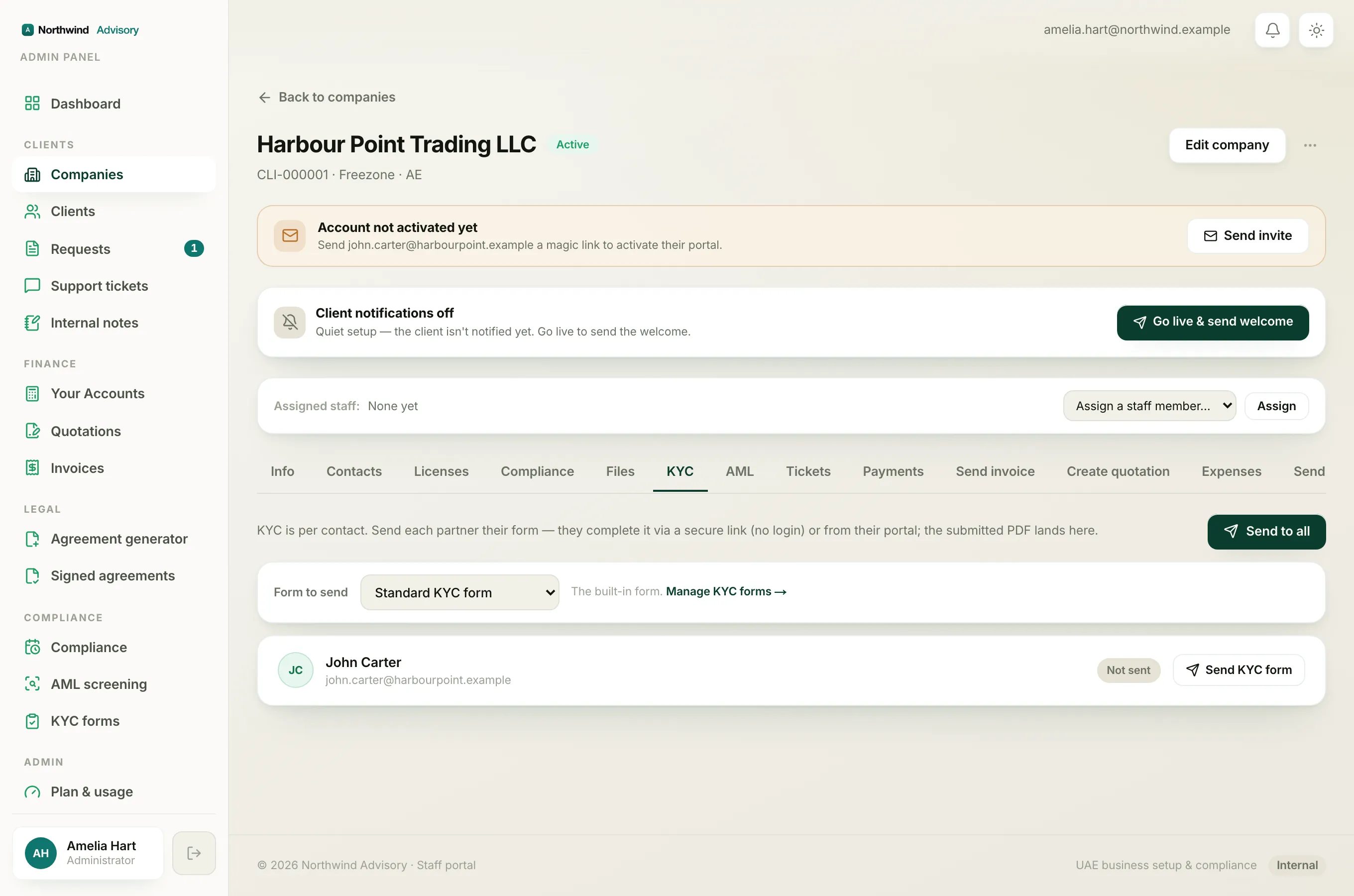
When you open KYC & AML in your portal, each person on the company has a row with a coloured label showing where their form stands.
- Not started (grey). No one has opened this person's form yet. The button on the row says Complete KYC.
- In progress (amber). The form has been opened but not yet submitted. The button says Continue, and the row shows "Started, finish your details".
- Submitted (green). The form is done and signed. There is a green tick, and there is no button to press because nothing more is needed.
Continue a half-finished form
If your form shows In progress, you can pick it back up at any time.
- Log in to your portal.
- In the left menu, click KYC & AML.
- Find your row and click Continue.
- The form reopens so you can finish the remaining steps and submit.
Your secure form link stays valid for 14 days from when it was last opened. If it has been longer than that, the link may have lapsed. In that case ask your firm to send you a fresh one.
Note
As you fill in the form, your typed answers are remembered on the same device and browser you were using. If you switch to a different phone or computer to continue, you may find the earlier answers are not carried over, so it is best to finish on the device you started on. Uploaded files and your signature are always added fresh on your final visit.
Why each person fills in their own
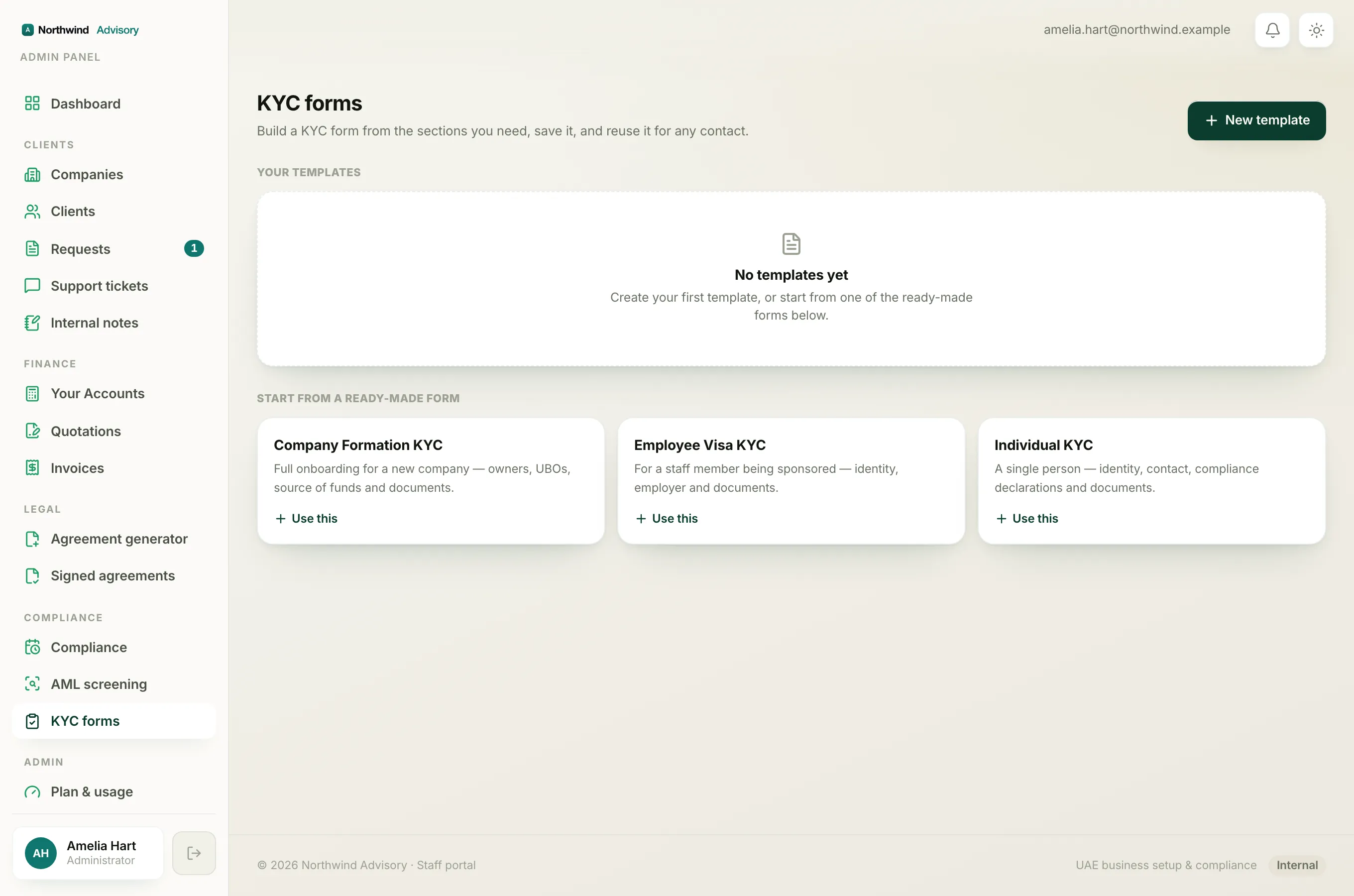
You will see a row for every owner and partner, but you can only complete your own (it is marked with a You tag). This is because a KYC form ends with a personal signature and a confirmation that the details are true. Only the person named on the form can honestly sign it, so each individual completes their own.
If a partner has not started theirs, you cannot do it for them. Ask them to log in and complete their row, or let your firm know so they can chase it up.
For the full walkthrough of filling one in, see Complete a KYC form for an owner or partner.