Everything you tick off can be undone
Reconciling is safe to experiment with. If you match the wrong line, categorise something under the wrong heading, or need to reopen a whole month you already locked, you can undo it. Undoing never deletes anything from your books. It just puts the line back where it was so you can redo it correctly.
There are two places you undo things: a single line on the Reconcile screen, and a whole finished month on the bank account page.
Undo a single line you just ticked
- Log in to your workspace.
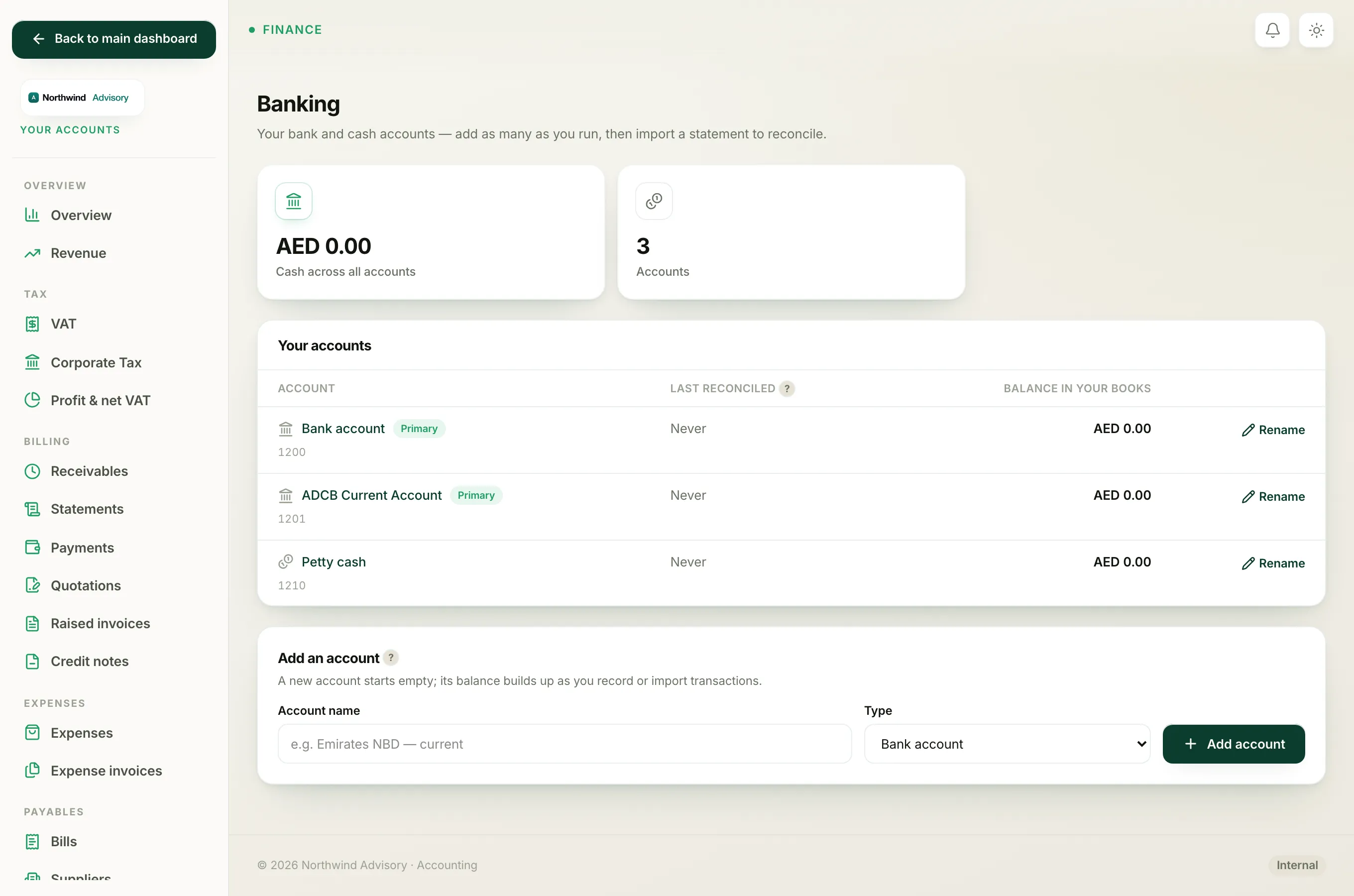
- In the left menu, under Finance, click Your Accounts.
- In the accounts menu, under Banking, click Bank accounts.
- Click the name of the account, then click Reconcile.
- Scroll to the Ticked this session panel. Every line you have cleared this visit is listed here, marked Matched or Recorded.
- Find the line you want to reverse and click Undo.
The line drops back into the To reconcile list as open, ready for you to match or categorise again.
- If it was a match (a line you linked to a payment or bill already in your books), undoing simply un-links it. Nothing was ever posted, so nothing is removed.
- If it was a categorise (a bank-only line you recorded, like a fee), undoing removes the entry it created and puts the line back to open. Because that entry was not yet locked, it comes off cleanly.
Reopen a whole month you already locked
Once you click Finish & lock, the month becomes a finished reconciliation. You can still reopen it.
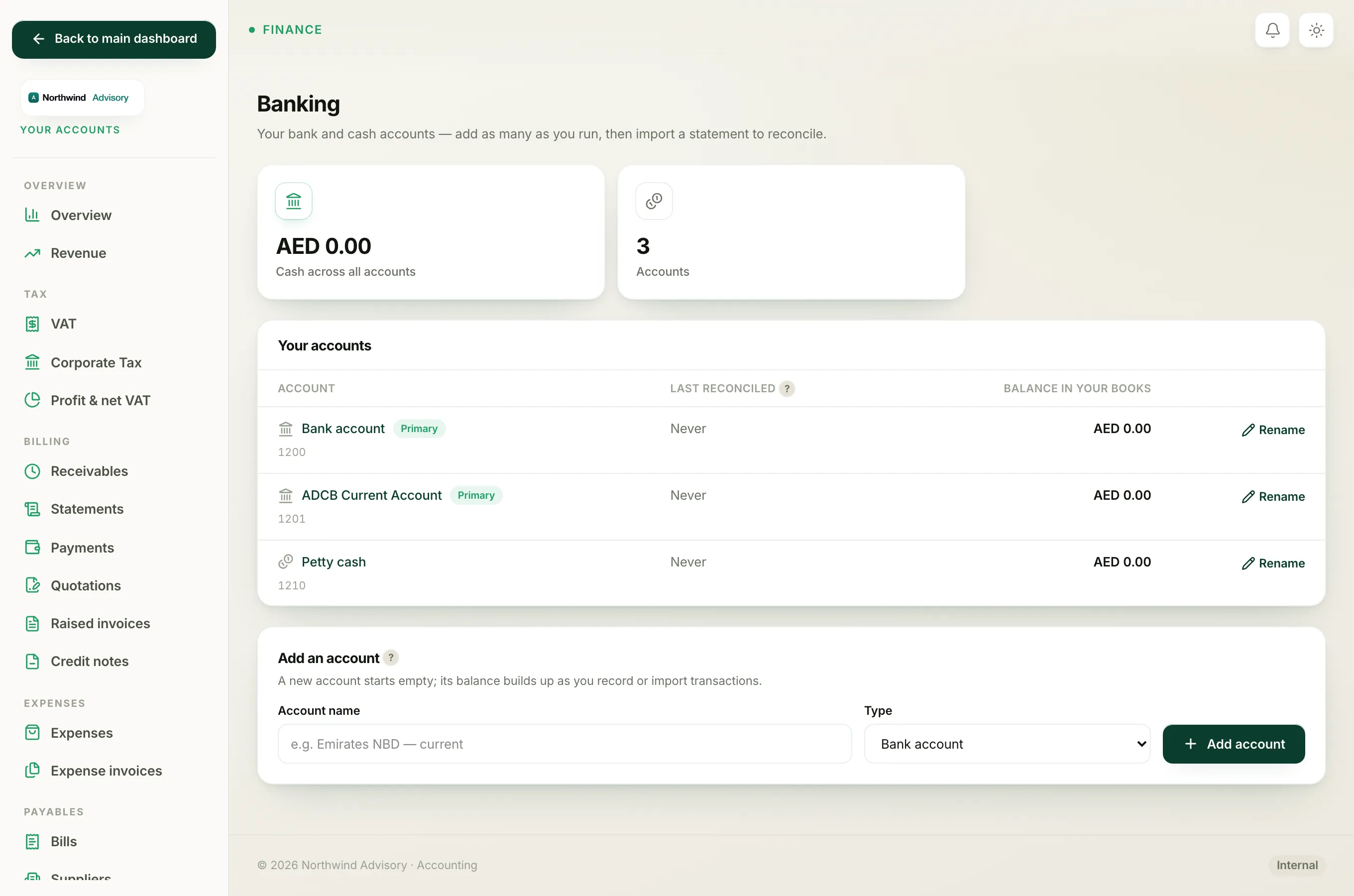
- Go to the bank account page (steps 1 to 4 above, but stop before Reconcile).
- Scroll to the Finished reconciliations panel. Each locked month shows its date, statement balance and when it was locked.
- Find the month you want to reopen and click Undo.
Reopening unlocks that month. Every line inside it goes back to being cleared but editable, so you can fix a mistake and reconcile again. Nothing in your ledger is deleted. The lines stay matched or recorded, they are just no longer locked.
Important
You have to undo the locked month before you can undo an individual line inside it. If you try to undo a line that sits in a locked reconciliation, IzzyTap tells you to undo that reconciliation first. This protects a filed period from being changed by accident.
Note
Undoing is not the same as deleting a statement. If you uploaded the wrong file entirely, see Delete a statement you imported by mistake instead.
For the full reconcile walkthrough, see Reconcile your bank.