Every person in your firm has a role and an access scope. The role decides what they can do. The scope decides which clients they can see. Together they keep the right work in the right hands.
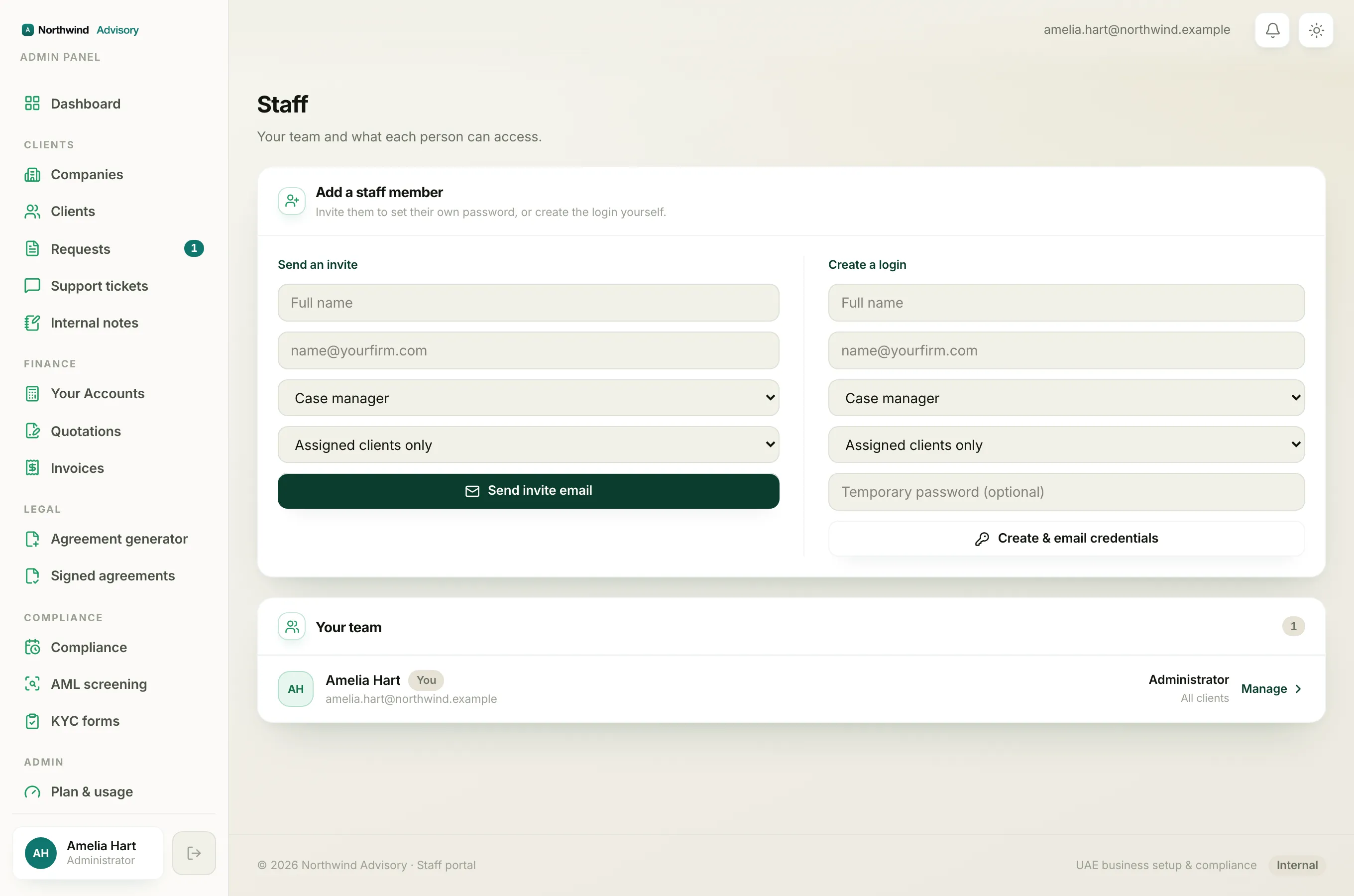
This guide explains both, and how to change them.
The two things you set for each person
- Role: what actions a person is allowed to take, for example replying to tickets, issuing invoices, or running compliance.
- Access scope: which clients a person can see. This is either Assigned clients only (just the companies given to them) or All clients (every company in the firm).
You set both when you add someone. See How to add a team member.
The roles
Here are the roles you can assign, from the widest to the narrowest.
Administrator
The firm owner and top-level managers. Administrators can do everything, including seeing revenue, managing staff, changing the brand and managing subscriptions. Administrators are not assigned from the Staff page. They are managed directly.
Operations manager
Runs the day-to-day. Can do everything a case manager can, plus assign requests to other staff and create, edit, import and suspend companies and clients. Cannot see firm revenue and cannot manage staff.
Case manager
Handles client cases end to end. Can reply on tickets, manage documents, send KYC forms and manage AML, manage contacts, run compliance, move requests through their steps, request payments and mark invoices paid, and create invoices and quotations.
Billing officer
Focused on money. Can reply on tickets and manage documents, request payment and mark invoices paid, and create invoices and quotations. Does not run compliance or KYC.
Document officer
Focused on paperwork and onboarding. Can reply on tickets and manage documents, send KYC forms and manage AML, and manage contacts. Does not handle invoicing or compliance filings.
Support agent
The lightest role. Can reply on ticket threads, request documents and manage documents. Good for a front-desk or helpdesk person.
AML compliance officer
A special, deliberately narrow role. This person can review and sign off AML screenings, and nothing else. They cannot see your clients, your invoices or your revenue. It is built for an outside or part-time money-laundering reporting officer who should only see AML cases.
Important
The AML compliance officer role is intentionally limited to AML sign-off. Do not use it for a general team member, because they will not be able to see clients or do normal case work.
How access scope works
Whichever role you pick, the scope controls the client list they see:
- Assigned clients only: the person sees only the companies assigned to them. Best for most staff.
- All clients: the person sees every company in the firm. Best for managers.
Revenue totals and staff management stay admin-only no matter the scope.
Changing a role or scope
- Log in to your workspace.
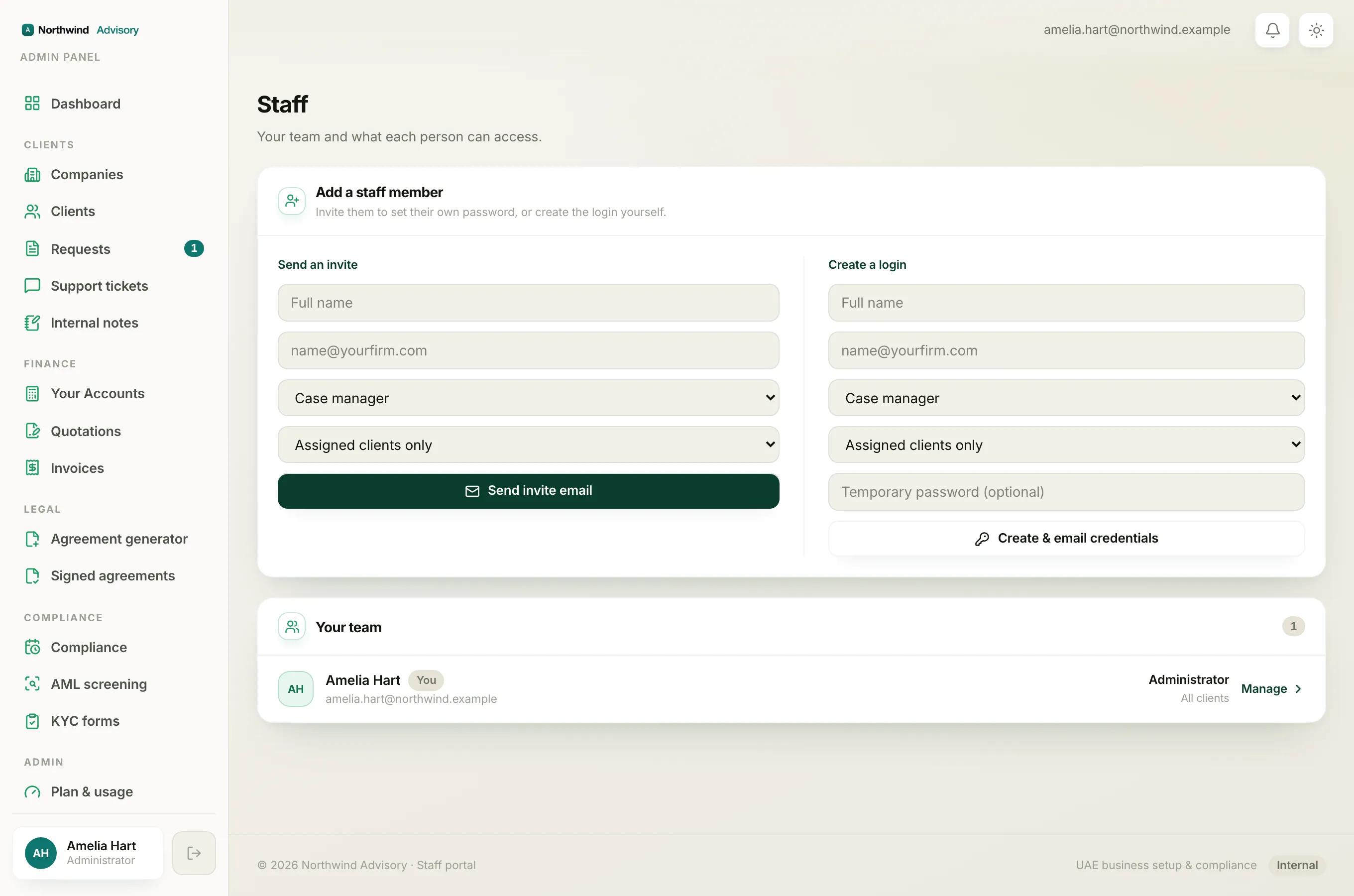
- In the left menu, under Admin, click Staff.
- In the Your team card, find the person.
- Use the role dropdown and the scope dropdown on their row to pick the new values.
- Click Save. A green Saved note confirms it.
Deactivating or removing someone
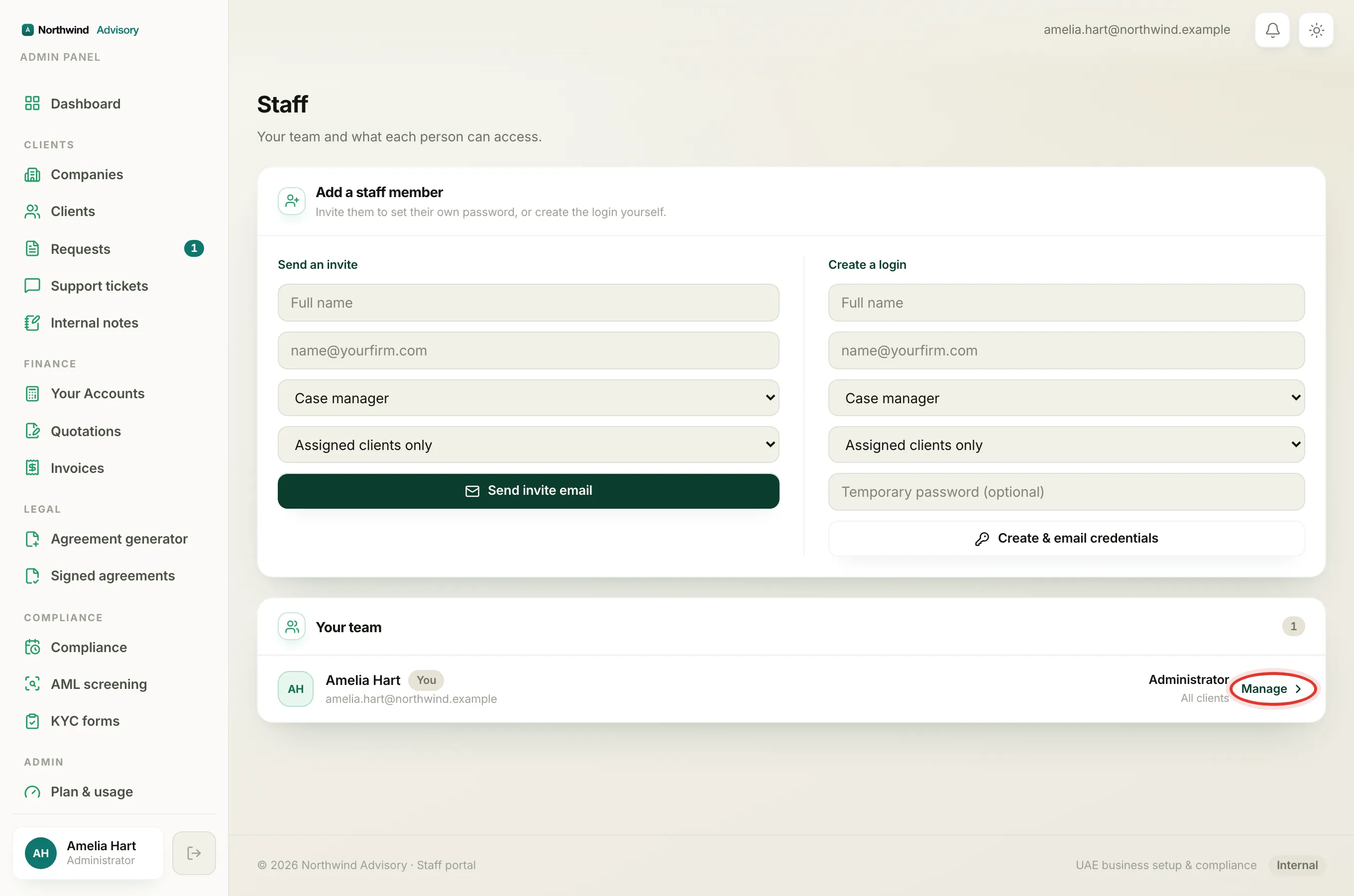
When a person leaves, open their profile to manage their access.
- On the Staff page, find the person and click Manage on their row.
- In the Access card you can:
- Deactivate: blocks their sign-in straight away, but keeps the account. Use Reactivate to let them back in.
- Remove staff: archives the account for your records, and hands their companies and tickets to someone else. Before you click it, choose who to reassign their work to in the Reassign their work to dropdown, or leave it unassigned.
Note
Removing is kept for audit, so nothing is lost. But it is meant for people who have truly left. For a short break, deactivate instead, then reactivate when they return.