Why your emirate matters
On the UAE VAT return, box 1 (standard-rated supplies) is split by emirate. The FTA wants to know which emirate your standard-rated sales belong to. This is your place of supply, and for a services firm it is normally the emirate on your trade licence.
IzzyTap reports the whole of your box 1 under this one emirate, so you only need to set it once. Each firm sets its own.
Set your emirate
- Log in to your workspace.
- In the left menu, under Finance, click Your Accounts.
- In the accounts menu, under Tax, click VAT.
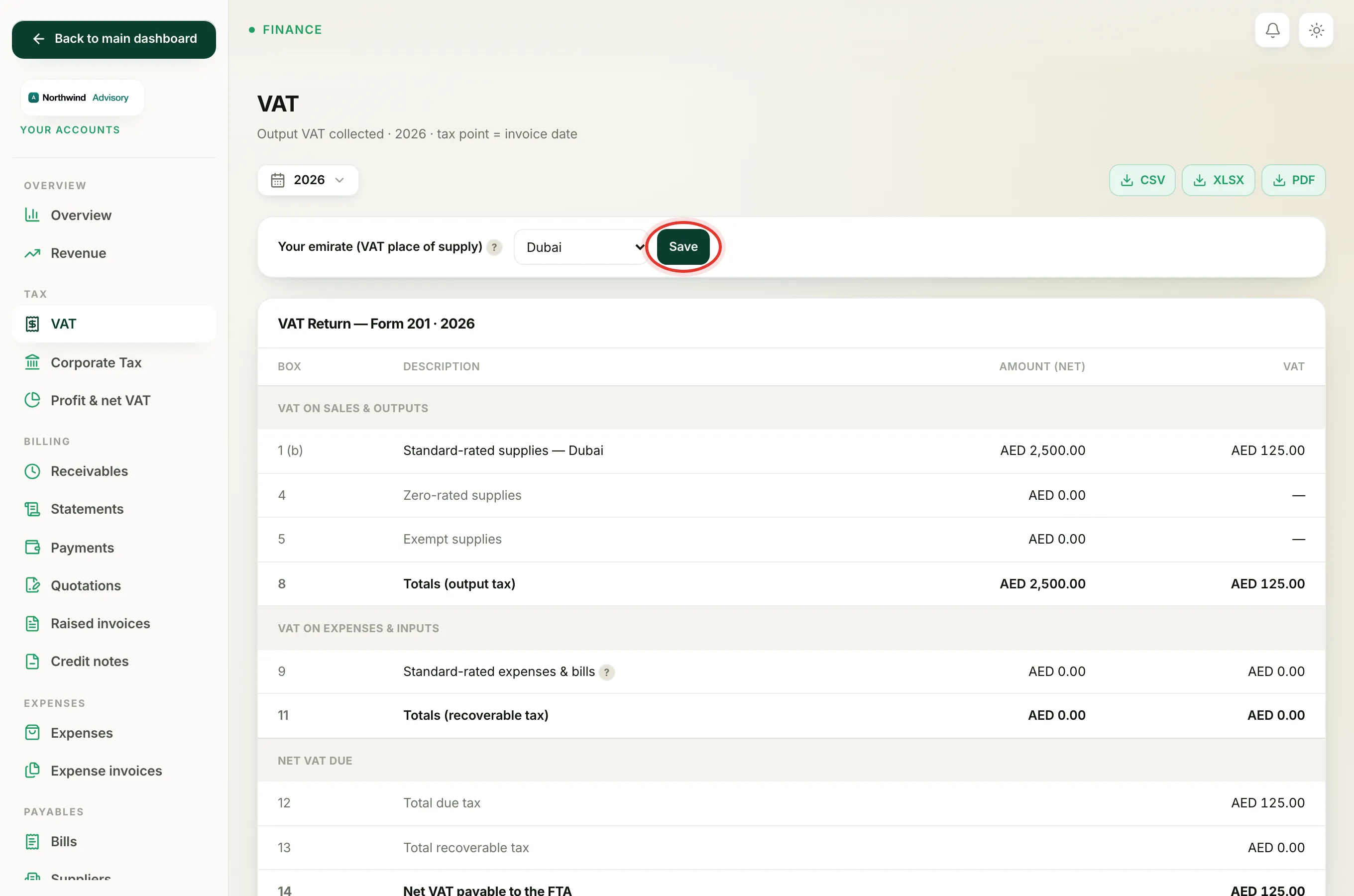
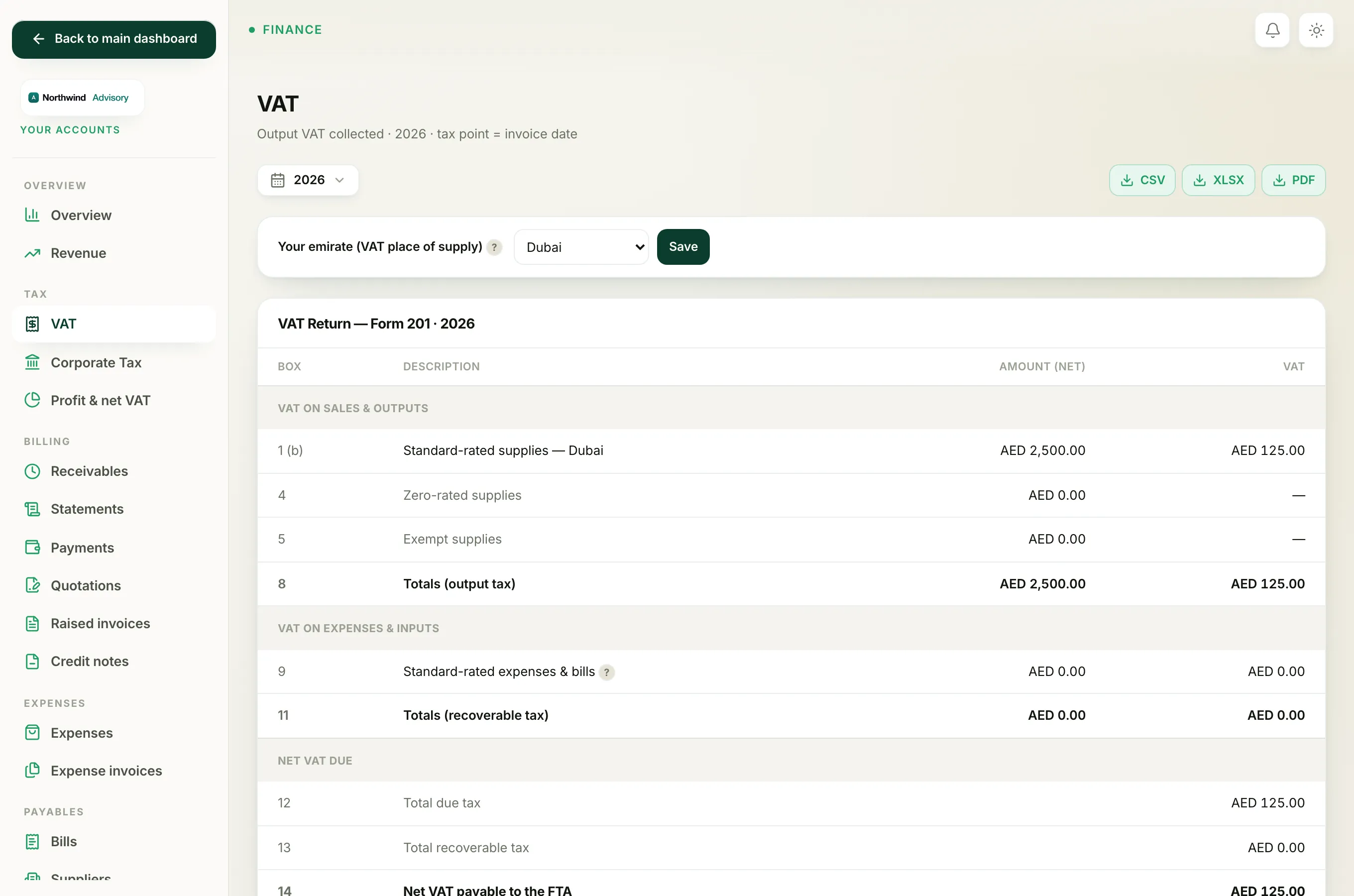
- Near the top of the page, find the bar labelled Your emirate (VAT place of supply).
- Open the dropdown and choose your emirate. The choices are Abu Dhabi, Dubai, Sharjah, Ajman, Umm Al Quwain, Ras Al Khaimah and Fujairah.
- Click Save.
Once saved, box 1 in the Form 201 shows the matching letter next to the box number, for example 1a for Abu Dhabi or 1b for Dubai, and names the emirate on the row.
Clearing the warning
Until you pick an emirate you will see an amber message next to the bar:
Set this so box 1 files under the right emirate.
The return still calculates without it, but box 1 will not carry an emirate letter, which the FTA expects. Choosing an emirate and clicking Save clears the warning.
Tip
Use the emirate on your firm's trade licence. If you are not sure which one applies, check with your tax agent before you file.
Changing it later
You can change the emirate at any time by picking a different one and clicking Save again. The change applies to the return the next time it is worked out, so re-check box 1 after you switch.
Related: What each box on the VAT Form 201 means and Prepare your VAT return.