What this report is for
The AP aging report answers one question: who does your firm owe money to, and how urgent is it? AP stands for accounts payable, which is the money you owe your own suppliers. Every unpaid bill is listed under the supplier it belongs to and sorted into buckets by how far past its due date it is. It is the quickest way to decide which suppliers to pay first.
Note
This report only counts your firm's own supplier bills. It has nothing to do with the invoices your clients owe you. To chase money clients owe you, use the Receivables report instead.
Open the report
- Log in to your workspace.
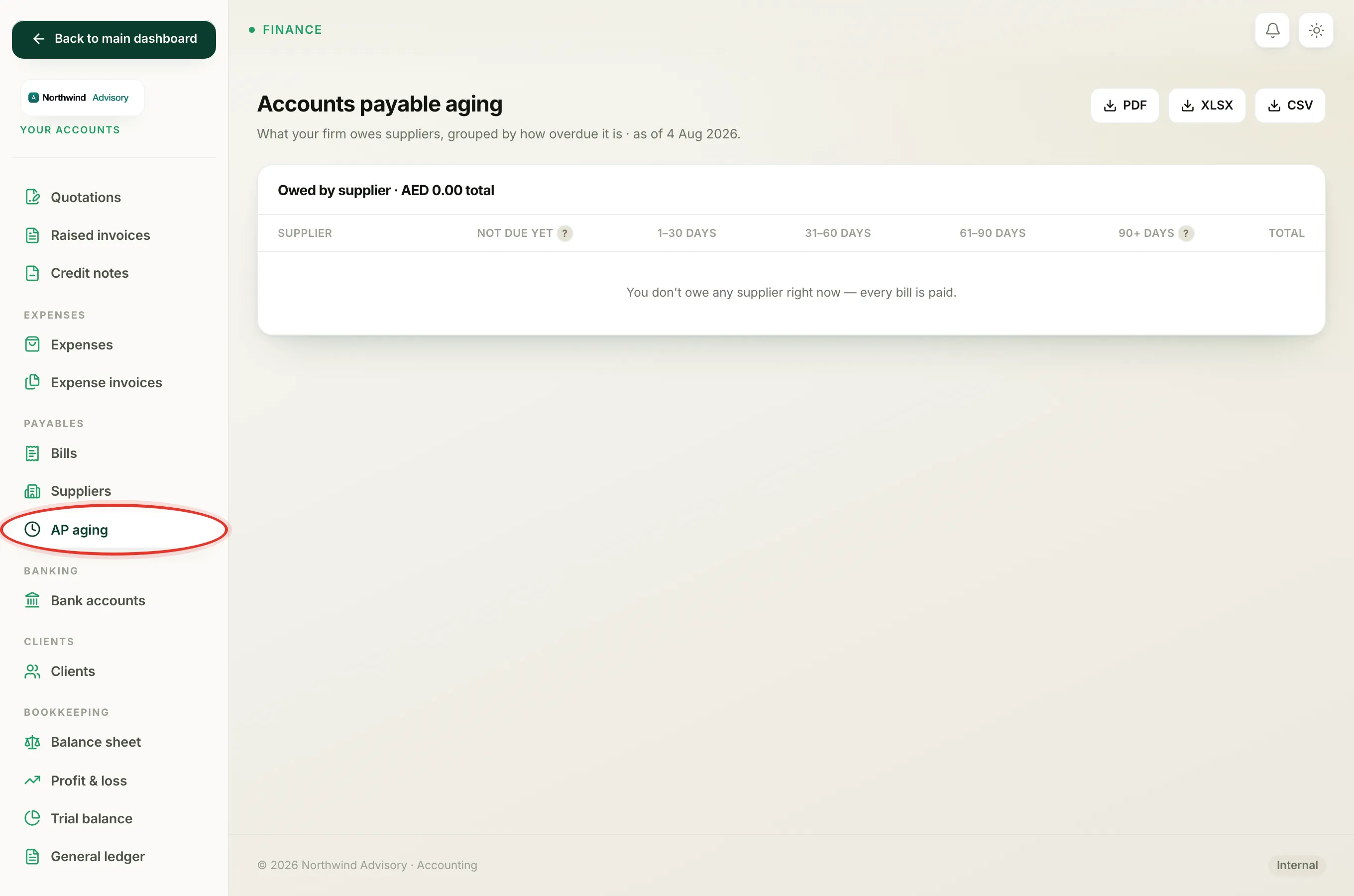
- In the left menu, under Finance, click Your Accounts.
- In the accounts menu on the left, under Payables, click AP aging.
If you see a message saying your books are not set up yet, your firm has not switched on the accounting side of IzzyTap. The aging report needs the books active before it can show anything.
Reading the table
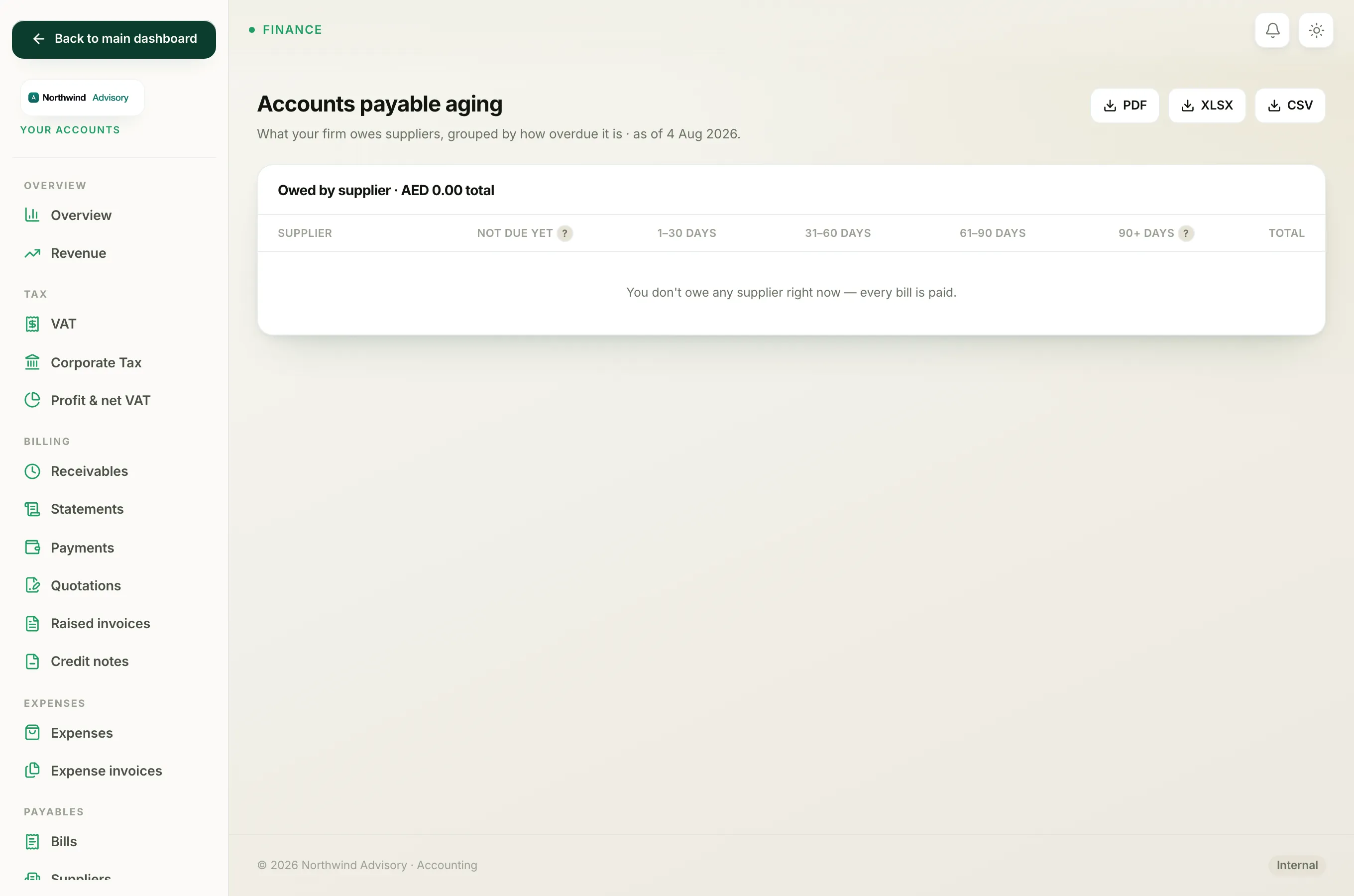
The page is titled Accounts payable aging and shows the date it was calculated ("as of" today's date) at the top. Each row is one supplier. Across the row the amount owed is split into five columns:
- Not due yet is money on bills that have not reached their due date. There is nothing to worry about here yet.
- 1 to 30 days is up to a month overdue.
- 31 to 60 days is one to two months overdue.
- 61 to 90 days is two to three months overdue.
- 90+ days is more than three months overdue. Chase or pay these first.
The Total column at the end of each row is everything you owe that supplier. Suppliers are listed with the biggest balance first, so the supplier you owe the most sits at the top.
The bottom All suppliers row adds up every column, and the panel heading shows the grand total you owe across all suppliers.
Tip
An amount only appears here while a bill is still open or partly paid. As soon as a bill is fully paid it drops off the report. A bill with no due date is treated as Not due yet.
Where the numbers come from
Each amount is the bill total minus anything already paid against it, so a bill you have part-paid shows only the remaining balance. The bucket a bill falls into is worked out from its due date. To understand the wording on individual bills, see What each bill status means and Why a bill shows as overdue.
Save or print the report
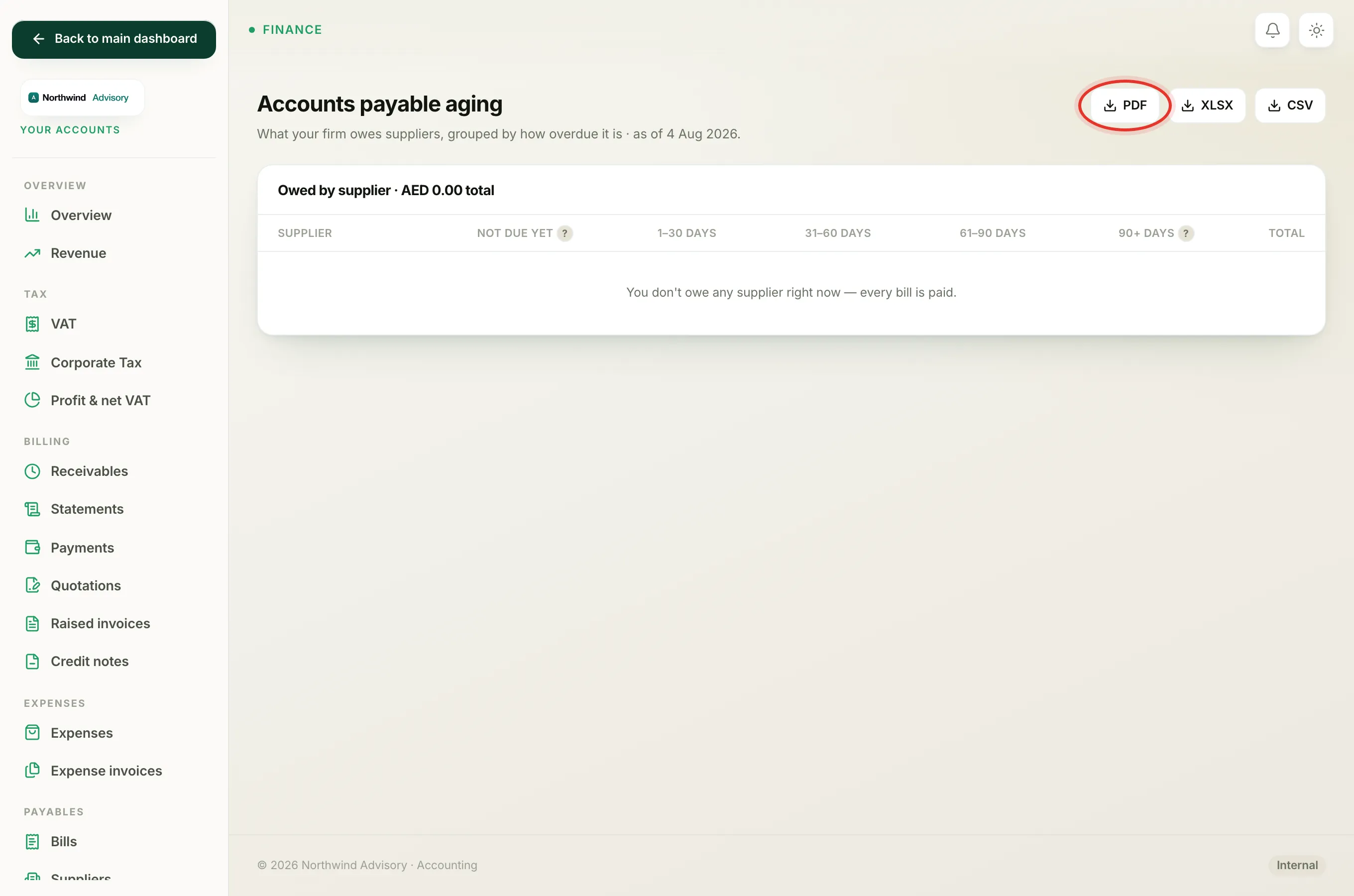
At the top right of the page are three buttons: PDF, XLSX and CSV. Click one to download the report in that format, for example to send to your accountant or open in a spreadsheet. For more on the download formats, see Export a report to Excel or PDF.
When the report is empty
If you see "You don't owe any supplier right now", every bill on file is fully paid. That is a good thing. As soon as you record a new bill that is not yet paid, it will appear here.