When a supplier charges you 5% VAT on a standard-rated cost, you can usually claim that VAT back from the FTA. IzzyTap handles this with a single switch on the bill, and the amount flows straight into your VAT return.
The reclaimable switch
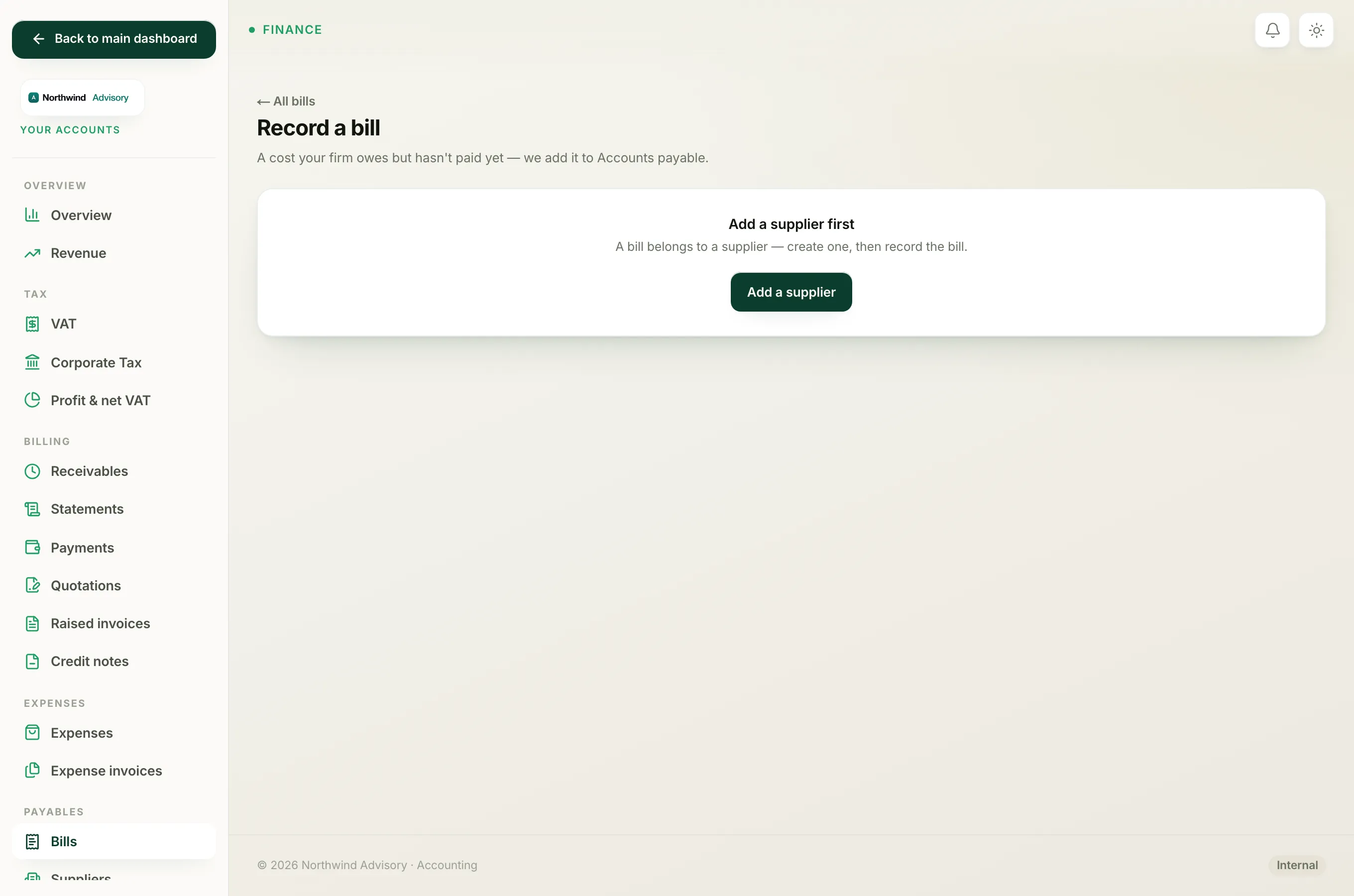
When you record a bill, you enter the Net (AED) and the VAT (AED) amounts separately, and the total is worked out for you as net plus VAT. Just below the amounts is a checkbox:
- VAT reclaimable (ticked by default)
Leave it ticked when the VAT can be claimed back. Untick it when it cannot.
To set it while recording a bill:
- Log in to your workspace.
- In the left menu, under Finance, click Your Accounts.
- In the Accounts sidebar, under Payables, click Bills, then click Record a bill.
- Fill in the supplier and the Net and VAT amounts.
- Tick or untick VAT reclaimable to match the cost.
- Click Record bill.
You can check the setting later on the bill's page. The VAT line in Bill details reads either "reclaimable" or "not reclaimable".
Why the supplier TRN matters
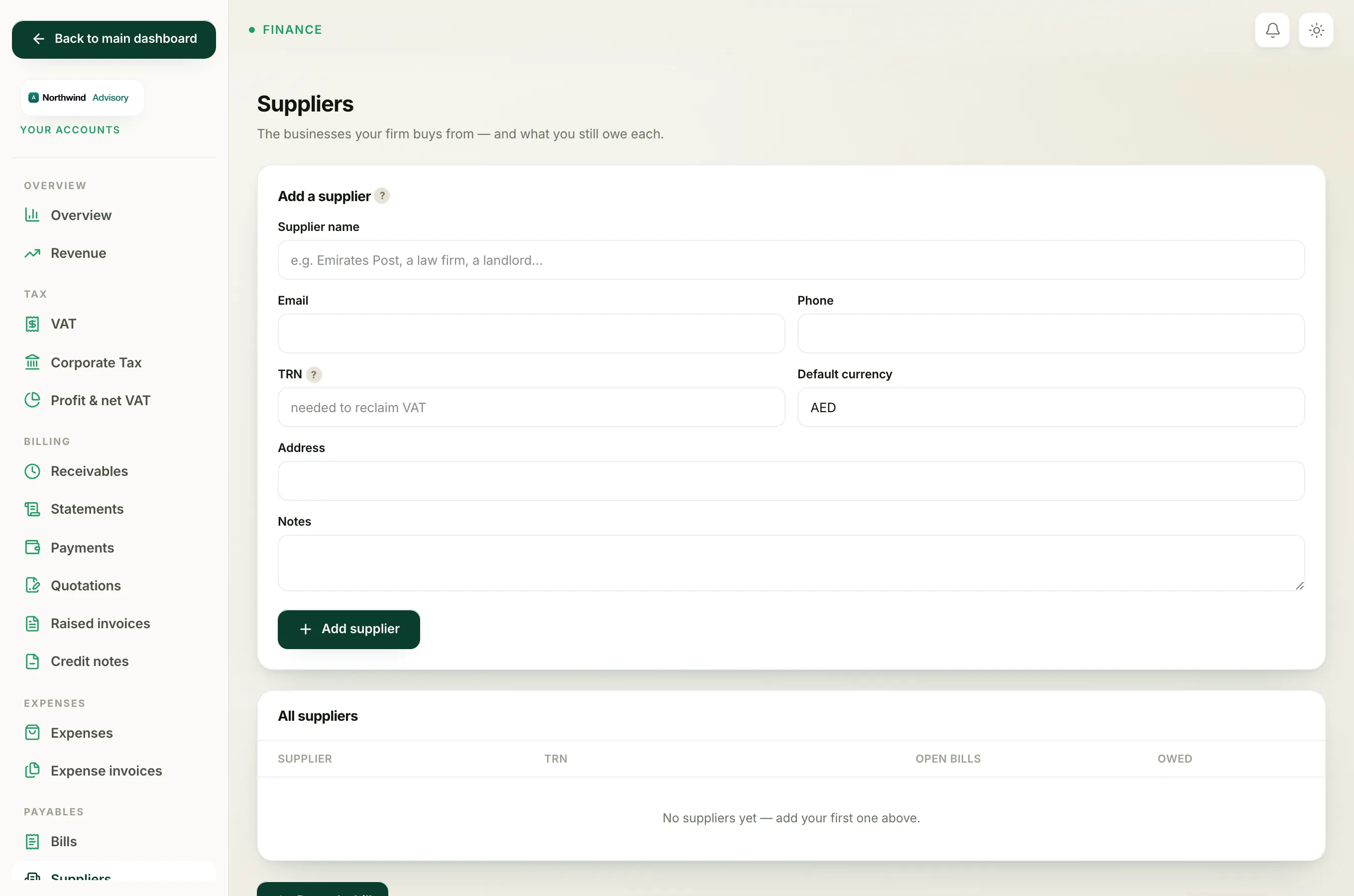
You can only reclaim VAT when the supplier has a valid Tax Registration Number (TRN) and gave you a proper tax invoice. If the supplier is not VAT registered, or did not charge VAT, then there is nothing to reclaim, so untick VAT reclaimable.
Keep the supplier's TRN on their record so you have it to hand. You add it when you create the supplier, in the TRN field, under Payables then Suppliers.
Important
When you untick VAT reclaimable, the VAT does not vanish. It becomes part of the cost of the bill instead, so your books still show the full amount you paid. It just will not be claimed back from the FTA.
Where the reclaimable VAT goes
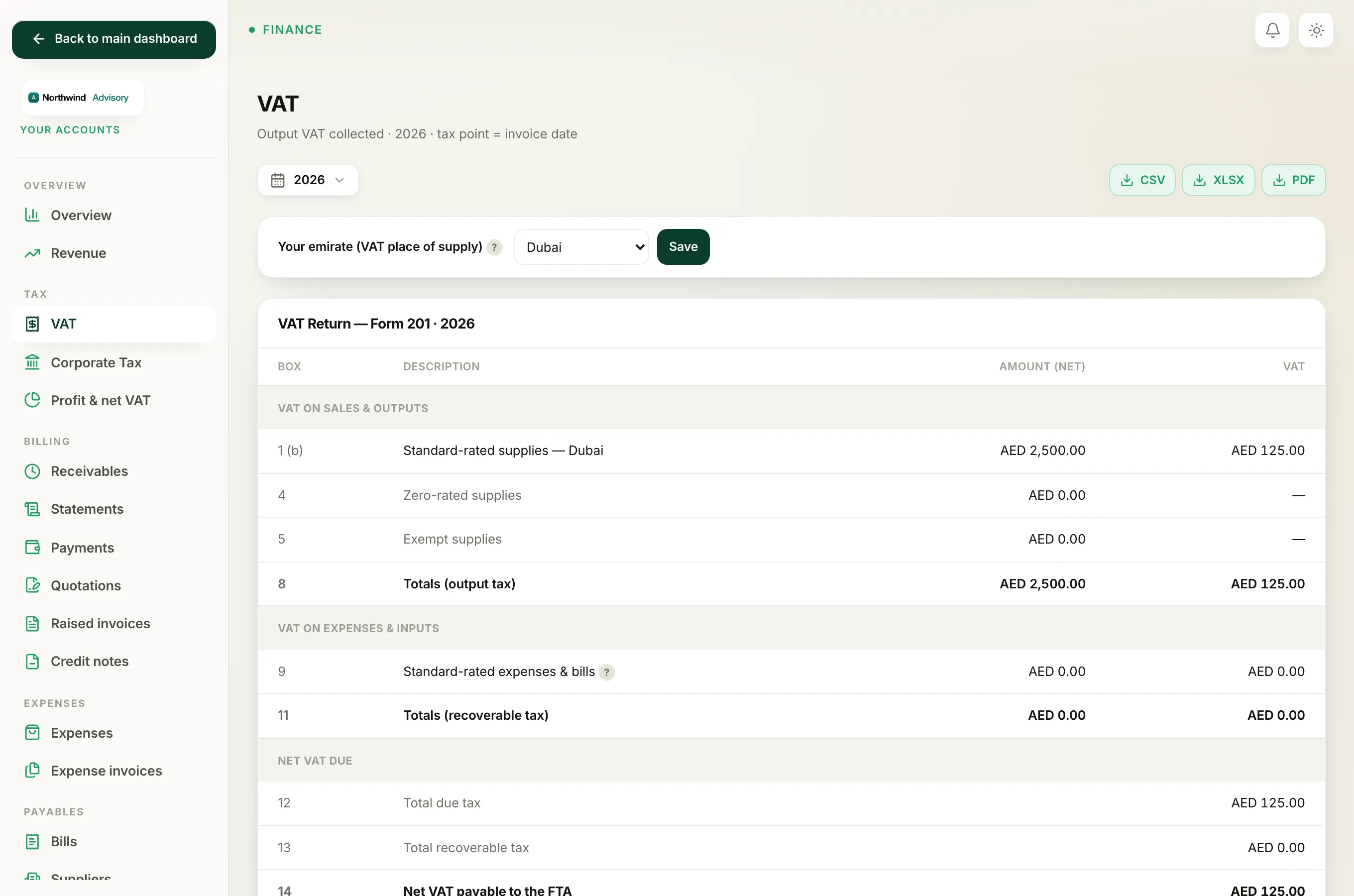
Reclaimable VAT on a bill is treated as recoverable input tax. It lowers the net VAT your firm owes.
To see it land in your return:
- In the Accounts sidebar, under Tax, click VAT.
- Look at the line Standard-rated expenses & bills. The VAT column there is your recoverable input tax from expenses and supplier bills, and it feeds the Total recoverable tax figure.
The same switch works on expenses too. See Reclaim VAT on an expense, and Prepare your VAT return for the full return.