When you need this
When you send a screening to an outside compliance officer by email, they get a secure link to approve or decline it. That link is valid for 30 days and can only be used once. If the officer says they never got the email, deleted it, or the 30 days have passed, you do not need to start over. You can resend the same report with a brand new link.
This only applies to a screening you referred to an external email address. If you referred it to a colleague inside your team instead, there is no link to resend, they simply open it in their own AML workspace.
Resend the link
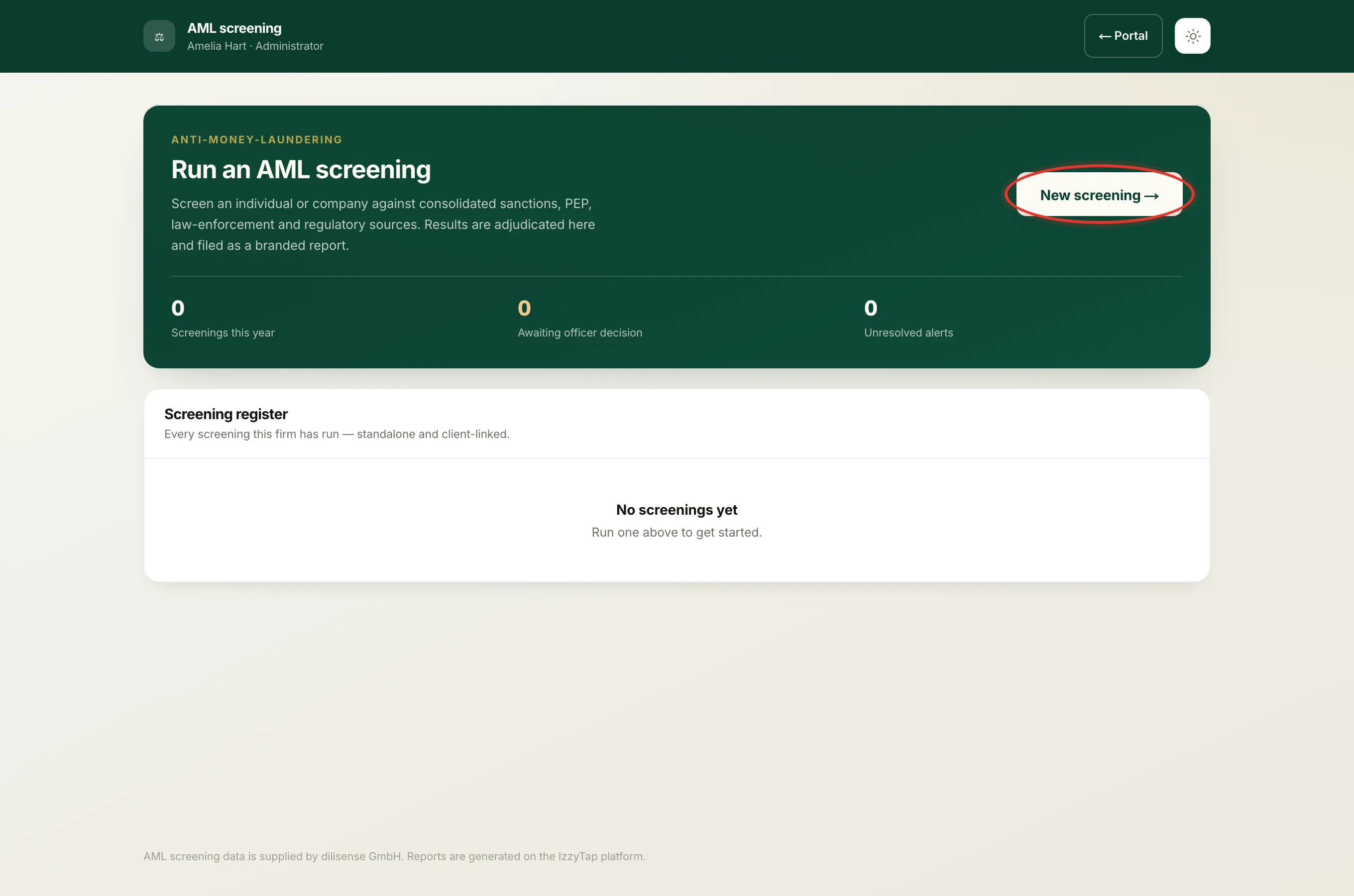
- Log in to your workspace.
- In the left menu, under Compliance, click AML screening.
- In the Screening register, click the subject's name to open the screening.
- Near the bottom you will see a card titled Awaiting the compliance officer. It shows who the report was referred to and the date the current link expires.
- Click Resend email to officer.
- The button confirms right away with a message like "Sent, a fresh decision link is on its way". The email and the attached report go out in the background.
Important
Resending issues a fresh 30-day link and cancels the old one. Any earlier link for this screening stops working immediately. If the officer later clicks the first email, that link will no longer open, so ask them to use the most recent one.
What the officer receives
The officer gets a reminder email titled "Reminder: AML approval requested". It includes the subject's name, the number of alerts raised, and the full adjudication report as a PDF attachment. The email has one button, Approve or decline, which opens the secure page where they record their decision. They decide from that link, not by replying to the email.
The reply-to on the email is set to you, so if the officer writes back with a question, it reaches you directly.
If the button is not there or shows an error
- You cannot see the Resend button. Only staff who can run screenings see it. If your role does not include running AML, ask an administrator or a case manager to resend it. See Why you can't run, refer or open a screening.
- "There's no external officer email on file. Refer it to an officer first." This screening was not referred to an outside email, so there is nothing to resend. If it needs an outside officer, refer it first. See Send a screening to an outside compliance officer.
- "This screening has already been decided." The officer has already approved or declined it, so no new link is needed. Open the screening to read their decision.
Note
Resending does not change the referral itself or its date. It is the same referral, sent again, so your audit trail stays intact.