Start by checking their status
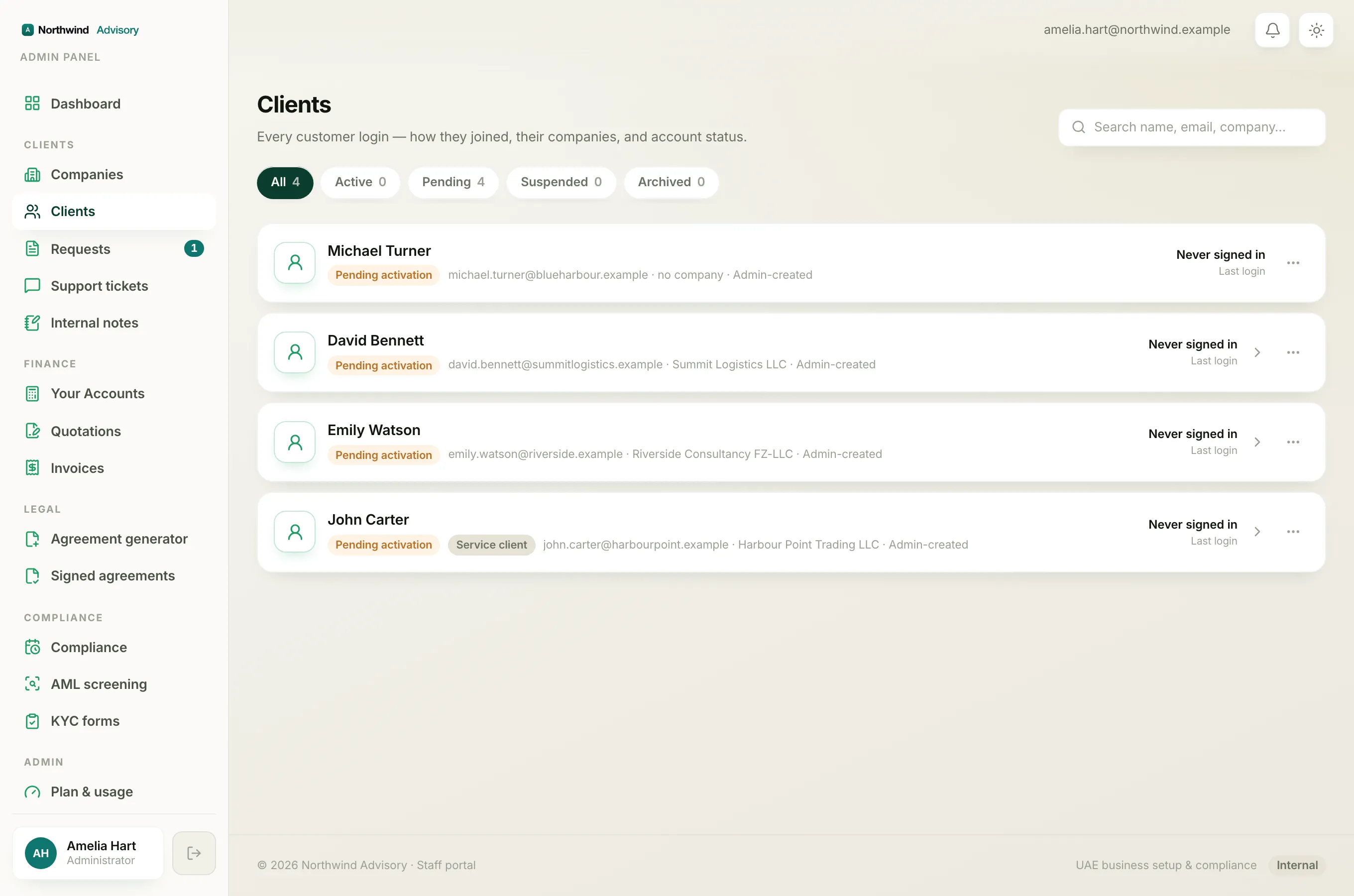
When a client says they cannot sign in, the fastest first step is to look at their status.
- Log in to your workspace.
- In the left menu, under Clients, click Clients.
- Find the client. The coloured chip on their row tells you most of what you need: Active, Pending activation, Suspended or Archived.
The chip points you straight to the cause. Here is what each one means and what to do.
They never activated (Pending activation)
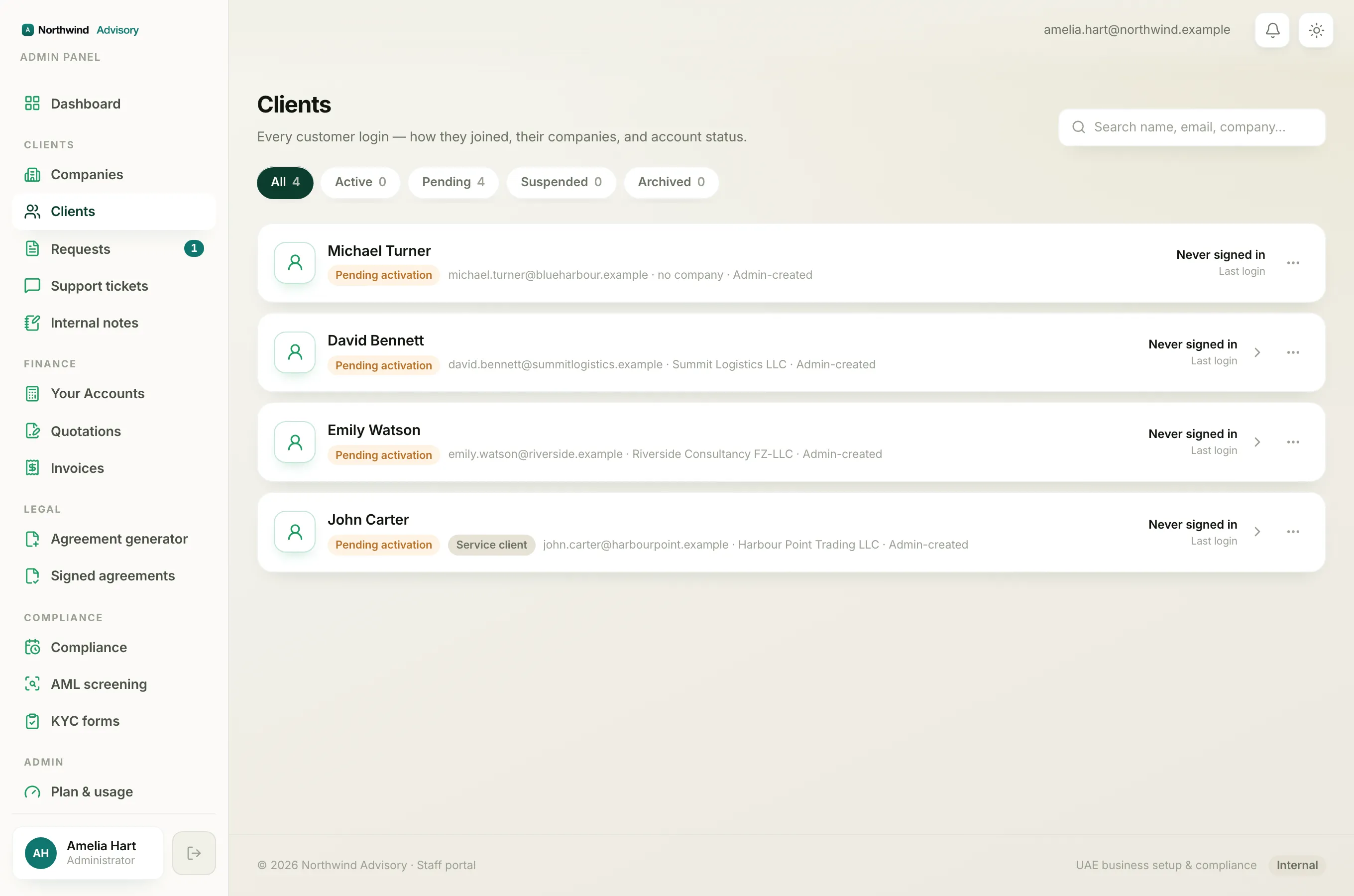
A Pending activation client has never signed in. This is the most common reason someone cannot log in. There is usually nothing wrong, they just never received or clicked their magic link.
Fix: send them the invite. On the client's row click Send invite, or open the company and use the yellow Account not activated yet banner. Full steps are in Activate a client's portal account.
The invite went to the wrong email
If the invite was sent to a mistyped or wrong address, the client will never receive it, so they stay Pending activation.
Fix:
- Open the company.
- Click Edit company.
- Correct the owner email, then save. For a client who has not activated yet this simply repoints their account. For an already active client it changes the email they sign in with, and this change is recorded in the audit log.
- Go back and click Send invite (or Resend invite) so a fresh link goes to the right address.
Their login is suspended
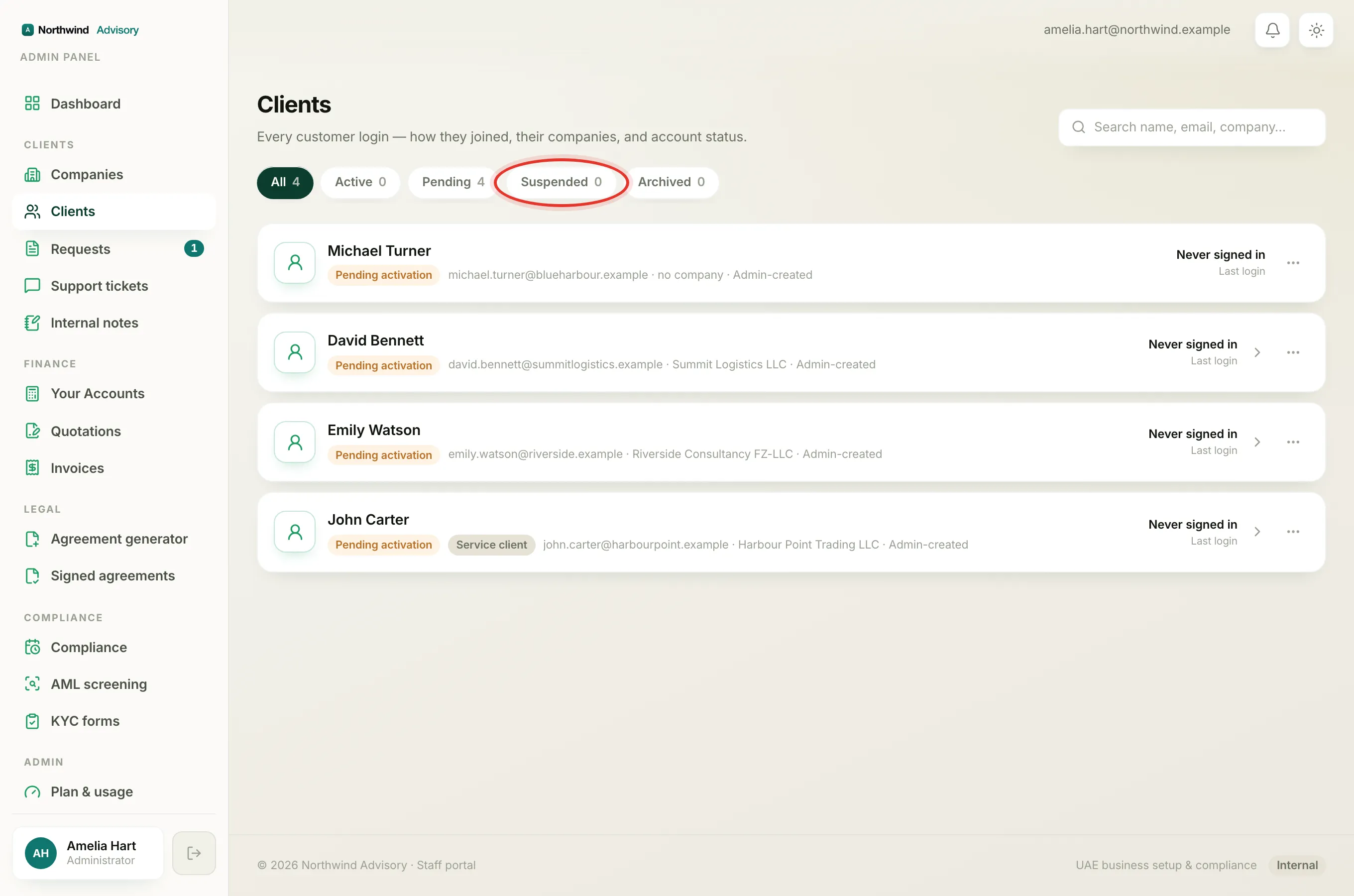
A Suspended client (red chip) has had their portal access switched off, on purpose, by an admin. They cannot sign in until it is restored.
Fix: an admin opens the client's Actions menu and clicks Re-enable access. See Suspend or restore a client's login.
Their company is suspended
A login can also be blocked because the whole company was paused. When a company is suspended, its portal is switched off for everyone on it, even if the person's own login is fine.
Fix: an admin opens the company, clicks the Actions menu and chooses Re-enable company. See Suspend a company (and re-enable it).
The account is archived
An Archived client has been retired. Archiving frees up their email so they could register again fresh, but the old login no longer works.
Fix: if this was a mistake, an admin can restore the client, or you can invite them again as a new account.
The magic link expired or was already used
Activation links and sign-in links are single use and time limited. If a client clicked an old link, or tried one twice, it will not open.
Fix: send a fresh one. On a pending client, click Resend invite. A new link replaces the old one.
Tip
If you have checked all of the above and the client still cannot get in, confirm they are using the exact email address on their account and that they are opening the most recent email, not an older invite.
To understand every status and how each client first joined, see Client statuses and how they joined.