Where the invoice date and payment terms are
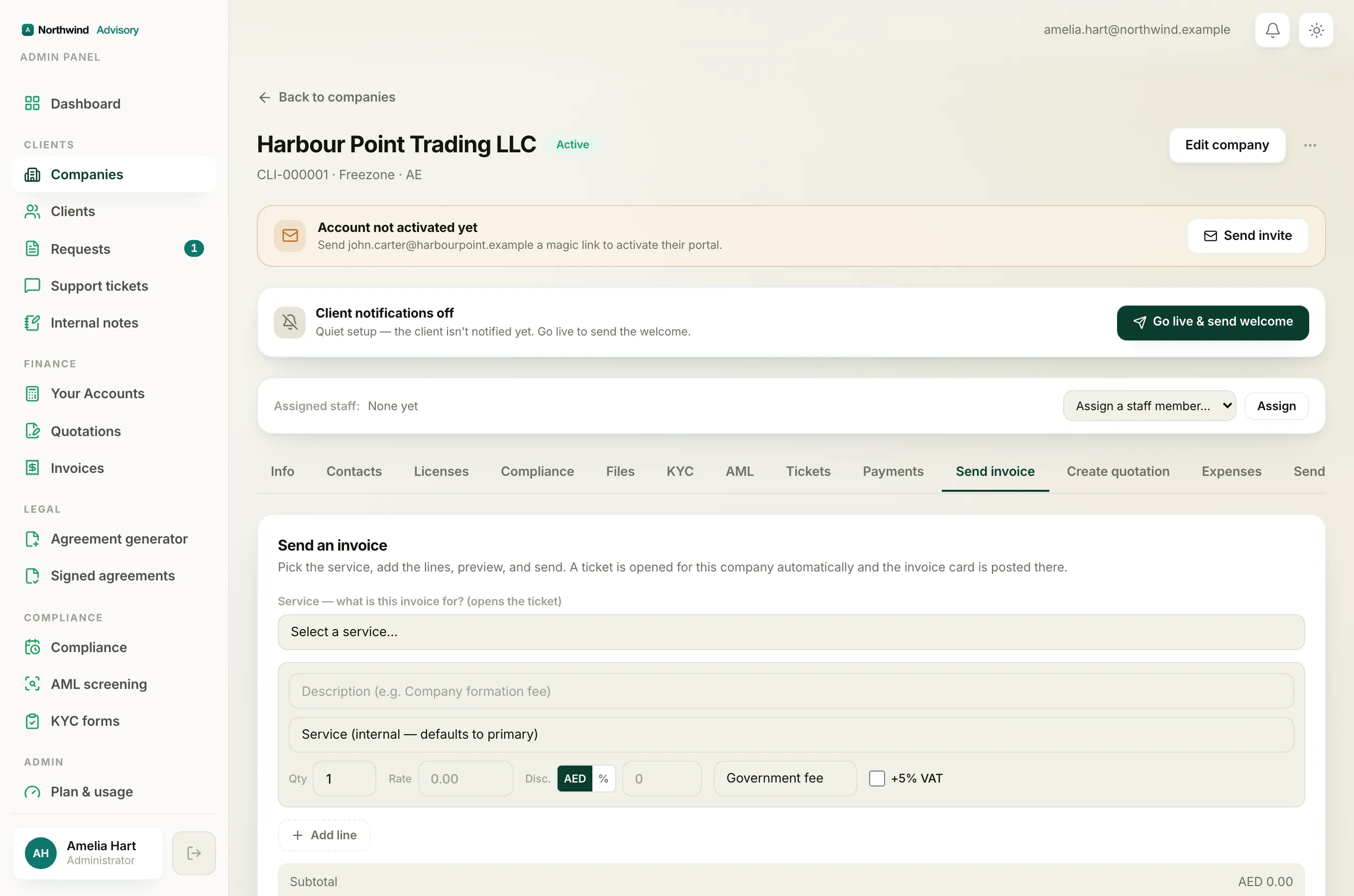
When you build an invoice, near the bottom of the form you will find two fields next to each other: Invoice date and Payment terms. The invoice date starts on today's date. You can change it to any date you like, including a date in the past if you need to back-date the invoice to when the work was actually done or agreed. The payment terms set the due date for you, so you do not have to work it out by hand. Just under the two fields you will see a line that reads Due followed by the date payment is owed, and it updates the moment you change either field.
How to set or back-date the invoice date
- Log in to your workspace.
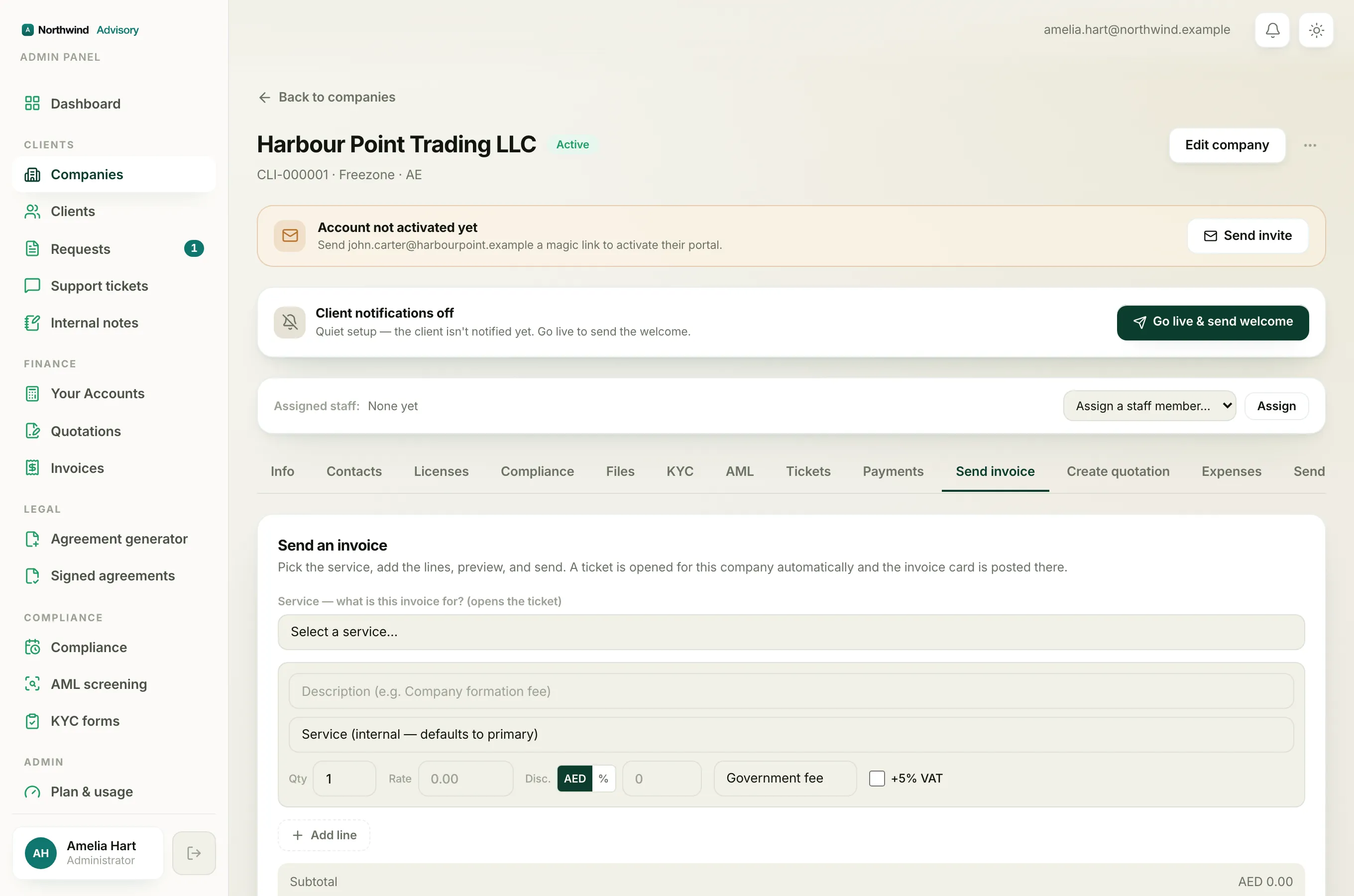
- In the left menu, under Finance, click Invoices, then click New invoice. (You can also raise an invoice from a company's Send an invoice tab. The date and terms fields work the same way there.)
- Fill in the recipient and the line items.
- Find the Invoice date field near the bottom of the form.
- Click the field and pick the date you want. To back-date, choose an earlier date.
- Check the Due date shown just below, then preview the invoice and send.
Choose the payment terms
The Payment terms field decides the due date. Pick the one that matches your agreement with the client:
- Due on receipt. Payment is due on the invoice date itself.
- Net 7 days, Net 14 days, Net 30 days, Net 45 days, Net 60 days, or Net 90 days. Payment is due that many days after the invoice date. Net 30 days, for example, makes it due 30 days later.
- End of month. Payment is due on the last day of the month the invoice is dated in.
- Custom date. A Due date field appears so you can pick any exact date you want.
To set the terms:
- Log in to your workspace.
- Open the invoice you are building, or start a new one under Finance, then Invoices, then New invoice.
- Find the Payment terms field next to the Invoice date.
- Click it and pick a term. If you pick Custom date, a Due date field appears; click it and pick the exact date.
- Look at the Due line just below to confirm the date, then preview and send.
If you do not choose a term, IzzyTap uses Net 30 days, so an invoice always carries a due date.
How the two dates work together
The due date is worked out from the invoice date and the payment terms together. If you back-date the invoice, a net term counts its days from that earlier date, so the invoice can fall due sooner.
- If the invoice date is today and the term is Net 30 days, payment is due 30 days from today.
- If you back-date the invoice by two weeks and keep Net 30 days, the due date is 30 days from that earlier date, so it is effectively two weeks sooner.
- If you want an exact due date whatever the invoice date is, choose Custom date and set it yourself.
Important
Back-dating can make an invoice count as overdue much sooner, or even straight away, because the clock starts from the invoice date you set, not the day you send it. Only back-date when you genuinely need the invoice to carry an earlier date. See why an invoice shows as overdue.
The invoice number does not depend on the date
Invoice numbers are given out in order as invoices are created, one after another. The date you choose does not change the number. So back-dating an invoice does not slot it in among older numbers. It keeps the next number in the sequence and simply shows the earlier date on its face.
Note
Use a date the tax authority would accept. The invoice date is the date the document is dated for tax and accounting purposes, so keep it truthful and consistent with your records.