Where you see these statuses
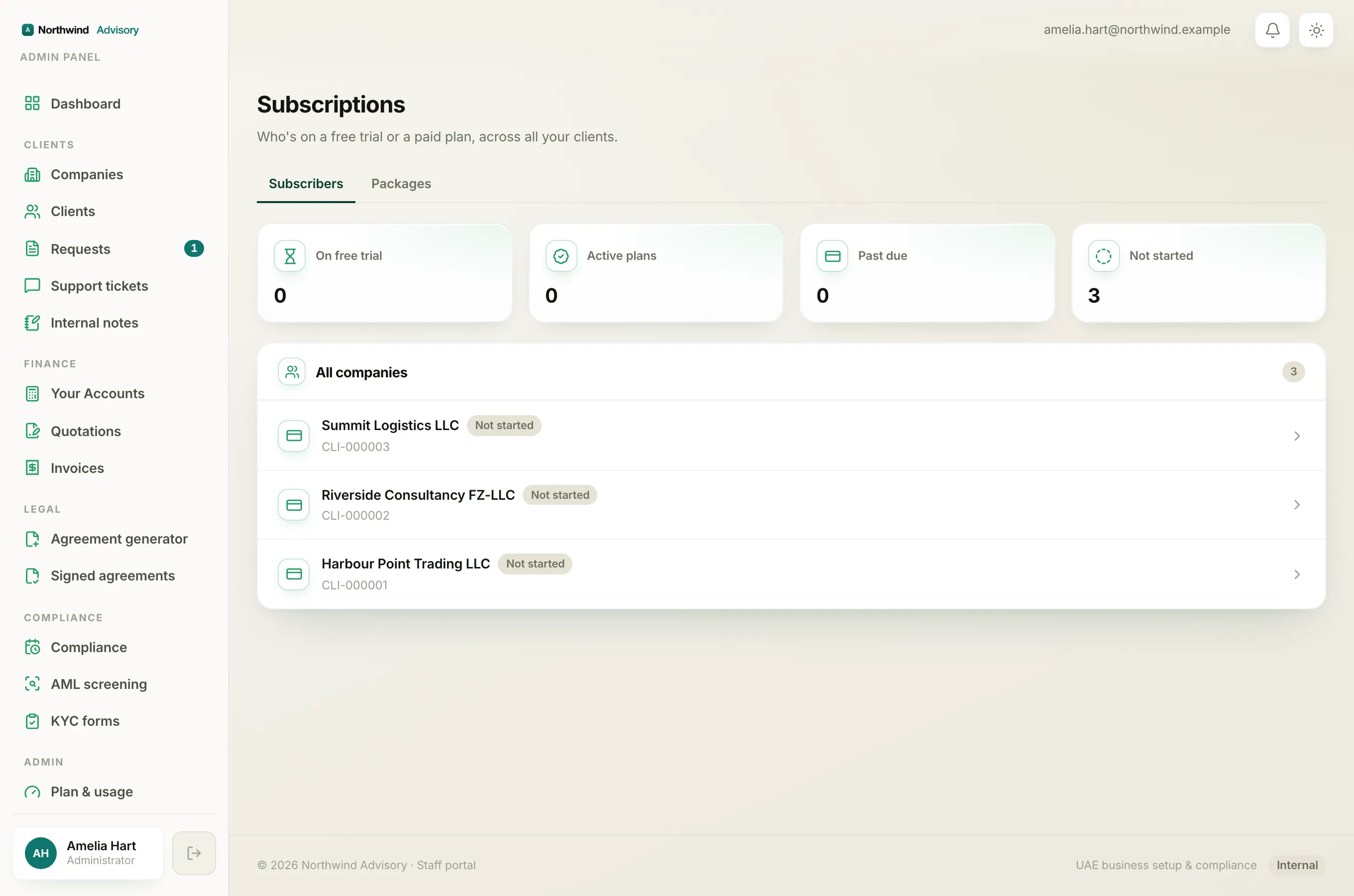
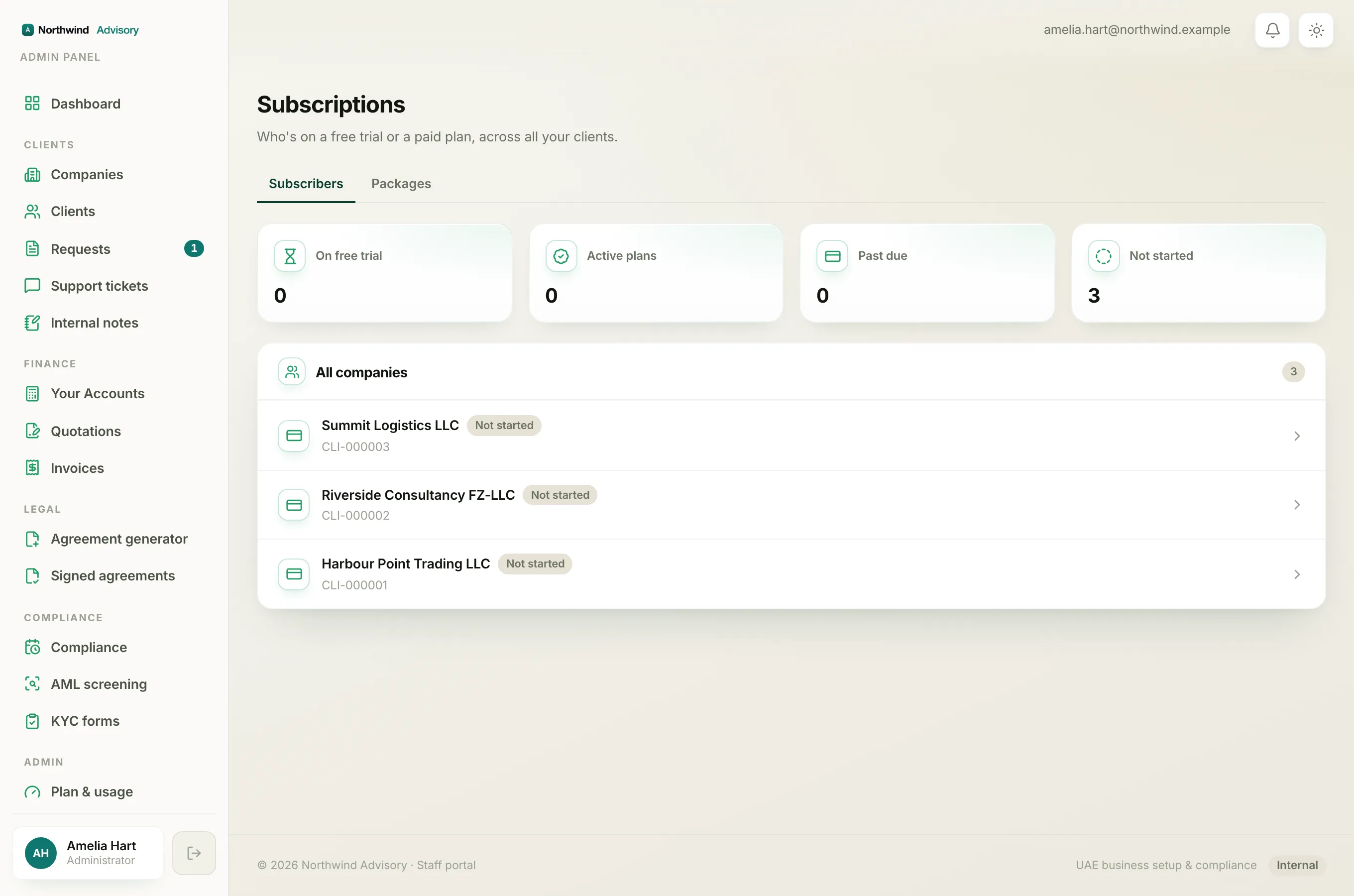
Every client carries a subscription status. You see it as a coloured chip on the Subscriptions dashboard (in the left menu, under Admin, click Subscriptions) and again at the top of that client's own subscription page when you open their row.
The colour is a signal, not decoration. Green means all is well, amber means someone needs to act, red means access has ended, and grey means nothing is running yet.
What each status means
Not started (grey) The company exists in your workspace but has never begun a free trial or a paid plan. Nothing is running and nothing is charged. This is where a brand-new company sits until a trial or a plan is started.
Trialing (neutral) The client is inside their free trial. They have full access for now, and the row shows a Trial ends date so you know when the trial runs out.
Active (green) The client is on a live paid plan and everything is working normally. The row shows a Renews date.
Past due (amber) The plan was active but a payment has fallen behind. This is the one to chase. The client may lose access if it is left unpaid.
Paused (grey) The subscription is on hold. It is not billing and not giving full access, but it has not been ended.
Canceled (amber) The subscription has been cancelled. Depending on how it was cancelled, access may continue until the end of the paid period, or may already have stopped.
Expired (red) The plan or trial has run its course and access has ended. This is the fully lapsed state.
The Change requested flag
Separately from the status above, a client row can also show an amber Change requested chip. This means the client has asked to move to a different plan and is waiting for someone at your firm to action it. It sits alongside the normal status, not in place of it.
When you open that client, an amber Plan change requested box appears with an Activate button and a Dismiss button. See Approve a plan change request for how to handle it.
Tip
Green and grey can wait. Anything amber or red is asking for attention: Past due and Change requested need a decision, and Expired means the client currently has no access.
If a client says their tools have stopped working, cross-check their status here first, then see Why a client is locked.