The short answer
Yes, you can edit a template whenever you like, and it will never change an agreement you have already created or sent. Every agreement keeps its own frozen copy of the wording. Editing the template only changes the agreements you create from it afterwards.
This means you can safely fix a typo, update a clause, or reword a whole section without worrying that a client who already received the old version will suddenly see something different.
Why it works this way
A template is just a reusable starting point. When you create an agreement from a template, IzzyTap takes a full copy of the template's body at that instant and stores it on the new agreement. From then on, that agreement stands on its own. It no longer looks back at the template.
So the timeline is simple:
- You create an agreement from a template. The wording is copied and locked onto that agreement.
- Later, you edit the template.
- Agreements created before the edit keep their original wording. Agreements you create after the edit use the new wording.
The same is true once an agreement has been sent or signed. The signed PDF a client holds can never change because you touched a template later. Its wording was fixed at creation.
How to edit a template
- Log in to your workspace.
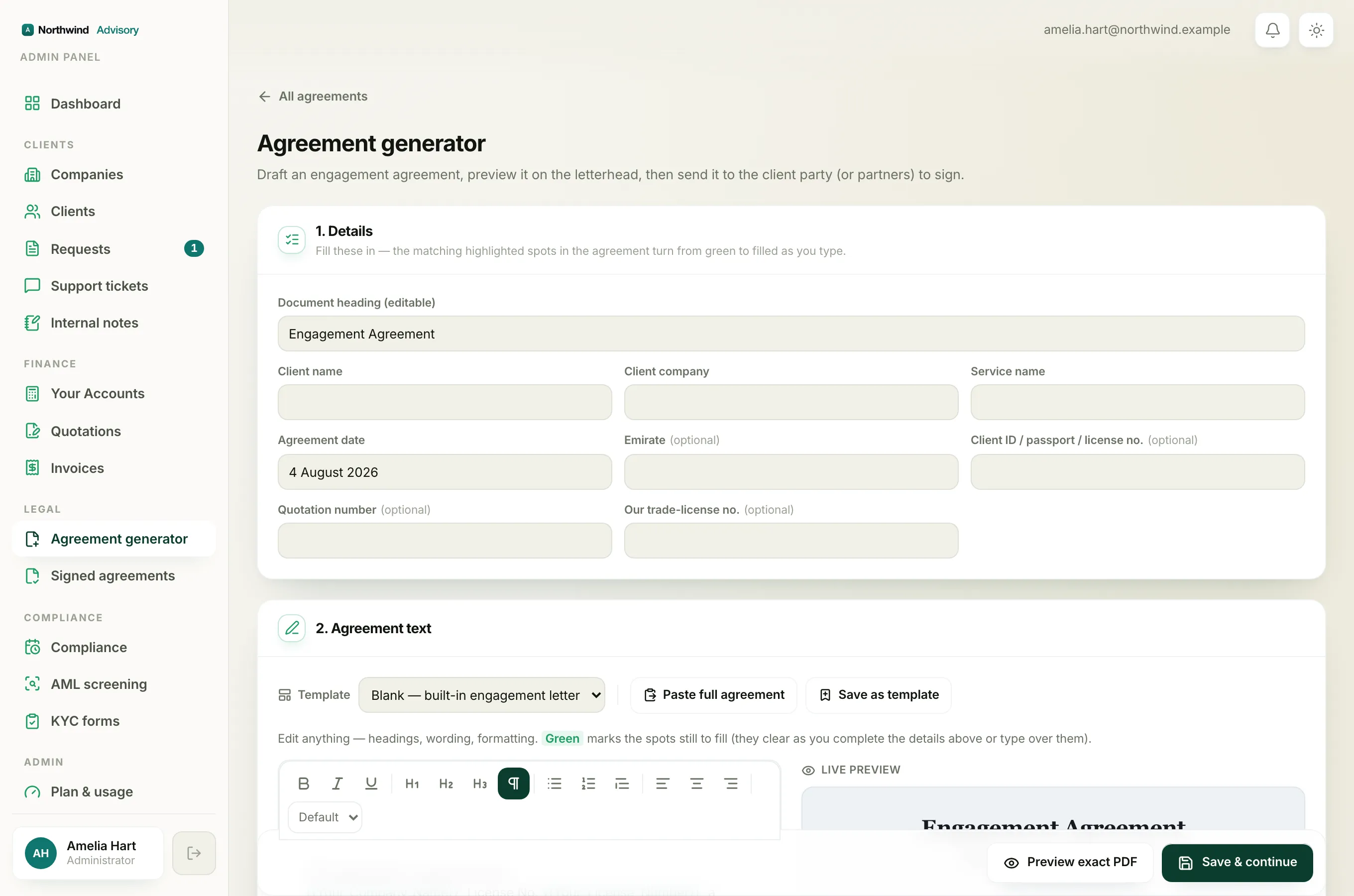
- In the left menu, under Legal, click Agreement generator.
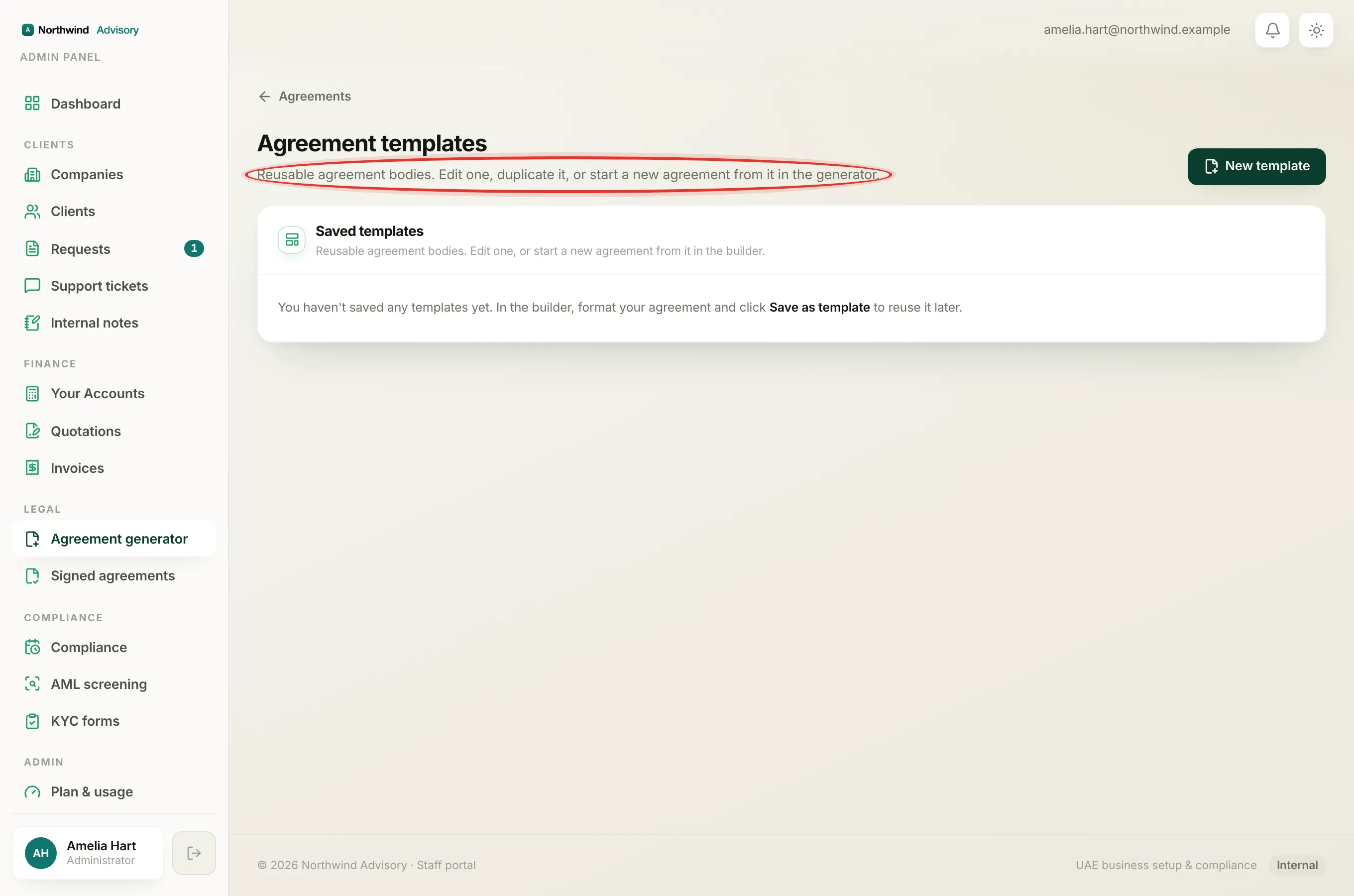
- Click Manage templates. This opens the Agreement templates page.
- Find the template you want in the Saved templates list and click Edit.
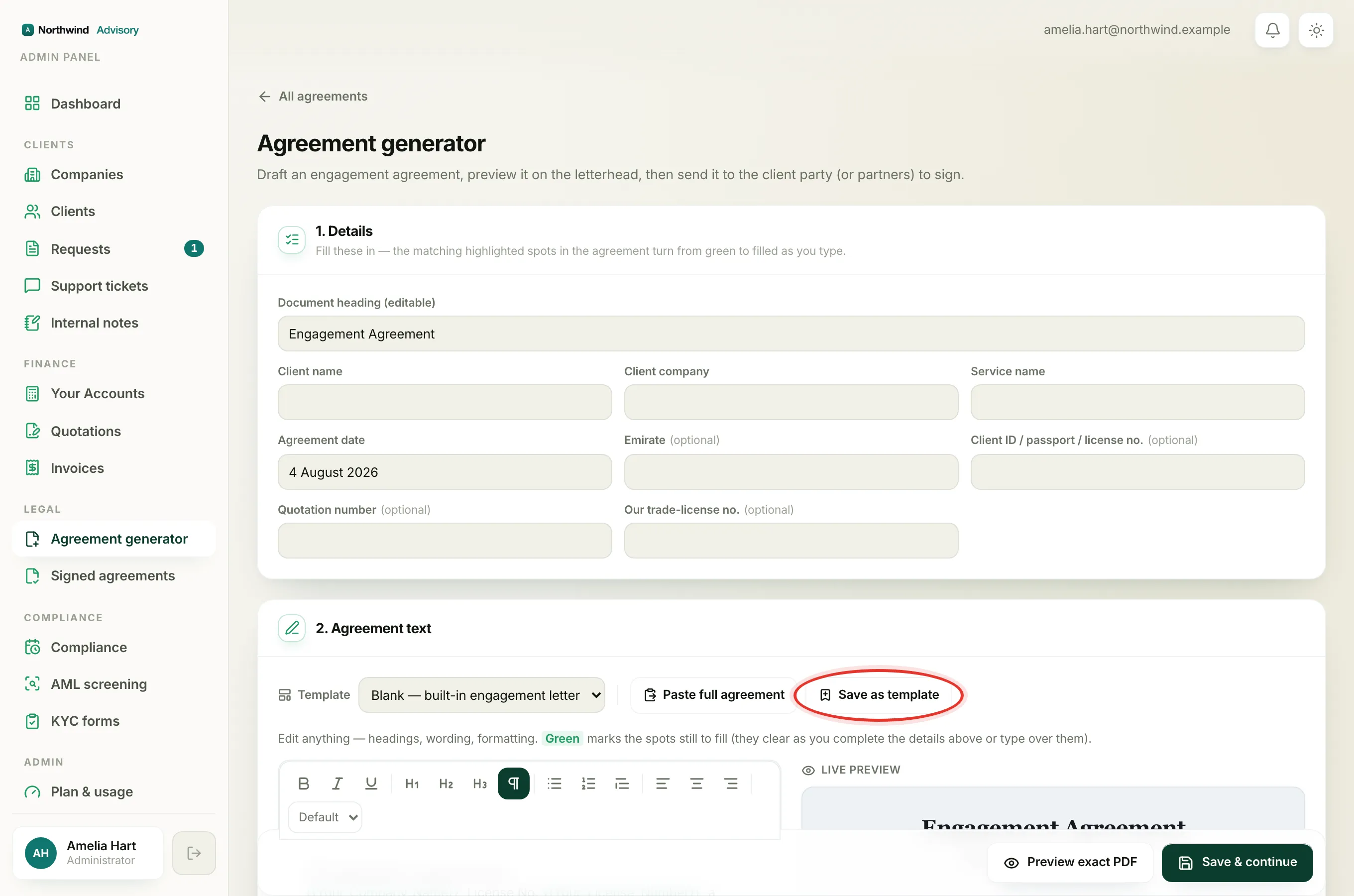
- The builder opens with the template loaded. Change the wording, formatting, or document title as needed.
- Click Save as template to store your changes.
Your edited template is now ready for the next agreement you create from it. Nothing you already sent moves or changes.
Tip
If you want to test a big change without touching your working template, duplicate it first and edit the copy. See Duplicate or delete an agreement template.
What if I need to fix an agreement I already created
Editing the template will not help there, because that agreement already has its own copy of the wording. Instead:
- If the agreement is still a Draft and has not been sent, open it and edit its wording directly. See Edit the agreement wording and formatting.
- If it has already gone out for signing, you cannot rewrite it in place. Create a fresh, corrected agreement and send that instead.