Where to find your score
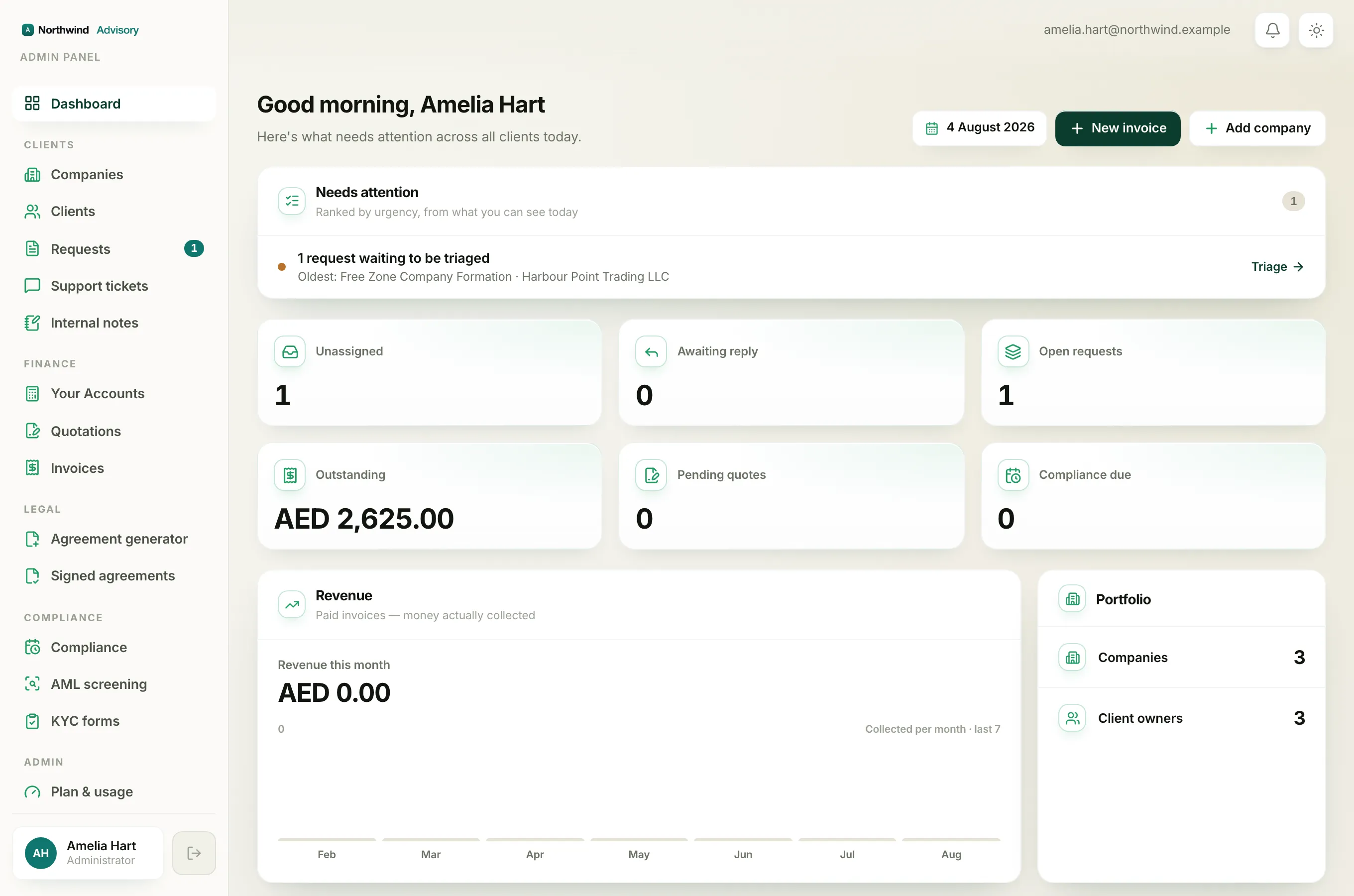
- Log in to your portal.
- You land on Overview, your dashboard.
- Look for the Compliance score card near the top, and the dark Compliance health panel with the ring (donut) next to it.
What the score actually measures
Your compliance score is a plain percentage: out of all the deadlines your firm is tracking for your company, how many are currently in good standing.
A deadline counts as in good standing when it is completed, or its due date is still in the future. A deadline that has passed its date without being completed is the only thing that drags the score down. So if all your items are either done or not yet due, your score is 100%.
Note
If your firm has not set up any deadlines for you yet, your score shows 100% because there is nothing overdue.
On track vs At risk
The Compliance score card shows the percentage and a short label underneath:
- On track (green) when your score is 60% or above.
- At risk when it falls below 60%.
At risk means enough deadlines have slipped past their date that it is worth acting. The fix is to open the Compliance page and deal with anything under Needs your attention.
The category bars
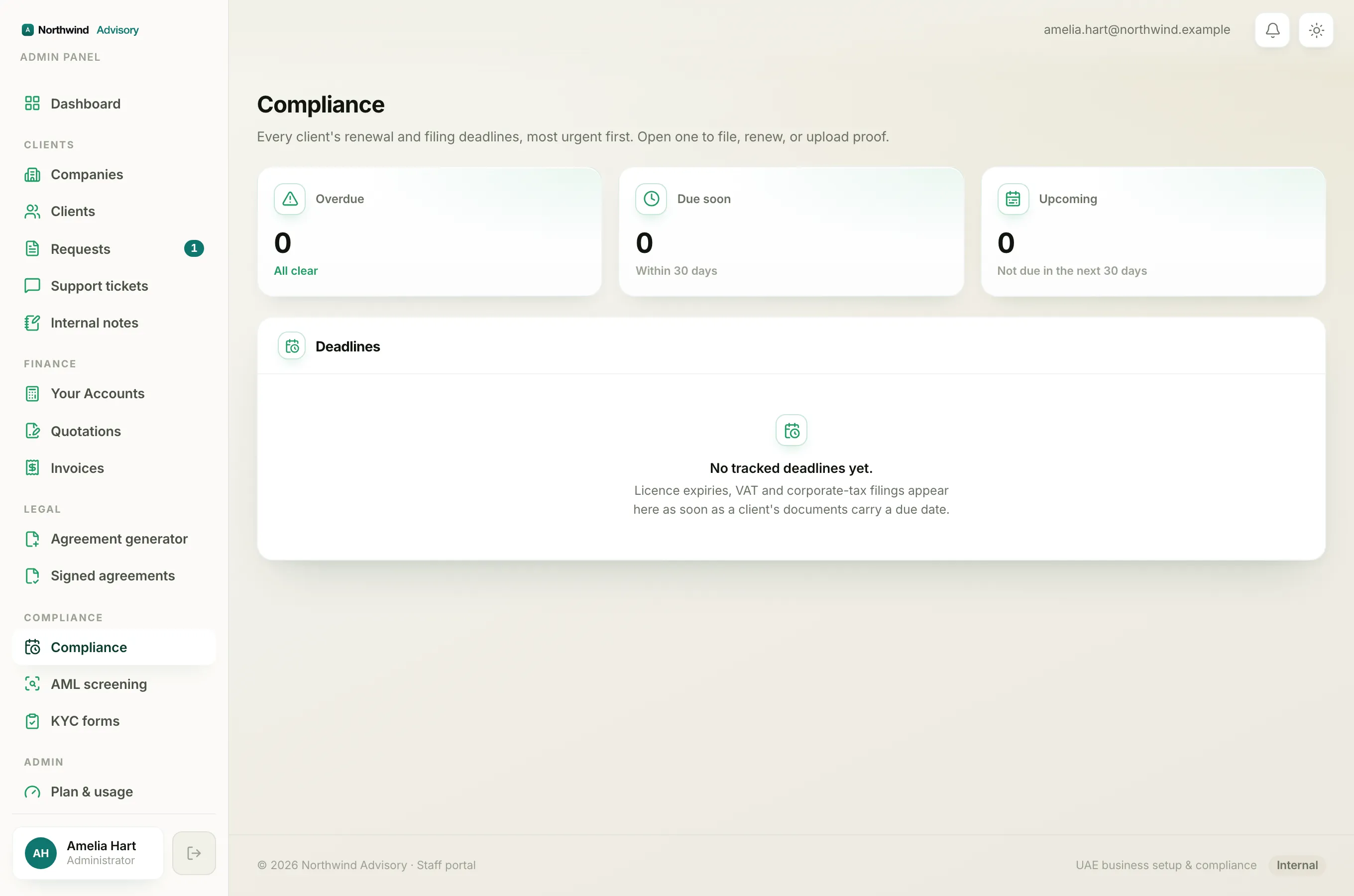
The Compliance health panel breaks the same score down by area, so you can see which part is pulling it down. The bars group your deadlines into:
- Licenses
- Filings (VAT and corporate tax)
- Visas
- Other
Each bar shows the percentage of items in that group that are in good standing. A short, low bar tells you exactly where the overdue item sits.
Raising your score
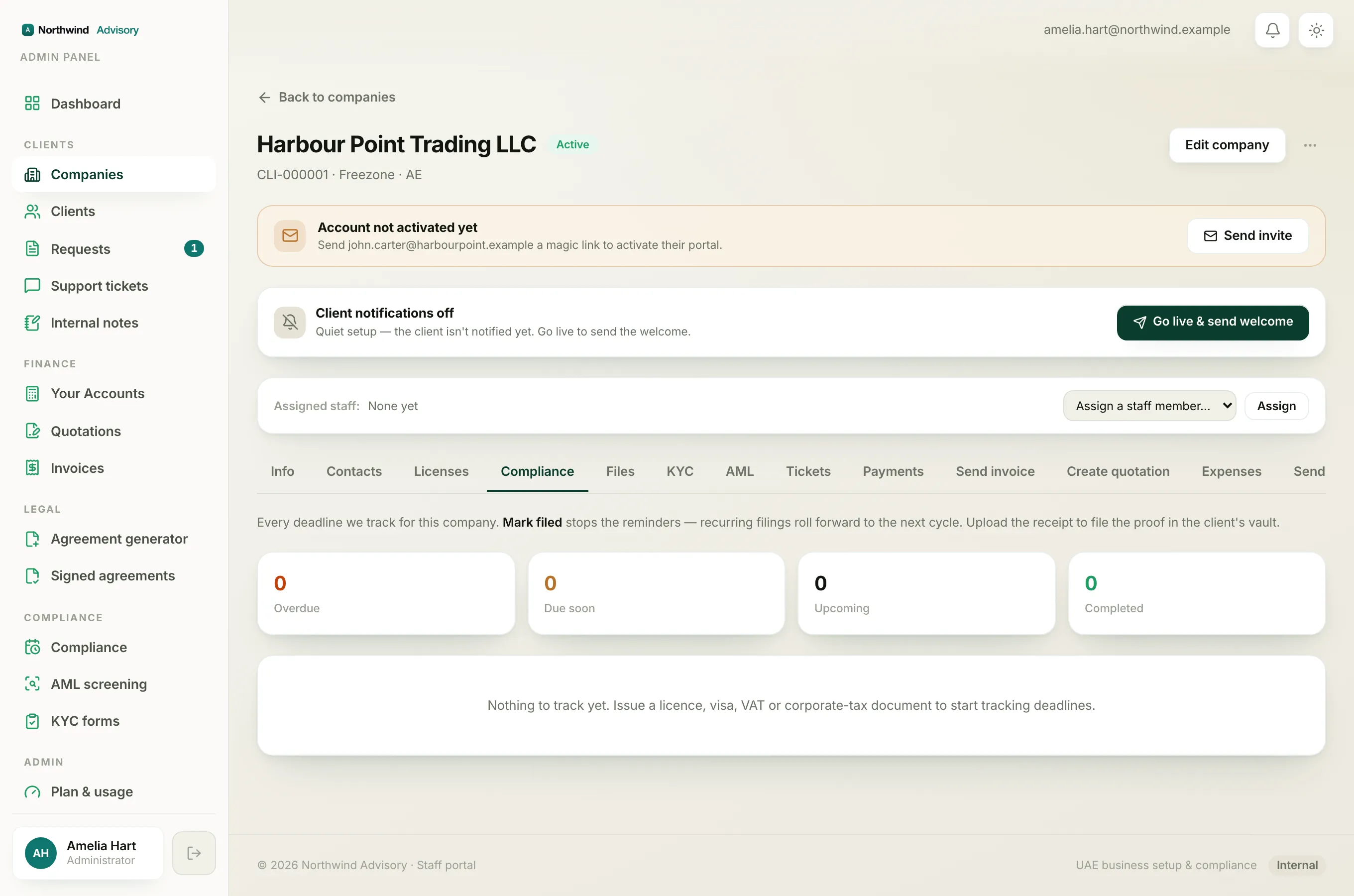
Your score climbs as overdue items get resolved. Press Renew now on the item that needs you, or let your firm complete the filing it is handling, and the item moves back into good standing. The score updates on its own the next time you open your dashboard.