When to use this
If your agreement already exists in Word, Google Docs, an email or a plain text file, you can paste the whole thing in one go instead of retyping it. IzzyTap reads the text and rebuilds it in your own design, with styled headings, sub-headings, clauses and bullet lists.
Paste the agreement
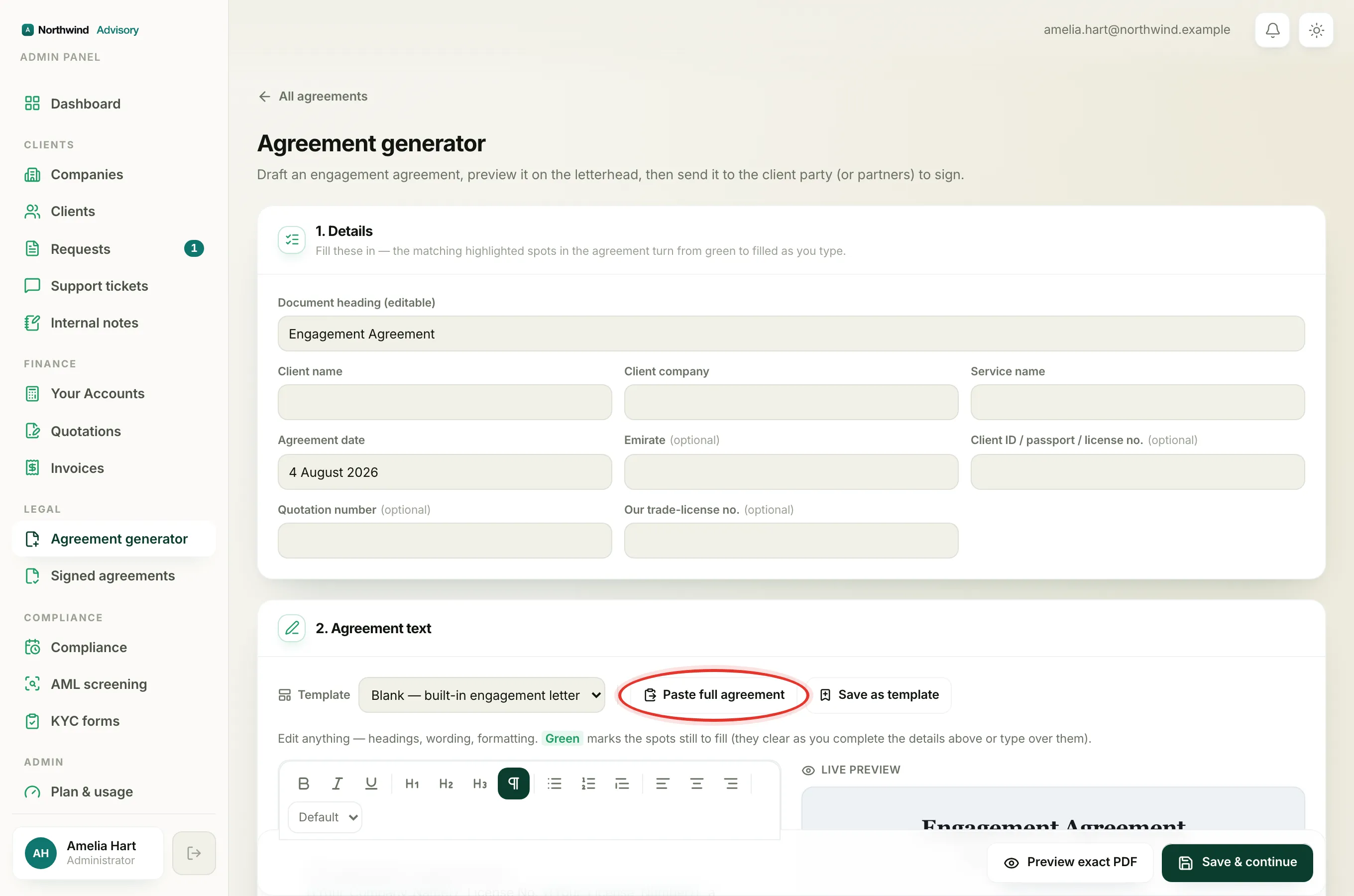
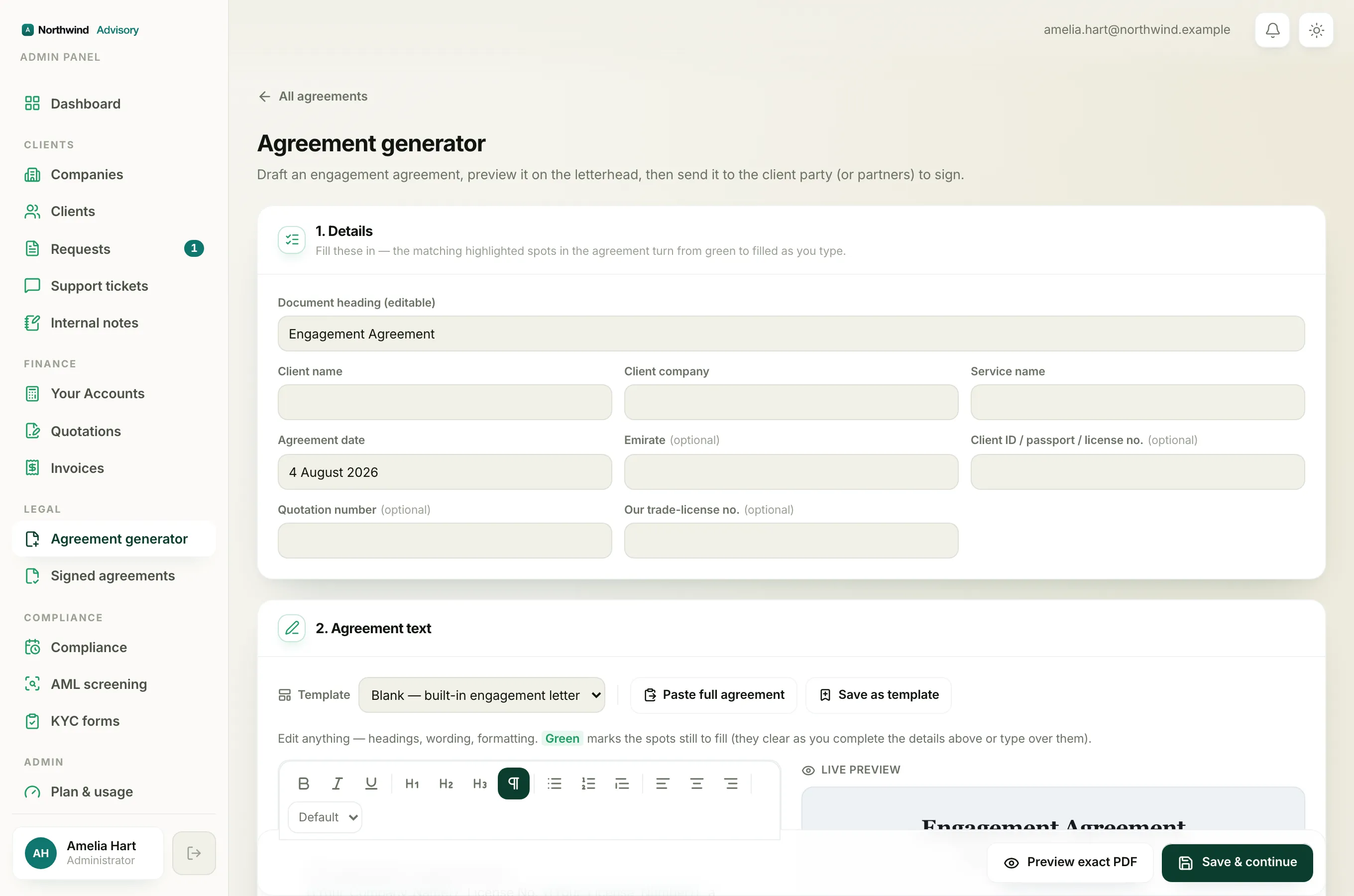
- Log in to your workspace.
- In the left menu, under Legal, click Agreement generator.
- Open the blank builder (choose Draft a new agreement, or the builder opens straight away if you have no templates).
- Scroll to 2. Agreement text.
- Click Paste full agreement. A panel opens with a large box.
- Copy your agreement from Word (or wherever it lives) and paste it into the box.
- If pasting did not format it automatically, click Format into our design.
Your pasted text replaces whatever was in the editor, now laid out in your design. Check it in the editor and the Live preview, and edit anything that did not land the way you wanted.
Heads up
Pasting replaces the entire agreement body. If you have already made edits you want to keep, paste into a fresh agreement rather than over your work.
What is kept
- Your numbering, exactly as written. IzzyTap never renumbers your clauses. A line that reads "3. Fees" stays "3. Fees". You stay in control of the numbers.
- Headings and sub-headings. Short title-like lines, all-capitals lines, and lines like "1. Scope" or "1.2 Payment" become clause headings.
- Bullet lists. Lines that start with a dash or a bullet become a proper list.
- Bold and italic. Emphasis carries through, including Word bold and markdown style
**bold**and*italic*. - Highlight callouts. A line that starts with ">" becomes a shaded callout block.
What is cleaned out
The formatter rebuilds your text into a clean, safe design. It deliberately drops anything that does not belong in a signed agreement:
- Word's own fonts, colours and spacing quirks.
- Hidden Word comments and tracked-change leftovers.
- Images, tables, scripts and styling code.
This keeps every agreement consistent, on-brand, and safe. You get the words and the structure, laid out the IzzyTap way.
Note
There is a generous size limit of around 512,000 characters on the paste box, which is far larger than any normal engagement letter. If your paste is truncated, it was unusually large.
After pasting
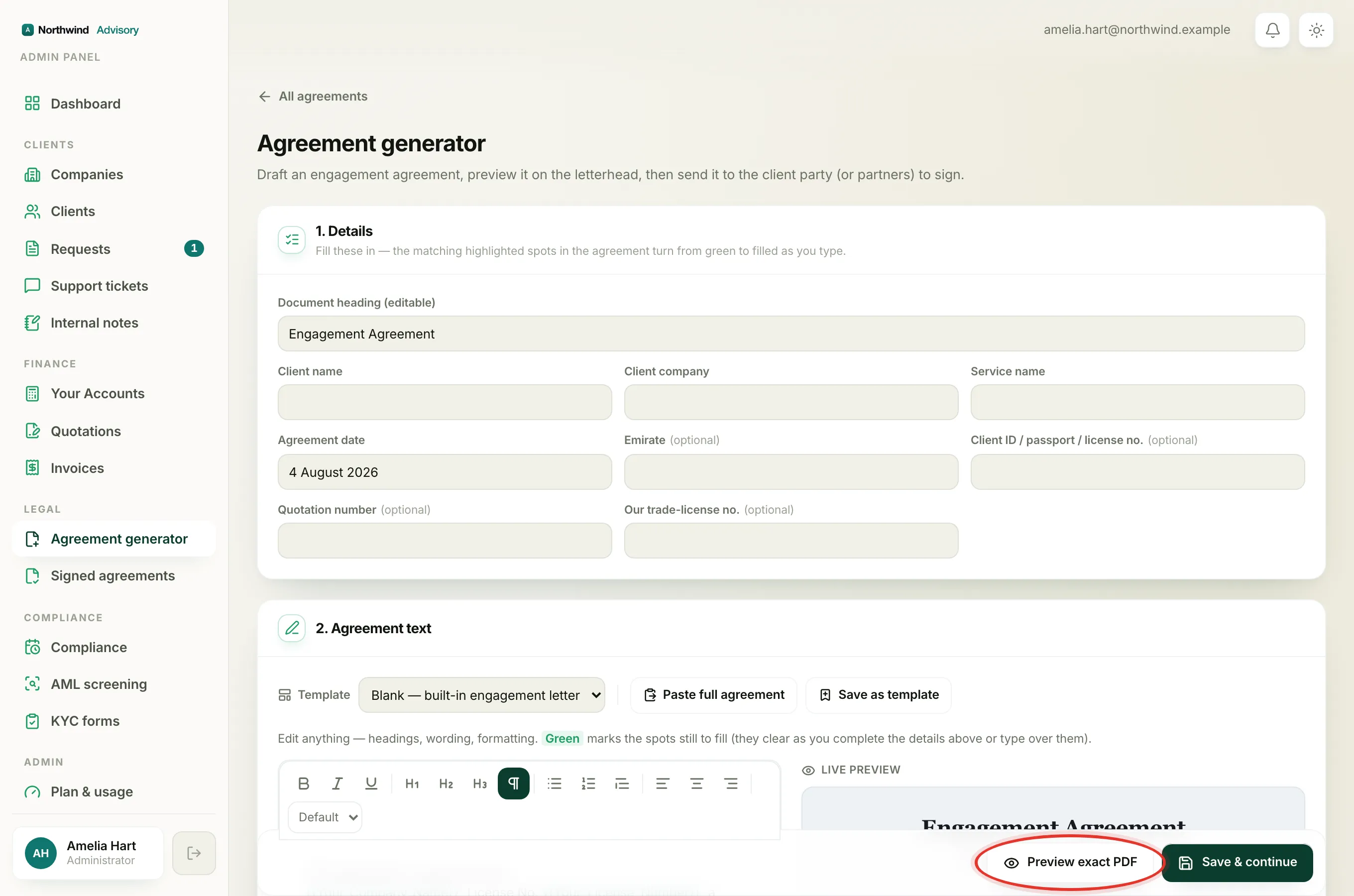
Tune anything by hand with the toolbar. See Edit the agreement wording and formatting. If the pasted wording is something you will reuse, save it as a reusable template so you never have to paste it again. Remember that editing a template later does not change agreements you have already sent. See Edit a template without breaking sent agreements.
If Preview exact PDF or Save & continue is blocked, it is usually because your firm letterhead is not set up yet. See Why you can't create an agreement.