The short answer
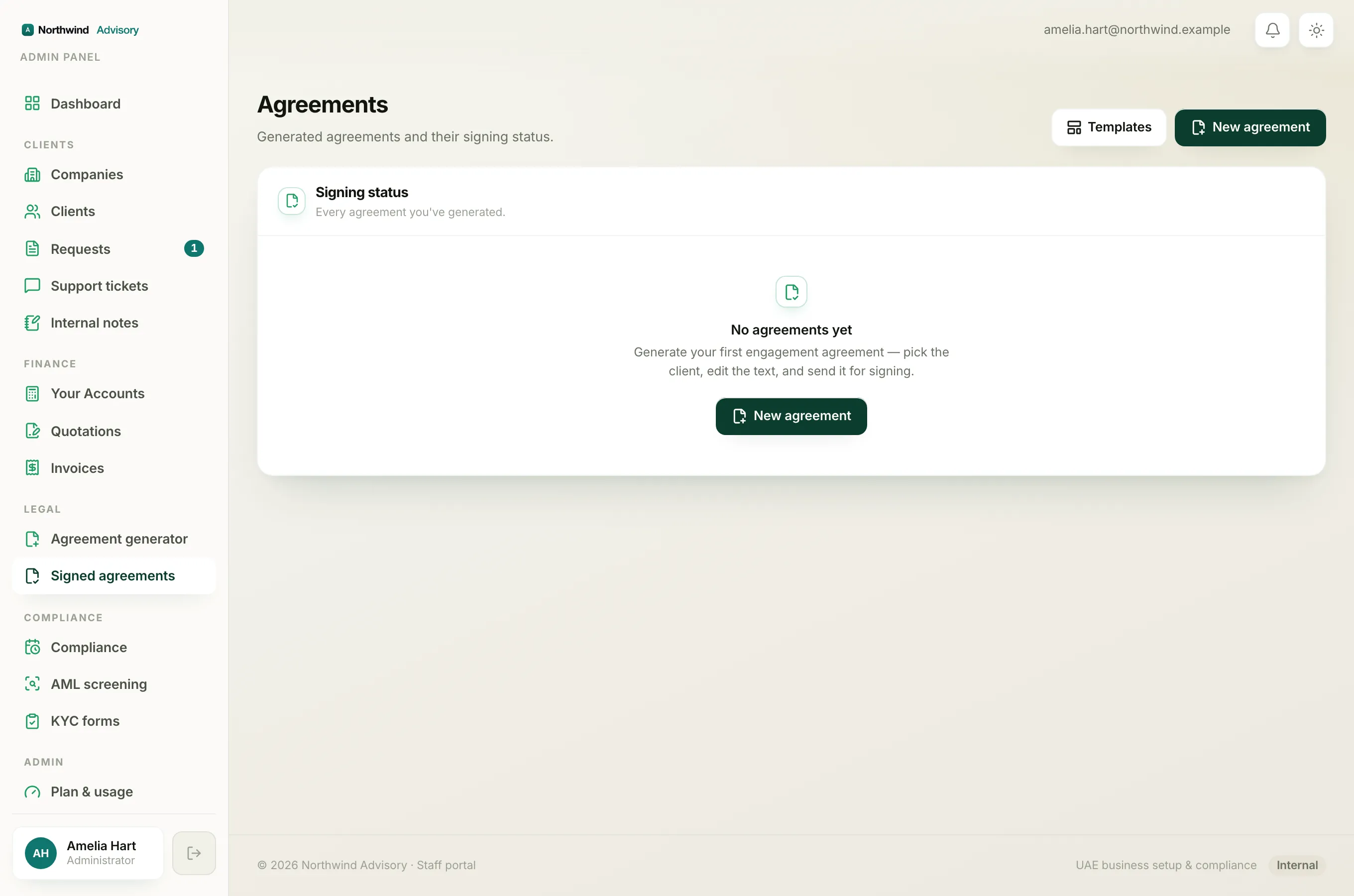
Agreements do not have a self-serve cancel or void button. This is on purpose. An agreement is a legal document, and once a client has signed it, it is a permanent record that should not simply vanish. What you can do about a mistake depends entirely on which stage the agreement is at.
Agreements move through these statuses: Draft, Out for signing, Signed, and Voided. You can read what each one means in What each agreement status means.
If it is still a Draft
A draft has not been sent to anyone. No client can see it and no link exists yet. So there is nothing to cancel.
- If the wording or details are wrong, just open the agreement and fix them. See Edit the agreement wording and formatting.
- If you created it by mistake and do not want to use it, simply leave it. A draft that is never sent does nothing and reaches no one. It sits quietly in your Signed agreements register until you decide to send it or ignore it.
If it is already Out for signing
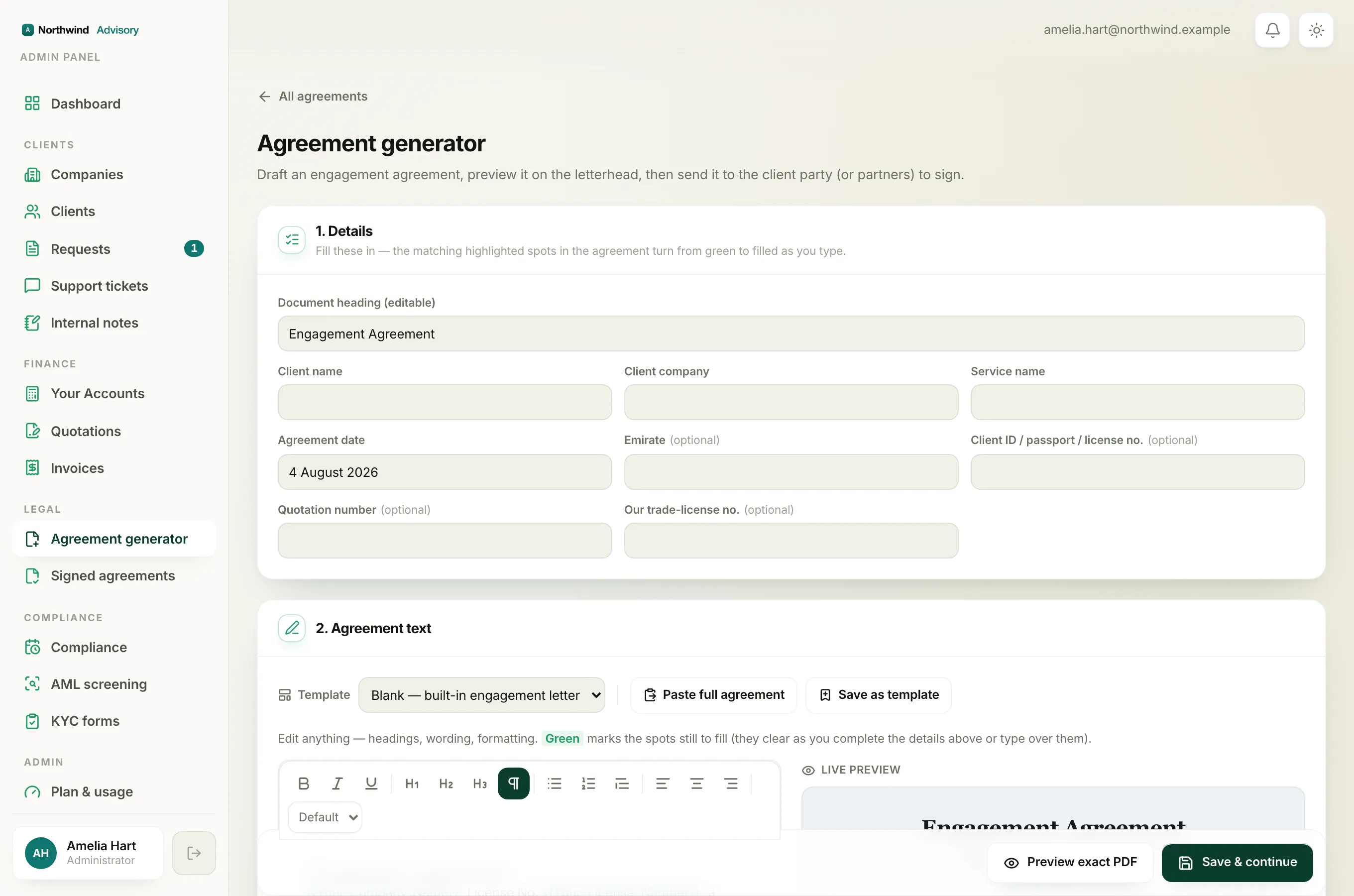
Once you have clicked Send for signing, each party has received a private signing link and a one-time code by email. You cannot pull the document back on your own, and there is no button to void it.
The safest way to handle a mistake here is:
- Contact the people you sent it to and ask them not to sign it.
- Fix the problem by creating a fresh, corrected agreement and sending that one instead. See Send an agreement out for signing.
The old signing links stay live until the parties act, so making it clear which document is the correct one matters. You can always check who has and has not signed, and re-share the correct link, from the agreement's page. See Copy or resend a party's signing link.
If you genuinely need the incorrect agreement marked as Voided so it is clearly retired, contact your IzzyTap support contact. Voided is a status the platform can set for you. It is not something you switch on yourself, which keeps the record honest.
If it is already Signed
Once every party has signed, the agreement is executed. It has a final signed PDF and a Signature Certificate, and it becomes a permanent legal record. It cannot be undone, edited, or deleted, by you or by anyone.
If the terms need to change after signing, the correct approach is to agree the change with your client and issue a new agreement that reflects it. The original stays on file as the record of what was signed.
Important
Never treat a signed agreement as cancelled just because a newer one exists. Both remain part of the record. Make sure your client understands which agreement is now in force.
Why there is no void button
Removing or hiding a legal document at the click of a button would make your audit trail unreliable. By keeping drafts editable, sent documents traceable, and signed documents permanent, IzzyTap makes sure your records always reflect what actually happened. That protects both you and your client.