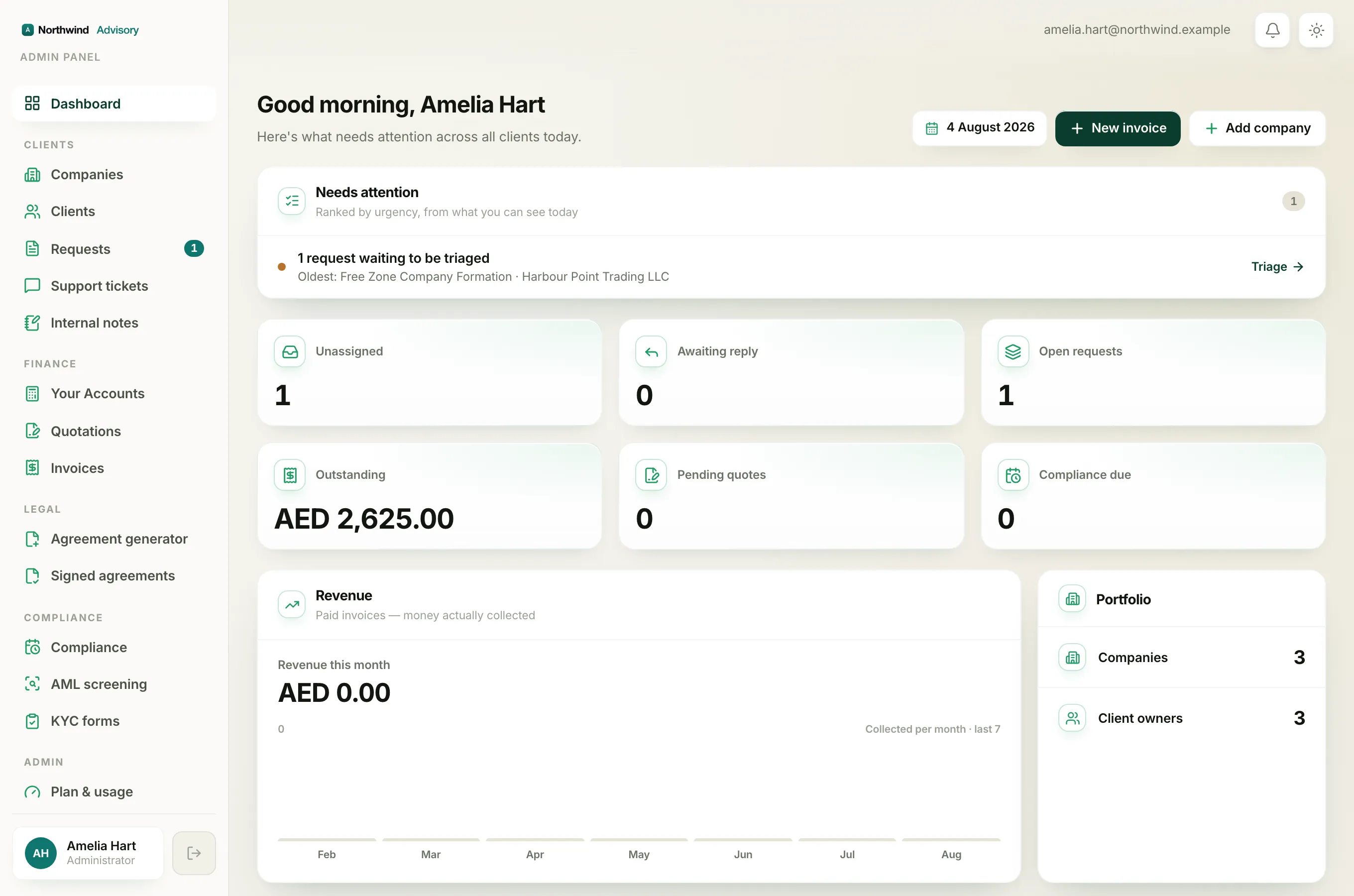
The Needs attention panel is the first thing on your Dashboard, above the number cards. It is a short, ranked to-do list that pulls the most pressing items out of everything else on the page and puts them in one place, worst first. If you only have a minute, this is the panel to read.
Where to find it
- Log in to your workspace.
- In the left menu, click Dashboard.
- The Needs attention panel is at the top, marked with a checklist icon and a count of how many items are listed.
How to read a row
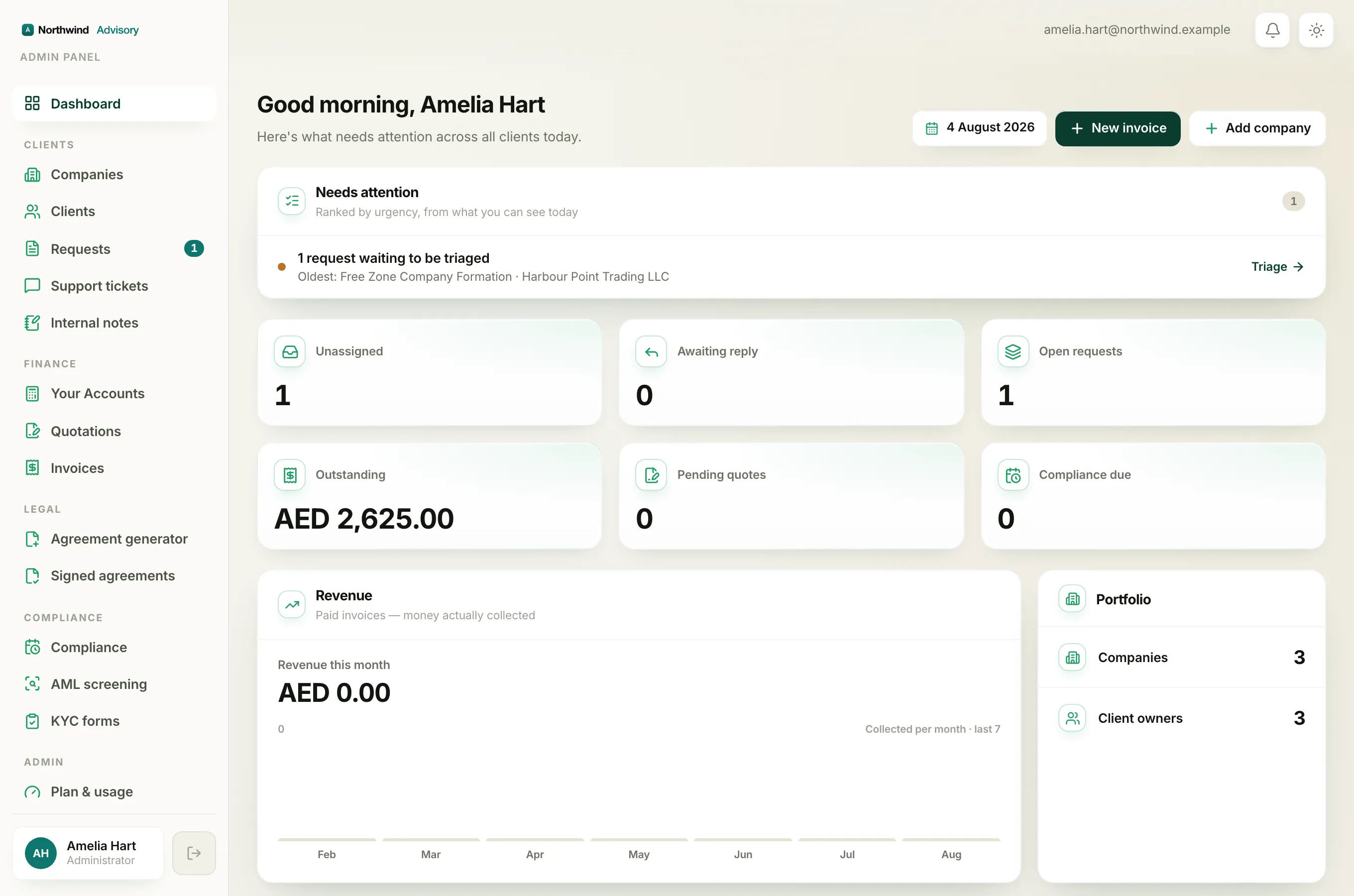
Each row has three parts:
- A coloured dot on the left. Red means something is already overdue or blocking you. Amber means something is coming up soon or waiting on you.
- A title and a line of detail. The title says what the issue is. The line underneath names the single most urgent example, such as the licence that is overdue, the oldest untriaged request, or the client who has waited longest for a reply.
- An action link on the right, with an arrow. Click anywhere on the row to jump straight to the screen where you deal with it.
Tip
The detail line names one specific item, not a total. So a row might read "An invoice is overdue" and then point you at the single worst offender. That is deliberate. Clicking through takes you to the full screen where you can see every item of that kind.
What can appear, and in what order
The list is built worst-first, so the order itself is information. From most to least urgent, it can show:
- Your free trial has ended (red). Your paid features are paused until you start a plan, so you cannot create new invoices, quotations, KYC forms, AML screenings, e-signatures or tasks. This sits at the very top because it limits what you can do until you act. See What happens when your trial ends.
- A compliance deadline has passed (red). A filing or renewal is already overdue.
- An invoice is overdue (red). An invoice you sent is past its due date.
- A deadline falls within seven days (amber). A filing or renewal is due this week.
- Requests waiting to be triaged (amber). Service requests that nobody owns yet.
- Clients waiting on a reply (amber). Threads where the client messaged last.
- You are running low on a monthly pool (amber). You are close to using up your AML screenings or e-signatures for the month.
The panel shows at most five rows. If more than five things qualify, the five most urgent win, and the rest still live on their own screens, which every row links to anyway.
When it says "Nothing needs you today"
An empty panel with a tick and the words Nothing needs you today is the goal, not a bug. It means no deadline is overdue, no invoice is past due, and no client is left waiting, at least among the items you are able to see.
Why your list can look different from a teammate's
The panel only ranks items you are allowed to see. If your access is limited to your own assigned clients, the firm-wide rows, overdue invoices, upcoming deadlines and untriaged requests will not appear for you, and your list will usually be shorter. The full picture is in Why your dashboard differs from a teammate's. The same data also drives the number cards below the panel, so the two always agree.