Signing in on a phone
You use IzzyTap on a phone the same way as on a computer, through your web browser. There is no separate app to install.
- Open your phone's web browser.
- Go to your workspace web address and log in. See Log in to your workspace.
The layout rearranges itself to fit the smaller screen. The tall left menu is hidden, and two quicker ways to get around take its place.
The bottom tab bar
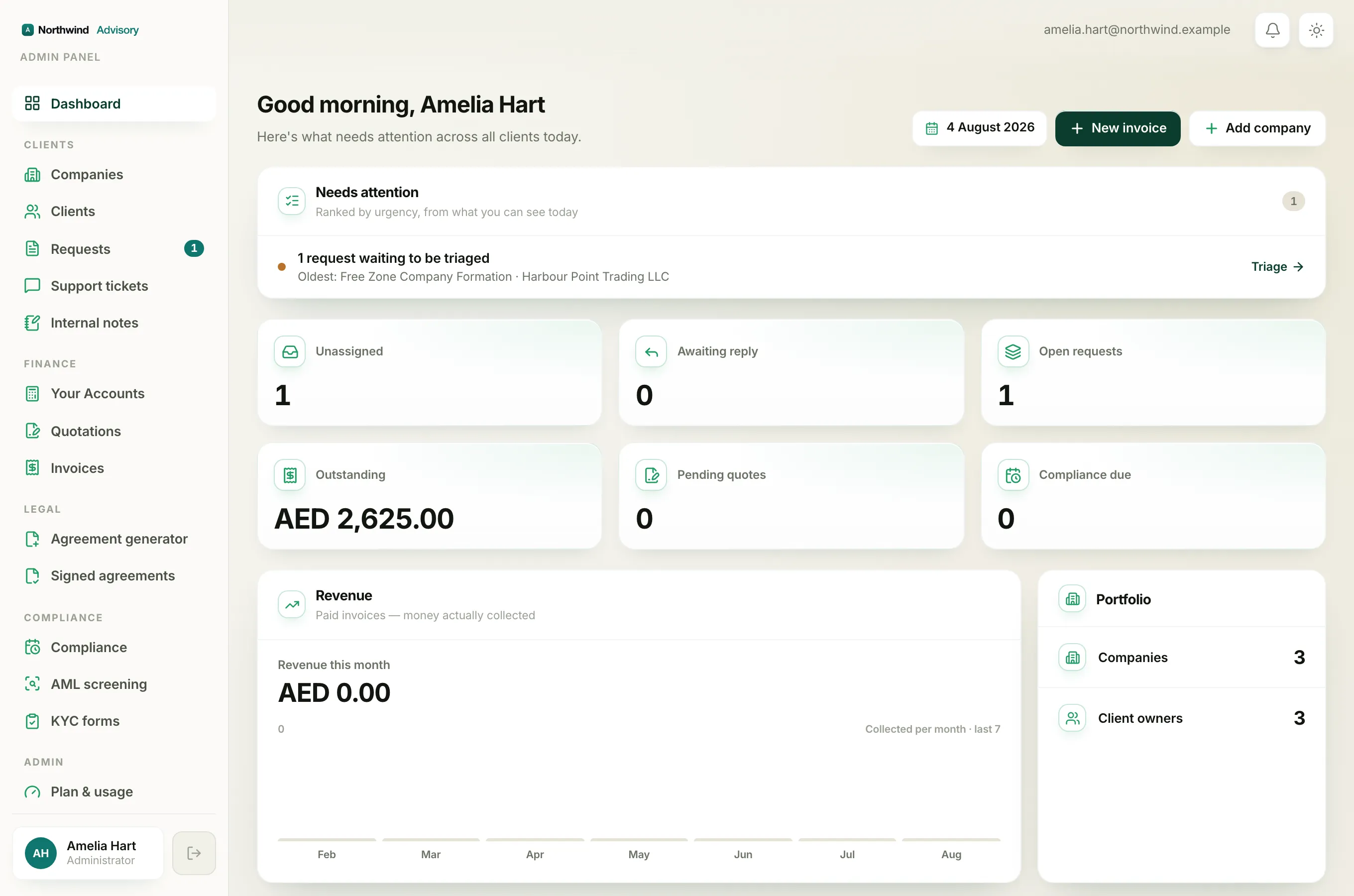
Along the very bottom of the screen is a row of large tabs for the screens you use most. Your thumb reaches them easily.
The tabs are:
- Dashboard
- Companies
- Requests
- Invoices
Tap any tab to jump straight to that screen. The tab you are on is highlighted.
Note
The Requests tab shows a small red number when requests are waiting to be picked up. It counts unassigned requests, so you can see at a glance if there is new work.
You may see fewer than four tabs. Invoices only shows if your role can create invoices. The bar never shows a tab you are not allowed to open.
The full menu drawer
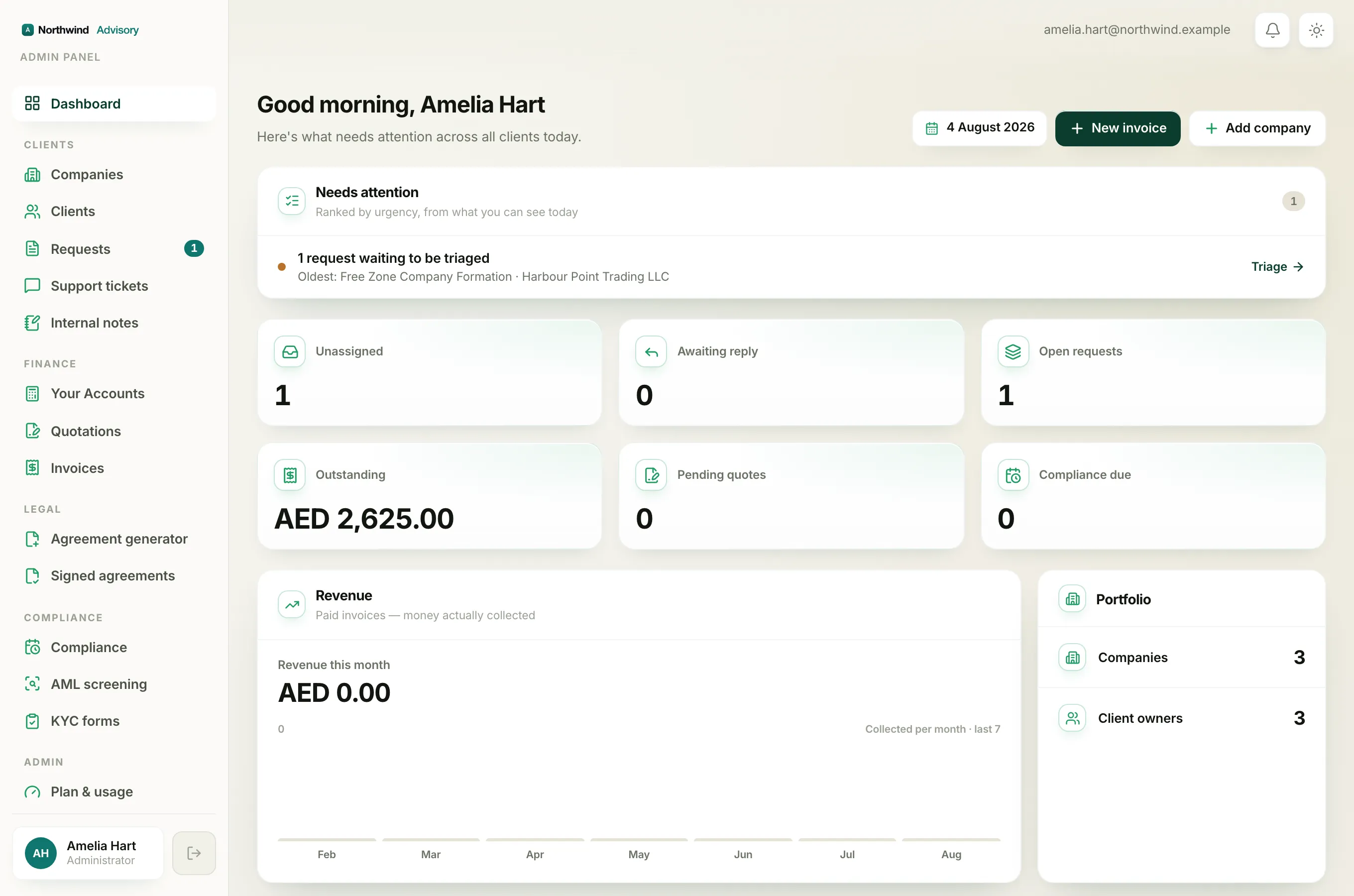
The bottom bar only holds the top few screens. Everything else lives in the full menu.
- Tap the menu button (the three lines) in the top left corner.
- The complete menu slides in from the left, with all the same groups you would see on a computer: Clients, Finance, Legal, Compliance and Admin.
- Tap any item to open it. The drawer closes on its own.
At the bottom of the drawer are your profile card and the sign-out button, just like on a computer.
Tip
Your Accounts is not one of the bottom tabs. To open your book-keeping area on a phone, tap the menu button and choose Your Accounts under the Finance group.
The top bar
Across the top of the screen you will always see:
- Your firm name in the middle.
- The notification bell, for your alerts.
- The sun or moon button, to switch between light and dark. See Find your way around the menu for the desktop layout.