IzzyTap gives you three ways to undo a charge: cancel the invoice, issue a credit note against it, or refund it. They are not interchangeable. Which one you are allowed to use comes down to one question: has any money been paid against the invoice yet?
This article helps you pick the right one. Once you know which, follow the how-to it links to.
The one question that decides it
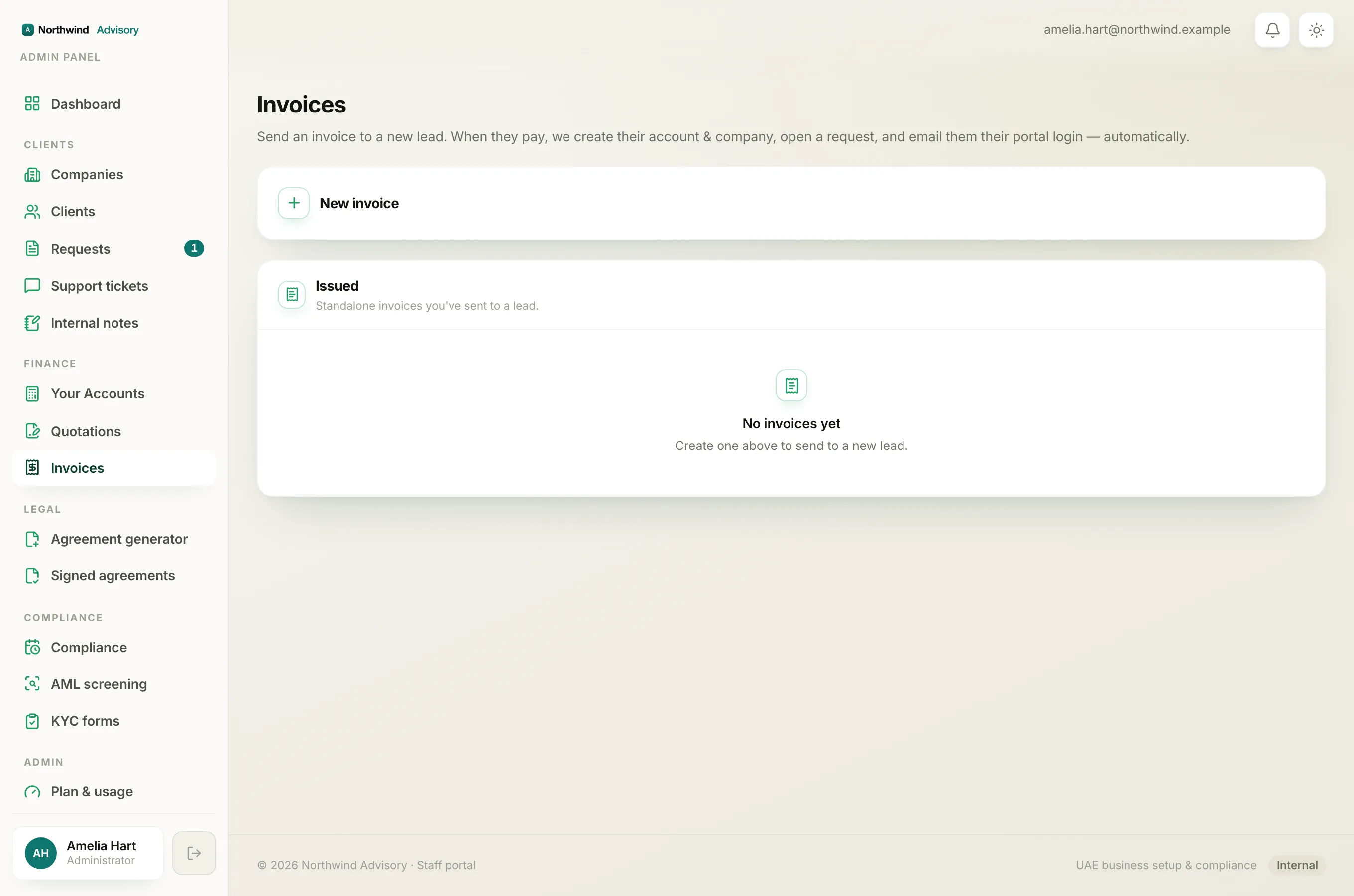
Before you do anything, check the status chip on the invoice.
- Draft means it was never issued, so there is nothing to reverse. Just fix it or remove it.
- Sent or Overdue with no payment yet means you can cancel it or credit it.
- Paid or Partially paid means money has changed hands, so a refund is the only correct route.
If the invoice has not been paid yet
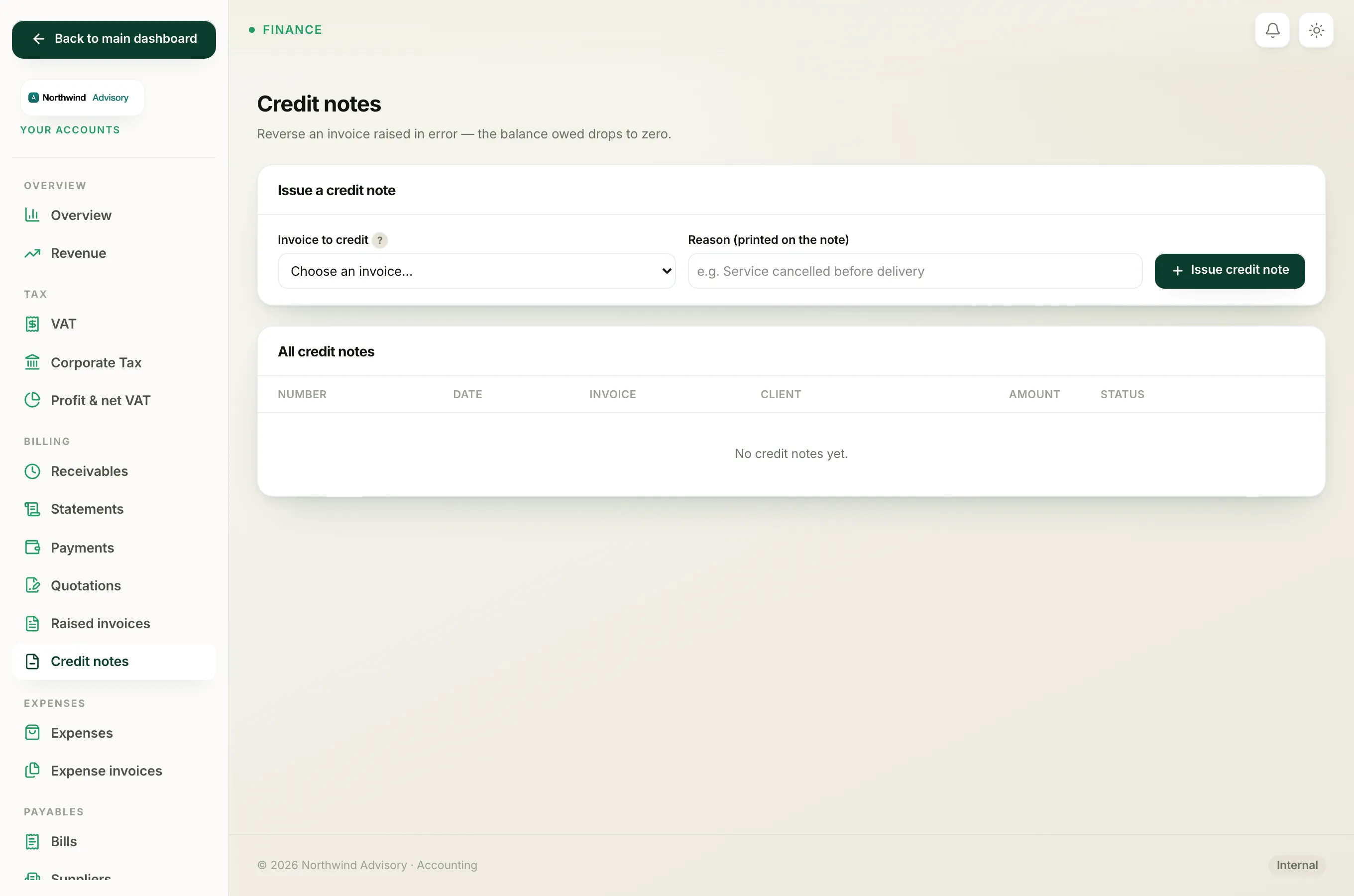
When an invoice is still Sent or Overdue and no money has come in, you have two clean options. Both drop the balance owed to zero and take the invoice out of your revenue, receivables and VAT figures.
Cancel is the quick way to void a mistake.
- Log in to your workspace.
- In the left menu, under Finance, click Invoices.
- Find the invoice, click Cancel, and confirm.
The invoice is voided, the client is told it no longer applies, and it keeps its number so your sequence has no gap.
A credit note is the more formal route. It creates a separate, numbered document (CRN-000001, CRN-000002, and so on) that mirrors the invoice and posts a matching reversing entry into your books. Choose a credit note when you want a proper document to hand the client, or when your books are switched on and you want a clean audit trail rather than a simple void.
See Issue a credit note against an invoice for the steps.
Note
For an unpaid invoice, cancelling and crediting reach the same end result: the balance owed becomes zero. The difference is the paper trail. A cancel is a quiet void; a credit note is a document you can send.
If the invoice has already been paid
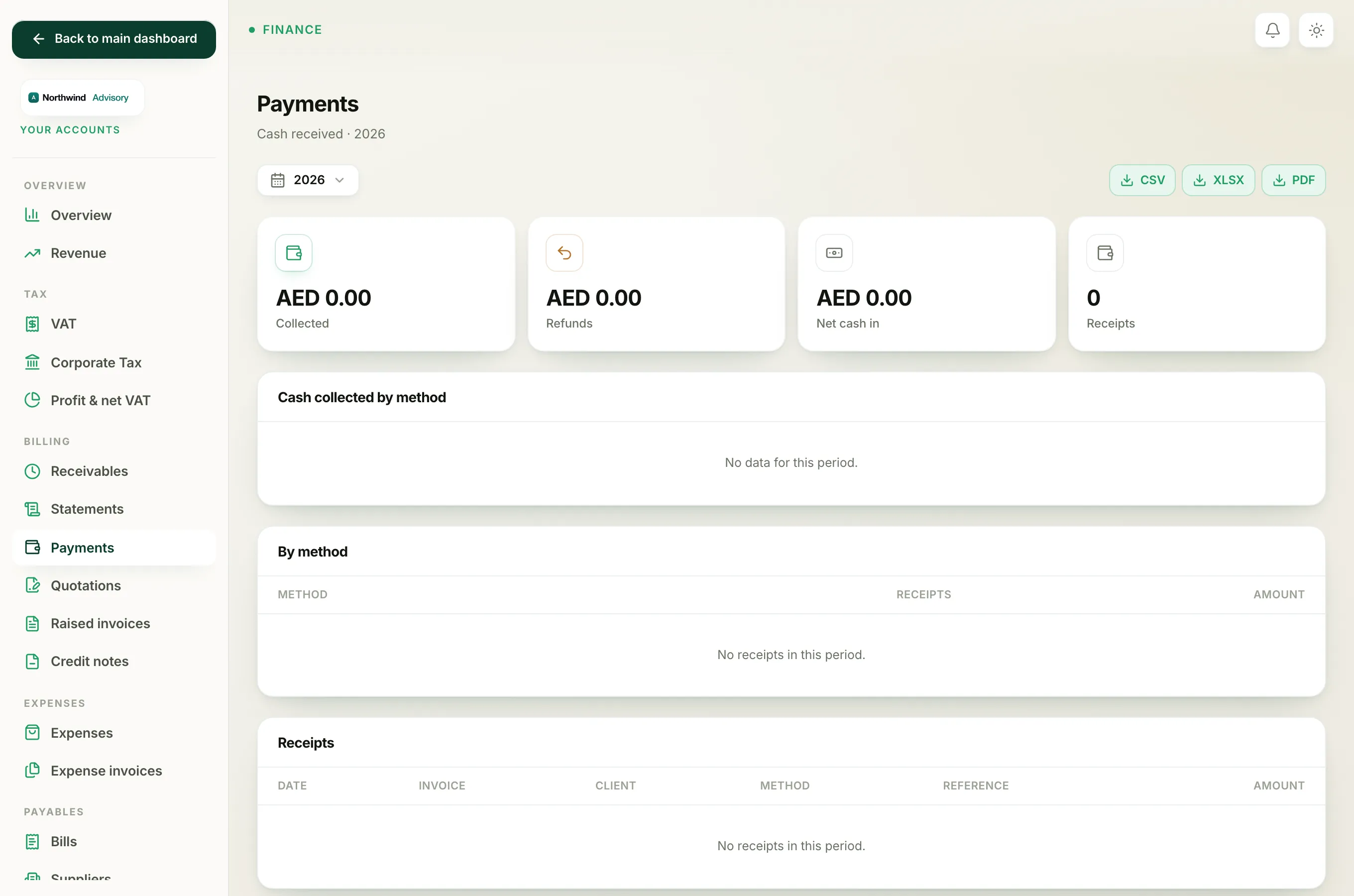
Once any money is recorded against an invoice, IzzyTap deliberately locks it. You cannot cancel it and you cannot raise a credit note against it. If you try to cancel, you will see a message telling you to refund instead, and the credit-note screen will not list the invoice at all.
The reason is simple: the client has paid and holds a receipt. Wiping the invoice would leave money in your accounts that no longer matches any charge. Giving that money back is a refund, and a refund is a real movement of cash, not a bookkeeping tidy-up.
See Refund an invoice that has already been paid and Why you can't cancel a paid or part-paid invoice.
Quick guide
| The invoice is… | Use |
|---|---|
| A draft (never sent) | Edit or delete it. There is nothing to reverse. |
| Sent or Overdue, unpaid, raised in error | Cancel it, or issue a credit note if you want a formal document. |
| Paid or Partially paid | Refund it. Cancelling and crediting are blocked. |