What the reconciliation report shows
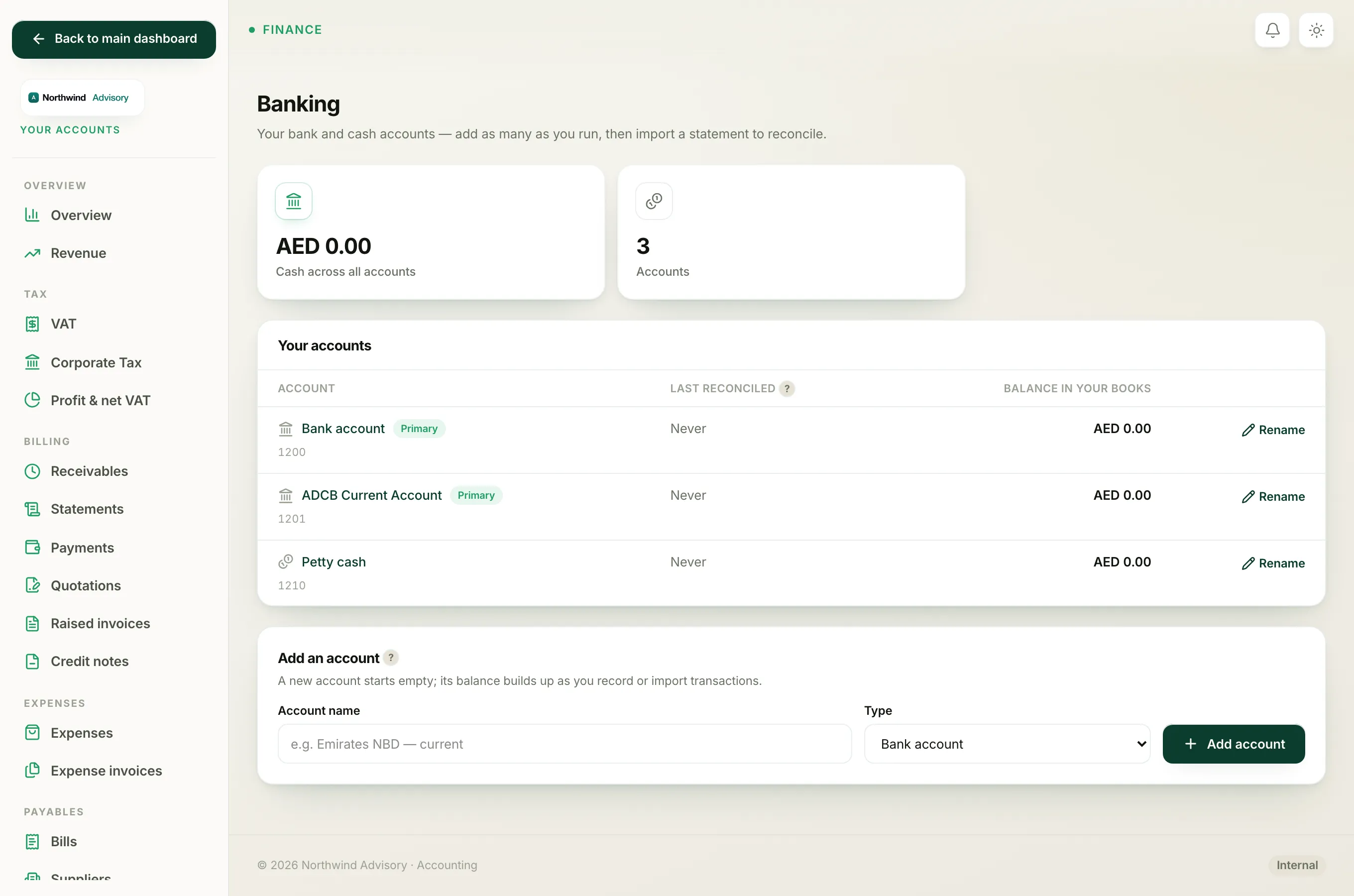
The reconciliation report is a complete register for one bank or cash account. It lists every transaction in date order, with a running balance down the page, and flags which lines you have reconciled. It is the document to keep on file as proof that your books were checked against the bank, and it is handy to hand to an accountant or auditor.
The report header shows three figures for the account:
- Book balance, the balance your books show.
- Cleared, the total of every line you have ticked off against a statement.
- How many lines are not yet reconciled, and their value.
Download the report
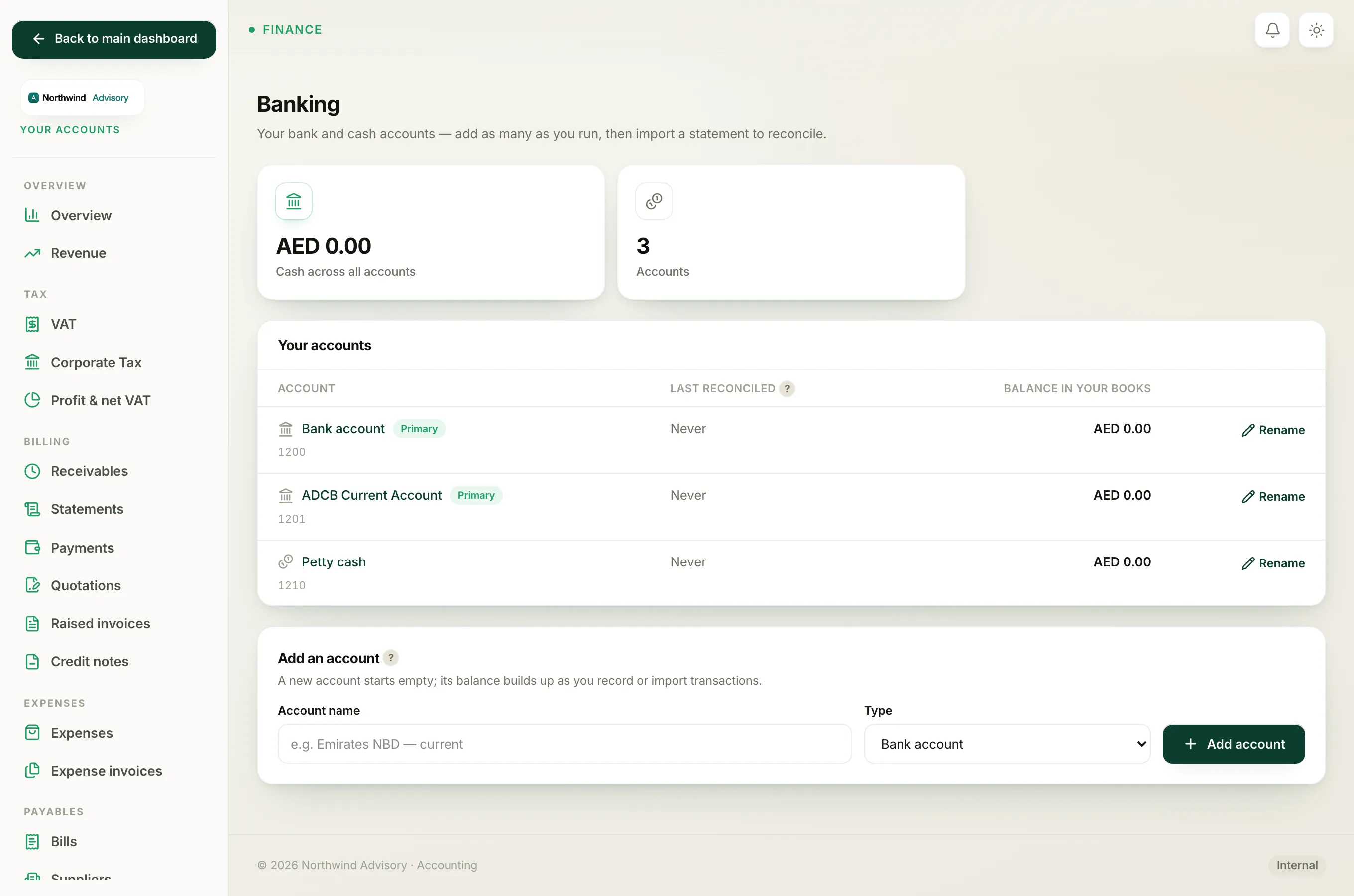
- Log in to your workspace.
- In the left menu, under Finance, click Your Accounts.
- In the accounts menu, under Banking, click Bank accounts.
- Click the name of the account you want the report for.
- Near the top of the page, look for Reconciliation report: followed by three buttons: PDF, XLSX and CSV.
- Click the format you want. The file downloads straight away.
Choose PDF for a clean printout to file or email, XLSX to open and work with in Excel, or CSV for a plain data file.
Reading the columns
Each row in the report has these columns:
- Date, the transaction date.
- Detail, what the line is, with a reference where there is one.
- Debit and Credit, the money in and money out.
- Reconciled, which reads Locked if the line is in a finished reconciliation, Cleared if you have ticked it off but not yet locked the month, or a dash if it is still waiting.
- Balance, the running balance after that line.
Note
The report always covers the whole history of the account, not a single month. To see just one period's activity, use the date filters on the individual accounts reports, or open the Finished reconciliations panel on this page to see each locked month.
To understand the Locked, Cleared and waiting states, see What Open, Matched, Posted and Locked mean. For the reconcile process itself, see Reconcile your bank.