When you refer a full AML screening to a compliance officer and they record their decision, the whole screening locks. Nobody, not even an admin, can change the alerts or the reasoning after that. This article explains why, what it looks like on screen, and what to do if something still needs to change.
What "locked" means
A full screening in the AML workspace is built up in stages. First a reviewer goes through the alerts one by one and records a disposition and a reason for each. Then the screening is referred to a compliance officer, who reads the report and records Approved or Declined with a note.
The moment that officer decision is saved, the screening becomes read-only. The alert dispositions, the reasons, and the referral are all frozen exactly as they were when the officer signed off.
Where you see it
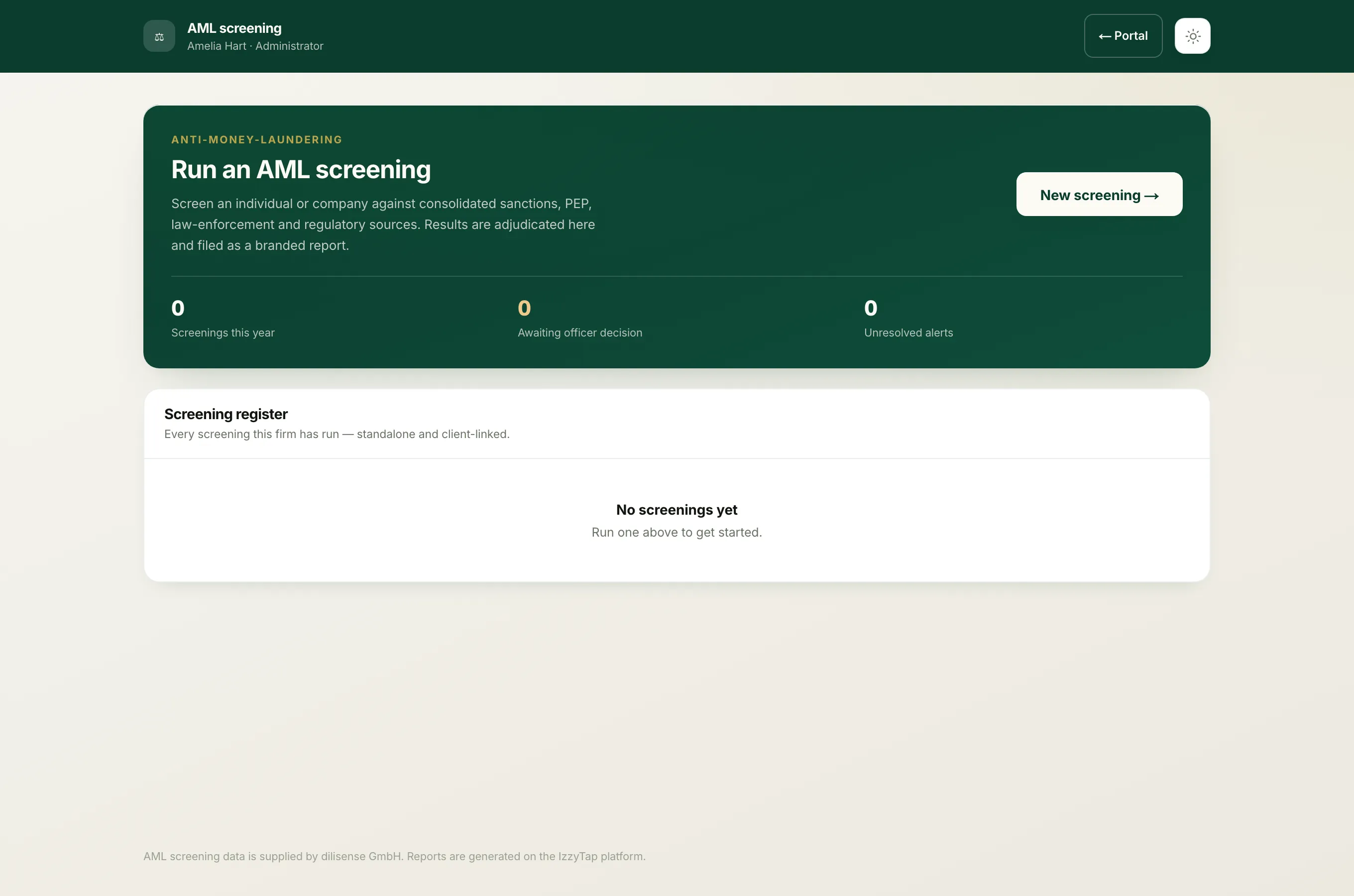
- Log in to your workspace.
- In the left menu, under Compliance, click AML screening.
- Open the screening you want.
At the bottom of a decided screening you see a Compliance officer decision panel with a green Approved or red Declined pill, the date and time of the decision, and the officer's note. Every disposition control on the alerts above it is switched off.
Why it locks
An AML file has to stand up to an auditor or a regulator months or years later. The whole point of the officer's sign-off is that they approved this exact evidence: these alerts, adjudicated this way, for these reasons. If the reasons could be edited afterwards, the sign-off would mean nothing, because the file an auditor reads might no longer match what the officer actually saw.
So IzzyTap freezes the evidence at the point of decision. The decision and the evidence behind it always match.
What you can and cannot do after sign-off
- The compliance officer can still open and read the screening. They need to be able to see what they approved. They just cannot change it.
- If you try to change an alert disposition, you get the message "This screening has already been decided by the compliance officer."
- You cannot refer the screening again. Any secure decision link that was sent to an external officer stops working the instant the decision is recorded.
Note
A locked screening is a completed compliance record, not a problem. It is meant to be permanent.
The company AML tab is different
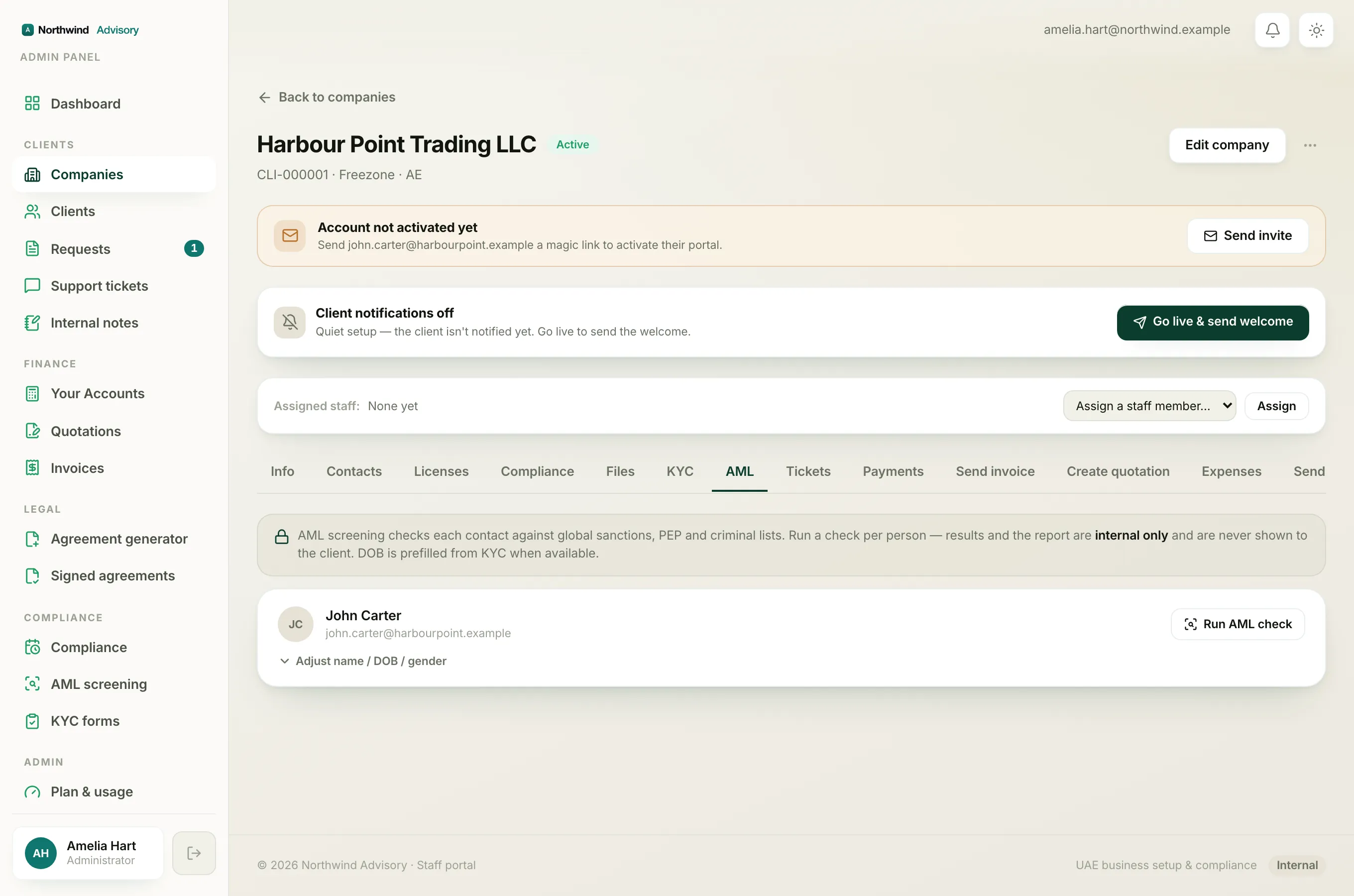
The quick check on a company's AML tab is not the same thing. That is a lightweight per-contact screen where staff record Cleared, false positive or Escalate with a note. Because that quick decision is not signed off by a compliance officer, it is not frozen. It shows a Change decision link that lets a staff member reopen and re-record their verdict at any time.
So:
- Company AML tab quick check = staff verdict, reopenable with Change decision.
- Full workspace screening that an officer has decided = locked, cannot be changed.
For more on which of the two to use, see Two ways to run an AML check.
If the facts have changed
You never edit a signed-off screening. Instead you run a fresh one. Open the contact and use Re-check to run a new screening against the sources as they stand today. The new screening is separate, and the old signed-off one stays intact as the record of what was decided at the time. See Re-screen a contact for a periodic review.